
STOP! Read This Before You Shop Online!
Be smart and conscientious when you do online shopping.
Online shopping has been very popular, especially during this period. However, with the growing amount of online users, risks and security threats increase as well.
Recently, news from a popular Indonesian online store Tokopedia reported that 91 million users personal data has been leaked and can be downloaded freely. Although Tokopedia mentioned it was a false claim, it agonises its users a potential cybercrime threat. Not just Tokopedia, but numbers of online shopping users around the world.
So, how to be aware at all times from this threat? Here are some useful tips to consider before you go online shopping.
Only insert essential information in your account
Most online shopping sites require users to create an account. They will ask you to fill in your information to complete the purchase and item delivery. Make sure that you only fill in the required field, such as:
- Name
- Phone number
- Password
- Shipping address
- Payment details
There is also a more optional field, such as Gender, Date of Birth and marital status. Usually, this type of information used to curate your personal preference and for marketing purposes. However, it’s best to skip this field since it will add more threat to your privacy. If the online shopping site was compromised, so your data too.
Minimise linking your account to your social media
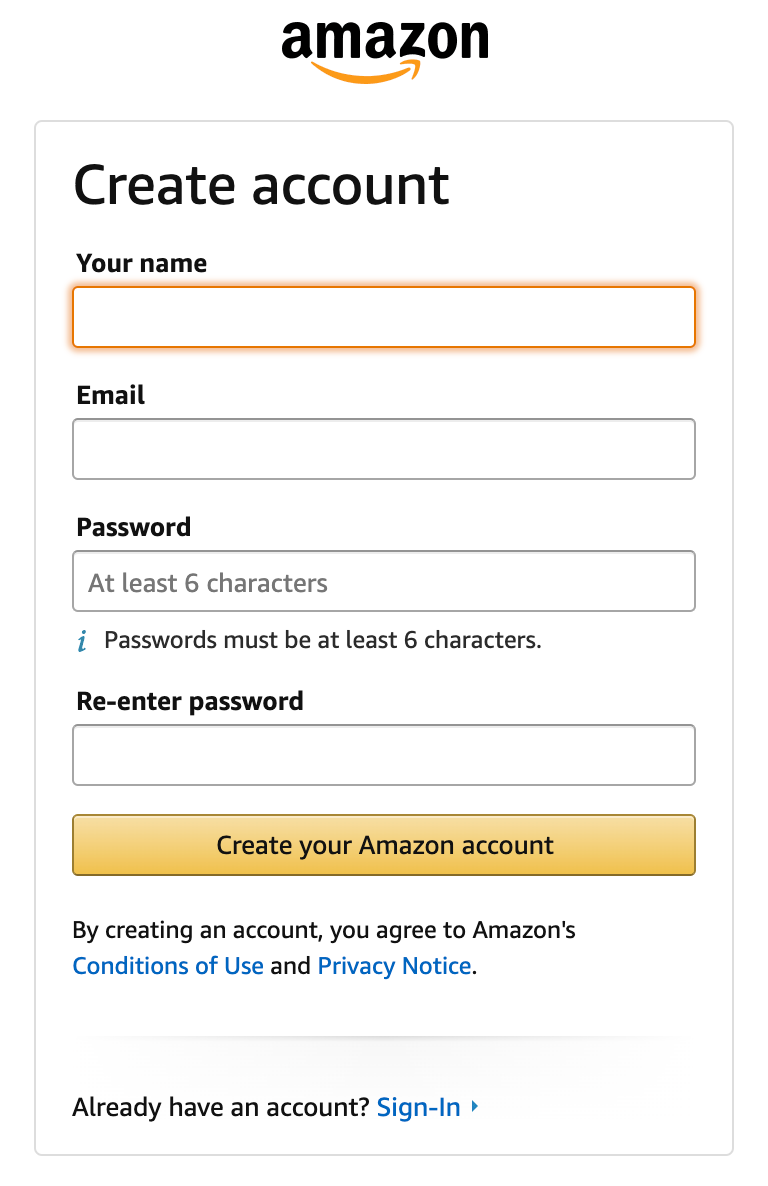
Most online shopping websites will allow you to conveniently sign-up using your social media account if you prefer not to add your information manually. However, it is important that you still need to be careful since linking it increases the vulnerability of your account.
If you frequently use this method, it is best to keep your social media in private. Do not post any sensitive information that may prone to cybercrime, as the hacker can try millions of ways to reach your account.
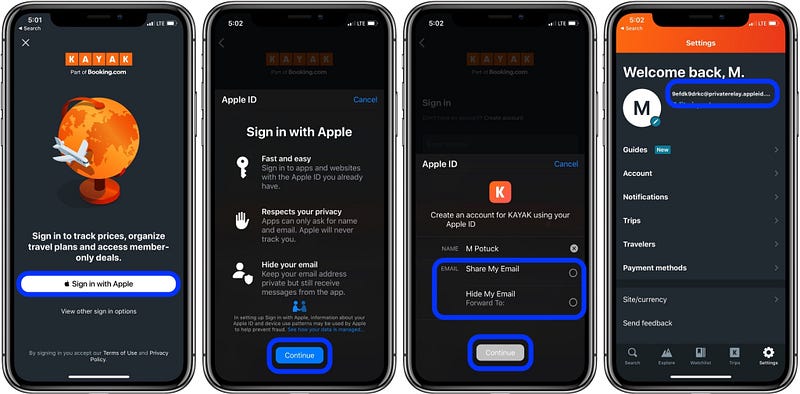
If you are an Apple user, you can try using “Sign in With Apple”. This is a feature that allows Apple users to create an account using their Apple ID. Cleverly, Apple hides your Apple ID information in the site and change it to a random ID name (Which looks like a code). This has been a breakthrough feature that secures personal data and account from cybercrime.
Allow apps to use some of your data
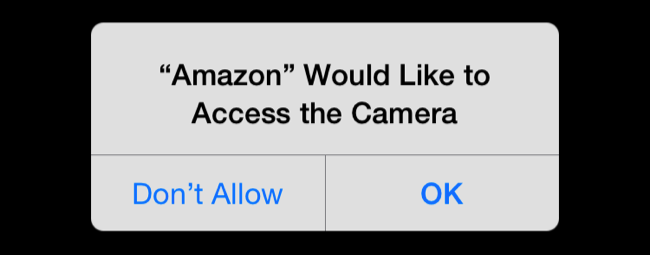
You may have seen an alert, asking your permission to use your photos, contacts, camera, microphone or locations. It pops up when you open the apps for the first time after you download it. Usually, you click “allow” or “don’t allow” without even reading it. Most of us may not even realise that this type of alerts exists. From now on, you should be more conscientious reading those alerts.
Allowing these can increase the convenient using the apps. For instance, always allowing precise location gives you a better curation and suggestion on what to shop. Some online stores intelligently use location services to recommend items on sale, nearby stores or even local promotion that exists in that area. However, it also increases the threats too. You’ll never know suddenly someone has been following you because they gain access to your location services.
To avoid any unwanted issues, it is best to limit the usage of location services. Limiting location services means that you allow them to track your location while you are using the apps or browse on the site. Therefore, when you close the apps, the location tracker will turn off automatically. If you are still not convinced about it, shut it down altogether can be the wiser option.
Use incognito or private browsing mode
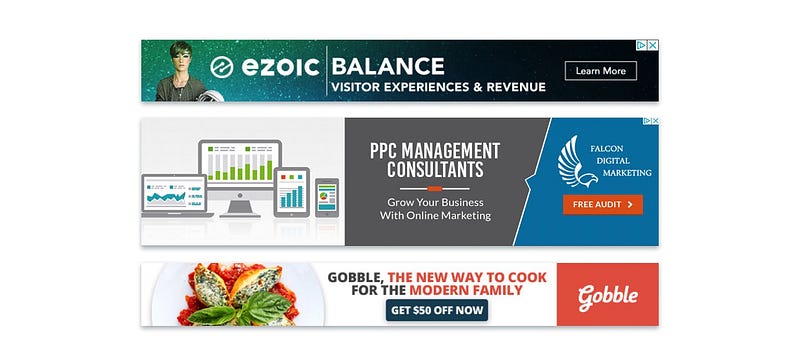
Wondering this type of advertisement appears on a random website? This type of advertisement banner use cookies and other data to detects your pattern and interest while you are browsing. You may not realise that it can understand your interest and influence you to buy. At the same time, it raises some privacy issue that is able to track our activity without our permission.
To prevent this, it’s best to use incognito or private browsing. It allows you to browse privately and it cannot detect browsing history, cookies and various information. Alike its name, everything you search will be privately secure and there will be no disturbing advertisement banner that follows you. More than that, this is also a great method to spoof your location and cannot track you precisely.
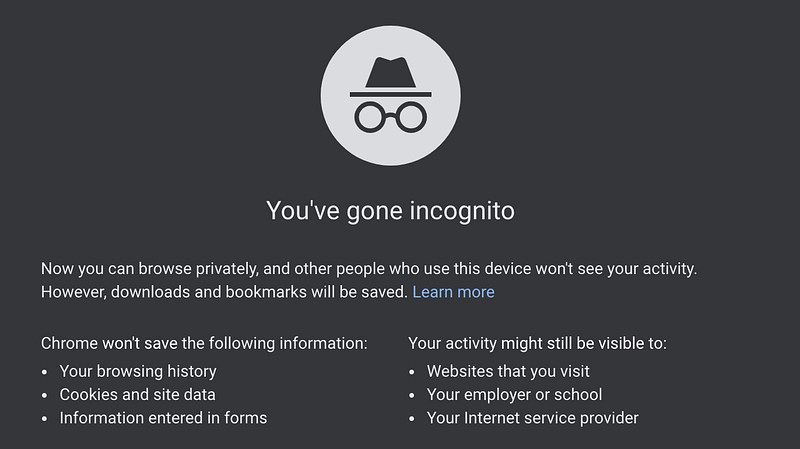
*Disclaimer: best use of private browsing is at home, a lot of company with shared networks and server may have the access to track your browsing history.
Use VPN
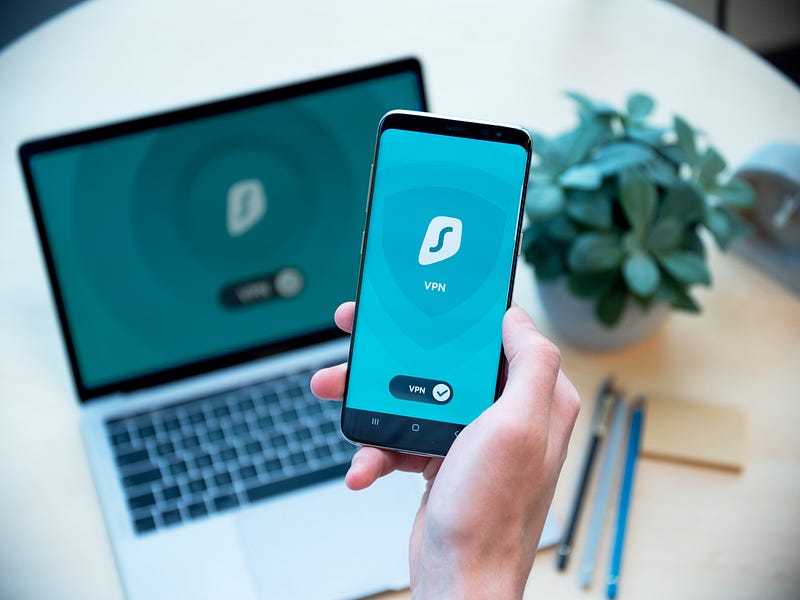
VPN or Virtual Private Network allows you to browse the internet privately and securely. For instance, shopping a specific item that is only available in a specific country.
Using a VPN for online shopping is recommended for added security benefits. Adding VPN means that you are adding an extra layer of protection, although you may have done everything. Using a VPN can guarantee you better protection during online shopping since it will block any unnecessary network traffic that may compromise you. This traffic can also include cybercrime and hackers that can bypass the IP address and network.
These tips do not necessarily eliminate the potential of cybercrime, but it reduces the potential threat of being exposed. As you shop online oftenly, you should be more aware of those types of threats. Traditionally, you will be afraid of a thief, shoplifters and robber. Nowadays, they transformed into a digital, more advanced version, which can impact significantly.
That’s why, be smart, be aware and stay safe when you shop!
More from the author
Christopher Reno Budiman is a writer, explorer and entrepreneur-minded person. He received Bachelor of Business (Hospitality Management) and Bachelor of International Hospitality Management with Swiss Hotel Association accreditation. He’s on Facebook, Instagram and LinkedIn if you would like to know more about him


