
Step-by-step Guide to Building a To-do App with Basic Python
A step-by-step guide to creating a To-do-App is a great way to understand and explore basics in Python.
Often beginners remain discouraged when it comes to deep-diving into coding. A hands on tutorial to carefully craft a To-do App through Python IDEs like PyCharm or Code Editors like VS Code imparts knowledge and creates a sense of satisfaction.
Basically, its an application allowing us to short-list the jobs on hand. Therefore, it should allow us to record, check, edit and mark the tasks as done. So why not get some real-life activities to make it lively?!
Creating a basic App is no rocket science anymore!! A basic to-do app in Python is a great way to learn about data storage, user input, and fine tuning the output all by using CLI — Command line Interface.
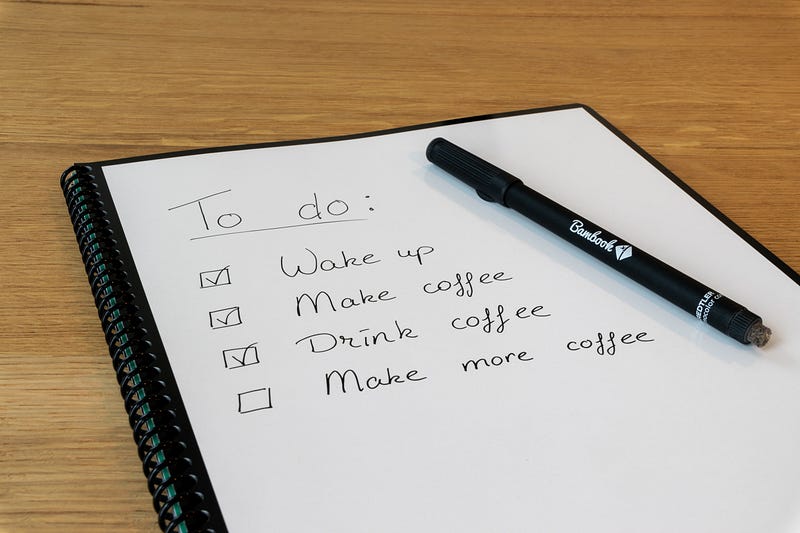
For instance, the above image shows some to-do-activities: 1. Wake up, 2. Make Coffee, 3. Drink Coffee, 4. Make more Coffee… (Life is so simple if you like coffee, isn’t it.)
Please be aware.. we are not building a web-based App or an App that involves HTML/CSS/JavaScript/JSON. Instead, it is an app that can receive your input using Python’s CLI if you are using PyCharm or VS Code and gives you that output what you might actually intend to see.
Based on these preliminary inputs, our immediate action is to define the data structure. Which means identifying the kind of data structures you would eventually have to act on.
Whether the input is an integer, a float, a boolean, or a string ultimately it needs to be put somewhere which is ideally a list or an array, like a tray to collect things. Given it’s array like structure and ability to hold Key-value pairs with different data types, mutuable nature, no additional libraries dependencies and flexibility to re-size, I opted a list.
But you are free to choose other data structures too.
Please comment on what you think could have worked better and let our community thrive..
So, here’s some comparison on why I stuck on to lists and rather than arrays. Take a look below:

Step 1: Define the To-Do List Data Structure
Let’s see how we can make use of a list to store our to-do activities/items.
You can start with an empty list like the one below.
Step 2: Creating a prompt for inputting the to-do task
Step 3: Create Functions for App Operations
Here, we shall make use of Python’s built-in functions, and also methods over objects besides using ‘if-elif-else’ statements.

Apologies, that’s a bit of too much code. But I will make it easy for you, now let me unscramble it..

Please read the above image.. I made some notes for you to understand the logic behind the code.
Well, I hope it made some sense now, so
enumerate() — is used to add count on a sequential list of items iteratively
pop() — is used to exclude/remove an element/item out of a list
len() — to calculate the number of items in an object
Therefore, based on your input now, our App is ready to add / edit / show/ mark done ✅
Let’s say your input is.. “%*&(**)” , the app asks for a valid input (We have been around with kids and brainy people, so I made some provision in there with ‘whatever’ user_action).
We are done and I appreciate your hard work. Congratulations!! The To do app is ready..
Now, create it for yourself or Try it: My To-do App
Thanks for reading!!
Stay safe.. and Happy coding!!
Follow me on LinkedIn, and Medium.
Please clap, comment, share and encourage!!
In Plain English
Thank you for being a part of our community! Before you go:
- Be sure to clap and follow the writer! 👏
- You can find even more content at PlainEnglish.io 🚀
- Sign up for our free weekly newsletter. 🗞️
- Follow us on Twitter(X), LinkedIn, YouTube, and Discord.


