
SSR with Next.js, styled-components and Material UI
Server-side rendering with styled-component and Material UI in Next.js using ServerStyleSheets.
Material-UI and styled-components perfectly work fine on all of the components. The goal of this article is to share how to use server-side rendering on the Next.js app with styled-components and Material-UI.
Example Repo
You can view the final working example at:
Dependencies
Make sure of using dependencies shown below.
Getting started by setting up Next.js app
First, let’s set it up quickly Next.js using create-next-app .
Set up Next.js app:
$ create-next-app my-appInstall styled-components and Material-UI
Next, install styled-components and Material-UI.
$ yarn add styled-components@4.4.0 @material-ui/core@4.5.1Now that all your dependencies are accounted for and you’ve been ready to start the server.
$ yarn devServer Side Rendering with styled-components
styled-components support server-side rendering with stylesheet rehydration which allows you to use styled-components with React DOM’s every time you render an app on the server.
In order to do that in Next.js, you need to follow some setups in its docs:
- Install Babel plugins
- Create and custom
pages/_document.js - Create and custom
pages/_app.js
Let’s get started with step by step.
Install Babel plugins
First, install their babel plugins:
$ yarn add -D babel-plugin-styled-componentsAnd create .babelrc in the root of your project and enable it:
The configuration has been done but before we go the next step, let’s try out creating styled-component to see how it works.
In pages/index.js , add some components:
Now you get like this:
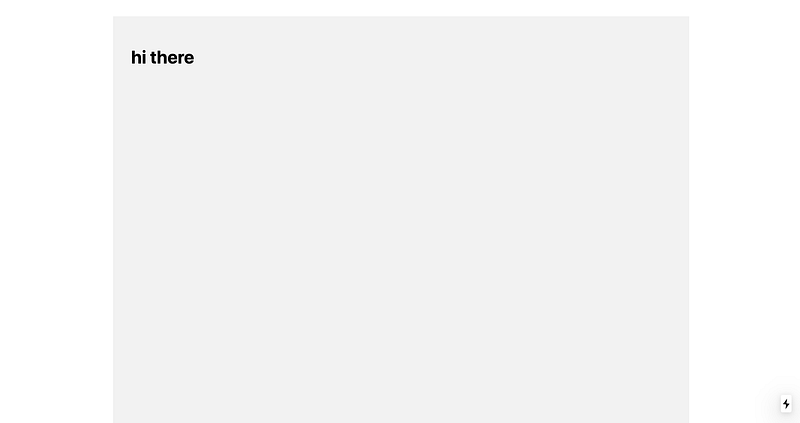
For now, the style is not rendered on the server, but on the client-side. By viewing page source, you can see that it just gets plain HTML and there are no stylesheets.
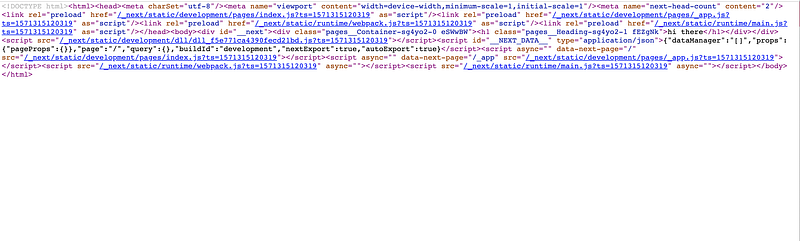
Because they inject stylesheets in style tag after executing JavaScript:

So in order to render the style on the server-side in Next.js, you need to create pages/_document.js and pages/_app.js and extend it.
Create and custom pages/_document.js
Next.js provides the ability to custom <html> and <body> tags and supports SSR for CSS-in-JS libraries by default. To override it, create pages/_documents.js:
This is how a custom _document.js would look like, once you add SSR styled-component and it should:
- Create an instance of
ServerStyleSheet - Retrieve styles from components in the page
- Extract the styles as
- Pass
stylesas props to HTML template
styled-components exposes ServerStyleSheet that allows you to create a stylesheet from all the styled-components in an app. sheets.collectStyles collects all of the styles from components. sheets.getElement() generates style tag and you need to return it as props called styles .
Original Document.getInitialProps returns { html, head, styles, dataOnly } so we just extend styles here.
static async getInitialProps({ renderPage}) {
  const { html, head, dataOnly } = await renderPage()
  const styles = flush()
  return { html, head, styles, dataOnly }
}
You can see the original script at:
Create and custom pages/_app.js
Next, create pages/_app.js to use provider:
Now that it’s rendered on the server and you see the stylesheet on view source page:
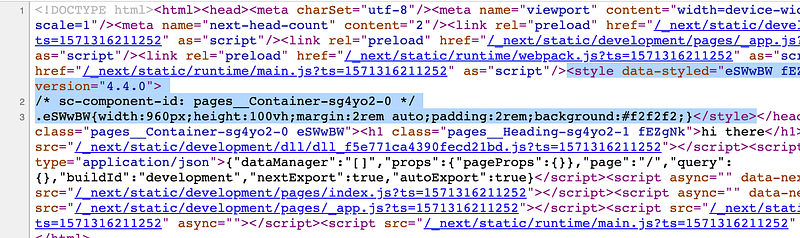
There are still no flashes in the first painting.
Server Side Rendering with Material-UI
As above example, Material-UI provides the same rendering system as well. According to the docs, you need to:
- Create a fresh, new
ServerStyleSheetsinstance on every request - Render the React tree with the server-side collector
- Pull the CSS out
- Pass the CSS along to the client
Pretty much same as styled-components but, besides, you need to remove the server-side injected CSS on the client-side because of avoiding duplicated injection of CSS.
Let’s edit it in pages/_document.js :
On the client-side, All you need to do is to remove the server-side generated CSS in pages/_app.js :
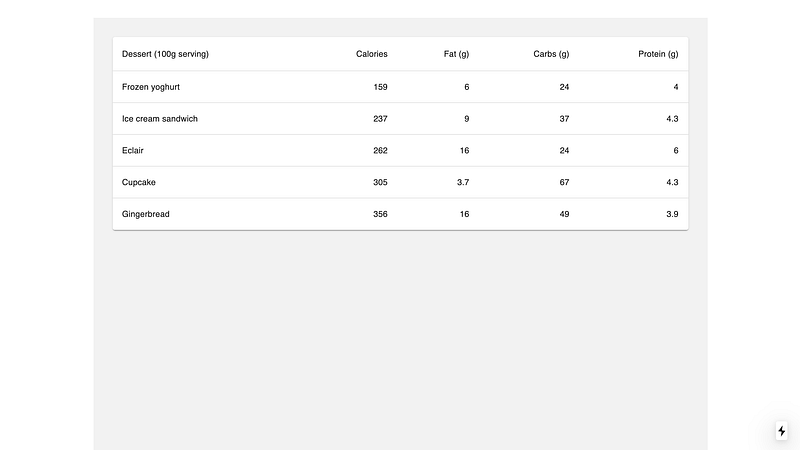
Get things done. Let’s add some Material-UI component to check to see if it works:
And you’ll get like this:
You can check stylesheets generated on the server-side in the view page source:
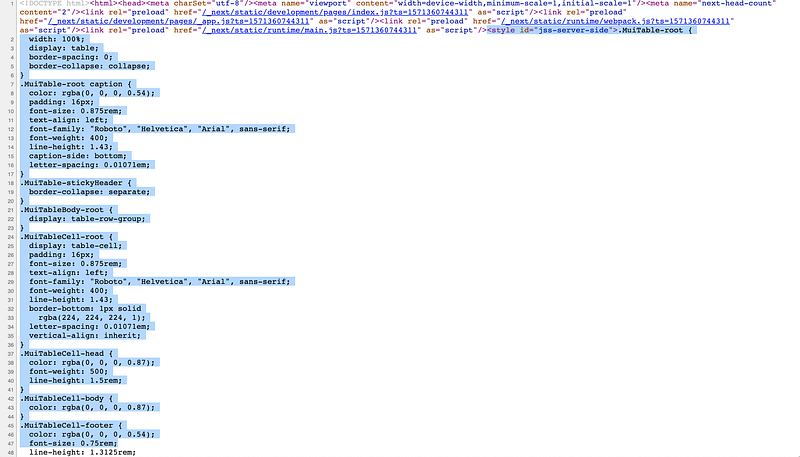
It perfectly works well.
Conclusion
That’s it. If you’ve already built an existing Next.js app, you just only add a few steps. So to recapitulate:
- Install Babel plugins
- Create
pages/_document.jsand overrideDocument - Create
pages/_app.jsand overrideApp
Hope it will help you.
You can view the final working example at:
Further Reading
More content at PlainEnglish.io. Sign up for our free weekly newsletter. Follow us on Twitter, LinkedIn, YouTube, and Discord. Interested in Growth Hacking? Check out Circuit.


