Spark Installing external Packages
Introduction
In this blog, we will discuss how to install external packages in Spark. We will discuss how to install packages using below different ways
- From Jupyter notebook
- From the terminal using Py Spark
- From the terminal during submitting jobs (spark-submit)
Pre-installed Packages
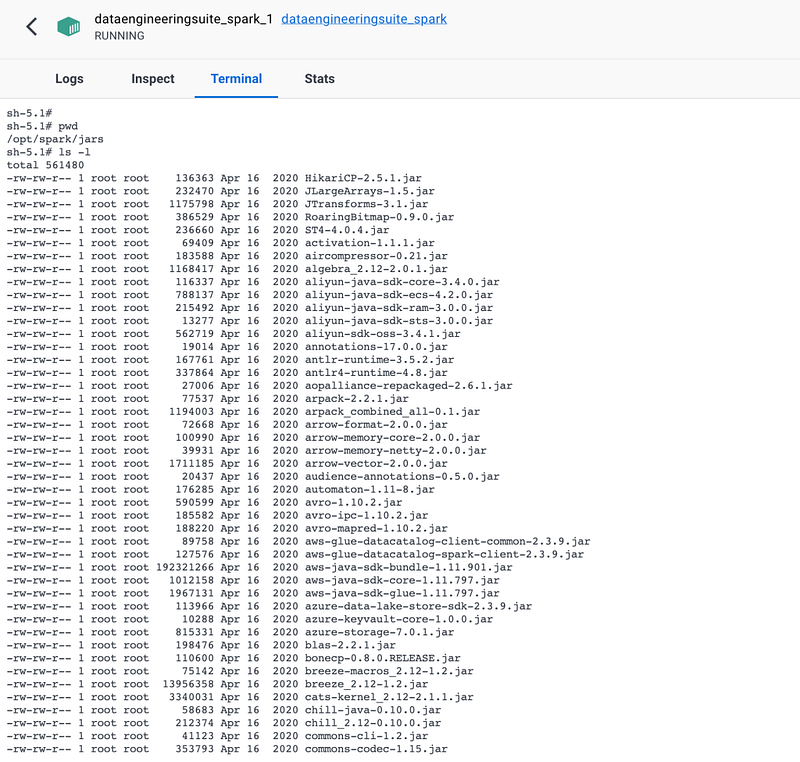
With Spark installation, we already have a few packages installed. It depends on how you install your Spark. If you have used our Data Engineering suite, you will have a few of the packages already installed like Azure Blob, Azure Data Lake services, AWS S3, Snowflake, and for delta.
To check what all packages are already installed in your spark, you can go to
/opt/spark/jars
Install Packages
Now, for example, you want to install a package for MySQL. You can go to the Maven repository.
And search for MySQL packages, which gives a link: https://mvnrepository.com/artifact/mysql/mysql-connector-java
On this page, it will display all the versions, you can select any of the versions.
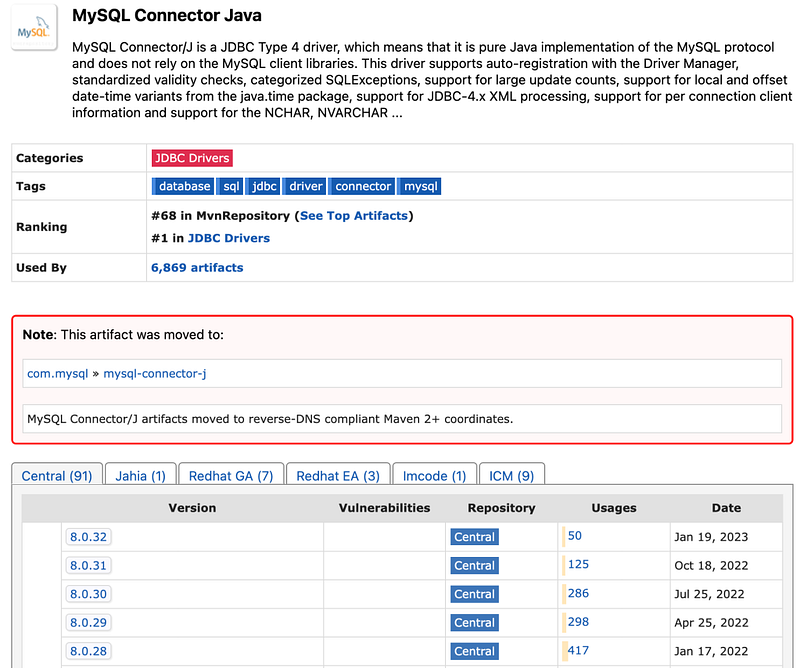
I am selecting the latest version. And on that page, it will display the properties below.
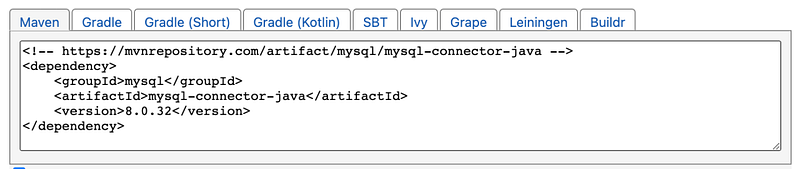
So, from here specify the package in Spark.
groupId:artifactId:versionSo, for MySQL, it will become
mysql:mysql-connector-java:8.0.32Same way, if you want to install package for MongoDB, search for MongoDB and select any version
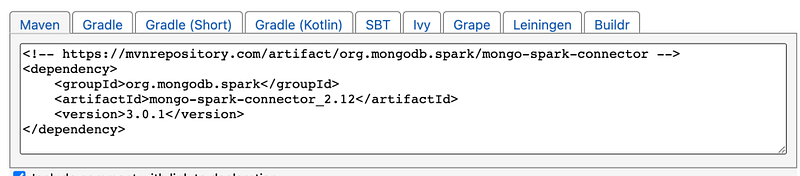
If we prepare the package name as we discussed earlier, it will be as below
org.mongodb.spark:mongo-spark-connector_2.12:3.0.1Install Packages from Jupyter Notebook
With Jupyter notebook, with starting session we need to pass the config as below.
The config name will be “spark.jars.packages’
spark = SparkSession.builder.appName("packageinstall")\
        .config('spark.jars.packages', 'org.postgresql:postgresql:42.5.4')\
        .getOrCreate()
sqlContext = SparkSession(spark)
#Dont Show warning only error
spark.sparkContext.setLogLevel("ERROR")
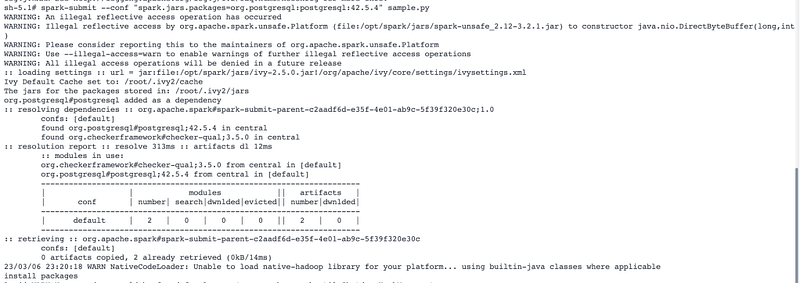
With this configuration, before starting the spark session, it will check if this package is already there or not. If it is locally not available, it will first download and install. We will see the below logs.
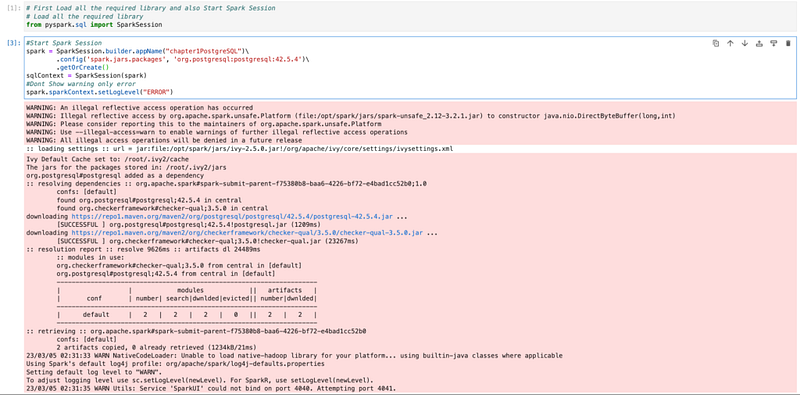
Installing Packages from Terminal (Spark Shell)
We have our setup of Spark in the docker container so we will go to the docker terminal.
Normally, we write pyspark to start the spark session.
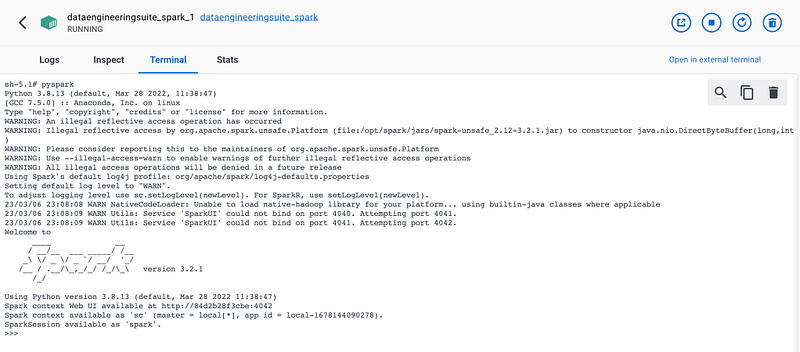
for specifying packages, we will pass below with pyspark
pyspark --conf "spark.jars.packages=org.postgresql:postgresql:42.5.4"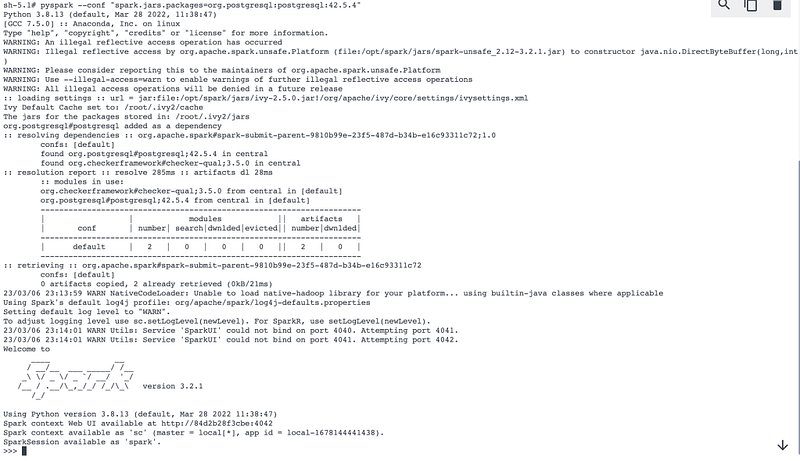
Installing packages during submitting job
We can also submit packages while submitting jobs. normally, we use spark-submit for submitting jobs.

Now, if in case, we need external packages while submitting jobs, we can use below
spark-submit --conf "spark.jars.packages=org.postgresql:postgresql:42.5.4" sample.py