
Sorry to Say But You Don’t Know How to Use Google
Here’s how you can 10x your productivity.

Google is a tool that we all regularly utilize. As a programmer, I devote the majority of my time to understanding new ideas and resolving errors. You could even try to use Google according to your line of work, but did you realize that most people use it incorrectly?
Let me describe the normal process we use.
Every time we come across new terms, we just conduct a Google search. Google is made for it, so for sure that you will discover anything linked to that. However, you can boost your output and accurately identify the ideal approach to take.
Since I am a programmer, I will give you some examples that are relevant to programming, but you are free to apply them however you see fit.
How? Read on.
- Use Quotation Marks
Find the precise word or phrase by using the quotation mark.
If you were trying to find a certain term, it can be the error you have got or something different. Therefore, you may just Google the sentence included in the quotes.
Let’s look up a sentence from one of my earlier posts to provide you with an appropriate illustration.
When you type exactly this phrase: “So, here’s the post that comprises numerous tools.”
You will find a single post of mine.
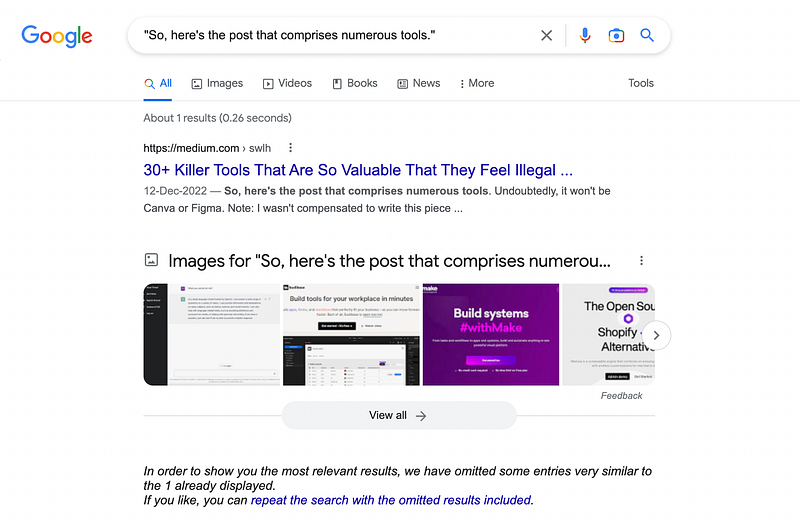
Since none of my blogs include any copied content, using quotations in my articles makes it impossible for me to see several results on Google.
You can do that and search more effectively in the same way.
2. Use the word “site:” in front of the search
What would you do if you wanted to look for certain topics on a specific website?
You may use “site:websitename.com” before the keyword or subject you wish to look up.
For example, if you want to study JavaScript from w3schools, simply put “site:w3schools.com javascript” into the search engine and you will only receive results for w3schools.
When I first started learning about Flutter, I wanted to understand some concepts exclusively from the documentation, but there are some other blogs that score well on Google. That’s when the phrase “site:” came in handy.
Here’s an illustration.
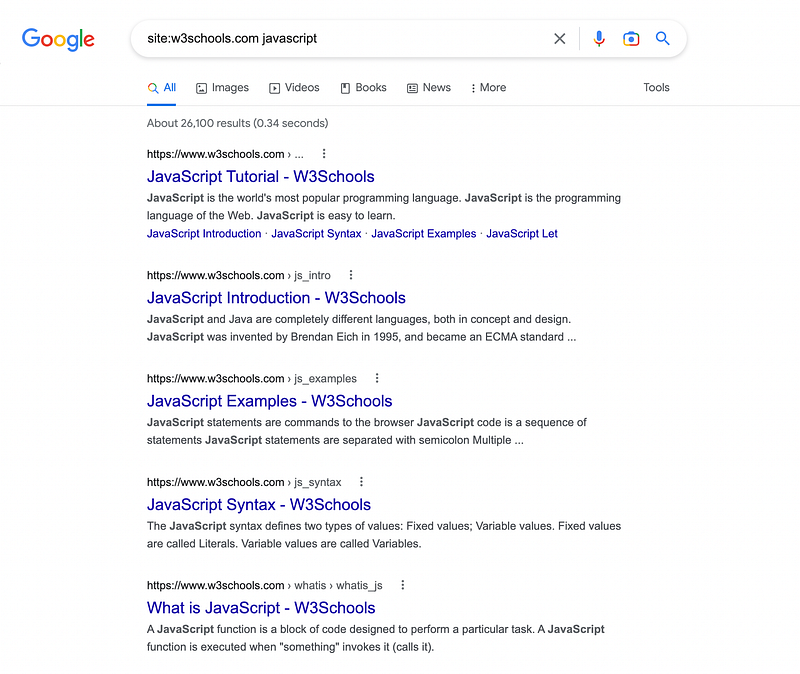
As you can see in the image above, I will only get javascript-related blogs from w3schools.
3. Use a Hyphen
You can use a hyphen to exclude the word.
For instance, if I search on Google to buy books online, the first link that it will show is Amazon.
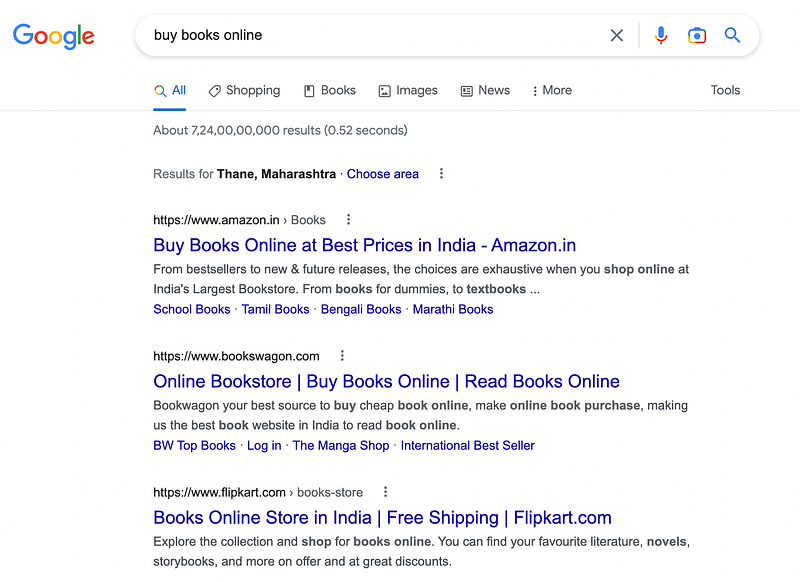
But what if I don’t want to buy books from Amazon? Well, that’s where I can use hyphens.
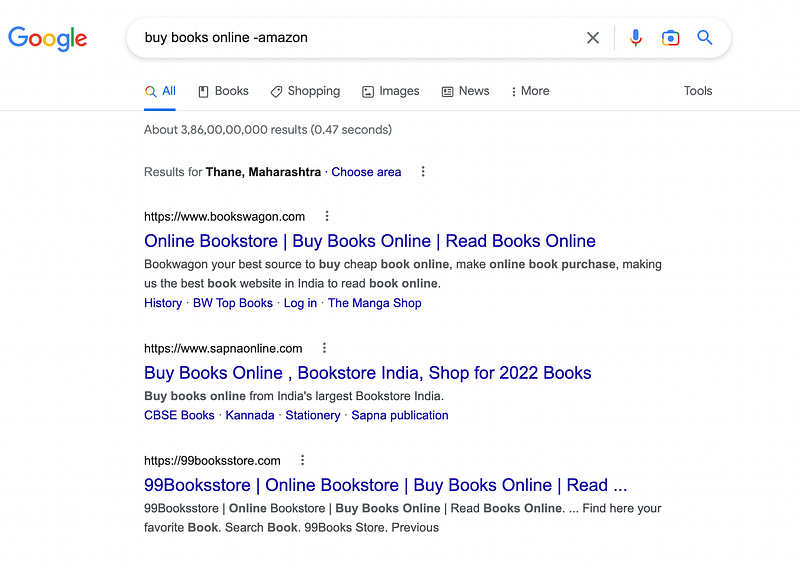
As you can see I have just used “-amazon” and it will exclude everything related to the word amazon.
4. Use Colon
Most often, I want to find some tutorials after a specific period because most often I find the tutorial that uses the older version and that’s where it will show me the error.
You may even want to read some of the latest blogs related to some technology for that you can use a colon.
For instance, suppose I want to learn about golang and want the tutorials only after the year 2022.
So I search like this.
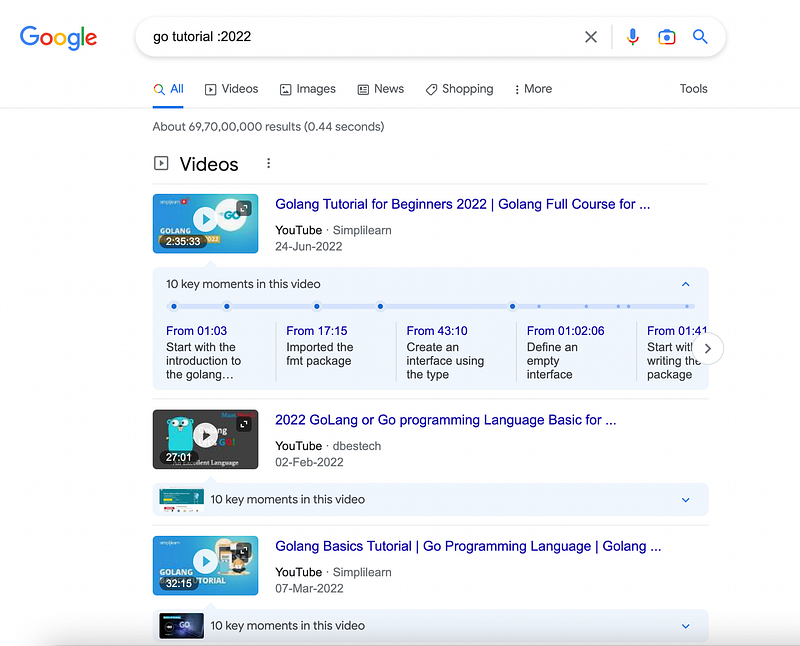
And as you can see, not a single one of these videos were posted prior to 2022.
You may also add “after:year” if you don’t want to use “:year,” and the outcome will be the same.
What if you want to look for anything before a particular year? In such a case, “before: year” might be used.
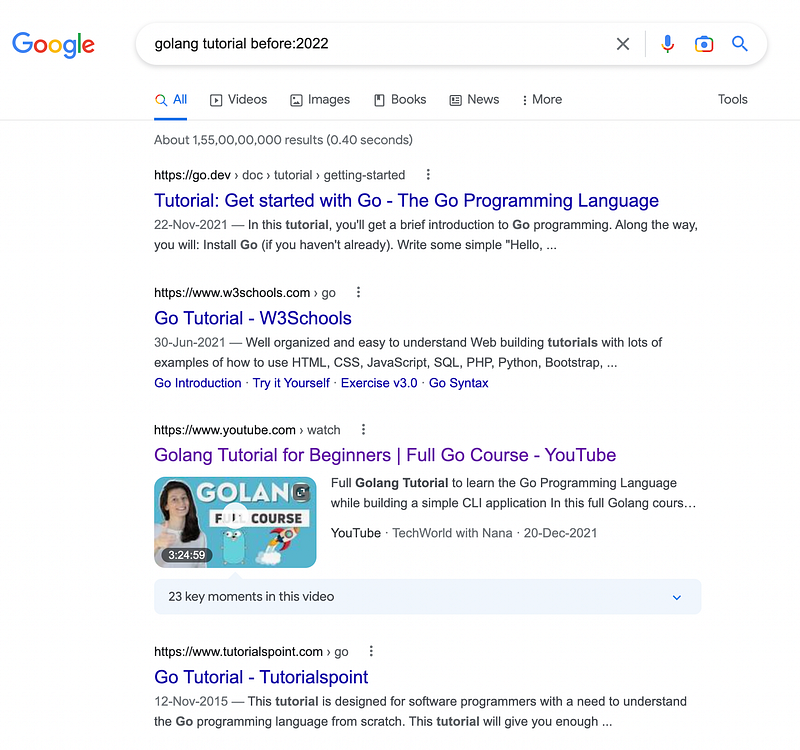
5. Use Filetype
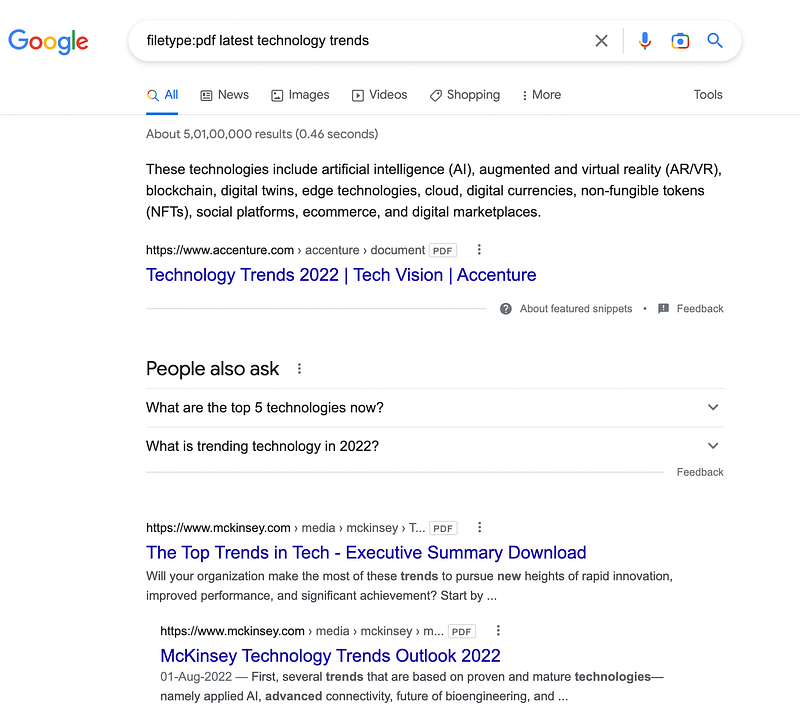
When you search for information on a certain subject, do you want the results in PDF format? You can use filetype:[file type] in such a situation.
Let’s say I’m looking for some PDFs on the latest technology trends. I can easily search on Google using the file type pdf.
Here is what the search result and output look like.
6. Use Asterisk
You can use an asterisk to search for anything related to a specific search, specific technology, or concepts.
For instance, I want to create some tutorials with the help of flutter and golang. And for that, I want to search on google.
Do you know how can I search for it in a more professional way? Let me show you.
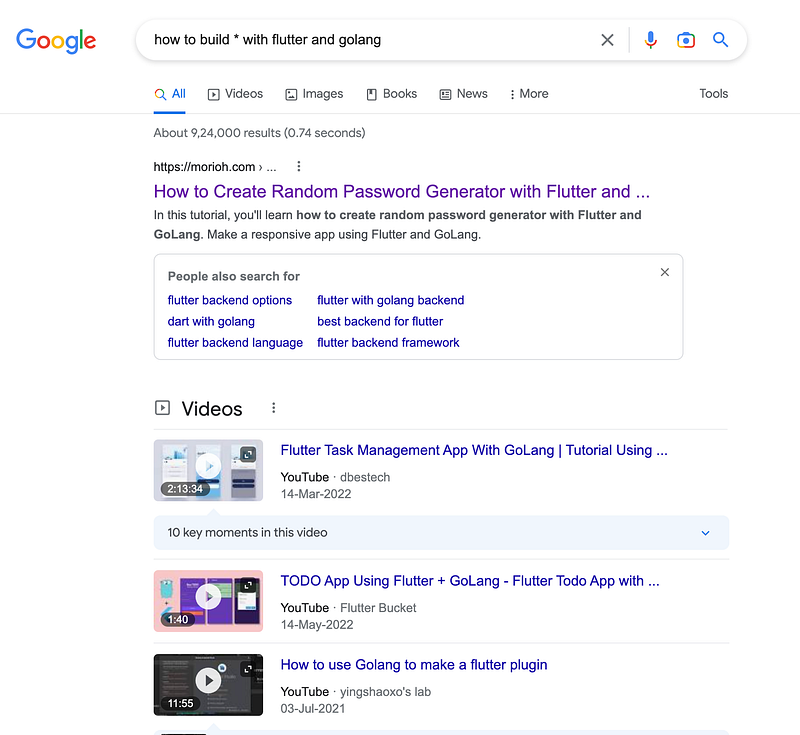
So searching for “how to build * with flutter and golang” will show you related resources that you build from flutter and golang.
Insane, right?
Hope you like it.
That’s it — thanks.
Consider becoming a Medium member if you appreciate reading stories like this and want to help me as a writer. It costs $5 per month and gives you unlimited access to Medium content. I’ll get a little commission if you sign up via my link.


