WRITING ON MEDIUM
So Far, My $25 Investment in Five Months Has Taught Me More Than I’d Hoped!
Key learnings from 5 months on Medium
As I started on Medium this summer, my goal was to find an outlet for thoughts and ideas. I was looking for a creative way to express myself and realized there are great communities here!
One of my strengths, according to Tom Rath’s Strengthsfinder 2.0, is that I’m a learner. I’m guessing a lot of other readers here are “Learners” as well. I quickly fell in love with the Medium platform, offering stories, how-to articles, inspiration, and so much more.
Little did I know I had stumbled upon a gold mine of digital marketing tips and tools of the trade! These are quickly becoming tools I use in my day job, too!
Here’s 4 essential tools I’ve learned to utilize that I now could not get by without.
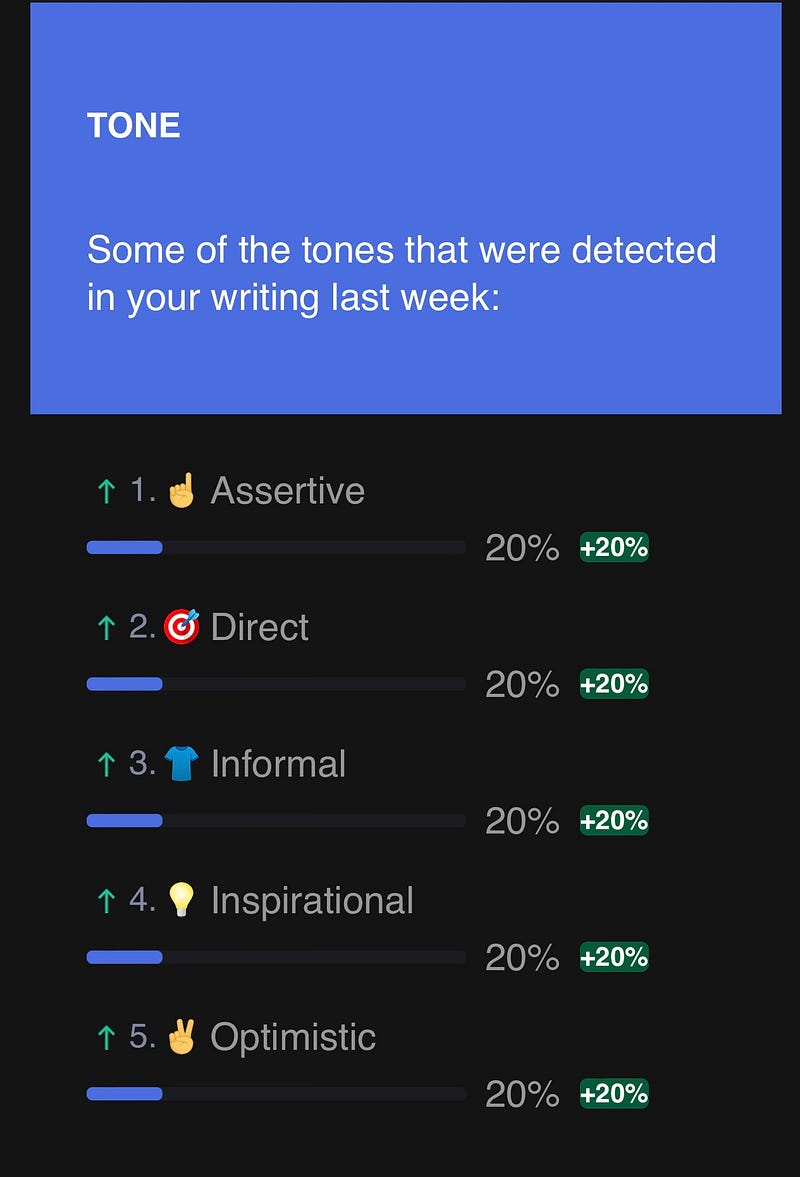
- Writing helper: Grammarly. An editor in your pocket, yes, Microsoft Word and Google Docs programs now offer help with editing, but Grammarly can actually also give you reports on frequent tone mistakes, and it’s free! Here’s an example from my weekly report.
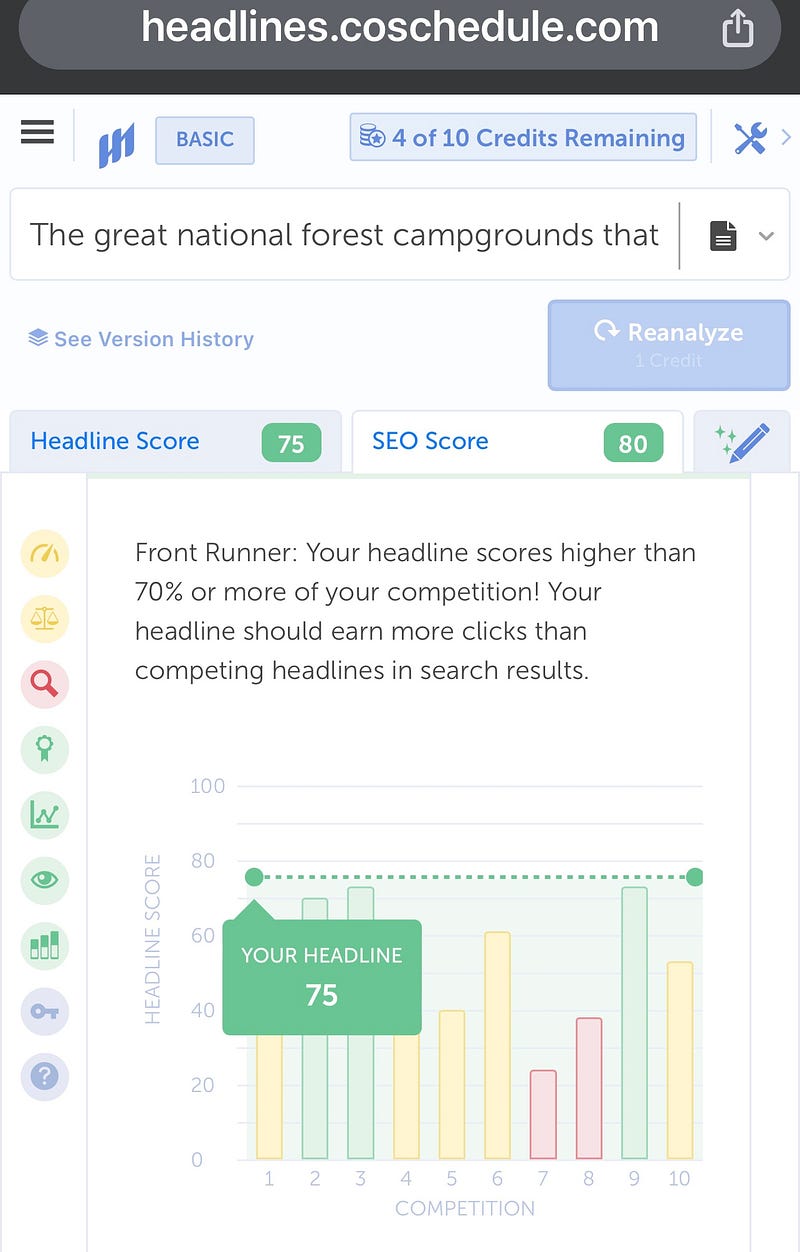
2. CoSchedule for headlines and SEO (search engine optimization); type in your headline, and it will give you a score and rating of common/uncommon words and whether you’ve used emotional or power words. There will also be a score for SEO, such as below, comparing your title to other headlines. It will also give you an idea of how often your keywords are searched and a trend!
3. Title case converter. Important and necessary for the title of your articles- here are two options: titlecaseconverter.com or capitalizemytitle.com. I find these super helpful because I am always guilty of over-capitalizing!
4. Photo help from Unsplash or AI graphics like Craiyon. In Medium, the Unsplash option of finding free photos is built into the photo function; just make sure you are adding the credit and links if possible. I’ve stumbled a bit with this one, realizing I write on my phone and sometimes can’t get the link or caption option to show up. It’s easier on a desktop. Craiyon is a free app where you can create AI art with prompts, and it could be helpful in finding something specific to illustrate your story.

Thanks for reading.
Subscribe here for more from me! Please comment below if you have other learnings to share! I’d love to hear.