
Smooth cross RecyclingViews Swipe

Not sure, if you realize that Google Playstore App is a vertical RecyclerView containing many horizontal RecyclerViews (or something of that nature).
The scroll between them is so smooth, where after one scroll vertically, a touch could stop the vertical scroll, and then scroll horizontally, as shown below.
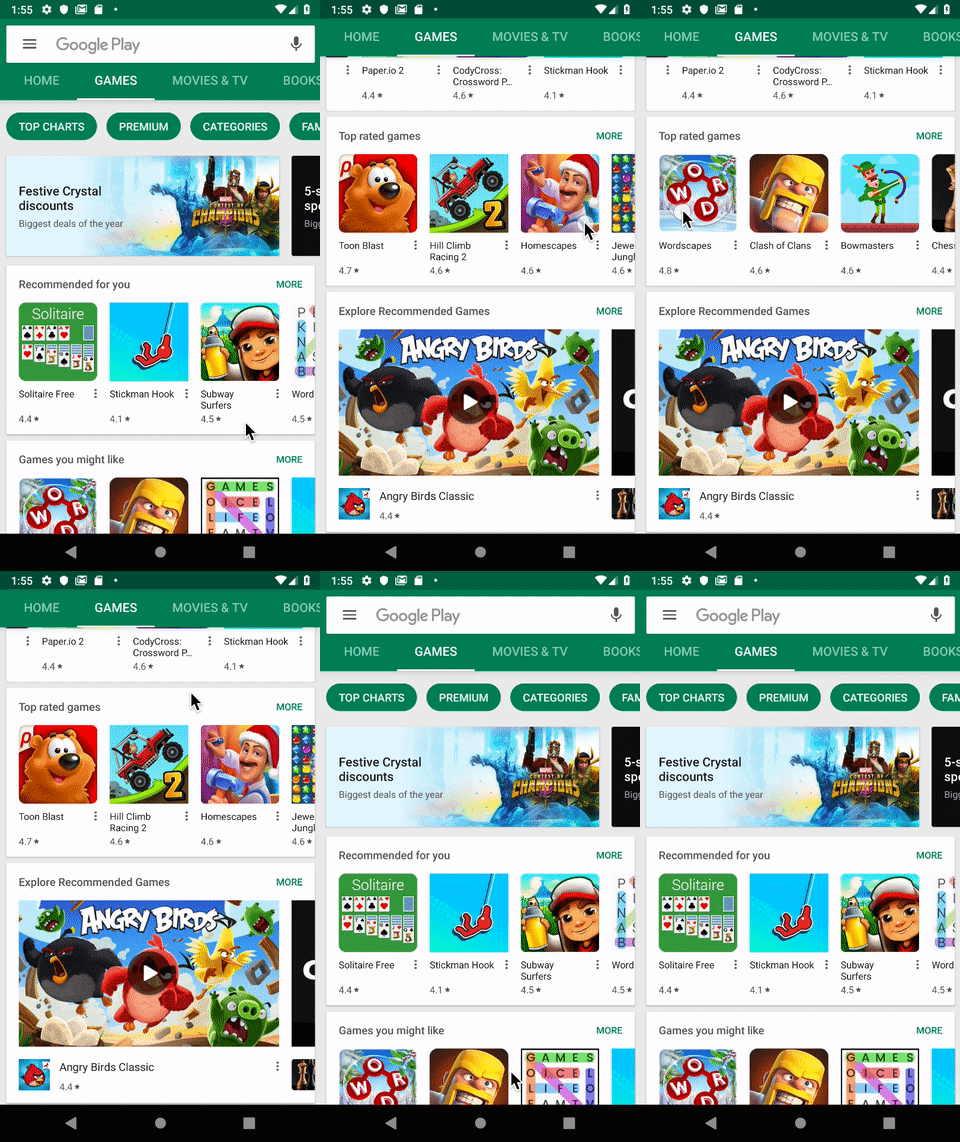
But that is not what I experience…
However if one code such mixed RecyclerViews as below, it can’t scroll the horizontal RecyclerView on the first touch. It need to touch it again then only the horizontal RecyclerView could be scroll.
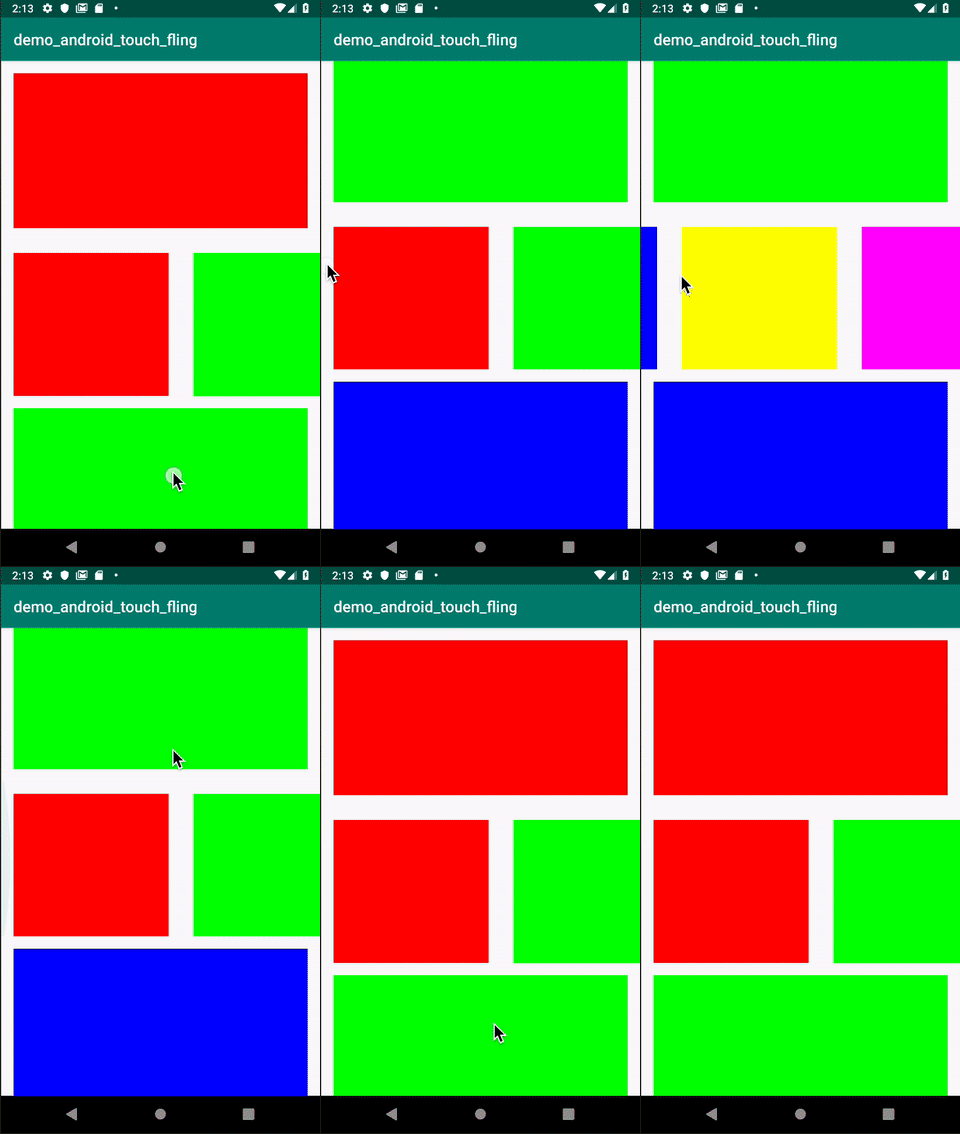
It’s not a big deal, but from a user friendliness point of view, such little feature would makes much different.
So how could we deal with it?
Solution
Initially I was thinking about managing the touch flow myself, using custom RecyclerView to override the onInterceptTouchEvent function as per the blog Understanding Android touch flow control.
However this prove to be super difficult, as if I implement that, the Horizontal RecyclerView could be swipe immediately, but then it will prevent the Vertical RecyclerView to be swiped when the Horizontal RecyclerView is touch.
Using addOnItemTouchListener
Later, discover that in RecyclerView, there’s a method added to intercept the touch behavior implemented in RecyclerView, by using the addOnItemTouchListener.
In short, in our RecyclerView, just add the ItemTouchListener as below, then the swipe will be possible for both Horizontal and Vertical RecyclerView
recycler_view.addOnItemTouchListener(
  object: RecyclerView.OnItemTouchListener {
    override fun onTouchEvent(rv: RecyclerView, e: MotionEvent) {}
    override fun onInterceptTouchEvent(rv: RecyclerView, e:
            MotionEvent): Boolean {
        if (e.action == MotionEvent.ACTION_DOWN &&
            rv.scrollState == RecyclerView.SCROLL_STATE_SETTLING) {
            rv.stopScroll()
        }
        return false
    }
    override fun onRequestDisallowInterceptTouchEvent(
        disallowIntercept: Boolean) {}
})
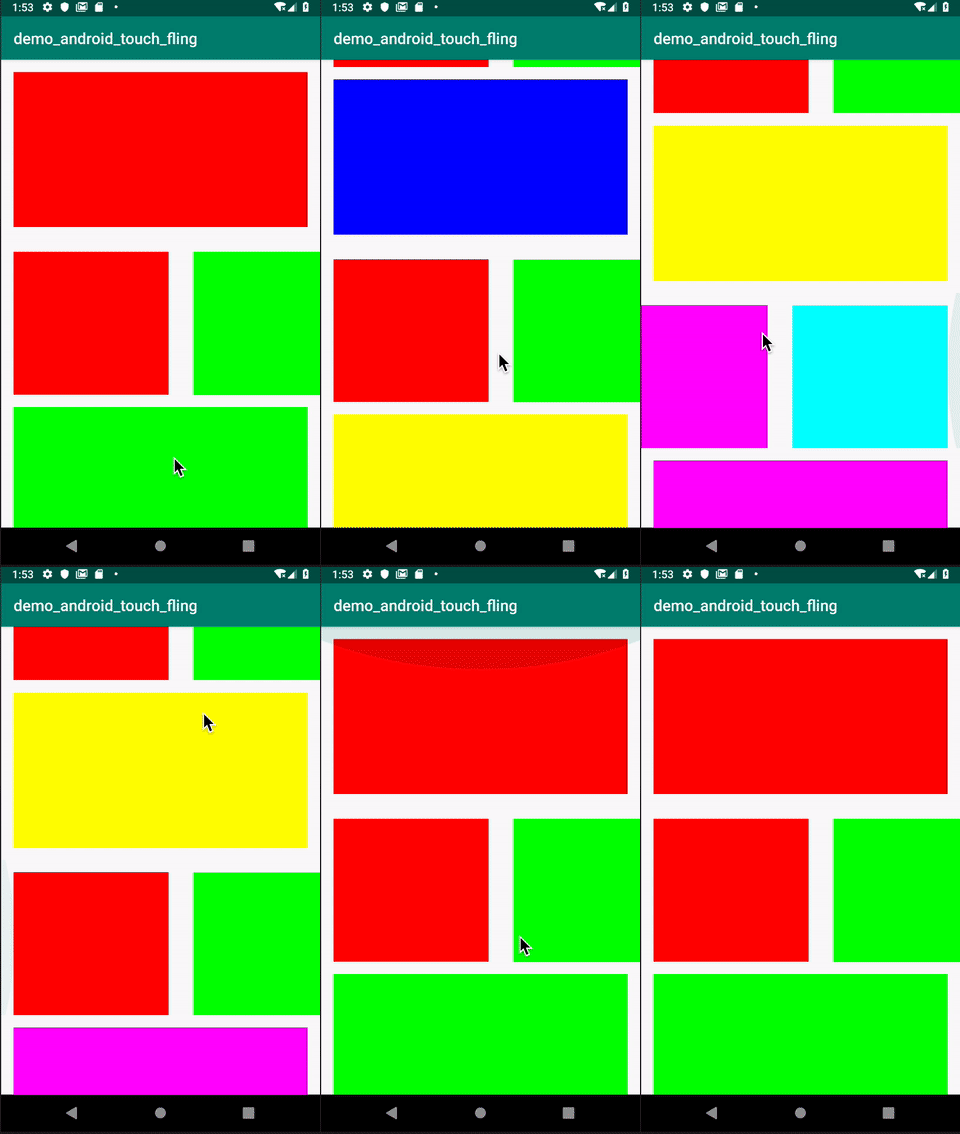
The result looks like below, just a single touch on the Horizontal RecyclerView, could scroll it horizontally, without need to touch it again,
The answer should be credited to
To get the code, refers to
I hope this post is helpful to you. You could check out my other interesting topics here.
Follow me on medium, Twitter or Facebook for little tips and learning on Android, Kotlin etc related topics. ~Elye~


