
Sketchpy and Python: How to Draw Your Favorite Celebrities Like a Pro!
Are you tired of struggling to draw your favorite celebrities? Do you want to learn how to create stunning sketches like a professional artist? Look no further than Sketchpy and Python!
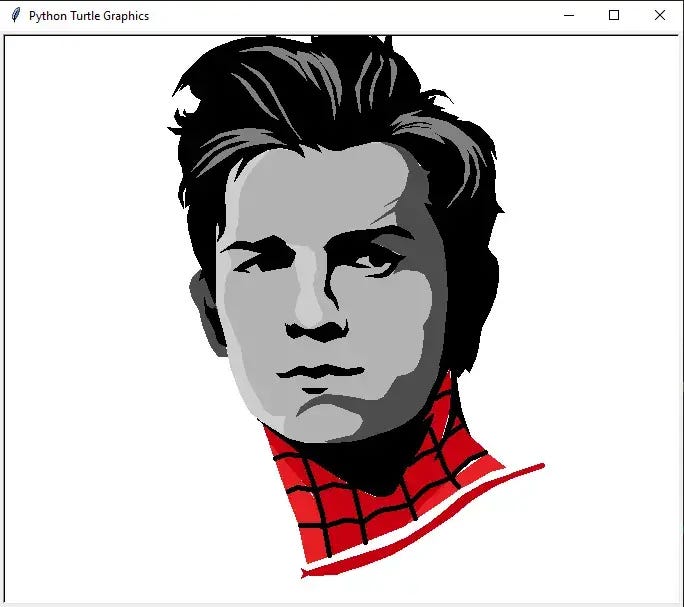
In the next 3 minutes, we’ll introduce you to the amazing world of Sketchpy and teach you how to use Python to draw your favorite celebrities with ease. With this step-by-step tutorials, you’ll be able to create stunning portraits of Robert Downey Jr and Tom Holland in no time.
What is Sketchpy?
Sketchpy is a Python library that makes drawing and sketching easy and accessible through its set of tools and functionalities. It offers customizable brush strokes, layers, and import/export options, and is built on top of the popular NumPy and Matplotlib libraries.
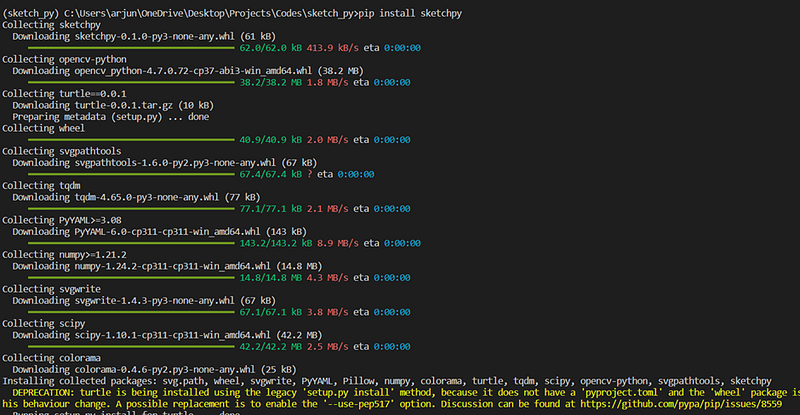
You can install sketchpy by typing the following pip command in command prompt.
pip install sketchpy
This will install sketchpy and all the required libraries.
Drawing Robert Downey Jr. with Sketchpy
With Sketchpy, you can easily draw Robert Downey Jr. using the following code:
from sketchpy import library
myObject = library.rdj()
myObject.draw()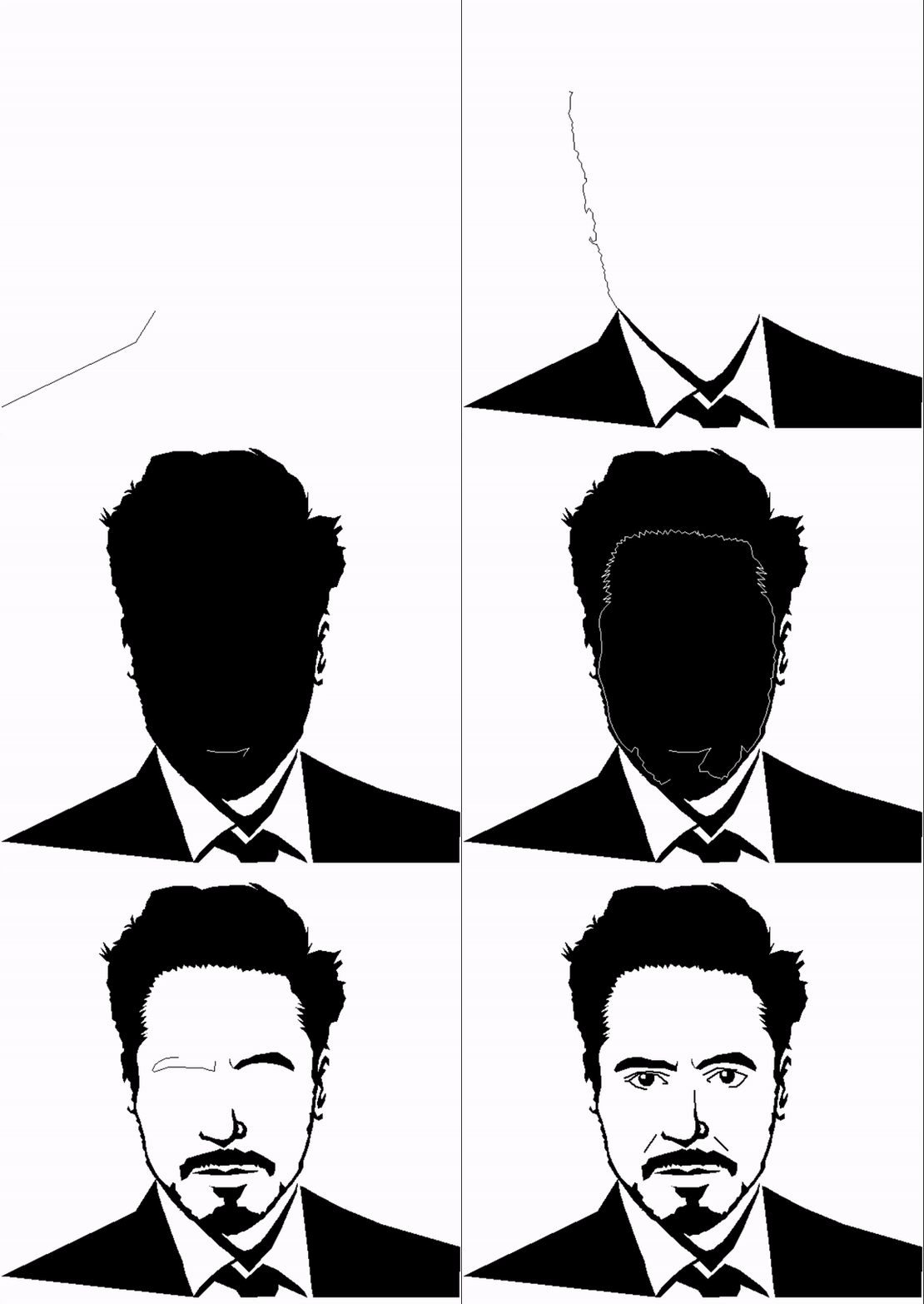
This code will create an instance of the RDJ object and draw a sketch of Robert Downey Jr. on the canvas. The sketch will include all the facial features of the actor, including the eyes, nose, mouth, and facial hair.
Drawing Tom Holland with Sketchpy
With Sketchpy, you can easily draw Tom Holland using the following code:
from sketchpy import library
myObject = library. tom_holland()
myObject.draw()
This code will create an instance of the tom_holland object and draw a sketch of Tom Holland on the canvas. The sketch will include all the facial features of the actor, including the eyes, nose, mouth, and facial hair. The sketch will also be shaded and textured to give it a more realistic appearance.
Here is a step by step explanation of how the code works:
from sketchpy import library — This line imports the Sketchpy library and the library module that contains pre-defined objects for drawing various characters.
myObject = library.rdj() — This line creates an instance of the rdj() object from the library module. The rdj() object is a pre-defined object that contains the sketch for Robert Downey Jr.
myObject.draw() — This line calls the draw() method on the myObject instance, which draws the RDJ sketch on the canvas.
In summary, this code imports the Sketchpy library and creates an instance of the rdj() object to draw Robert Downey Jr. on the canvas. The draw() method is called on the instance to display the sketch.
With just a few lines of code, you can create a beautiful and realistic sketch of RDJ using Sketchpy!
In conclusion, Sketchpy is a fun and easy-to-use tool that can help you improve your drawing skills and create amazing sketches of your favorite celebrities. With the power of Python and a little bit of practice, you can produce high-quality portraits that are sure to impress your friends and family.
Some Final words
If this story provided value to you, and you wish to show support, you could:
- Clap multiple times for this story (this really helps me out!)
- Consider signing up for a Medium membership using my link — it’s $5 per month and you get to read unlimited stories on Medium. Subscribe to Medium today using this link.


