
Signals — Future of React State Management
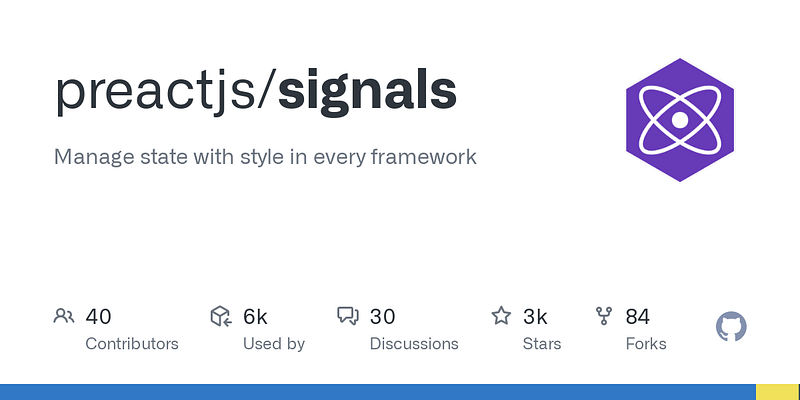
Preact/Signals is a library which is getting more popular. It shifts frontend development towards a more intuitive way of handling state.
This is a powerful library which could possibly replace React hooks (Imagine your code without useState!). It reduces your learning curve. ⏳ App performance could also be optimized, because they have a way to do optimal updates! ⚡
Therefore, it worth to invest some time looking into
👀 Github: https://github.com/preactjs/signals
👀 Documentation: https://preactjs.com/blog/introducing-signals/
Code example
To help you start, here is a brief introduction with some working code example.
❌ useState()
import { useState } from 'react';

function App() {
  const [count, setCount] = useState(0) /* useState to be removed */
  return (
    <>
      <h1>Counter</h1>
      <div className="card">
        <button onClick={() => setCount((count) => count + 1)}>
          count is {count}
        </button>
      </div>
    </>
  )
}
✅ useSignals()
import { signal } from '@preact/signals-react';
const count = signal(0); /* Declare a signal with initial value 0 */

function App() {
  /* No more useState */
  return (
    <>
      <h1>Counter</h1>
      <div className="card">
        {/* Update signal directly */}
        <button onClick={() => (count.value += 1)}>
          count is {count}
        </button>
      </div>
    </>
  );
}
Code Demo: https://stackblitz.com/edit/vitejs-vite-72syht?file=src%2FApp.tsx
❌ useEffect()
import { useState, useEffect } from 'react';

function App() {
  const [count, setCount] = useState(0);

  /* useEffect to be removed */
  useEffect(() => {
    console.log("count is updated to: " + count);
  }, [count]);

  return (
    <>
      <h1>Counter</h1>
      <div className="card">
        <button onClick={() => setCount((count) => count + 1)}>
          count is {count}
        </button>
      </div>
    </>
  );
}

export default App;
✅ effect()
import { signal, effect } from '@preact/signals-react';
const count = signal(0);

function App() {

  /* effect, no dependancy array is needed */
  effect(() => {
    console.log("count is updated to: " + count);
  })

  return (
    <>
      <h1>Counter</h1>
      <div className="card">
        <button onClick={() => (count.value += 1)}>
          count is {count}
        </button>
      </div>
    </>
  );
}
Code Demo: https://stackblitz.com/edit/vitejs-vite-p2xqch?file=src%2FApp.tsx
❌ useContext()
import React, { useContext, useState } from 'react';

const Counter = React.createContext(0);

const Header = () => {
  /* useContext to be removed */
  const counter = useContext(Counter);
  return <div> Count: {counter} </div>;
};

function App() {
  const [count, setCount] = useState(0);
  return (
    <>
      {/* Context Provider to be removed */}
      <Counter.Provider value={count}>
        <Header />
        <h1>Counter</h1>
        <div className="card">
          <button onClick={() => setCount((prev: number) => prev + 1)}>
            Add Item
          </button>
        </div>
      </Counter.Provider>
    </>
  );
}
✅ Just use Signal! 😎
import { signal } from '@preact/signals-react';
const count = signal(0);

const Header = () => {
  return <div> Count: {count} </div>;
};

function App() {
  return (
    <>
      <Header />
      <h1>Counter</h1>
      <div className="card">
        <button onClick={() => count.value++}>Add Item</button>
      </div>
    </>
  );
}
Code Example: https://stackblitz.com/edit/vitejs-vite-15gnv5?file=src%2FApp.tsx
If you like this article, please give a clap 👏 and follow me on medium, so I could create more of these articles 🙂
I hope this article gives you some insight to start with. Happy coding! 👨💻
You can also reach me on Linkedin.
In Plain English 🚀
Thank you for being a part of the In Plain English community! Before you go:
- Be sure to clap and follow the writer ️👏️️
- Follow us: X | LinkedIn | YouTube | Discord | Newsletter
- Visit our other platforms: Stackademic | CoFeed | Venture | Cubed
- More content at PlainEnglish.io


