
Secure Access to OCI Resource using Multi Factor Authentication (Login credential, IP address)
As per Wikipedia — Multi-factor authentication is authentication method in which user is granted access to application only after successfully presenting two or more pieces of evidences to an authentication mechanism.
This blog shows step by step process to setup 2 factor authentication to access Oracle Cloud resource (object storage).
Authentication mechanism:
- Login credential
- Originating IP address
Oracle Cloud Identity and Access Management module helps you create Users, Group, Compartment, Network Source and Policy.
Oracle Cloud IAM User
- Must be unchangeable name and unique across all users within tenancy
- Must provide user description which is non-unique and changeable
- Oracle recommends that you supply a password recovery email address for the user
- A new user has no permissions until you place the user in one or more groups and at least one policy that gives that group permission to either the tenancy or to a compartment
Oracle Cloud IAM Group
- Must be unchangeable name and unique across all users within tenancy
- Must provide group with description which is non-unique and changeable
- A group has no permissions until you write at least one policy that gives that group permission to either the tenancy or a compartment
Oracle Cloud IAM Compartment
- Must be unique within parent compartment
- Must provide description which is non-unique and changeable
- They are tenancy-wide, across regions
- Think carefully about how you want to use compartment to organize and isolate OCI resources
OCI IAM Network Source
- Set of IP address which can be Public or your tenancy VCN IP Address
- Reside in home region
- Define at tenancy level
Oracle Cloud IAM Policies
- Name must be non-changeable and unique across all policies in the compartment where you create it.
- Must provide non-unique, changeable description
- When creating a policy, you must specify the compartment where it should be attached, which is either the tenancy or another compartment. Where it’s attached governs who can later modify or delete it
Let us see all these in action. Login to OCI Console
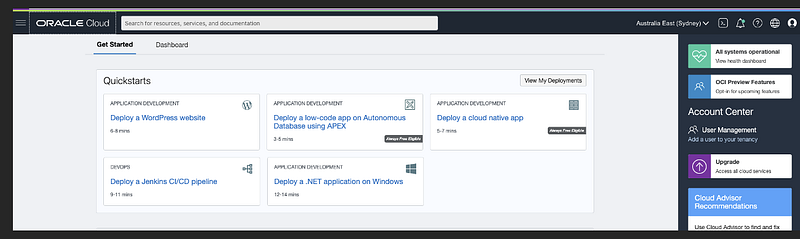
Let us start with Creating User
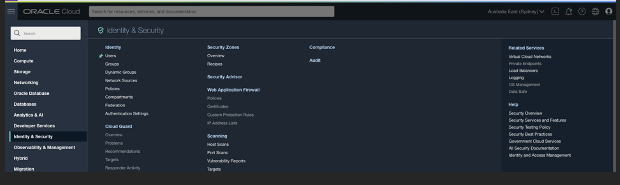
Go to OCI Menu >> Identity & Security >> Identity >> Users
Click Create User
Provide Username and Description and optional email address to create user.
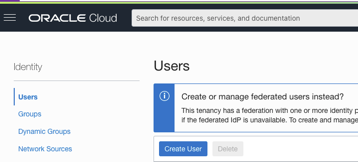
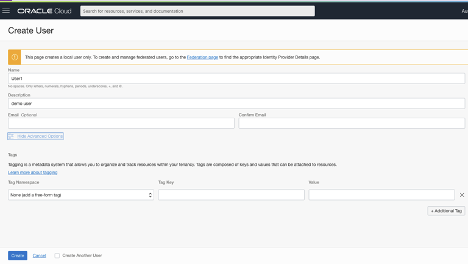
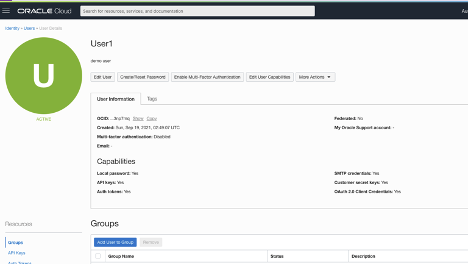
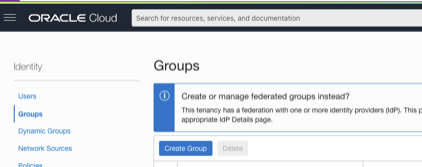
Let us create Group and assign user to the group. Go to OCI Menu >> Identity and Security >> Identity >> Groups
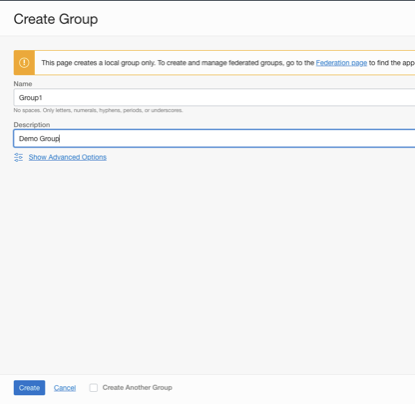
Click Create Group. Provide group name and description to create group.
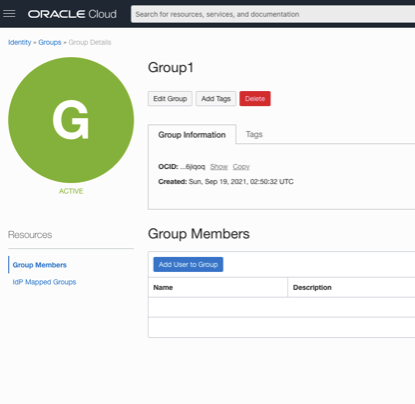
Add previously created User to Group
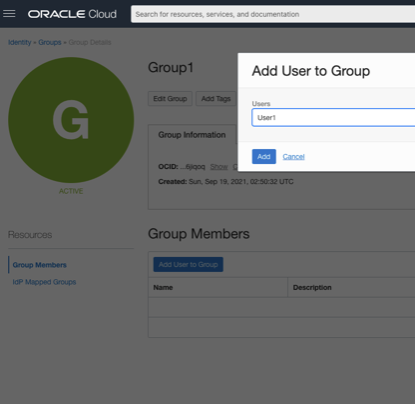
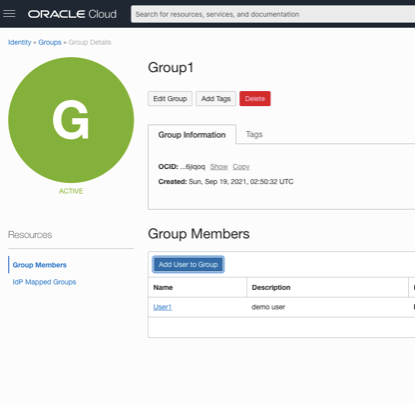
Now we will create Compartment. Go to OCI Console >> Identity & Security >> Identity >> Compartment
Click Create Compartment. Provide compartment name, description and parent compartment to create compartment.
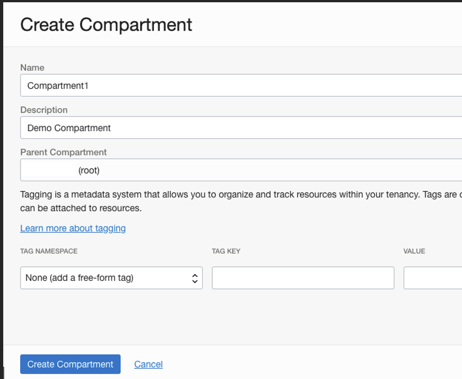
Now we will create Policy. Go to OCI Console >> Identity & Security >> Identity >> Policy
Click Create Policy

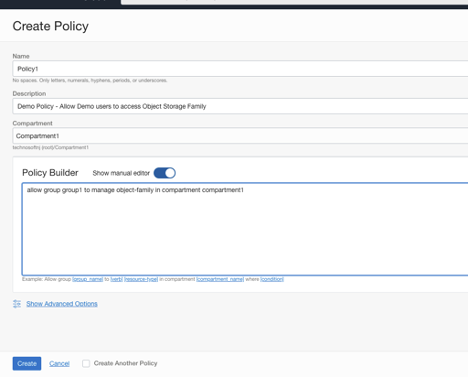
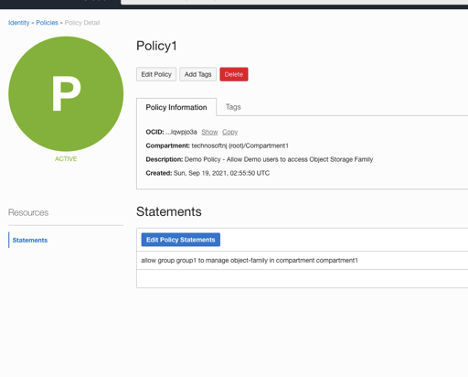
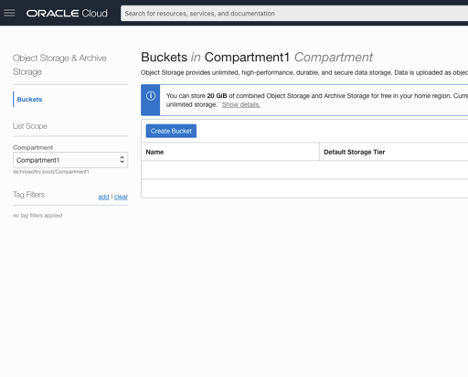
You are all set to login with User Credential and Access Object Storage family on Oracle Cloud. After successful login, go to OCI Console >> Storage >> Object storage. Select Compartment1. You can create bucket or perform additional object storage activity here.
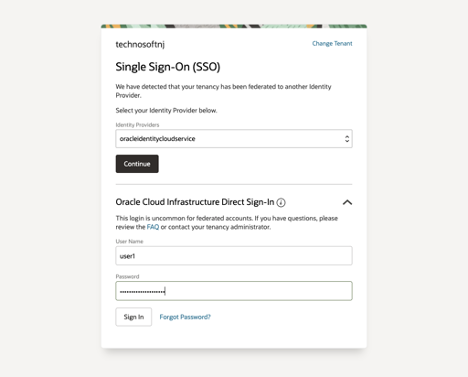
Let us strengthen security by validating Source IP.
Login as Tenancy Admin user to OCI Console to set this up. Go to OCI Console >> Identity & Security >> Identity >> Network Sources
Click Create Network Source. A single network source can include IP addresses from a specific VCN, public IP addresses, or both.
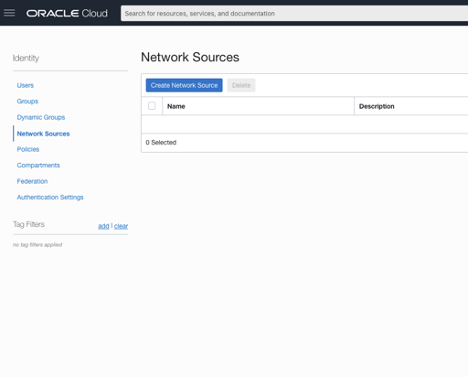
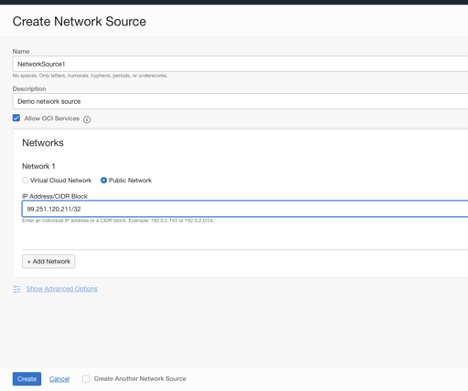
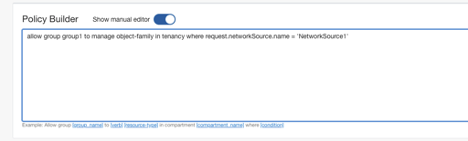
Once you create this, use this to scope policy by using request.networksource.name variable in policy condition.
This policy allows users in the Group1 group to manage Object Storage resources only when their requests originate from an allowed IP address specified in the network source “NetworkSource1”. Requests made from outside the specified IP ranges are denied.
That’s it. All Set. You can proceed to verify this. This document shows how you can perform 2 factor authentication — user credential and source IP address to access specific OCI resource. Hope you found this useful.
Disclaimer: The views expressed on this document are my own and do not necessarily reflect the views of Oracle.