
Say Goodbye to Boring Chatbots With Dante AI’s Latest Image Output Feature
Enhance your chatbot engagement by displaying images from your database.

Recently, I’ve been diving deep into Dante AI, and there’s a good reason why. It’s a tireless workhorse that can deliver results like you’ve never seen before.
First and foremost, they introduced Dante AI, which allows customers to develop their own unique chatbots that are suited to their individual requirements. Then, they joined forces with Zapier to automate the nitty-gritty tasks, allowing individuals to focus on what truly matters.
The exciting part? You can automate a bunch of processes by linking various apps like Gmail, Slack, LinkedIn, and more to Dante AI through Zapier.
But the latest update takes things to a whole new level.
Now, you can provide your customers with personalized content in the form of images based on their unique requirements.
It might sound simple, but it’s a remarkable use case that benefits your customers in an extraordinary way.
With that said, let’s get started.
Sign Up for Dante AI
To begin, the first step is to set up an account with Dante AI.
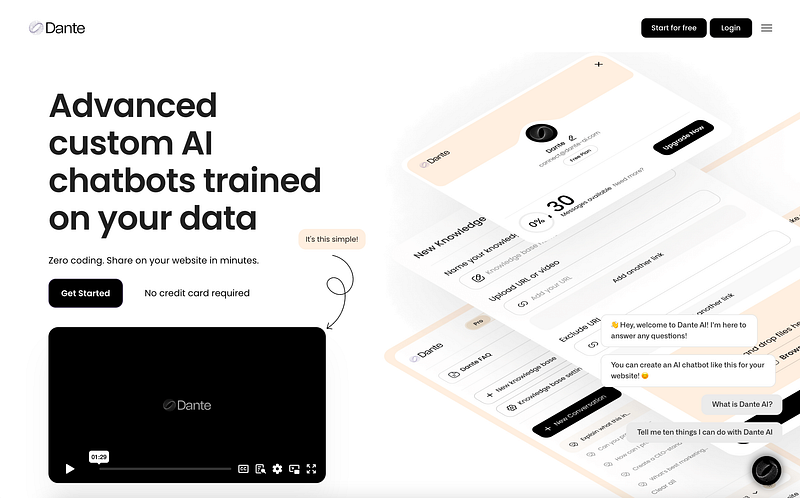
To do this, head over to their official website, click on the ‘Get Started’ button, and then follow the steps to create your account.
It’s worth noting that you also have the option to sign up using your Google account, making the process even more convenient.
Add Images to Your Dante AI Chatbot
Previously, when I used Dante AI, it could only provide text-based responses. Dante AI, on the other hand, now has an innovative feature on its sleeve: it can offer images to your users based on their questions.
Wondering how to do it? It’s quite simple. Just ask the Dante AI chatbot.
Here’s how you can get started.
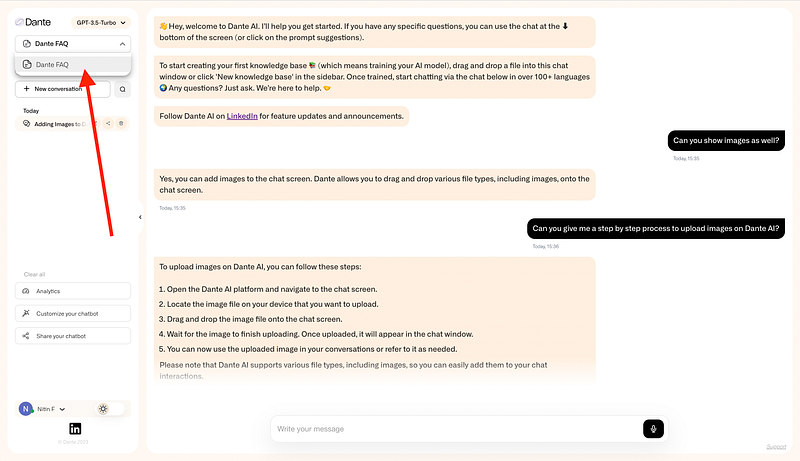
First, visit the “Dante FAQ” knowledge base located in the top left corner and click on it. From there, you can ask the chatbot anything you like.
As an example, I asked the chatbot whether it could show images to my users, and it answered yes.
Then, I asked for a step-by-step guide, and here’s what it provided:
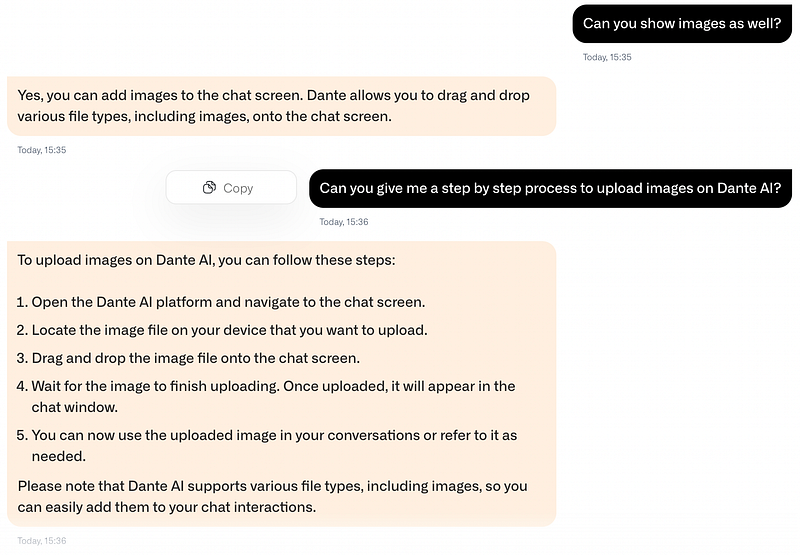
In short, all you have to do is create a new knowledge base and drag and drop your images into it.
Display Images From Your Uploaded Documents
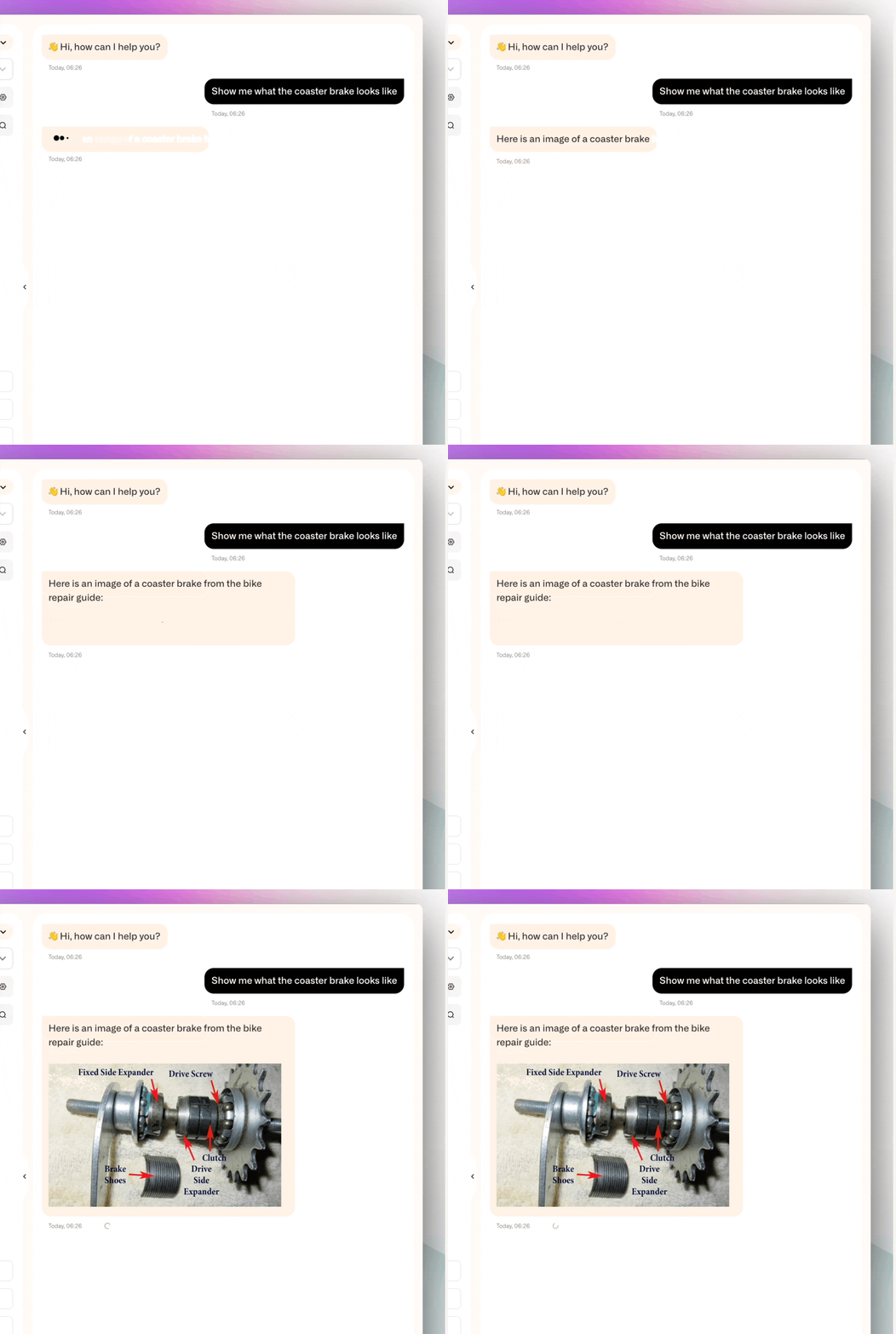
Now, suppose you have a knowledge base containing an image of a coaster brake, and you want to show others what it looks like.
To do this, follow these steps:
- Begin by selecting the specific knowledge base that contains the image you’re interested in. This ensures you’re working with the right knowledge base.
- After selecting the appropriate knowledge base and requesting a specific image, the magic happens. The chatbot will retrieve the specific image from the PDF to display in the chat.
Likewise, you have the option to upload images related to face detection and recognition.
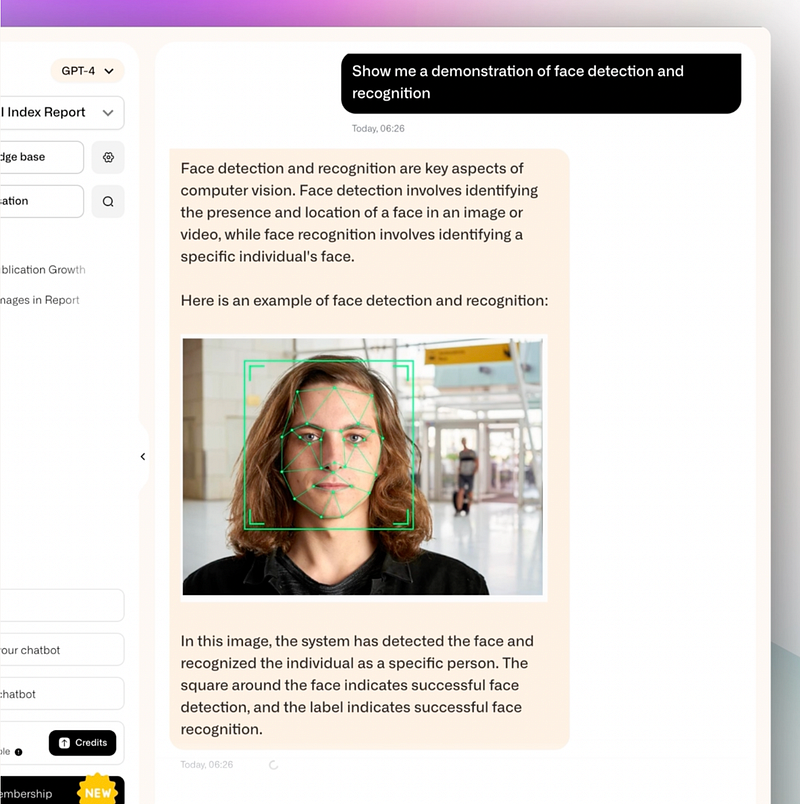
And then, you can instruct the chatbot to showcase the process of face detection and recognition.
Similarly, you can use this same approach for other topics, and the possibilities are endless.
Let’s Wrap Up
This simple feature opens up a world of possibilities.
Firstly, no more struggling to find that one image buried deep in a user manual. Now, with Dante AI, just ask, and the image you need is ready at your fingertips.
In the same way, Dante AI steps up to improve customer support by offering relevant visuals. It helps you assist customers effectively since visuals often convey more than words alone.
Additionally, creating a report can be time-consuming, but not anymore. Dante AI takes the load off by retrieving the right images for you. This not only saves time but also gives your reports a polished, professional look.
Lastly, for deep research dives, contextual images can make a big difference. Dante AI can provide images that match your research context, making your work more insightful and impactful. It’s all about raising the quality of your work.
Hope you like it.
That’s it — thanks.
Don’t forget to subscribe to me on Beehiiv for a thrilling dive into AI, tech wizardry, money hacks, side-hustle secrets, and beyond. Your adventure awaits!