

Rust & Docker HelloWorld !
Getting started with a HTTP Server in Rust and Docker.
So you have a Rust app that you want to run in the cloud? This guide covers the absolute basics for building a simple Rust application in Docker, so you can then deploy that container in the cloud.
Note: Before proceeding, make sure you have installed the latest version of Rust and Docker.
Setting up the Rust Project
To begin with, let’s setup the Rust project and what our application will be doing. Using cargo, let’s create a new project called hello_rs_docker:
$ cargo new hello_rs_dockerThis will generate all of our directory structure and will look something like:
|-Cargo.toml
|-.gitignore
|-src
| |-main.rs
By default, the Rust application will just print “Hello Word”, but we want to change it to something more realistic for a container based application, so lets make a simple HTTP Web-server.
To setup the Web-server, I will be using actix-web which can be installed by modifying the Cargo.toml file dependencies block, so the whole file will look like:
[package]
name = "hello_rs_docker"
version = "0.1.0"
edition = "2022"
# See more keys and their definitions at https://doc.rust-lang.org/cargo/reference/manifest.html
[dependencies]
actix-web = "3"Now we can modify the application itself to expose a basic HTTP handler, so open up the main.rs file and modify it so it looks like :
use actix_web::{get, web, App, HttpServer, Responder};#[get("/{id}/{name}/index.html")]
async fn index(web::Path((id, name)): web::Path<(u32, String)>) -> impl Responder {
format!("Hello {}! id:{}", name, id)
}#[actix_web::main]
async fn main() -> std::io::Result<()> {
HttpServer::new(|| App::new().service(index))
.bind("0.0.0.0:8080")?
.run()
.await
}This is an example taken from the actix-web README.
What this does is exposes a HttpServer via port 8080 and sets up an asynchronous handler when a GET request is received in the format of http://0.0.0.0:8080/1234/myname/index.html.
The idea is you can then go away and modify this to build your own API/Service to handle all kinds of requests.
And that’s it! you can now run your project locally with the command below, and you will be able to navigate to a browser and take a look at the response.
$ cargo run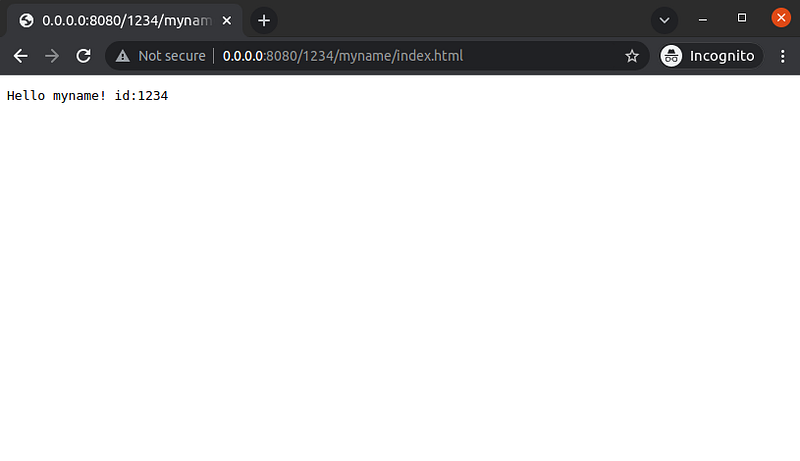
Or similarly, you can check the server is running with a simple curl request:
$ curl '0.0.0.0:8080/1234/myname/index.html'
Hello myname! id:1234
Building & Running with Docker
Once your project is up and running locally, we can now look at moving it over to Docker. To begin, first add a Dockerfile to the root directory of the project, so the file structure should now look like:
|-Cargo.toml
|-Dockerfile
|-.gitignore
|-src
| |-main.rs
Then, we can go ahead and modify the Dockerfile with the following build instructions:
# Tells docker to use the latest Rust official image
FROM rust:latest
# Copy the project files from your machine to the container
COPY ./ ./# Build your application for release, inside the container
RUN cargo build --release# Expose the port for accessing the HTTP server within the container
EXPOSE 8080/tcp# Run the binary built inside the container
CMD ["./target/release/hello_rs_docker"]Once this is setup, we can then run the docker build locally to ensure everything builds correctly:
$ docker build -t hello_rs_docker .This will build a container called hello_rs_docker using the build instructions we have added to the Dockerfile. You can then run the built container to ensure the application still runs as expected:
$ docker run -p 8080:8080 -t hello_rs_dockerThis will run the container you have just built (hello_rs_docker) and will publish the port 8080 to map 8080 thereby allowing traffic to access port 8080 (the HTTP server) within your container.
And you can again navigate to the API on your browser (http://0.0.0.0:8080/1234/myname/index.html) and check you get the same result as before! Or again using curl:
$ curl '0.0.0.0:8080/1234/myname/index.html'
Hello myname! id:1234
This approach is relatively straightforward and a great starting point for getting your Rust application deployed with docker, but you may find it slow over time rebuilding with larger applications.
In the long-run the build size and speed can be greatly improved, so I would recommend having a look at cargo-chef as a good starting point for faster rust-docker builds.
What’s Next?
Once you have your container setup, you can now deploy it onto any supporting cloud infrastructure! including AWS, Azure and GCP.
Now you can deploy your highly performant Rust code in the cloud, and improve resilience with additional container benefits like auto-scaling with Kubernetes, or combining existing/additional containers with Kubernetes or Docker-Compose.


