
Running An LLM Locally Is Easy: Install Your Own Mini ChatGPT

ChatGPT is an impressive tool, and even with the introduction of ChatGPT-4, it remains the top model in the market. Google is making strides with Gemini and Bard, showcasing significant enhancements in recent months.
However, what do these models have in common? A shared trait among these models is their online-only functionality, adhering to the regulations imposed by the respective companies. For those seeking complete customization options, other companies like Mistral AI or Meta have gone a step further by releasing their source models. This enables users to deploy them on their own setups, either locally or on a personal server.
I tried to set up a local installation of my private AI chatbot on my Windows PC and it was much easier than I excepted, here is how I did it:
Install the UI
In order to use these powerful language models, we need an interface to interact with them. For this, I chose the text-generation-webui, which is easy to install and has a clean UI. It also allows you to manage and load different models with ease.
Just clone or download the repository (it will be a zip file) and run one of these files, depending on your operating system: start_linux.sh, start_windows.bat, start_macos.sh, or start_wsl.bat
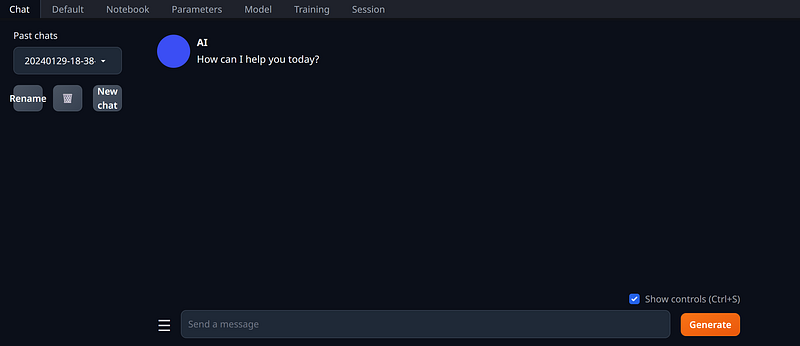
A terminal will open, and you’ll need to type a few answers to complete the installation. Then, go to http://localhost:7860.
Download the weights
I decided to try a model named dolphin-2.1-mistral, a finetuned version, made by Eric Hartford, which is based on two components:
Dolphin 2.1, an open-source and uncensored, and commercially licensed dataset and series of instruct-tuned language models based on Microsoft’s Orca paper.
The Mistral-7B Large Language Model (LLM) is a pretrained generative text model with 7 billion parameters. Mistral-7B-v0.1 outperforms Llama 2 13B on all benchmarks we tested.
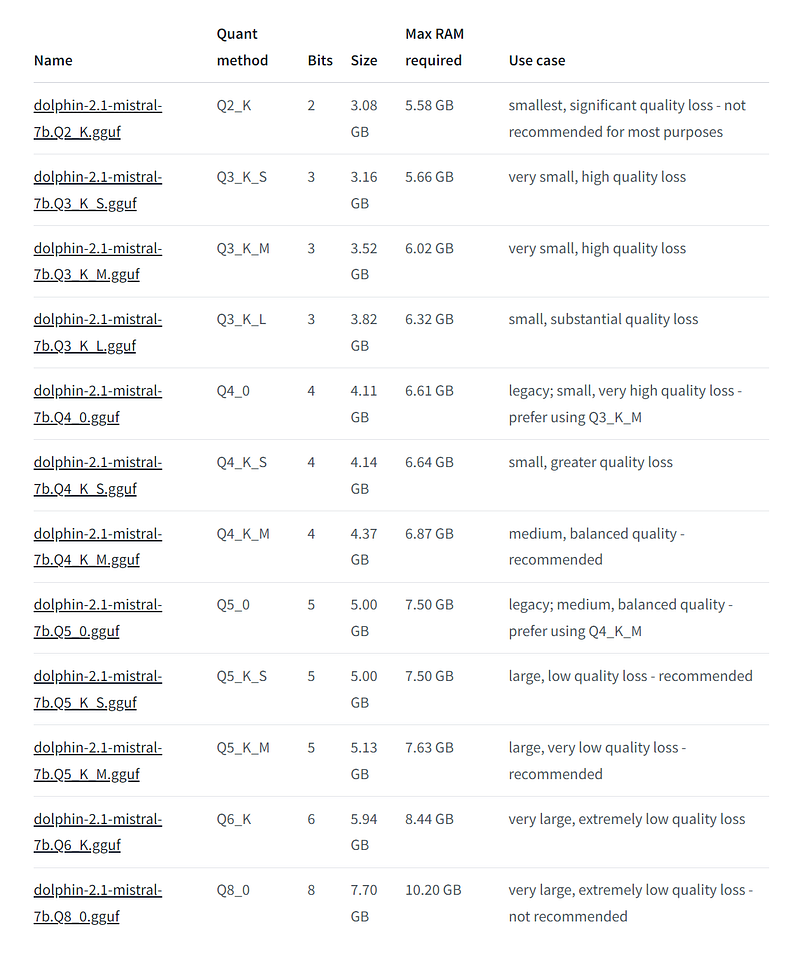
You can download the weights on HuggingFace and put it in the models/ folder of the UI.
Start the Chat
Once the model is selected and loaded from the UI, you are all set. Head to the chat panel and ask any question to see how it perform.
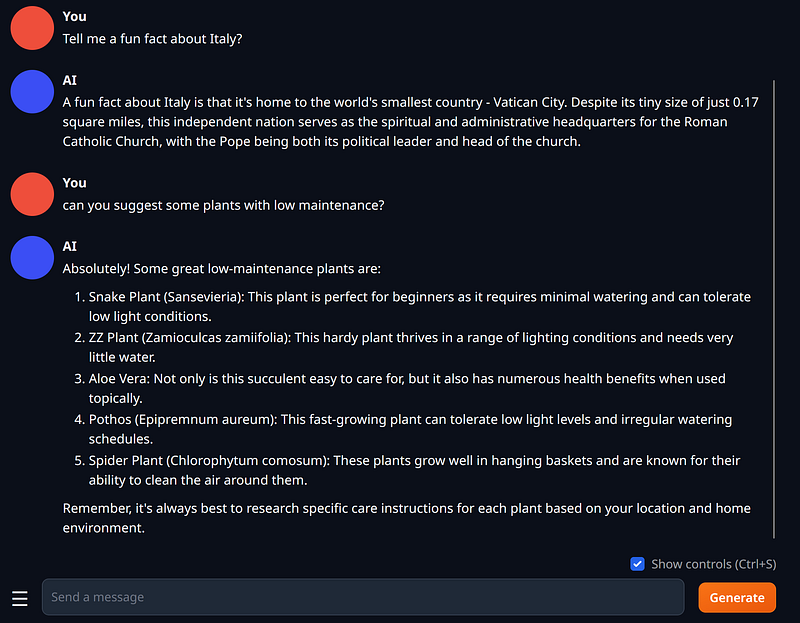
To get decent results, you should use the biggest model that your GPU can support. In my 3060 with 12 GB of VRAM I got good results using dolphin-2.1-mistral-7b.Q6_K.gguf.
From AIGuildHub, read more:


