Run code once the application starts in .Net6
Maybe you need to execute some code once the application starts. Like log something, if you are a developer, you may need to populate some data in memory, run background tasks, publish an event, or read configuration.
Program.cs File
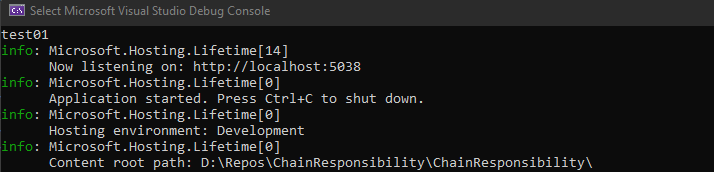
The first thing you probably have in mind is to write code in the Program.cs file. The .Net6 ensures that these methods, and therefore the code placed in them, will only be executed when the application starts. The developer can run code in two ways, between the builder.Services(…) here will be all the registration of dependencies, or the code can be placed between the app.(…) like before or after middlewares.
Code from Hosted Services
The other way is to run the code from Hosted Services, with an IHostedService interface that has StartAsync and StopAsync methods executed when the application starts and stops. This interface is typically used to trigger long-running background tasks, but StartAsync itself must return quickly so as not to block other hosted services if any. Also, it would be good to know that the StartAsync method runs before configuring the application’s request pipelines.
Using IHostApplicationLifetime Events
The three properties, namely ApplicationStarted, ApplicationStopping, and ApplicationStopped allow you to register callbacks. This is done using the Register() method.
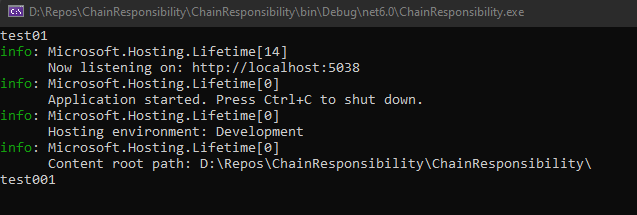
app.Lifetime.ApplicationStarted.Register(OnStarted);app.Lifetime.ApplicationStopping.Register(OnStopping);app.Lifetime.ApplicationStopped.Register(OnStopped);void OnStarted(){Console.WriteLine("test001");}
void OnStopping(){Console.WriteLine("test002");}
void OnStopped(){Console.WriteLine("test003");}
Important to note that the OnStarted event is published after the application host has fully started, that is after the services and request processing pipeline have been configured, and the app has started serving web requests.
.NET Generic Host in ASP.NET Core | Microsoft Docs