
Sexy Techy How-To-Tutorial
Quickies in Quick Keys and Other Juicy Tips
Polish your technical grasp

Disclosure: All innuendo refers to consensual sexual encounters.
Do you ever experience hair-pulling while you’re hanging out on the internet? The not-good kind of hair-pulling?…
I’m talking about the frustration from knowing there must be shortcuts and magic quick-keys to give you a helping hand.
Yeah. It’s ’cause there are. And, I’m going to reveal them in this quick keys striptease.
Confession: I’m an Apple gal, an original Eve, devouring the tempting bytes from my Mac. These quicky techniques may be different when you’re with a PC.
Foreplay — Let’s get undressed. Command + Z
Ever accidentally deleted your work while writing? Losing your words is not as much fun as seductively taking off your — or someone else’s — clothes.
You want to coax your words back into your grasp. There’s a way to seduce them back to you when “Undo” isn’t working…
It’s the magic of: Command + Z
Zomg. That’s all you need to know.
You’re going too fast — let’s capture this.

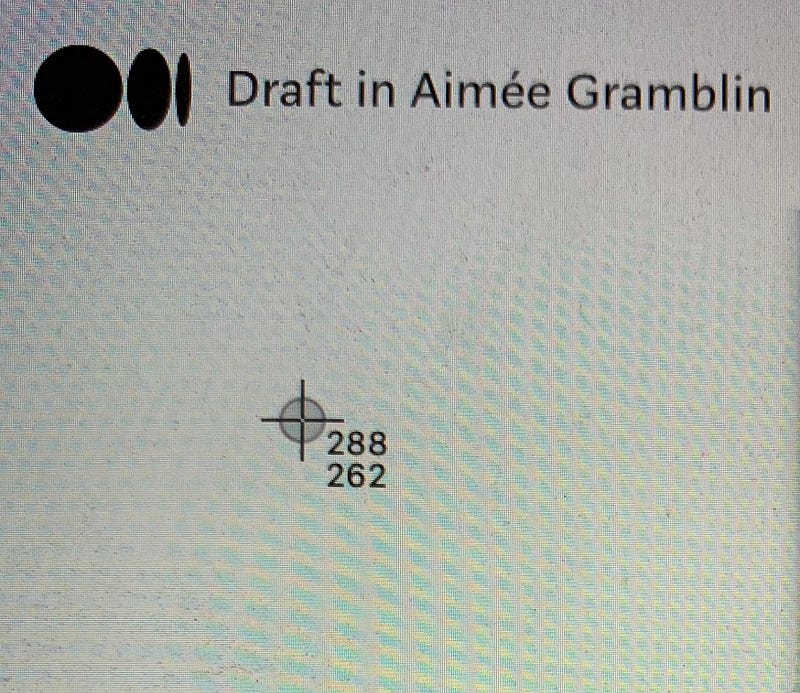
- It took me until 2020 to memorize this handy quickie combo: Command + Shift + 4.
- Click all three at the same time. Use two fingers to spread the bulls-eye over exactly what you want to get your hands on.
Let’s get busy — inserting links and considering a keyboard ménage à trois
Command + C, Command + V, and Command + K are polyamorous and experimental.
- Highlight text and press Command + C to copy text.
- Press Command + V to paste text elsewhere. This is handy for hyperlinking and pasting text boxes on platforms. But, why stop at a duo when you can have a trio?
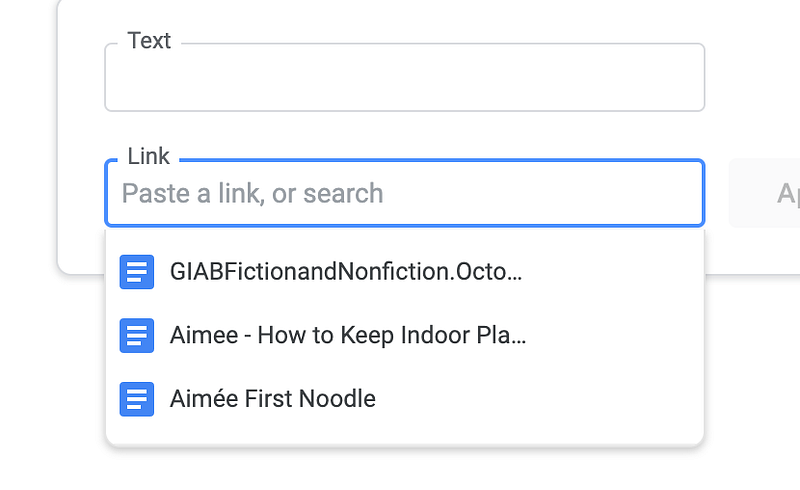
- Command + K. Although it doesn’t work on this platform, it does work on Google Docs or Microsoft Word. Go to the website URL you want to copy. Highlight the URL and press Command + C. In Docs or Word, Click Command + K. It opens up a box to insert your link into. Put the link in the box with Command + V. Press Enter/Return and you have a handy hyperlink.

Your partner likes a little bit of teasing — zip it up — then, unzip it…
Have you ever wondered if your MPP stats were elusively hanging out, just waiting to be teased out of their hiding place?
You’re getting lucky.
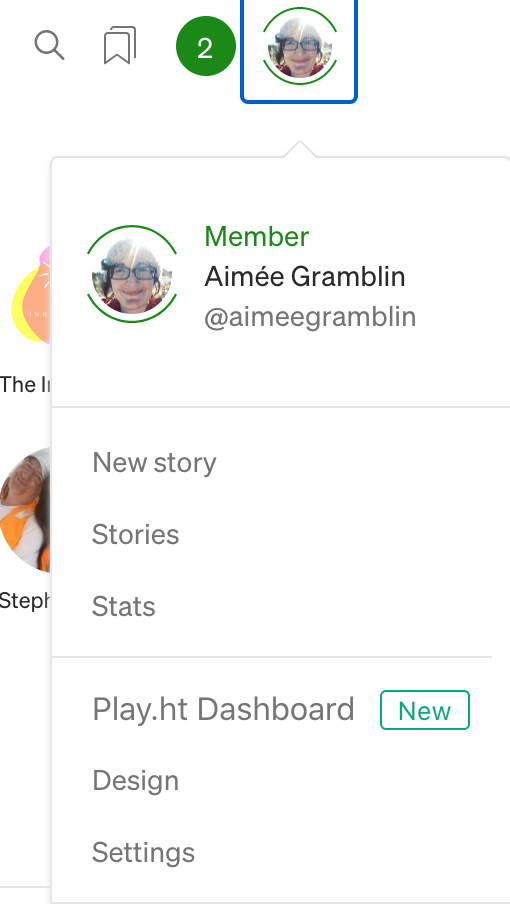
- Go to the platform homepage and click on your Profile Image.
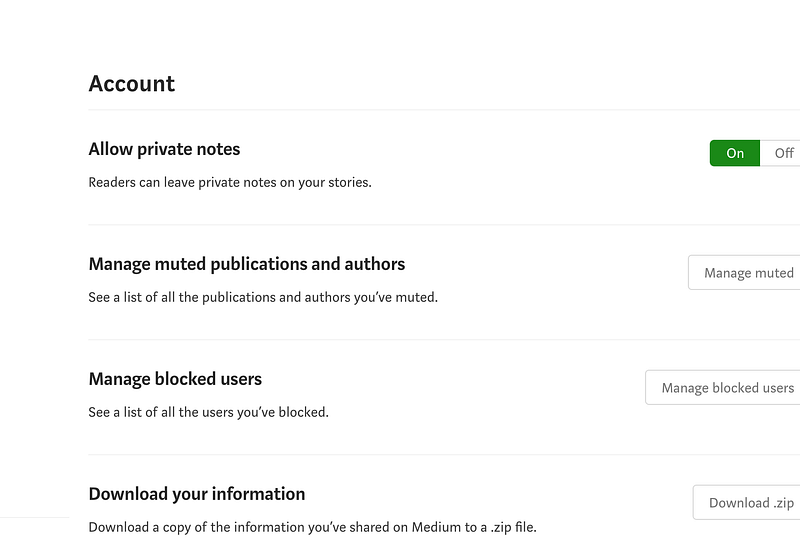
- Click on Settings.
- Scroll down to Download.
- Click Download.zip.
- Click Export.
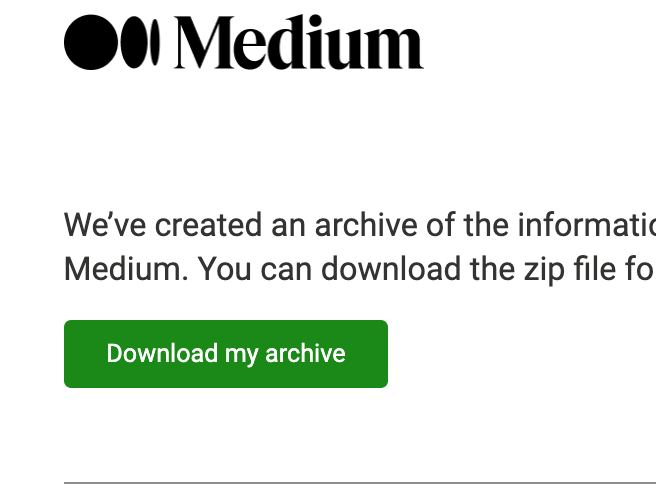
- Go to your email and click Download Archive.
- Click on your Download Folder.
- Click the Medium-Export folder.
- Click on Partner-Program.
- Click on each Posts option to see how much $$$ has been deposited in your bank over the lifetime of your MPP* mischief
- Ever wondered who has a crush on you? Of course you have. But, now you can see your writer crushes. Just click Interests and Writers.html to score a list of “Writers You ha[ve] shown interest in.”
- There’s more in the Exports folder. When you’re in a curious mood, put your feet up, and explore.
Learning too much at once can be hard. I’m going to protect you. A future Sexy Techy How-To-Tutorial will go into more depth.
Riff off MPP in the spirit of Naughty By Nature’s OPP and see what you come up with. Yeah. It’s pretty easy.
Related Read