
Python Pandas: Junior vs. Intermediate vs. Senior vs. Expert
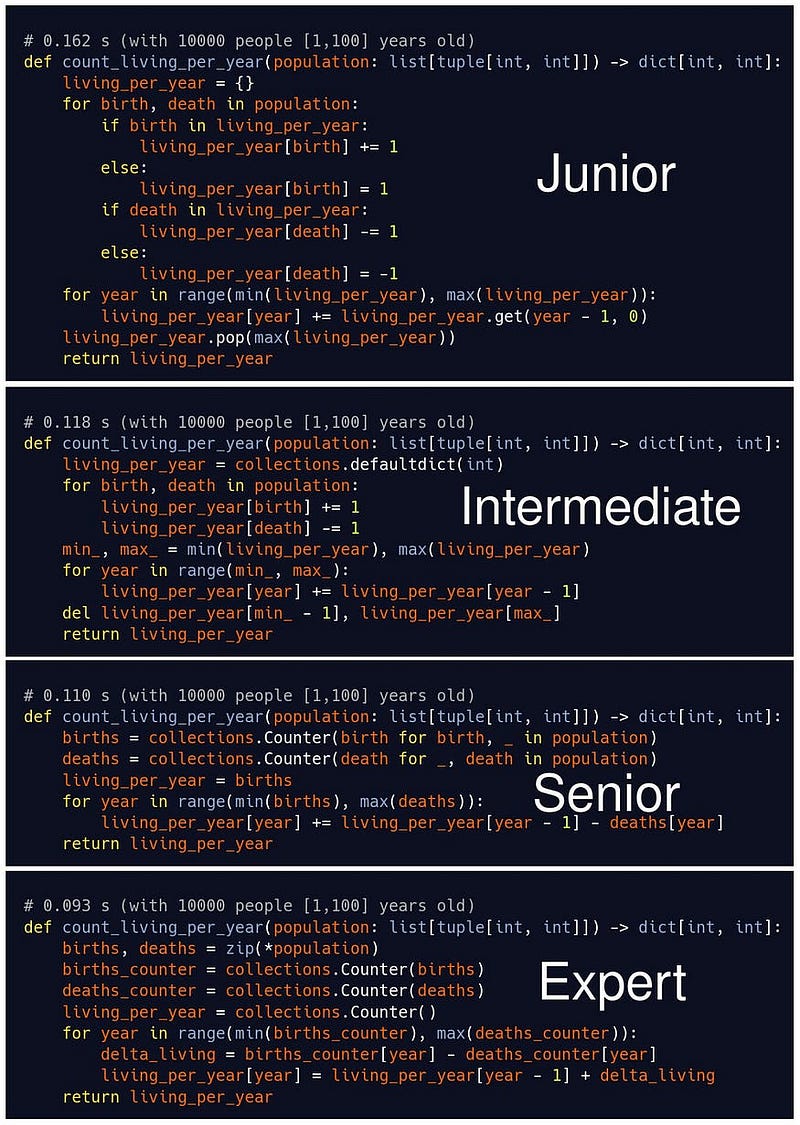
Python is a versatile programming language known for its simplicity and readability. When it comes to data manipulation and analysis in Python, one of the most powerful libraries at your disposal is Pandas. Pandas provides a wide range of tools for data cleaning, transformation, and analysis. However, the way you use Pandas can vary significantly depending on your experience level.
In this article, we’ll explore the differences in how junior, intermediate, senior, and expert Python developers leverage Pandas with code examples for each level.
Junior Level
Junior developers are typically new to both Python and Pandas. They tend to use the library in a more basic and straightforward manner.
Reading Data
import pandas as pd

# Load a CSV file into a DataFrame
df = pd.read_csv('data.csv')
# Display the first 5 rows
print(df.head())
Basic Data Exploration
# Get the number of rows and columns
print(df.shape)

# Summary statistics
print(df.describe())
Simple Data Filtering
# Filter data for a specific condition
filtered_data = df[df['age'] > 25]
print(filtered_data.head())
Intermediate Level
Intermediate developers have a better understanding of Pandas and are comfortable with more complex operations.
Data Transformation
# Group data by a column and calculate the mean of another
grouped_data = df.groupby('category')['value'].mean().reset_index()
print(grouped_data)
Handling Missing Data
# Drop rows with missing values
cleaned_data = df.dropna()

# Fill missing values with a specific value
df['age'].fillna(30, inplace=True)
Joining DataFrames
# Merge two DataFrames based on a common column
merged_data = pd.merge(df1, df2, on='common_column')
Senior Level
Senior developers are proficient in Pandas and can optimize code for better performance and readability.
Advanced Data Filtering
# Filter data using multiple conditions
filtered_data = df[(df['age'] > 25) & (df['income'] > 50000)]

# Use the query method for complex filtering
filtered_data = df.query('age > 25 and income > 50000')
Creating Pivot Tables
# Create a pivot table for in-depth analysis
pivot_table = df.pivot_table(index='category', columns='month', values='value', aggfunc='sum')
Applying Custom Functions
# Apply a custom function to a column
def custom_function(x):
    return x * 2

df['double_income'] = df['income'].apply(custom_function)
Expert Level
Expert developers have a deep understanding of Pandas internals and can tackle complex data challenges efficiently.
Memory Optimization
# Reduce memory usage for large DataFrames
df['column_name'] = pd.to_numeric(df['column_name'], downcast='int')
Multi-indexing
# Create and work with multi-index DataFrames
multi_index_df = df.set_index(['category', 'sub_category'])
print(multi_index_df.loc['Category1'].loc['SubcategoryA'])
Vectorization
# Perform vectorized operations for improved performance
df['new_column'] = df['column1'] * df['column2']
These examples demonstrate how Python developers at different experience levels can utilize Pandas for various data manipulation tasks. As you progress in your Python journey, your Pandas skills will undoubtedly improve, enabling you to work with larger datasets and tackle more complex analysis.
Remember that becoming a Pandas expert takes time and practice. Continuously learning and exploring new features and techniques will help you reach higher levels of proficiency.
💰 FREE E-BOOK 💰: If you’re interested in diving deeper into Python and data manipulation, check out our free e-book here.
👉 BREAK INTO TECH + GET HIRED: For those aspiring to break into the tech industry and land a job, we have a valuable resource here.
If you enjoyed this post and want more like it, Follow me! 👤