
HOW TO USE MIDJOURNEY
Pro Midjourney TIP | Stop Using “T-Shirt” in your T-Shirt Ai Prompts, Use This Instead
This one word replacement will result in more consistent, NON mocked up images from Midjourney.
Using Ai to create your T-shirt art is super simple, and if you know how to properly compose your Midjourney prompts, the proverbial sky is the limit.
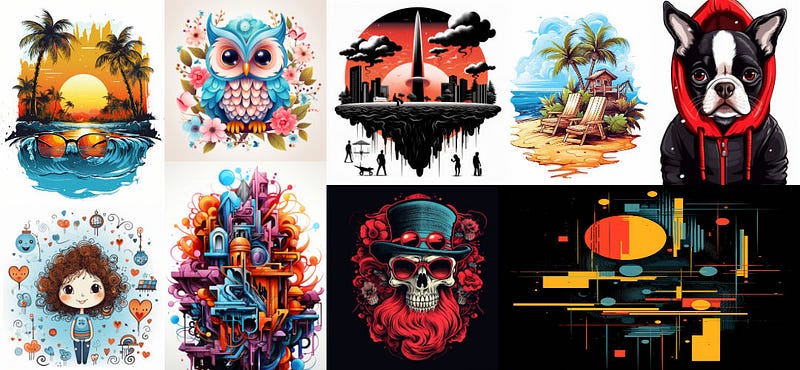
If you search the Midjourney public feed for Ai art T-shirt prompts, you’ll see some amazing results that anyone would be proud to wear. You’ll also see results of actual T-shirts with a design on them. That’s where this tip comes in … It’s super frustrating when you see a killer design that’s already placed onto a T-shirt mock-up because getting that exact design into a useable format is near impossible with Midjourney.
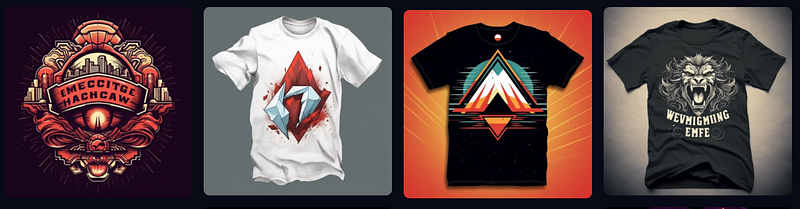
You could re-roll in hopes of get something close, but the best way to avoid mock-up images when you DON’T want mock-ups is to simply replace “T-shirt” with the word …
“CLIPART”
Yes, it’s that simple and as you’ll see in the examples below. Replacing “T-Shirt with Clipart” produces nearly identical results without getting product mock-ups.
“But I want the designs on a mock-up as well” you say? I’ve got you covered with this article where I show you how to place your Midjourney generated Ai art onto any product as a mock-up.
Here’s our first example … I’m using a prompt from this website shaheednotes.com — where I entered the following prompt … 🏮
t-shirt design, painting of a mountain with trees and water,
a detailed painting by Petros Afshar, shutterstock contest winner,
environmental art, detailed painting, outlined art,
2d game art - seed 1400748837
I grabbed the seed value for consistency, if you were to roll this exact prompt in Midjourney with the same seed and NOT change anything you will get the following four images … Notice the mock-ups (not what we want YET)
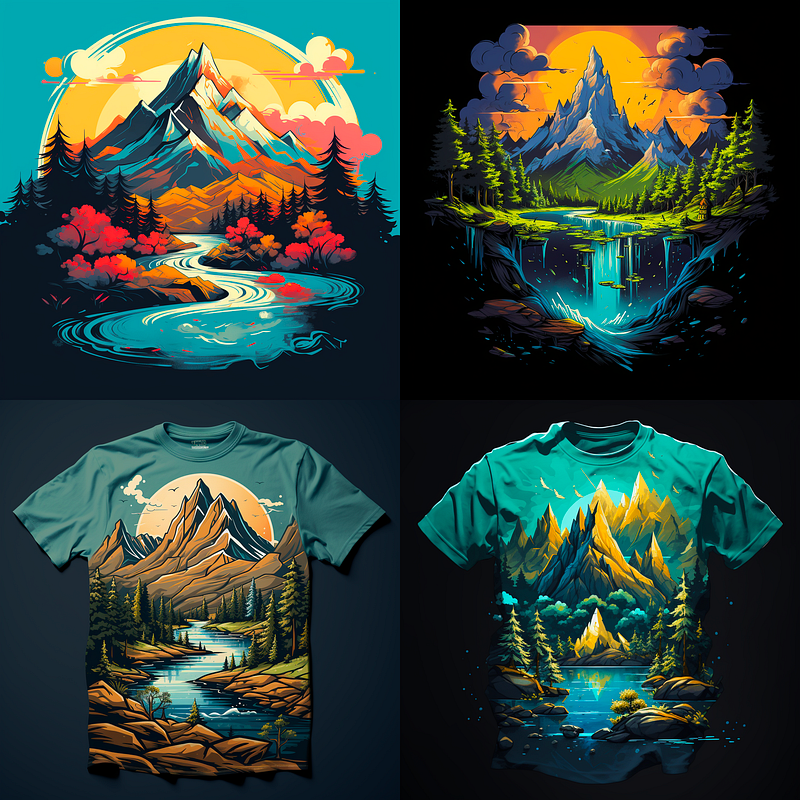
Now, lets change only ONE word — T-shirt — and replace it with “clipart” (notice we’re using the same seed value as above)
CLIPART design, painting of a mountain with trees and water, a detailed
painting by Petros Afshar, shutterstock contest winner, environmental art,
detailed painting, outlined art, 2d game art - seed 1400748837
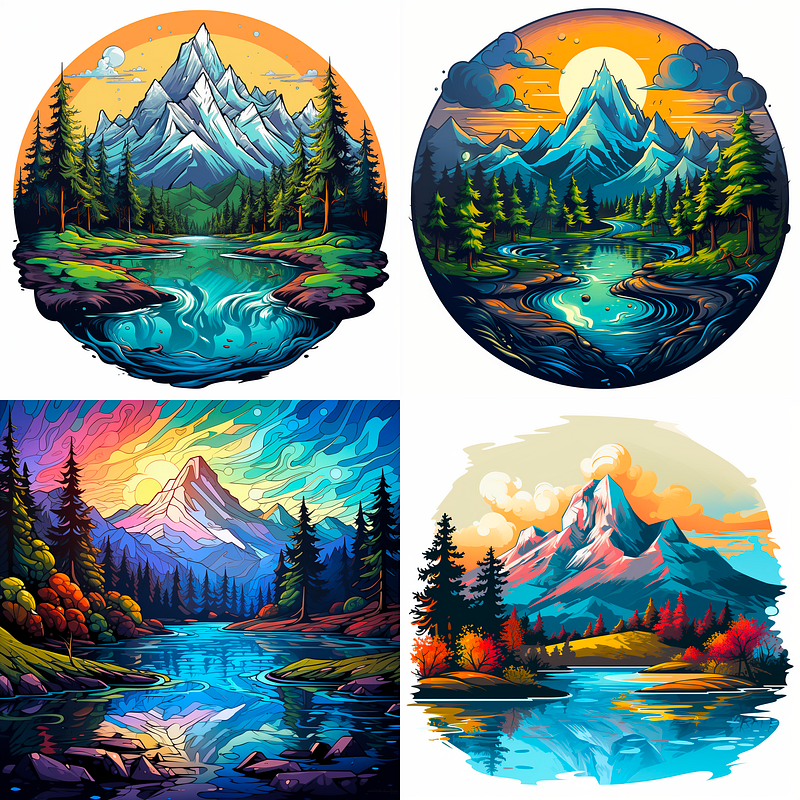
You end up with one image that may not work depending on your design needs (U3 — lower left) but at least there’s no t-shirt mock-up design.
To learn how to create mock-ups from your designs when you WANT the mock-ups (yes you can control the output, it’s INSANE!) check out this previous article …
Next we’ll try another prompt found from the same website as the example above. Take a look at these cute baby parrots …
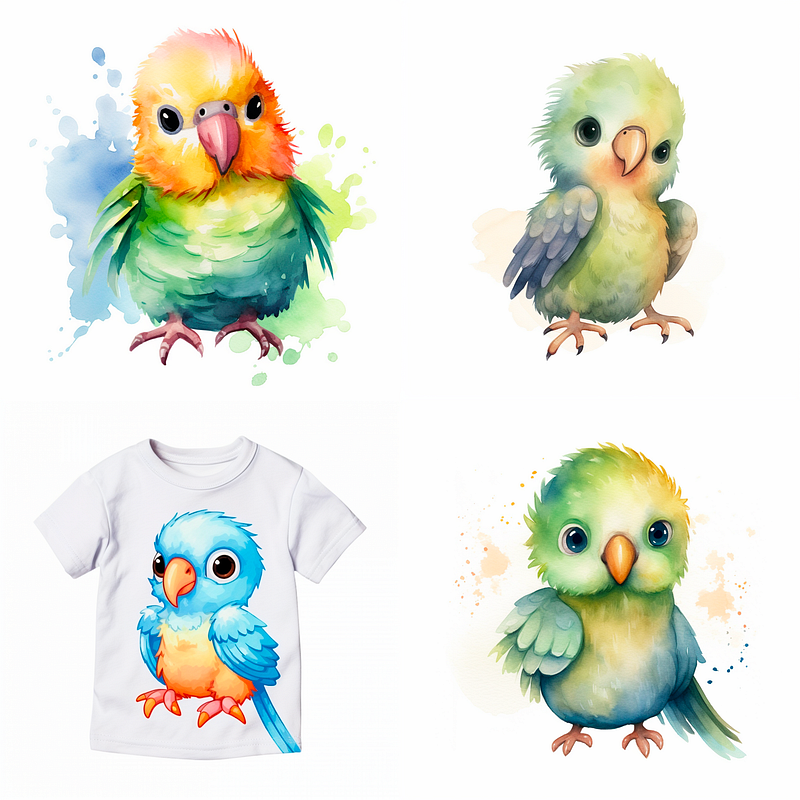
Well, only one t-shirt mock-up in this roll with the following prompt plus seed.
t-shirt design, isolated minimalistic watercolor illustration of cute baby
parrot on a white background, disney style, simple, very minimal,
hand painted, pattern, texture, pastel colors, very sharp --seed 1992694710
Again, we only change “t-shirt” from the above prompt and use “clipart” below.
clipart design, isolated minimalistic watercolor illustration of cute baby
parrot on a white background, disney style, simple, very minimal,
hand painted, pattern, texture, pastel colors, very sharp --seed 1992694710
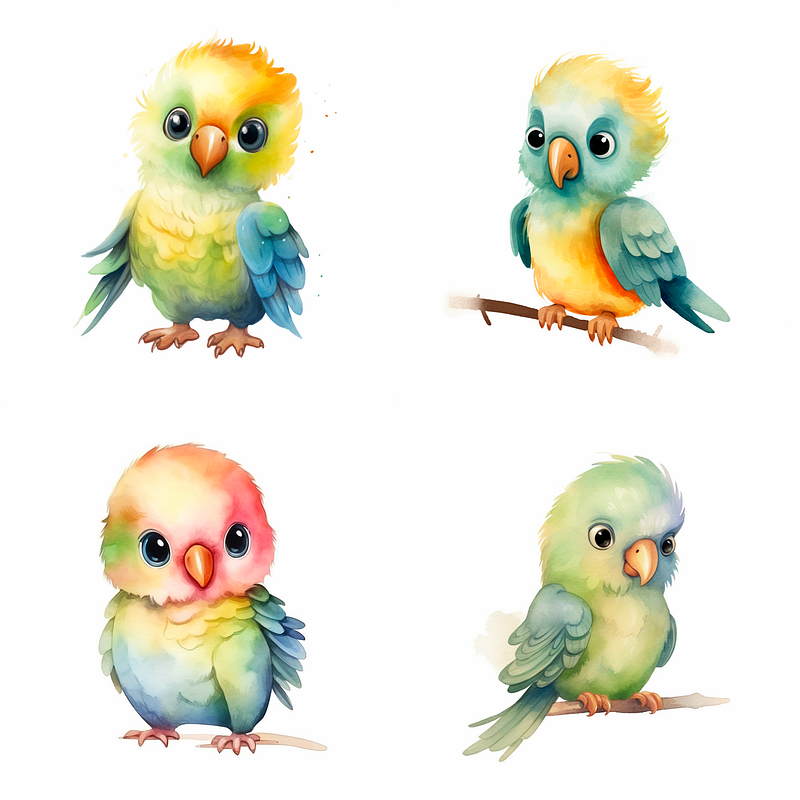
SUCCESS!! We managed to get four useable images that can later be placed into a mock-up if we want to print that design. Just keep in mind this isn’t always a perfect approach but it should be more consistent. You may have to add the water-color splashes back into the prompt if you want them back behind the parrot, soooo, again, not perfect LOL.
You’ll see in the next example how the change has a slightly negative effect, and may need further tweaking if you wanted to retain the missing elements. In that case, using “t-shirt” may still outweigh the chance of getting an undesired mock-up.
For the next section I’m using prompts pulled from the same site as above but different article …
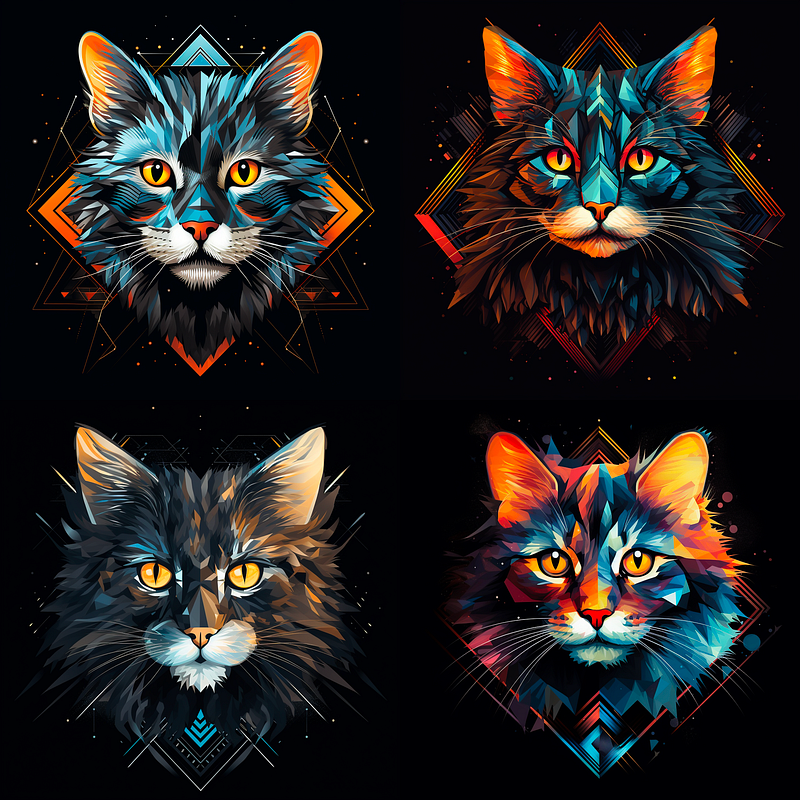
t-shirt design, a close-up of a cat’s face, black background, vector art,
geometric abstract art, angular, geometric, quantum wavetracing
--seed 1628433751
This time we didn’t get any t-shirt mock-ups and this can be common, but some times you just can’t get away from the mock-ups appearing. I wanted to include an example where we lose something but at the same time demonstrate that using clipart can produce similar results, which makes it a perfect alternative when the prompt miss-behaves ;)
Next we flip the keywords again, CLIPART is swapped in … (don’t forget the seed)
CLIPART design, a close-up of a cat’s face, black background, vector art,
geometric abstract art, angular, geometric, quantum wavetracing
--seed 1628433751
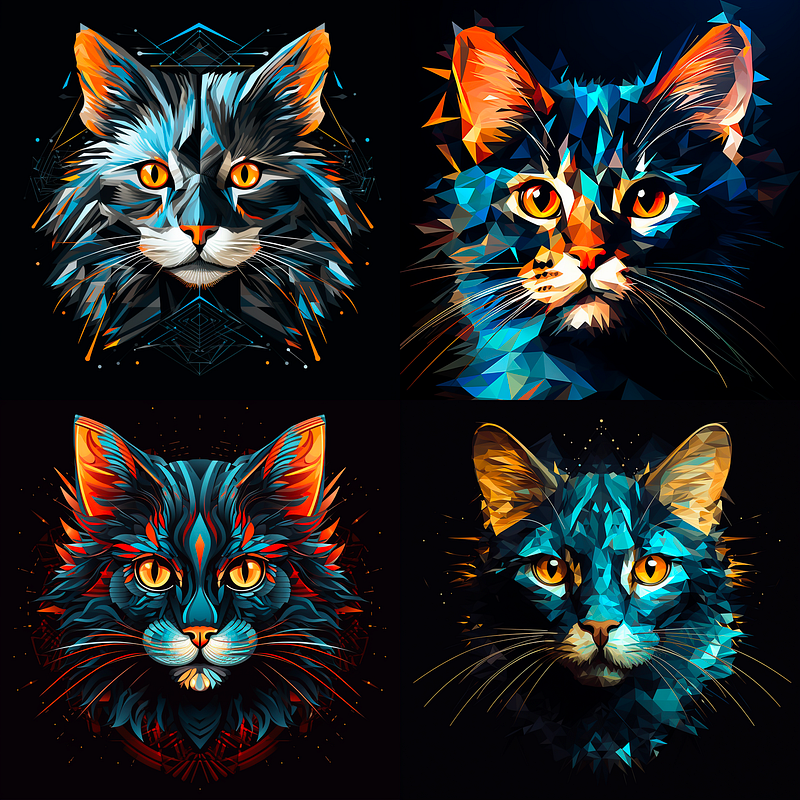
Extremely close results but do you see what we lost? The geometry around (behind) the head in the first images could be a desired effect and using “clipart” may require more tweaking than is worth the replacement. Especially since we didn’t get the mock-up images.
Hopefully you can see the benefits to using clipart vs t-shirt for consistency, but just as Ai art generation goes, it’s still not 100% perfect and you may still want to use t-shirt or even without the hyphen with tshirt.
That’s the beauty and the curse right!? and why it’s an exciting time of exploration in Ai generative art.
Here are more resources for t-shirt prompt ideas you can try your newly acquired swap alternative with … ENJOY!
This next one has a cool randomizer button for creating random prompts.


