
Writing
Practical Tips and Tricks That Will Help New Writers
Things I didn’t know as a novice on Medium

I published my first story on this platform in April 2018. But there’s more to it than just publishing a well-written article.
I learned how to format — bold, italics, titles, sub-titles — create bullet and numbered lists, use single-line spacing for poetry and add five tags. For the initial few months, I referred to my notes until the knowledge remained embedded in my brain’s memory!
(The Help Section on Medium presents simple instructions on what to do. I found writing them in a notebook was a time-saving way to reference the information until it became second nature.)
Despite mastering the basics, I knew little on creating a quality title, the rules of capitalization, the best source for royalty-free images and which editing software might work best for me.
Against a backdrop of millions of writers and bloggers, you have five seconds to arouse a reader’s curiosity to read further than the heading.
The image plays an important role too and must relate to your topic.
Finally, if your content has multiple grammar and spelling errors, the reader will leave and never return.
Writing is a profession — if you come across as an amateur, you will fail.
On the journey of honing my writing skills, I discovered these wonderful tools that will help you as they helped me.
The best news is they are free!
Titles
Co-schedule Headline Analyzer
Enter your title and you will receive a score based on word balance:
- Common
- Uncommon
- Emotional
- Power
(Aim for a score above 70 but avoid obsessing if you don’t reach it. Many of my 400+ titles are in the 65–69 range.)
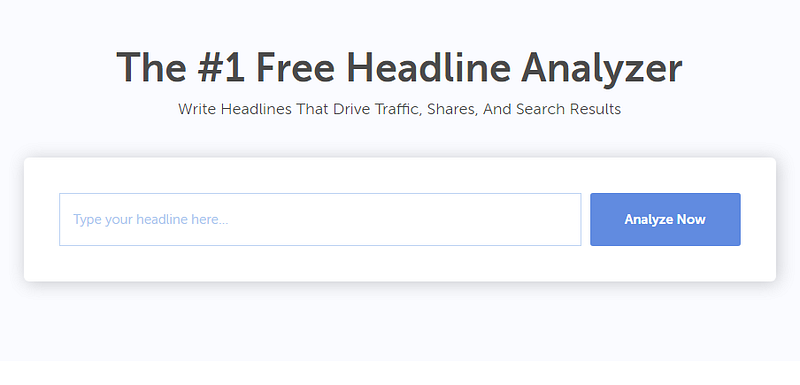
You receive a detailed analysis on Headline Type, Sentiment, Word Count, Character Count and Skimmability.
They recently introduced the free Headline Studio Browser Extension. I found it too complex for my current needs but will look again.
Emotional Marketing Value (EMV) Headline Analyzer
Another valuable tool offered by the Advanced Marketing Institute which assigns a percentage score on your EMV words — intellectual, empathetic, spiritual — or a combination.
I only use this when I want an article to reach a specific target audience. For instance, if my topic is neuroscience, I aim for the intellectual reader.
Enter your title:
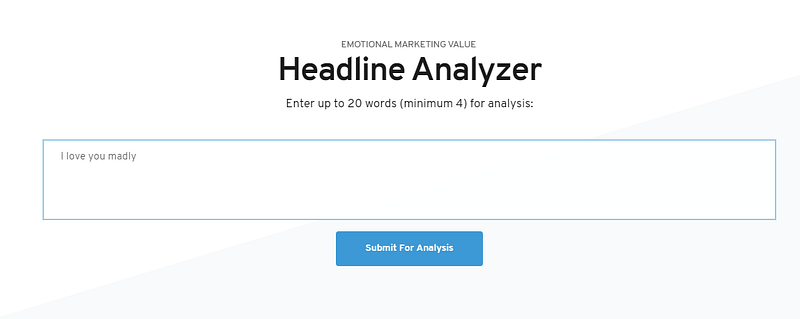
Here is the result:
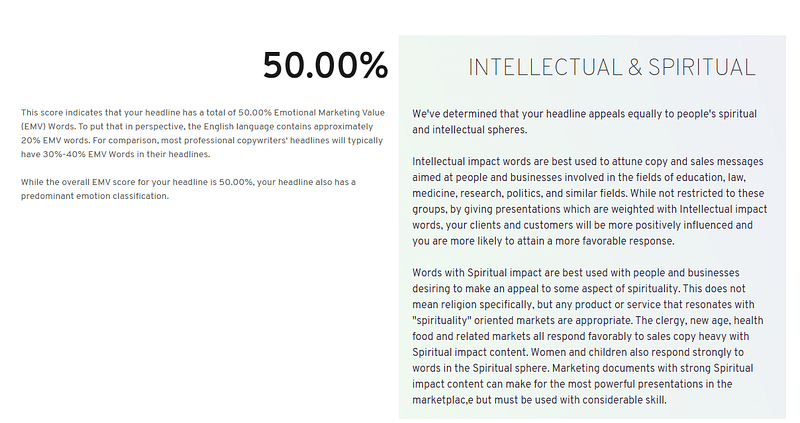
With the same title in the Co-schedule Headline Analyzer, I scored a low 63 and 0% on emotional words. In contrast, I achieved a high EMV of 50% here!
Remember that these tools are guidelines — the final decision is yours.
Capitalization Tools
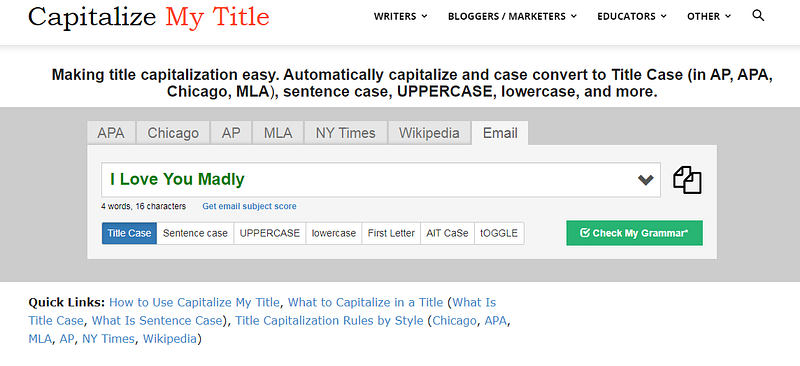
I battled with title capitalization until I came across these two websites that do it for you.
(The second is preferable if you are writing for a publication with a specific Style Guide.)
1. Title Case Converter
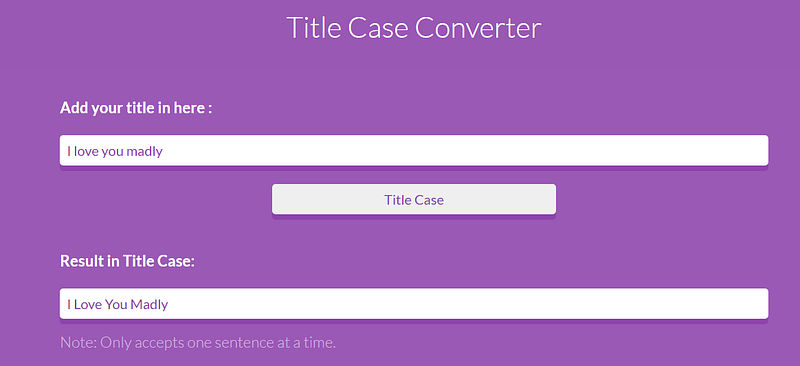
2. Capitalize My Title
Images
Although you can select images directly from Unsplash in your Medium draft, I prefer Pixabay.
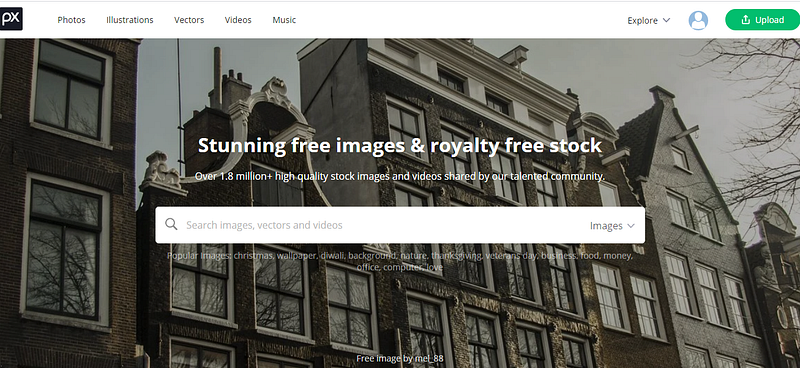
I consider this tool more user-friendly. I enter keywords for the category of image I seek — maybe a nature scene and an emotion, and I find what I want in no time with a quick scroll through hundreds of images.
(Unsplash only shows nine per page, as I recall — takes me ages to search.)
I make a note of the photographer’s name, download the picture to my laptop to retrieve and add to my Medium draft. Saves me precious time.
Note: Don’t forget to include the source before you hit Publish or Submit to Publication.
Vocabulary
1. Word Hippo
After checking several sites over two years, I found my favorite thesaurus!
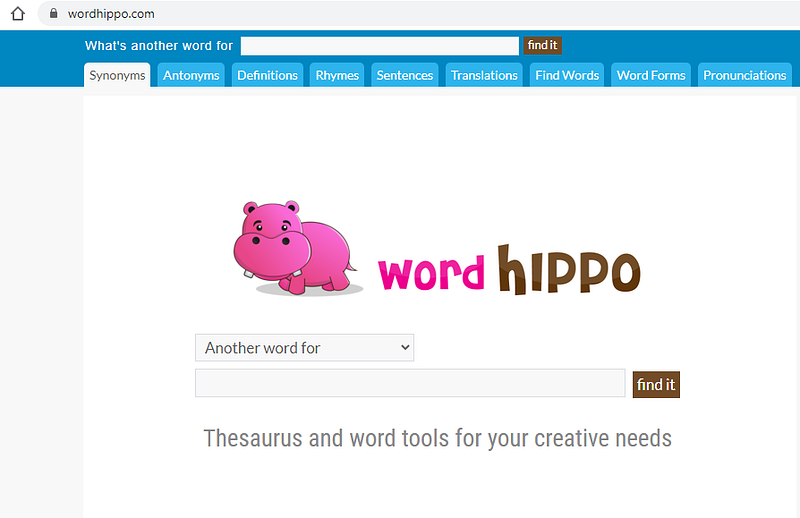
I love that I can find synonyms, antonyms, definitions, phrases, etc. in one place!
They sort by definition and parts of speech — adjectives, adverbs, nouns, verbs. Go explore and improve your vocabulary.
This saves me a ton of time — my broadband internet speed ranges anywhere between 30Mbps on a good day to 7Mbps during power outages in my rural location.
Note: The site has ads but they are not intrusive, displaying on the right side of the page.
2. Rhyme Zone
A fantastic source of ideas for writing limericks or any poem with rhymes. It doubles up as a thesaurus as well.
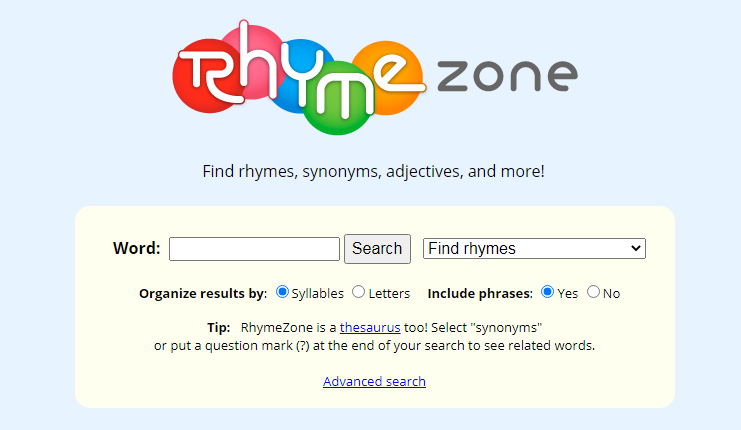
If I search for love the results sort by ascending number of syllables.
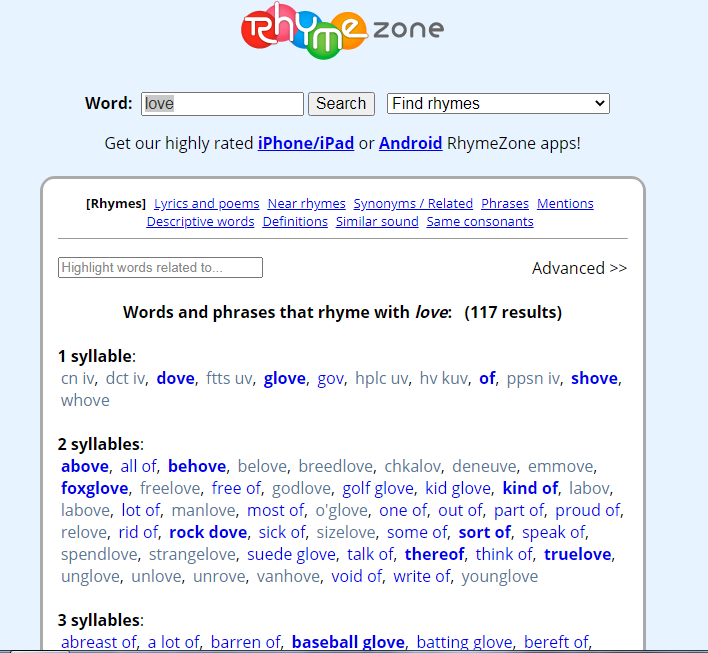
The arrow on the right offers options beyond finding rhymes, such as synonyms, antonyms, definitions and homophones (words that sound the same but have a different meaning or spelling).
Editing Tools
Many writers recommend Grammarly and Hemingway, but I use neither.
ProWriting Aid
In 2017, I wrote my first book (not published yet!) using this editing software.
I tested by using the free version which allows you to edit up to 500 words on site, but soon realized it was worth the money to pay for a Premium account.
In December 2019 I bought a Lifetime Subscription for $120.00. It expires in 2050 — that could be a problem if I live to over a hundred!
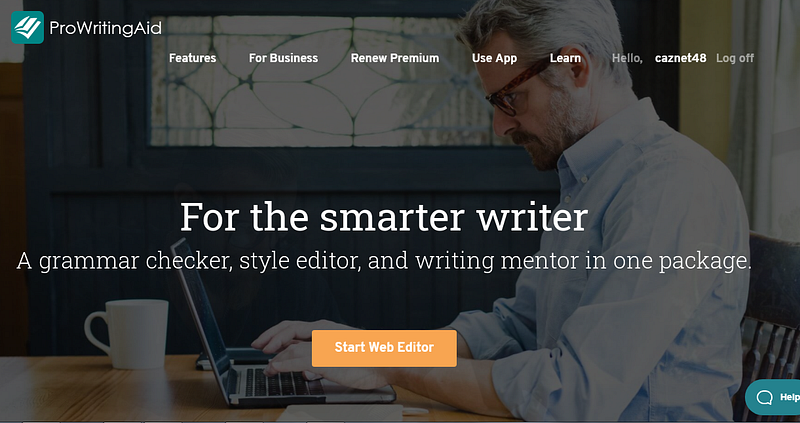
I’m not an affiliate but suggest you check them out.
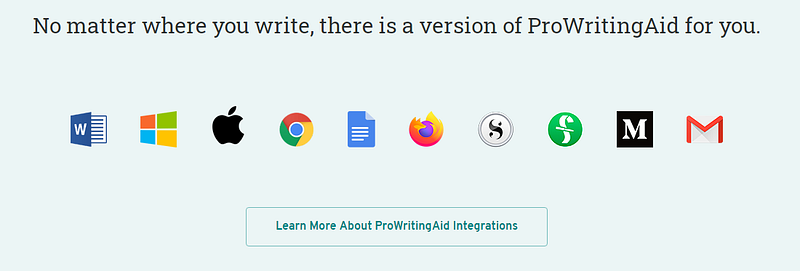
Prices are competitive with monthly, annual or lifetime subscriptions. They offer a variety of integrations such as Word Add-In for Windows or Mac and Scrivener. Includes twenty reports, a built-in thesaurus and blogs, courses and videos that support writers every step of the way.
An important point to note is that editing tools are guidelines; if you faithfully follow every suggestion, you risk killing your unique writing Style and Voice.
Another useful tip
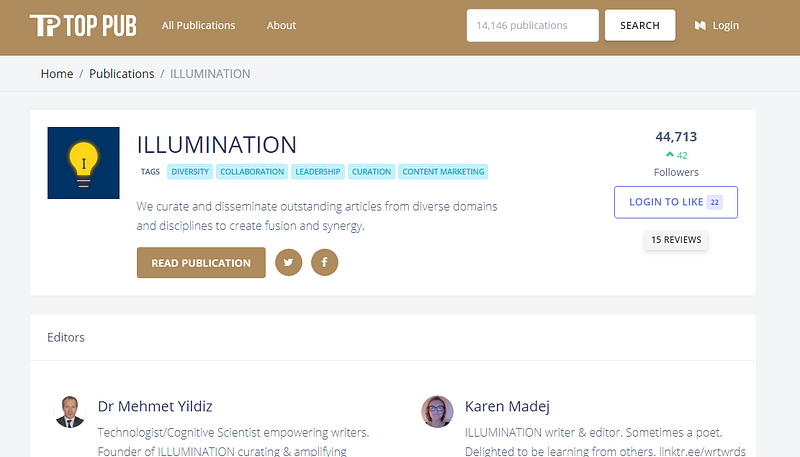
If you want to contribute to a publication on Medium, it’s useful to know the number of followers. If you can’t find this information on their About page, you can check this website. No need to register or log in.
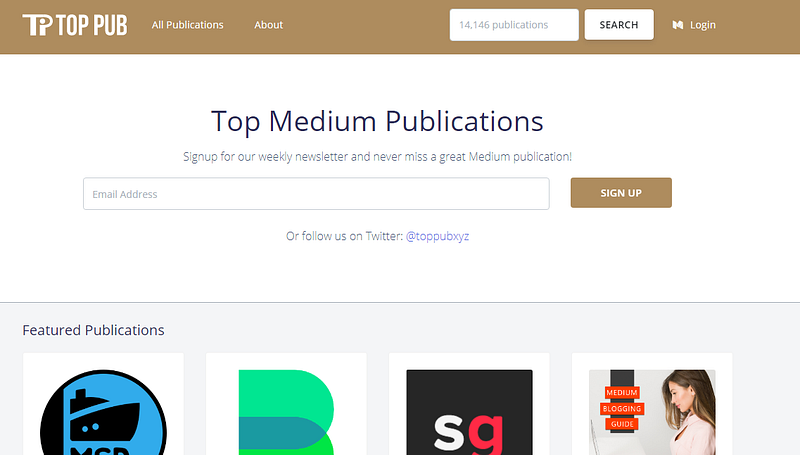
I typed Illumination in the search box, then clicked the name on the results page:
In closing
I hope these sites I’ve shared will help your productivity and free up more time for writing!
Thank you for being here.


