
Positioning with Anchors in QML
QML provides anchors to position different items relative to each others.
For each item, there are 7 imaginary lines called anchor lines. An item can be placed in these anchor lines relative to another item(parent or any sibling).

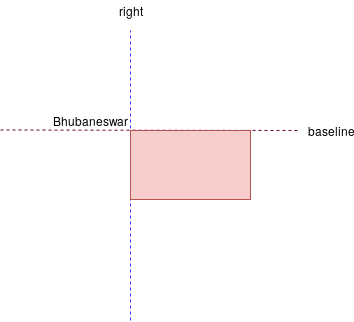
The 7th anchor is baseline, for text items, it's an imaginary line on which a text rests. For letters like g, the descender goes below the baseline. Some non-Latin characters can have some part below baseline like(ନ୍ଧୁ in Odia). It’s only useful for text based elements.
You can use any of those 7 anchor line properties to place your item.
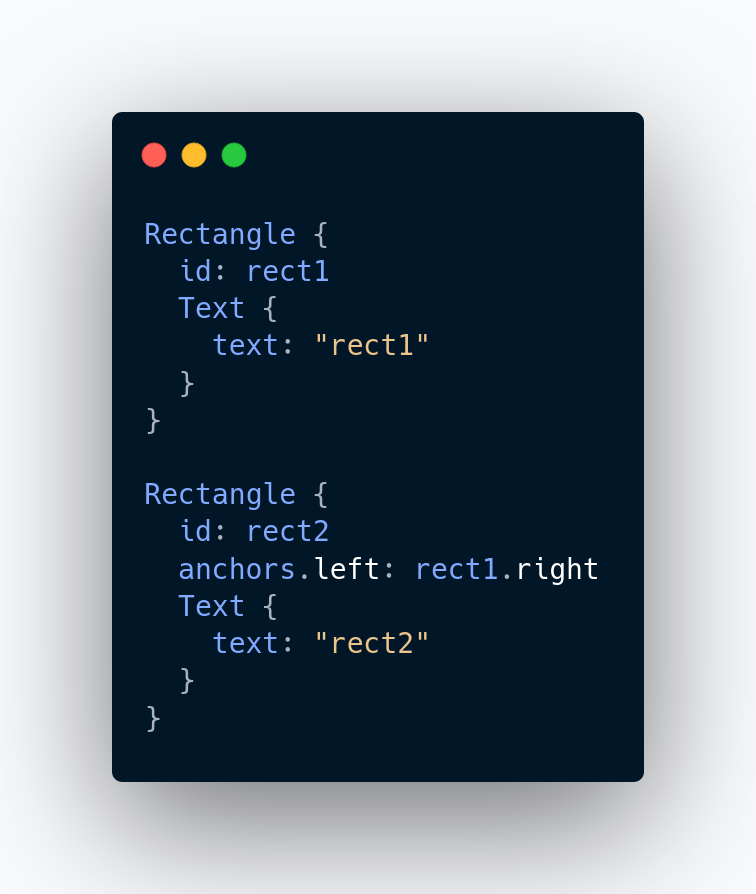
Here left edge of rect2 is bound with the right edge of rect1. It looks like this
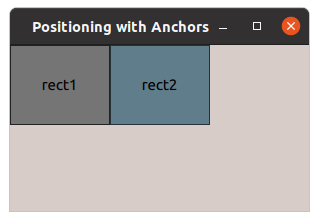
By using different combination of anchors, we can achieve the desired placement of different rectangles. We can control the size too.
Example 1
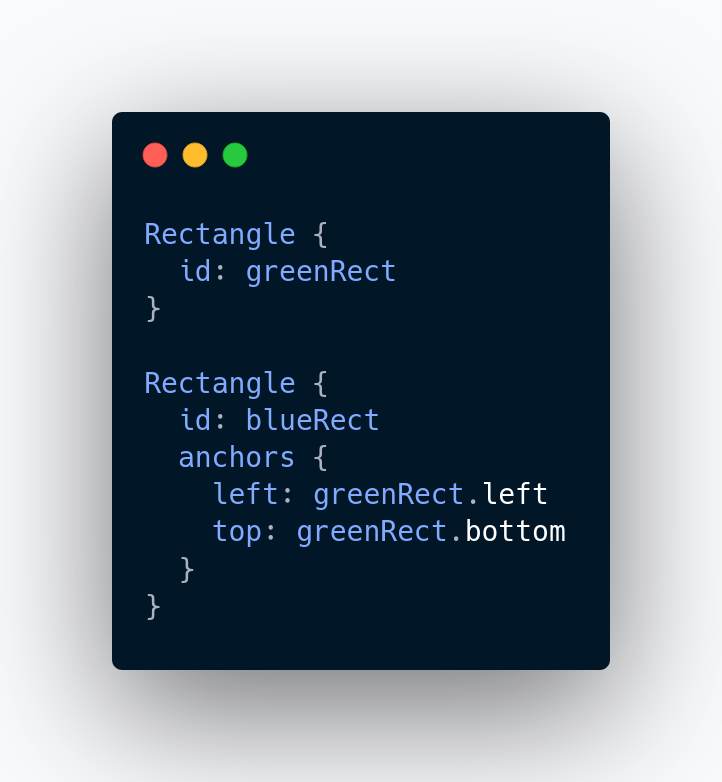
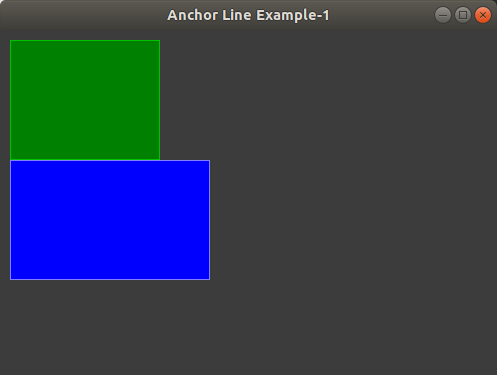
We have a green rectangle at (10, 10). We want to align a blue rectangle just below it.
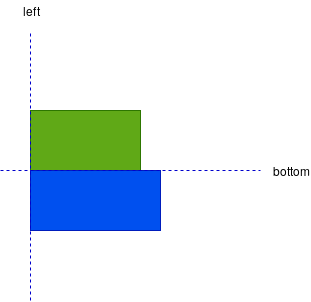
We will align the top anchor line of the blue rectangle with the bottom anchor line of the green rectangle and left anchor line of the blue rectangle with the left anchor line of the green rectangle respectively.
Example 2
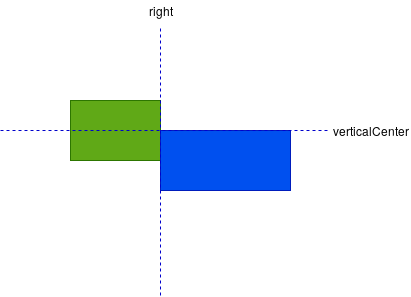
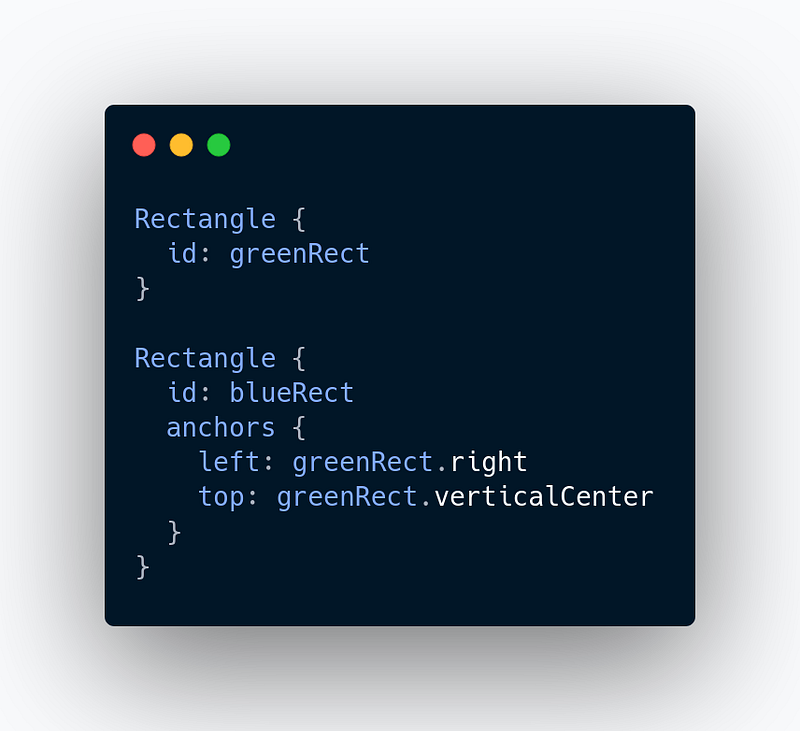
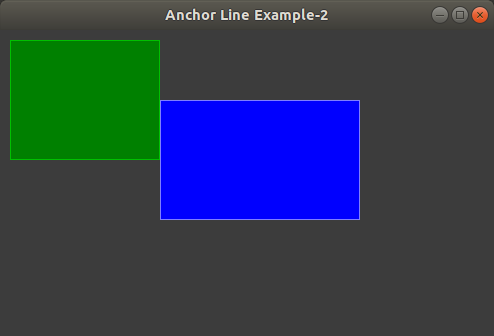
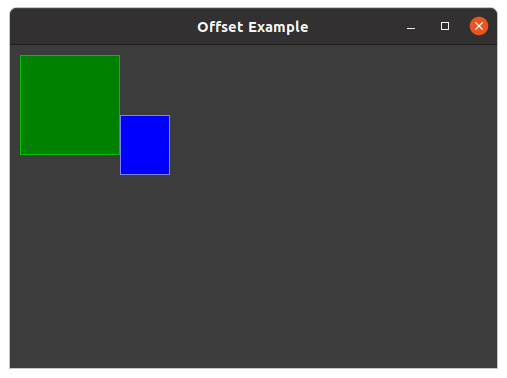
Now, we want the blue rectangle to be aligned on the right of the green rectangle, the top left corner of blue rectangle should be exactly at the middle of the right edge of the green rectangle.
Example 3
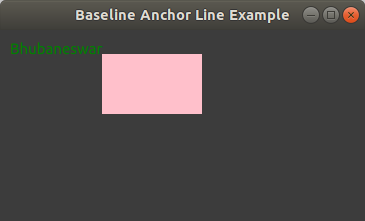
We want to align a rectangle just below the baseline of text, on the right of text.
fill and centerIn
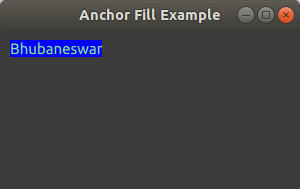
There are two more properties fill and centerIn which take another Item and aligns accordingly.
fill completely occupies. Usually, all anchor lines, except verticalCenter and horizontalCenter, are aligned fully. So, height and width should be same.
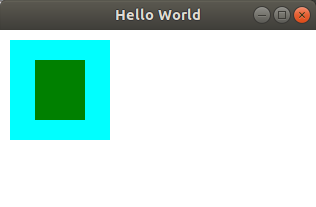
In case of centerIn, verticalCenter and horizontalCenter anchor lines are aligned fully.
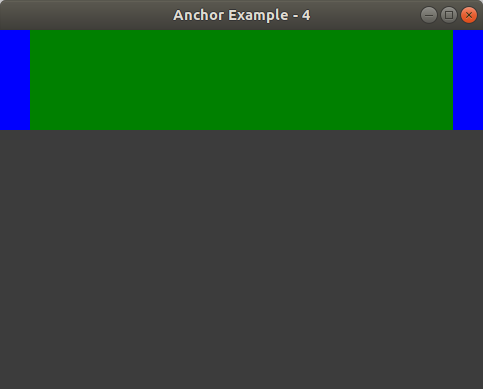
By specifying multiple horizontal or vertical anchors you can control the size of an item. In the following case, the left and right rectangle have fixed width. The middle rectangle will always occupy the rest of spaces.
Margins and Offsets
Margins specify the amount of empty space to leave to the outside of an item’s anchor. There are 4 types of margins(one for each edge).
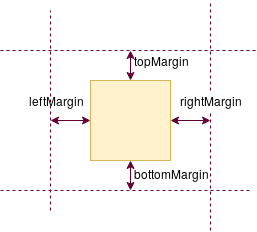
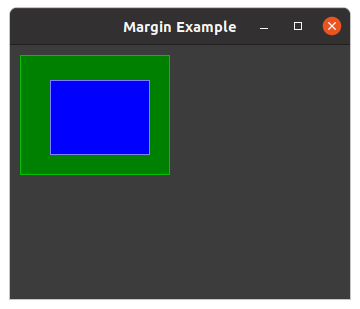
anchors.margin will set the all the 4 margins.
It’s necessary to set the anchor to set the margin.
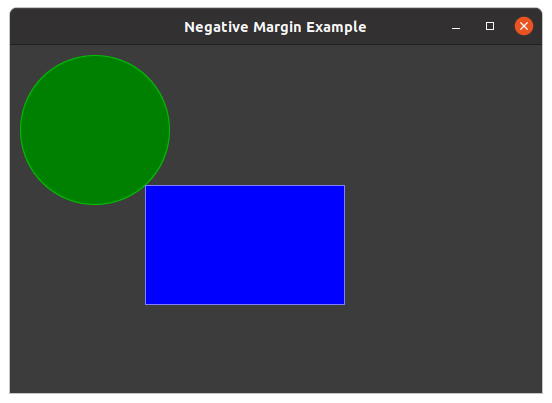
Margins can also be negative.
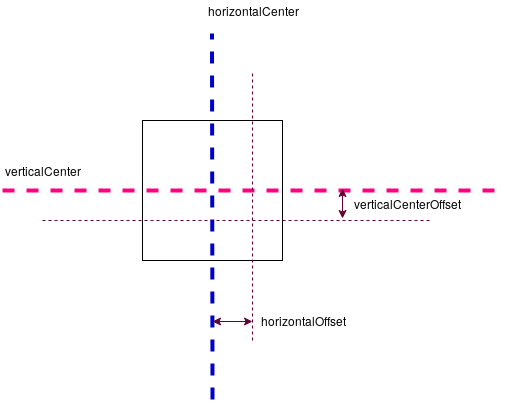
offsets allow positioning to be manipulated using the center anchor lines, offset specify empty space around the central anchor lines. -ve offset value will pull towards the corresponding axis(verticalCenterOffset towards x-axis) and +ve offset pulls away from the corresponding axis.
Anchor based positioning can’t be mixed with absolute positioning. If absolute position of x-axis is specified, then any anchor that affects the x-coordinates can’t be specified. Similar rules apply for y-axis absolute value.
Similar restrictions are also applied for size.
Thanks for reading.


