
Photos and art that you can explore, not just view statically
Playing with immersive 360° (“spherical”) photos
I recently got to know a library with which I can insert 360-degree views taken with my smartphone for you to experience right online. You don’t need to do anything special, just follow each link and you’ll see the 360 views right there. You can move around the spherical view with your mouse if on a computer or with touch gestures if on your smartphone. Moreover, on the phone you can do something cooler: if you choose “Sensor” instead of “Touch” or “Mouse” then you will be able to move around the spherical view just by moving your smartphone!
Let’s begin with one concrete example. I took this 360-degree photo in a small forest by the lake, standing between two big trees.
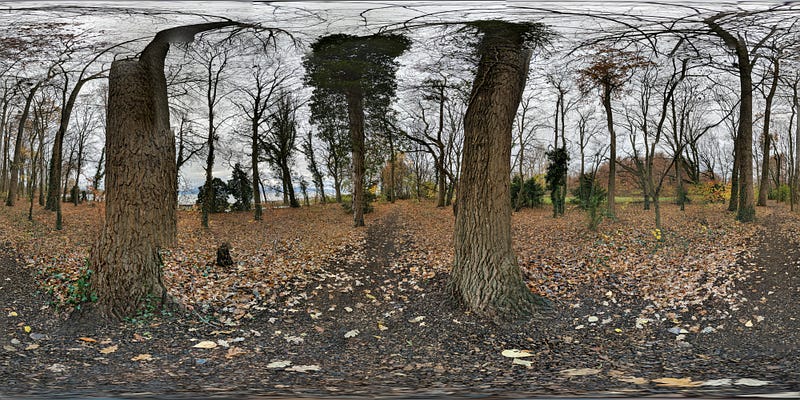
The image is all deformed, but when you access it in a 360-compatible way, everything changes:
https://lucianoabriata.altervista.org/tests/panolens/360view4-bosque.html
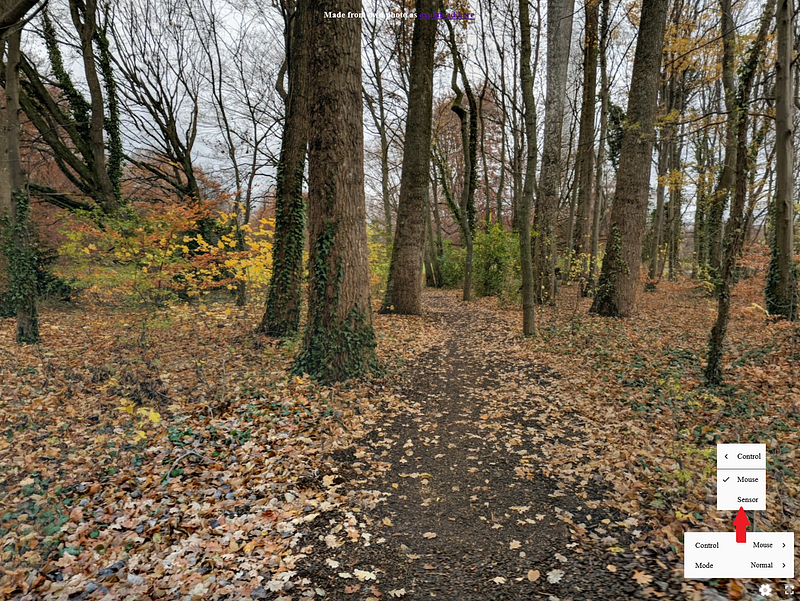
On the bottom right you have the controls with which you can choose how to move around the photo. In computers, only Mouse/Touch works, but in tablets, smartphones, and VR devices the Sensor mode works and makes the experience much more immersive!
Try these two other 360-degree shots I took in different parts of a forest:
https://lucianoabriata.altervista.org/tests/panolens/360view1.html
https://lucianoabriata.altervista.org/tests/panolens/360view2.html
And don’t miss this 360-degree photo in a snowed forest:
https://lucianoabriata.altervista.org/tests/panolens/360view3.html
from this story:
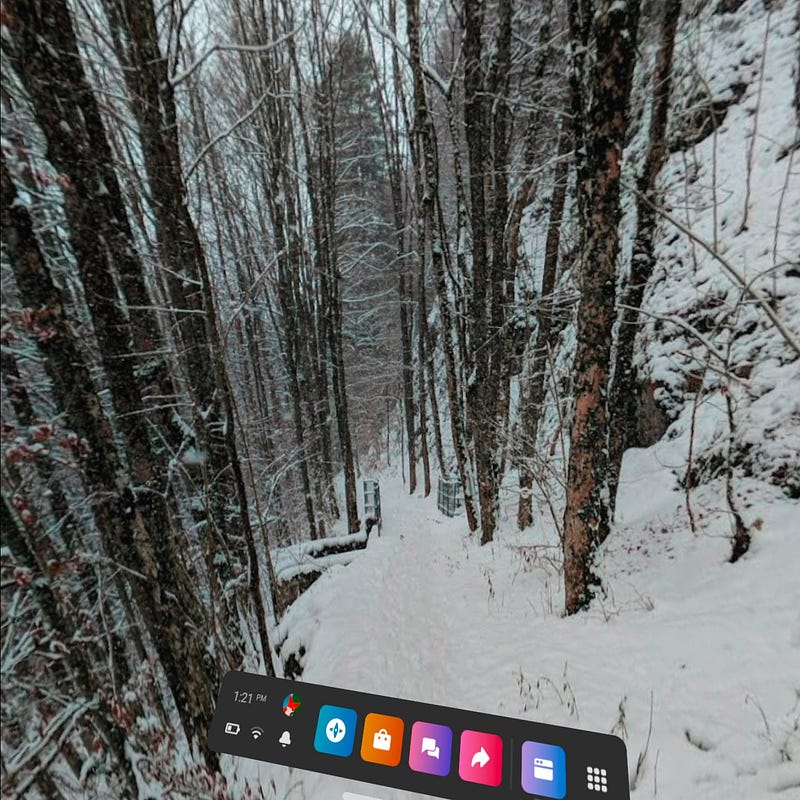
All this gets even cooler if you have a virtual reality device with a web browser, such as the Oculus Quest 2. With such a device, you can follow the links and then open the pages in fully immersive VR, where you just move your head to inspect the photo feeling like you are right there! See for example the same photo in the snowed forest above, screen-shot from inside the VR device:
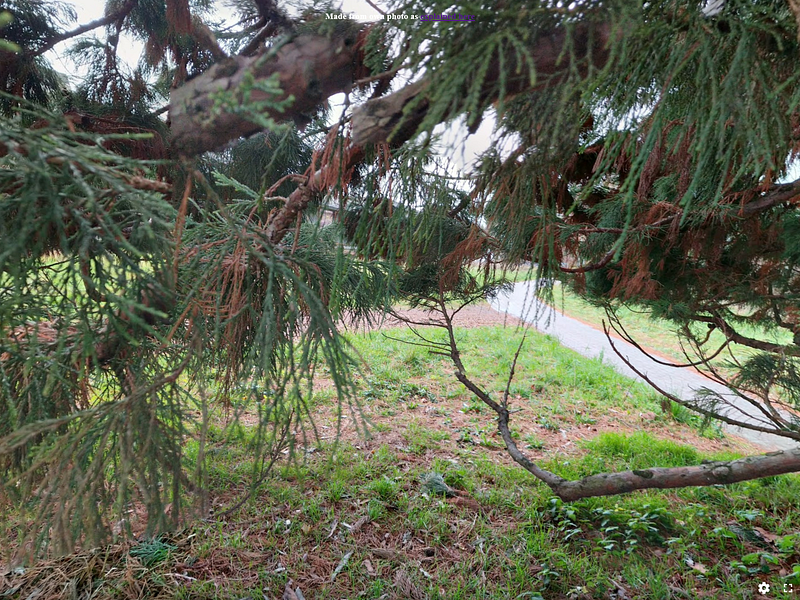
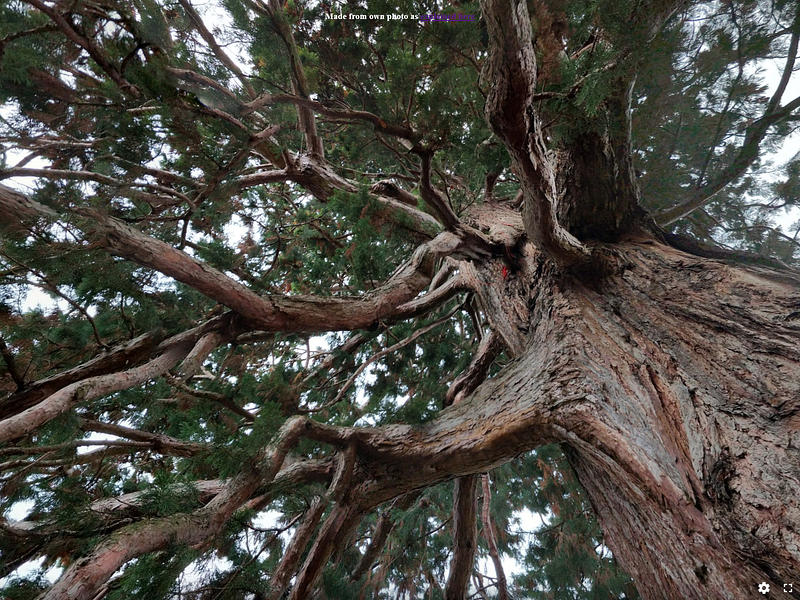
Two last photos for you to try on your computer, smartphone, tablet, or VR device. First a 360-degree shot inside the branches of a huge tree. Here’s the flat picture, and below you have the link to see it in 3D yourself together with screenshots in two orientations:
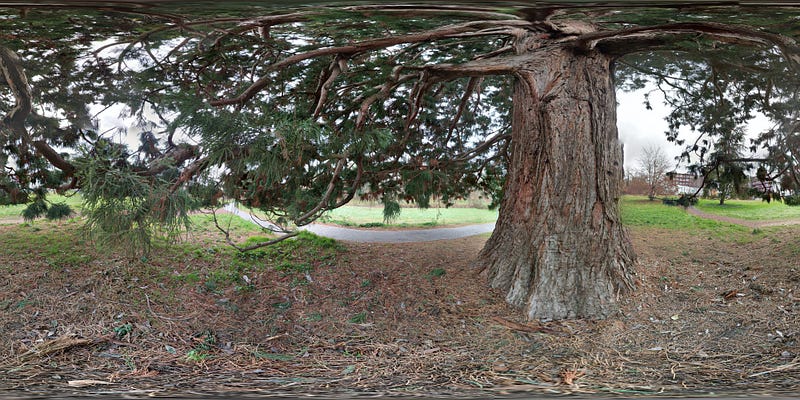
https://lucianoabriata.altervista.org/tests/panolens/360view6-arbol.html
One screenshot looking to the side:
And one looking straight up, just like in the prompt that Anne Bonfert proposed some weeks ago and I replied with two stories but actually extracted from the spherical view:
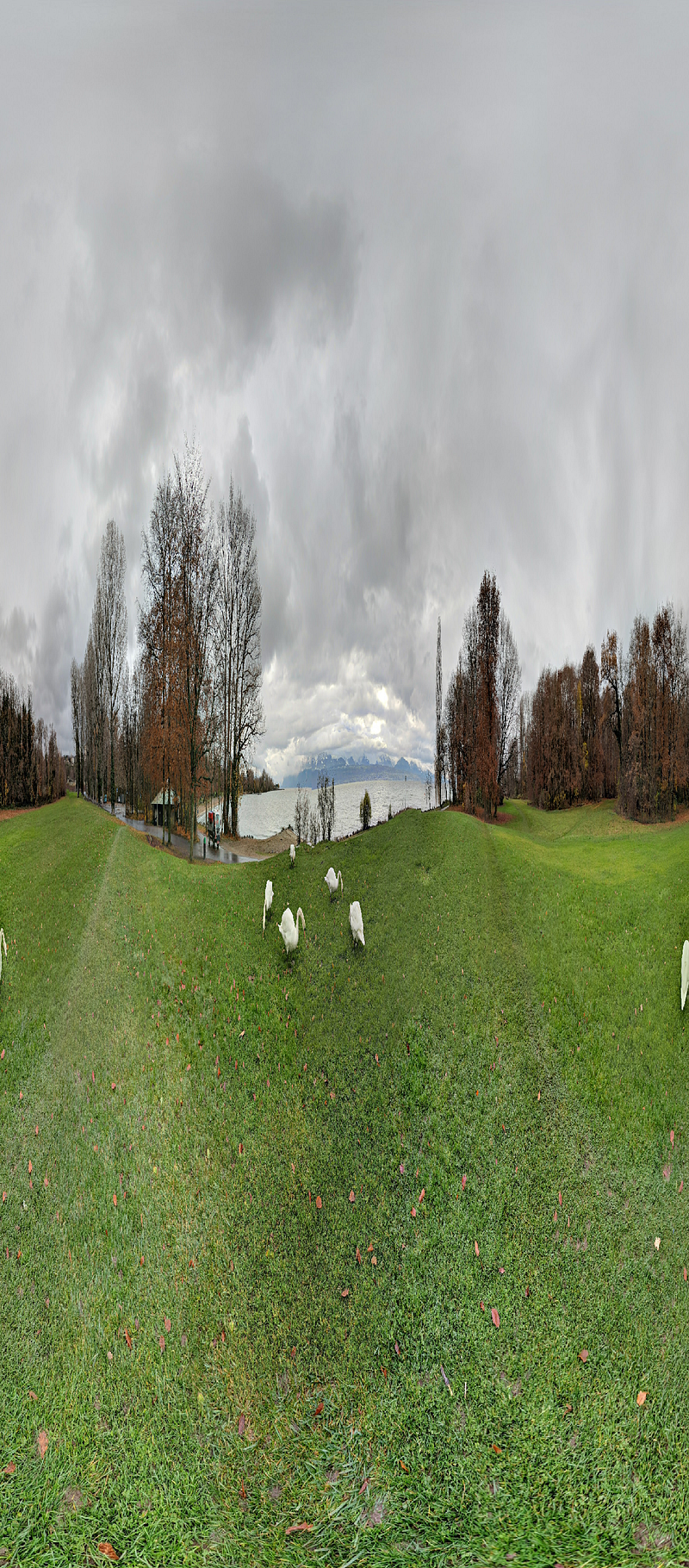
The last photo, I leave it to you to guess what it is… (will be straightforward if you access the link to see it in 3D):
https://lucianoabriata.altervista.org/tests/panolens/360view5-cisnes.html
Not only photos
You can in principle wrap any figure into the spherical space and just look at it. Here’s for example a composition from blue paintings of my previous story:
https://lucianoabriata.altervista.org/tests/panolens/360art1.html
But this, I have to explore further. I hope I’ll be back with “computer art in 360 degrees”!
→ If you want help doing something like this, do get in touch!
I am a nature, science, technology, programming, and DIY enthusiast. Biotechnologist and chemist, in the wet lab and with computers. I write about everything that lies within my broad sphere of interests -the @lucianosphere. Check out my lists for more stories. Become a Medium member to access all its stories and subscribe to get my new stories by email (original affiliate links of the platform for which I get small revenues without special costs to you).
For inquiries of all types, contact me here. For small jobs (on programming, data analysis, cryptocurrencies, biotech + bioinf project evaluations, science outreach + communication, molecular data analysis and design, molecular graphics, photography, moleculARweb tutorials, science teaching and tutoring, etc.) check my services page here.