
Planning is the most important thing when remote working — and you’re likely not doing enough of it
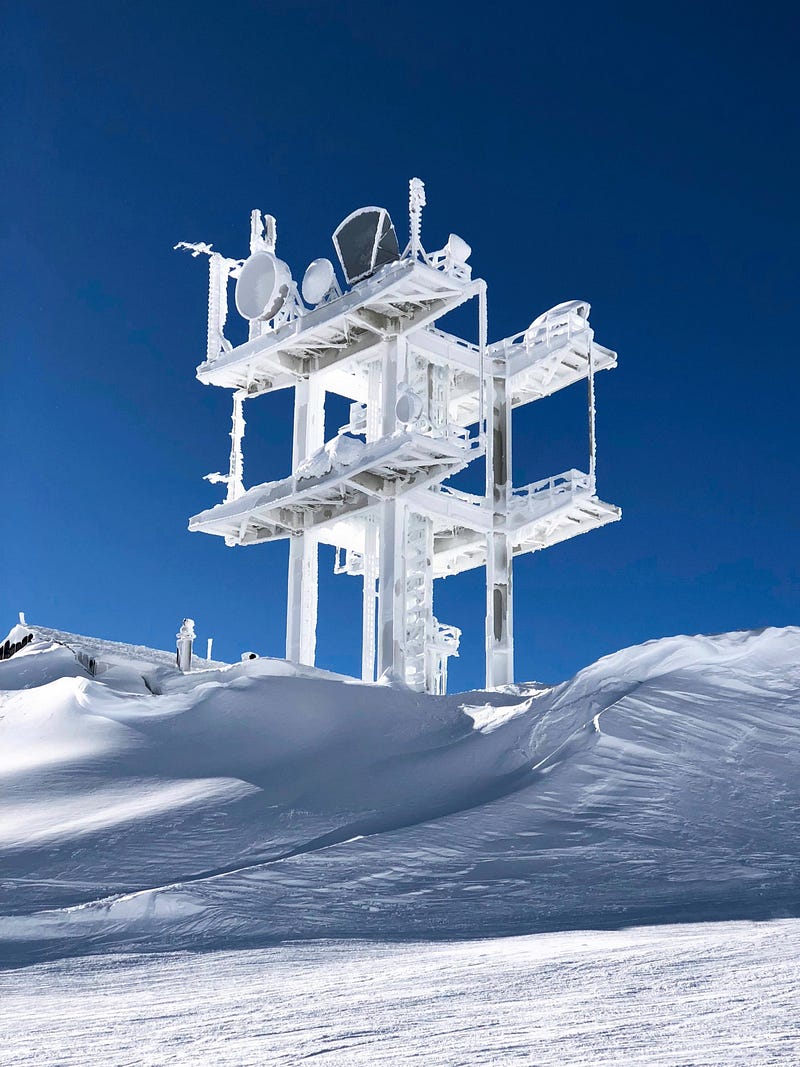
Have you ever heard the term “Nor’easter?” Growing up in New England, I learned that term early. At 10 years old I learned a new term: Ice Storm.
The Ice Storm of ’98 was without a doubt the worst storm I have personally lived through to date. My home had no power for weeks — plural. We couldn’t travel without risking going off the road. Power poles — not just lines — were laying on the ground, toppled by the weight of the inches-thick ice that coated them from top to bottom.
Ours was one of the lucky families. We had a wood stove. It stayed cold enough that we were able to store most perishables outside, and anything that needed to stay frozen went next door to the house with a generator.
With no hyperbole, I say this: I would not be alive today without the planning, and foresight, of those that came before me.
What does any of this have to do with remote work?
Quite a lot, actually.
Enter: Corona
The parallels between the Ice Storm of ’98 and the Coronavirus pandemic may not be obvious unless you lived through both.
Stuck at home for weeks on end. Necessities can be hard to come by. Hoarding. Panic.
Community.
In short, we went through some stuff.
One thing that we have available to us in droves that wasn’t available to us during the Ice Storm is remote work. Even without the loss of utilities, the internet hadn’t progressed to the extent in ’98 that it has today. Companies were still not as willing to work with you around telecommuting.
That’s no longer the case.
So what’s the problem?
Minor problems become big
What happens when the power goes out at your office while you’re working?
If yours is like mine, we get up, gossip for a few minutes, and then get out a notebook and meet about whatever topics we may have needed to discuss but were too busy to.
I split my job between web development and information technology, so when the power goes out I, personally, get busier.
Or I did, before I transitioned to working remotely last year.
So what happens now?
Well, one of two things. Let’s go the normal route. Suggestions abound for planning just that which you need to get done that day. For me that’s usually a mix between website code, and systems management.
What happens if I lose power and those are the only things that I have available to me?
I might as well crawl back into bed, because my day is done. I can’t work, which means I need to take a personal day.
But, let’s say you just have a network hiccup, and still have power? For me, that depends a lot on how our systems are setup. If things were as they were when we first moved to remote work, I’m in the same situation.
All of my code, all of my utilities, live in the office. Without my connection, I’m dead in the water.
BLOC Planning: Big Picture, Little Picture, and Other Contingencies
Planning advice tends to focus on “getting things done,” which leaves you with just-in-time planning. That’s great advice, and I encourage you to follow it — but expand on it.
I use what I call BLOC Planning — Big Picture, Little Picture, and Other Contingencies.
Big Picture
Your Big picture is your long-term plan. For me, those are long term projects, and system integrations. Anything that will take me longer than a day falls under the long term plan, and my big picture.
I update my big picture once a week. Things change quickly, and priorities must be shuffled depending on what priorities exist. If new priorities come in, we adjust the big picture plan to fit them in.
Little Picture
This is your day to day plan. Big picture plans are always high level, so little picture plans are the opposite. We break the big picture projects into individual deliverables that can be accomplished in a few hours, to a day. We fill our days with these tasks.
Little picture plans should be done the night before. That means adding a task daily to finalize your plan for the next work day. It’s important to complete this task every day, so you are ready everyday to jump into work.
Other Contingencies
This is the area that most people don’t do.
This is the area that the Ice Storm taught me to never forget.
Have you considered how you might continue to work if you couldn’t leave your house for months on end? Before March of 2020, I would chance that most of us would have said no. I had never imagined it to quite the length we have been dealing with it, but living I had imagined a real possibility that we would be stuck in our homes for a few weeks due to another ice storm.
That’s why I implemented a plan over 2 years ago to move all of our internal assets to cloud hosted servers. That plan was nearly complete when the pandemic hit.
It was just the first of my contingencies that I had to use this year.
The second was when I heard that Walmart was offering pick up options. I designed a contingency around removing myself from shopping — this was largely to speed shopping trips up, but as you’ll see, modifying contingencies is just part of the process.
With the pandemic, touchless shopping is now a necessity. That’s when we decided that the contingency worked for the pandemic as well. We had been shopping with masks, but after a recent surge of cases we are back to touchless again.
But what about your ability to work?
My entire job generally revolves around my computer. It would seem, then, to be nearly impossible for me to get any amount of work done without power at home.
That’s not entirely wrong.
But I have some options.
What happens if I have internet, but no power? I have a generator.
What if I have no internet, but I have power? I can do all of my development on my local machine, and I have a backup wireless hotspot that connects to the cell network that I can use to push deployments when local testing passes.
What if I have no power or internet? I use a desktop machine for my development primarily, but I have two separate laptops — one a Windows machine, one a Linux machine — configured with everything I need to do my job. Those, combined with the wireless hotspot I mentioned, and my generator, mean that I will never be completely unable to do my job.
What if the hotspot doesn’t get signal? I have a DC to AC adapter that connects to my car and allows me to plug my laptop in. I can drive around until the hotspot gets signal.
What if my car won’t start, and I have no signal, no power, and no internet? In that case I can use my generator to power the computer and printer up. From there I will print out the code that I am working on. Once that’s finished, I will outline my code changes in a notebook referencing line numbers and classes, and I’ll transpose once I can.
What if my car won’t start, I have no signal, no power, no internet, and my generator is out of gas? I bought a dual fuel generator, and I can connect my home’s propane tank to it.
What if my car won’t start, I have no signal, no power, no internet, my generator is out of gas, and I run out of propane? I have a backup computer at my office that I can ask a colleague of mine to sign into for me. From there, I can use Chrome Remote Desktop from my Samsung Galaxy Note 10+ to remote into. This computer is configured exactly the same as my other development machines, and I can use my phone to do development — admittedly at a much lower efficiency.
What if all of the above, and the backup computer won’t connect?
Well.
Then I guess I’ll take the day off.
If this article was interesting to you, you’re going to love the stream of tech-consciousness that is my Twitter feed. Head over there and give me a follow. You won’t be disappointed.