Palette Prompting with Midjourney 6 Using — sref
Upping your Midjourney game…
A while back I did a series of posts on — sref in Midjourney 6, but here is another way to use this feature you might not have considered. It is what I call “Palette Prompting”.
What is Palette Prompting?
Simple — using a color palette image reference to define the core color base from which Midjourney will influence the rendered results! I know, that does not SOUND simple, but it genuinely is. We can create a palette reference image (something that shows a collection of colors in a single JPG or PNG file — often in a linear sequence of side-by-side rectangles or squares). While there are many tools for creating these, I am going to walk your through creating a color palette from an image using Adobe Color.
__
Starting from Adobe Color — I provide a quick intro to the tool and show how to extract colors to create your own palette. From there I import the palette image as a PNG or JPG file. This can be done through Discord or the alpha.Midjourney.com platform. Referencing the link to this image file as an — sref
As a note, you are NOT limited to Adobe Color as the means of creating your palette. There are plenty of other tools out there for accomplishing the same thing — but as an Adobe user, this is one of the best in relation to integration across the Adobe Suite of tools. Plus, it is super easy to use.
Here you go:
Adobe Color
Here are the slides from the presentation (in sequence) in case you wish to view something in detail.
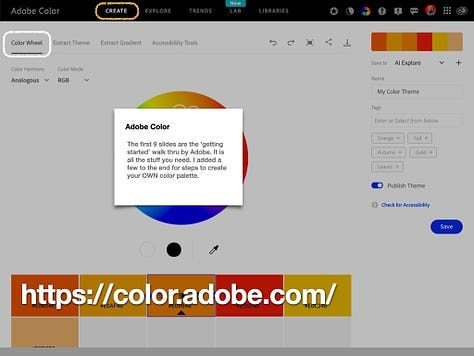
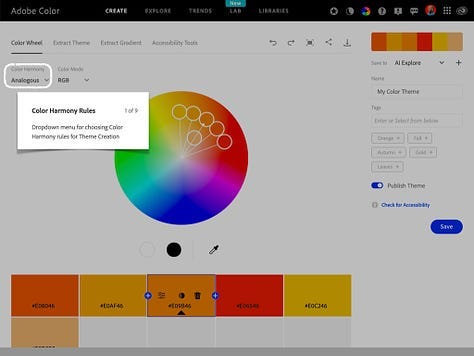
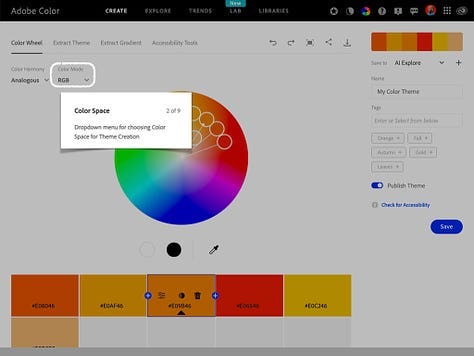
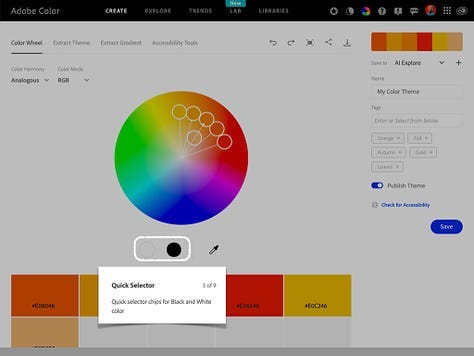
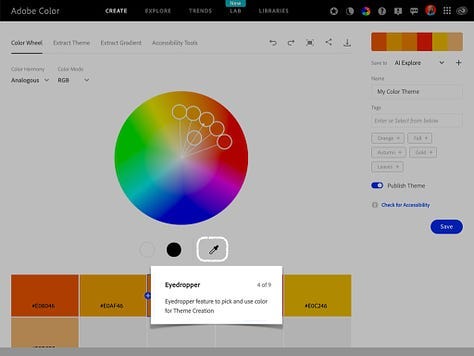
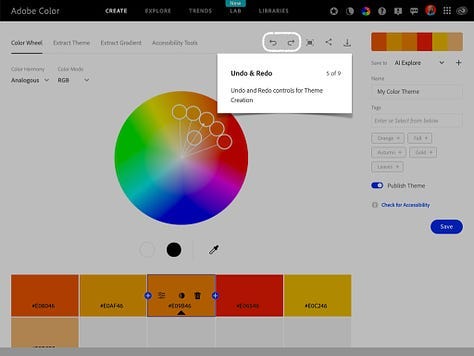
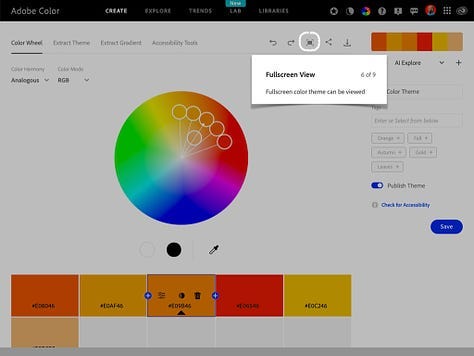
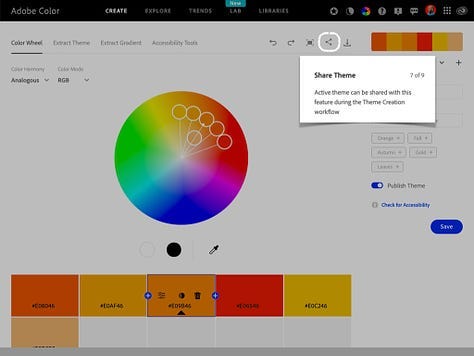
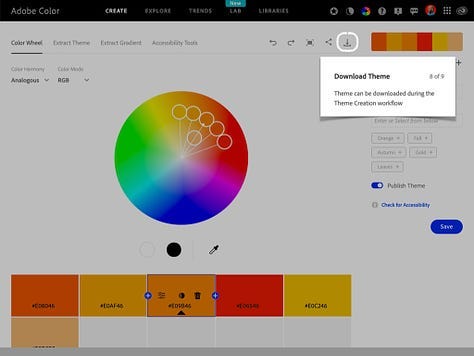
Now, in order to use Adobe Color to create your palette — we can start from scratch, or use an existing image to select the colors!
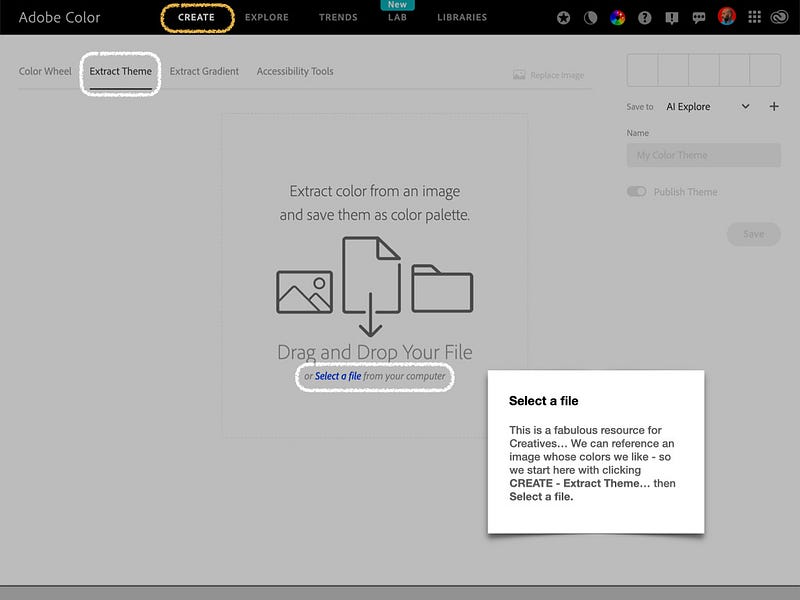
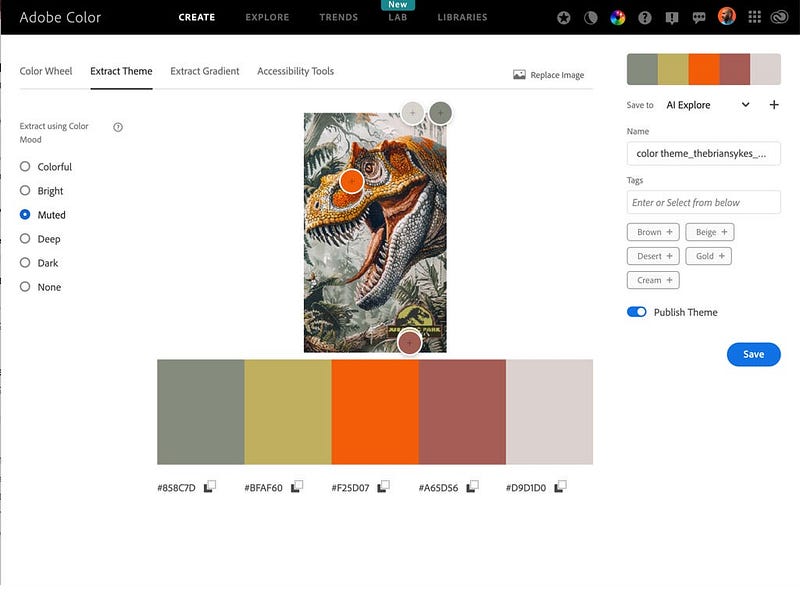
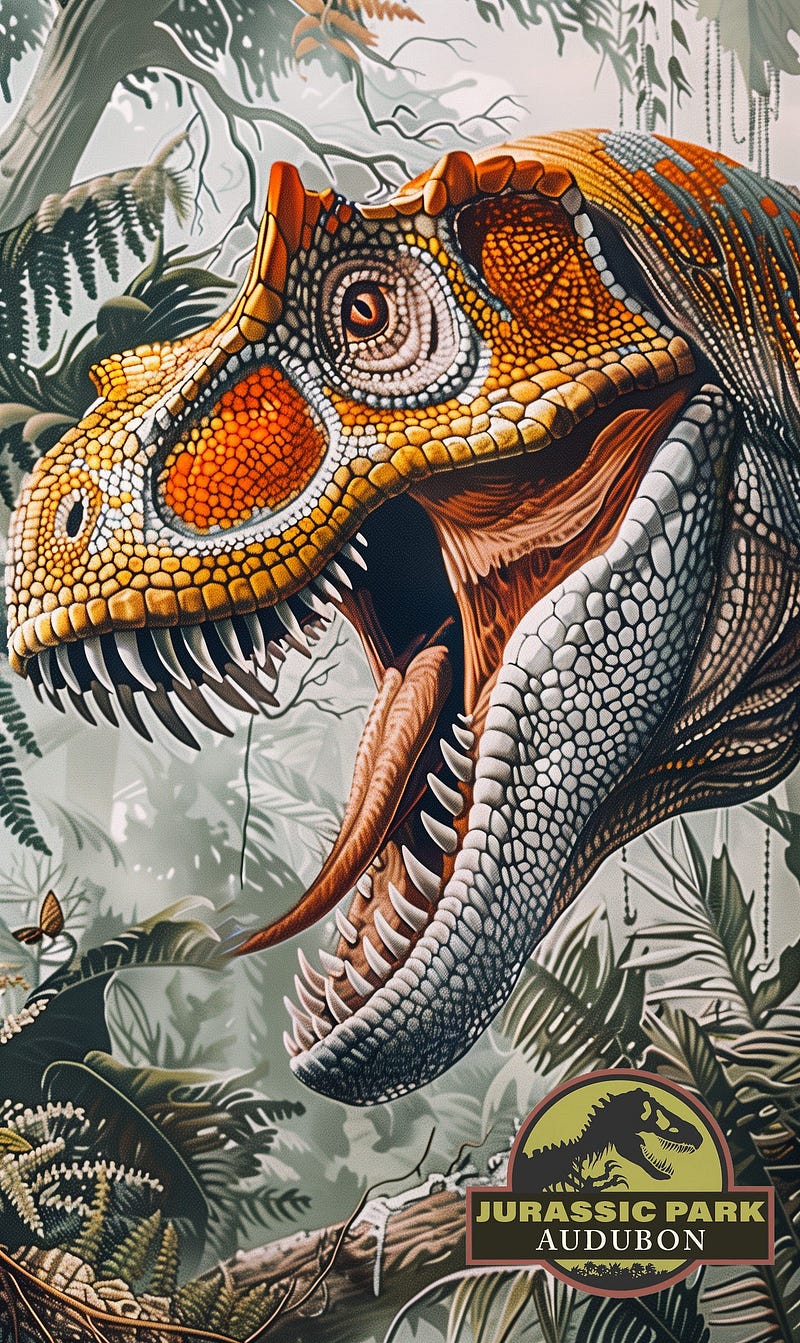
I used the dinosaur image I shared recently — crafted in Midjourney, as a reference image for building my color palette. I liked the tones represented in this image.
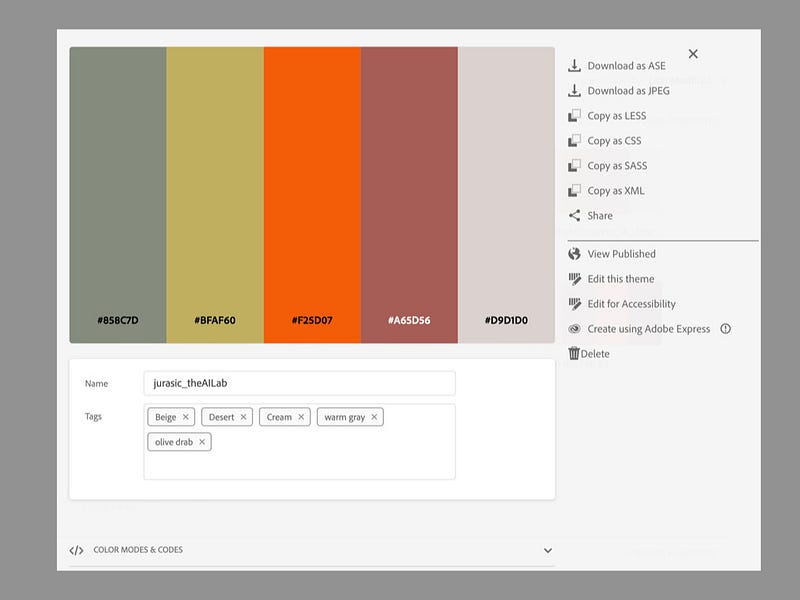
This provided an excellent reference set of colors from which to work. I did a screen capture of the selected region of JUST the colors (not their hexcode or RGB build).
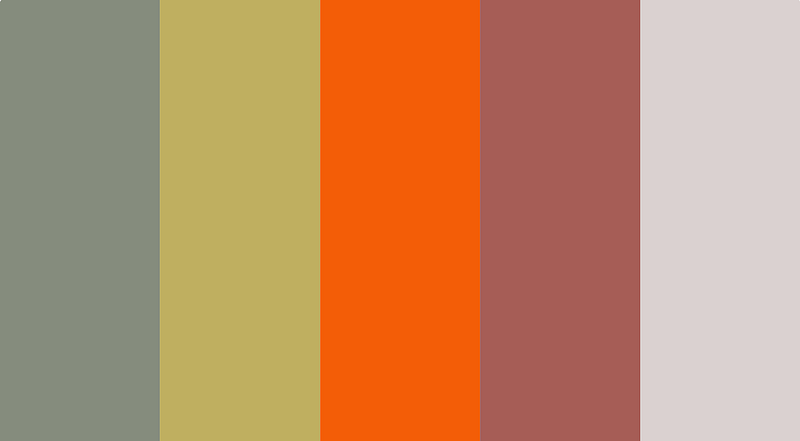
I opened Discord, and uploaded this image. I then selected the image, right clicked and obtained the Image Link.
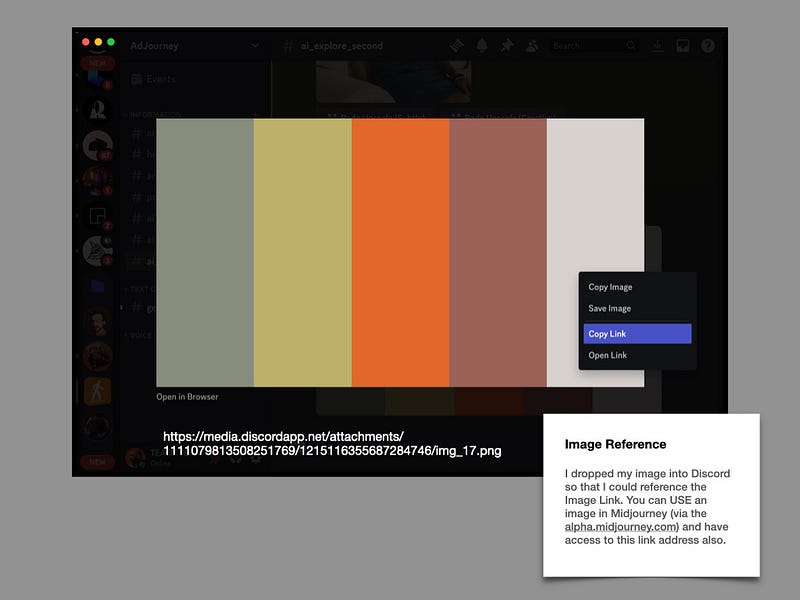
Using that link, I prompted (in alpha.midjourney.com) the visuals I wanted to create, adding — sref <image_ref.png> at the end of the prompt so the palette image would influence the output style.
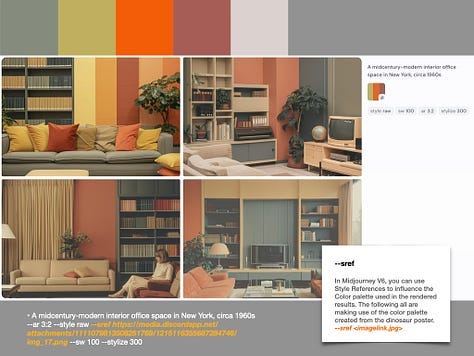
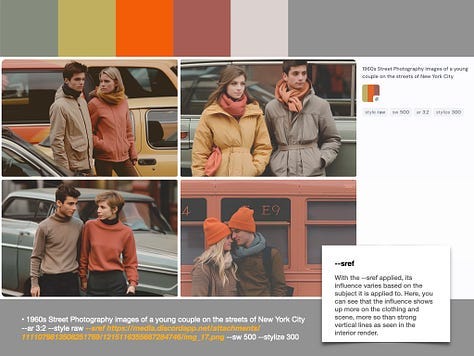
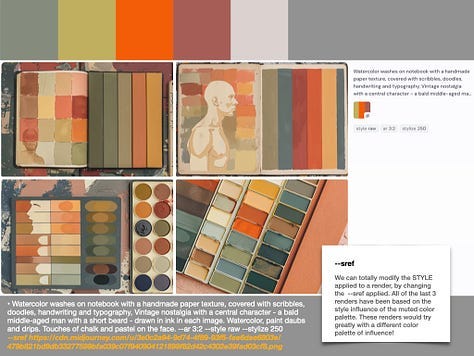
Give it a try! If you do not have an Adobe account — there are plenty of other platforms from which to obtain color palettes. I may add some of those to the notes/comments. Feel free to share your own favorites palette tools in the comments.
Brian Sykes
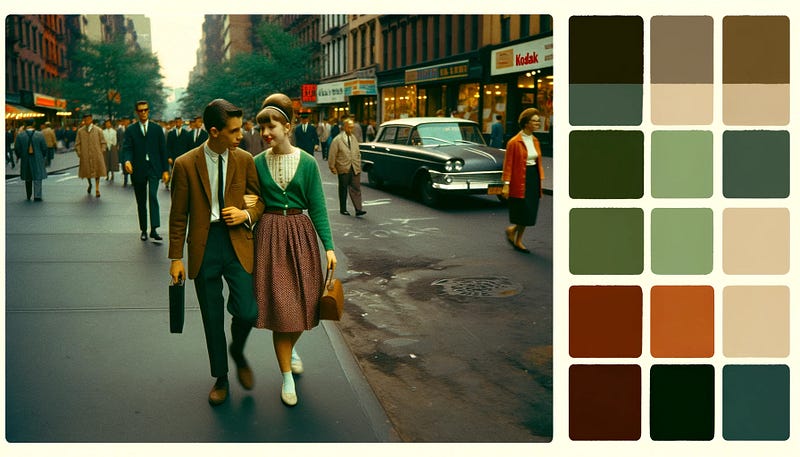
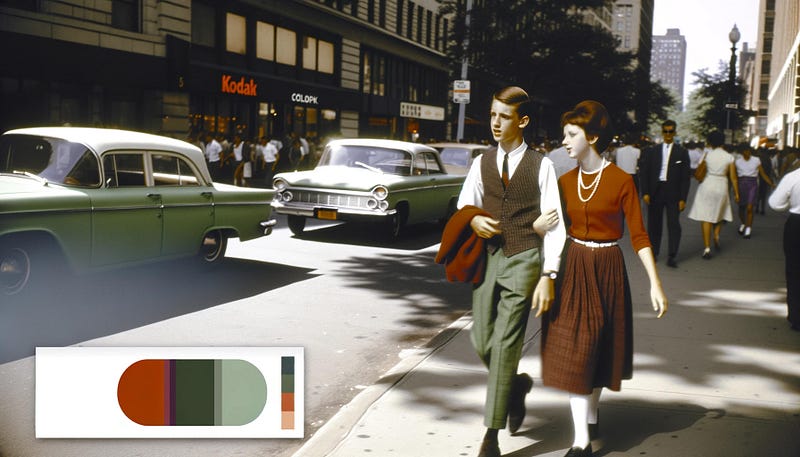
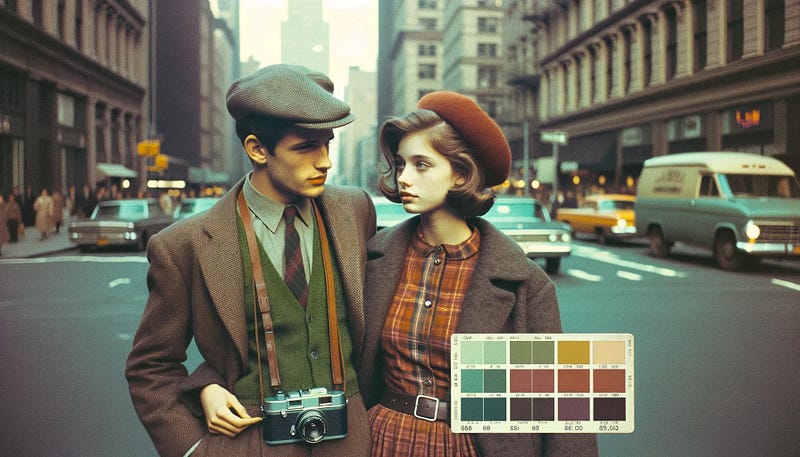
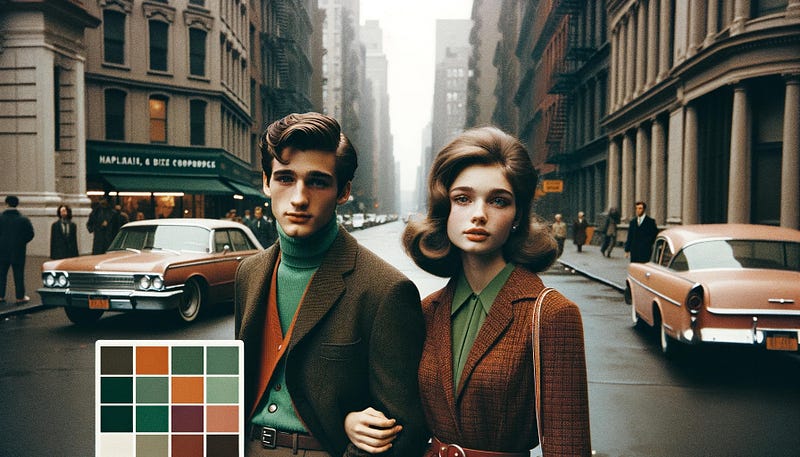
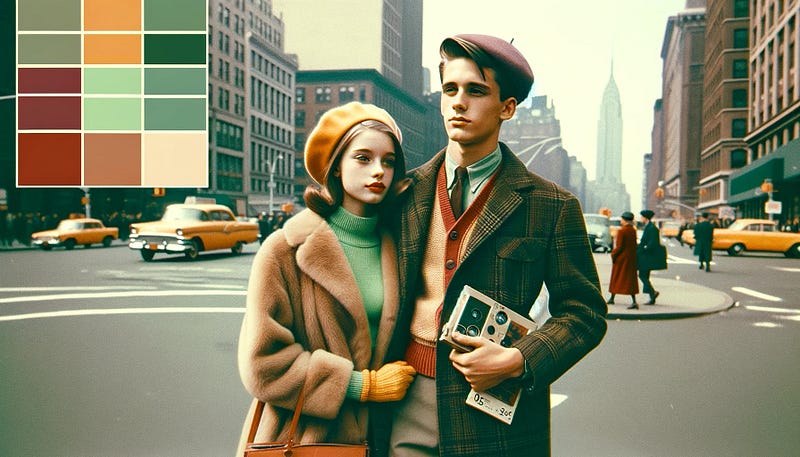
PS — as an addendum, I also took the color palette to OpenAI’s ChatGPT, where I uploaded the image and requested that it include the image colors to a rendered result.
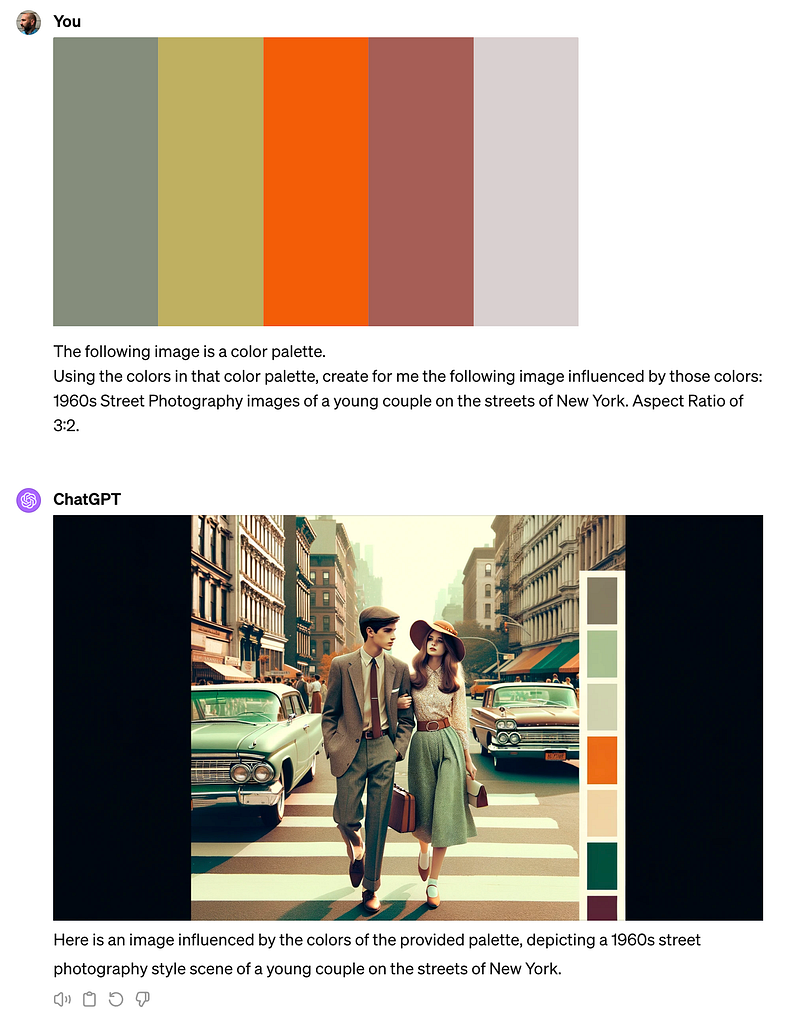
Here are the variety of renders it created. The one thing it genuinely struggled with, was NOT including a color palette in the render.