
Oracle: Real time SQL Monitoring using Oracle SQL Developer
A guide to using Oracle SQL Developer to monitor your Oracle SQL in real time.

In this article, I will be sharing the steps to set up an account in your Oracle and use Oracle SQL Developer to monitor your Oracle SQL in real time. As a developer, I find this feature very useful to allow me to monitor the query performance and quickly improve the performance of my applications.
Things you will need:
1. A database user with DBA access
If you do not have a database user with a DBA role, you may follow the following commands (note: please check with your DBA on how to ):
-- create a user with username (c##testuser) and password (mypassword)
create user c##testuser identified by mypassword;
-- grant dba access to the new user
grant dba to c##testuser;2. Oracle SQL Developer
If you do not have an Oracle SQL Developer installed, you may visit this link to download it.
3. Oracle Database running
And of course, you will need an Oracle Database running.
Once you have the above items, you may follow the steps below to start monitoring your Oracle SQL in real-time.
1. Open the Oracle SQL Developer

2. Click on + (green icon from the Connections view) to add a new connection

3. Open the DBA view
If you don’t see the DBA view, you may click View -> DBA


4. Click on + (green icon from the DBA view) to add a new connection
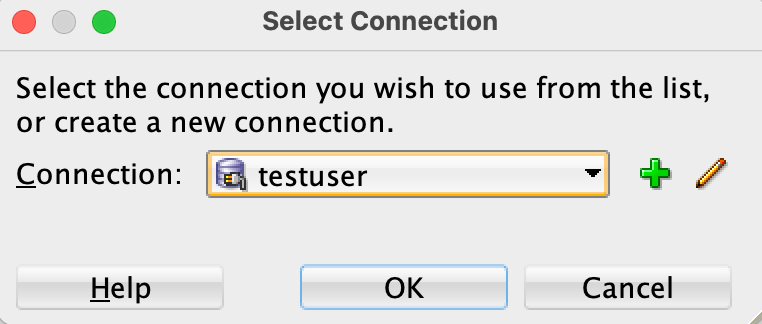
5. Click on Tuning > Real Time SQL Monitor

And there we have it. I hope you have found this useful. Thank you for reading. If you enjoyed this article, remember to follow me for more updates!
If you are not a Medium member yet and want to become one, click here.


