
Optimistic UI With React Apollo (GraphQL)
How to implement Optimistic UI for insert/update/delete GraphQL mutations with React Apollo?

If you wonder what Optimistic UI is, I suggest you check out my previous article “Better UX with Optimistic UI”.
Most apps nowadays use GraphQL to talk to the server. Apollo is one of the famous tools to implement GraphQL both in the server and the client. Apollo Client is the Javascript library to interact with a GraphQL API. It supports major Javascript libraries and frameworks such as Angular, Vue, and React. In this article, I assume that you’re familiar with GraphQL and Apollo Client.
Generally, optimistic updates come with mutations. Typically, a mutation is an action that changes some data on the server (insert/update/delete) or performs server-side effects.
So… How Does Apollo Do an Optimistic Update?
Apollo lets you provide a fake response and updates the cache with it, then starts the actual mutation:
- If the mutation is successful it will replace the response from the server with the fake response you provided.
- If the mutation is failed, it will roll back the changes you made via the fake response.
Let’s see some examples.
Like Button
I showed you how to implement a like button in the previous article. Let’s see how we can do the same with Apollo Client.

We have a component that renders the tweets:
And, we have a component that is responsible for liking a tweet:
Let’s go step by step and see what happens in the LikeTweet component. The user clicks the like button and the onClick callback is called. We call the updateTweet mutation function to start the mutation. The first thing Apollo does is updating the cache based on the optimisticResponse property we have provided to the mutation function. So, the UI changes and the user sees the tweet is liked. Then, Apollo starts to send the GraphQL mutation to the server. There will be two possibilities here:
- If the API request resolves successfully, Apollo updates the cache based on the response from the server.
- If the API request fails, Apollo will automatically roll back the changes we made to the cache via the
optimisticResponse.
Let’s move on to the next example.
Insert a Todo
So, the famous to-do example!
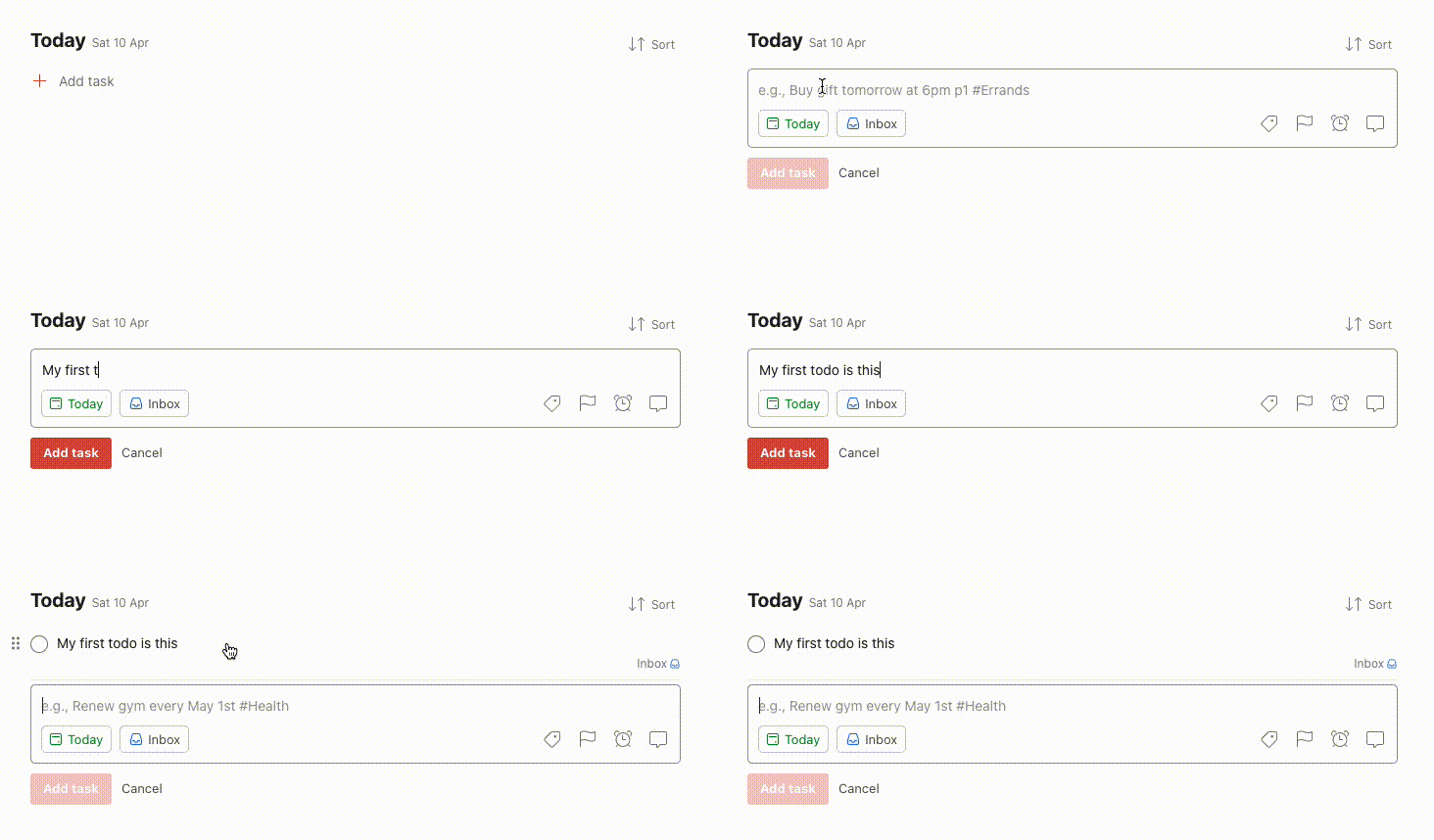
Let’s jump straight to the codes. We have the following GraphQL queries:
And we display the list of to-dos and a create to-do form at the top of the list:
And finally the most important component: CreateTodo. You will need to read the comments more carefully. The magic is in the handleSubmit function.
I hope you paid attention to the comments in the code. Please keep in mind that Apollo will automatically roll back the optimistic changes if the mutation fails to resolve.
Okay, but what about deleting an item, like deleting a to-do…?
Easy! We’ll do the same steps we did in the previous example, the only difference is that when we update the cache (in handleClick function), we will need to filter the posts array to exclude the deleted post. To keep things simple, I wrote all the codes in on gist:
Hopefully, it makes sense now. Let me know if you have any questions, I will do my best to have some answers for you.


