
OpenCV CUDA for Video Preprocessing
No camera required. (Built on Jetson Nano.)
cv.cuda
OpenCV’s CUDA python module is a lot of fun, but it’s a work in progress.
For starters, we have to load in the video on CPU before passing it (frame-by-frame) to GPU. cv.cuda.imread() has not been built yet.
Step 1 — .upload()
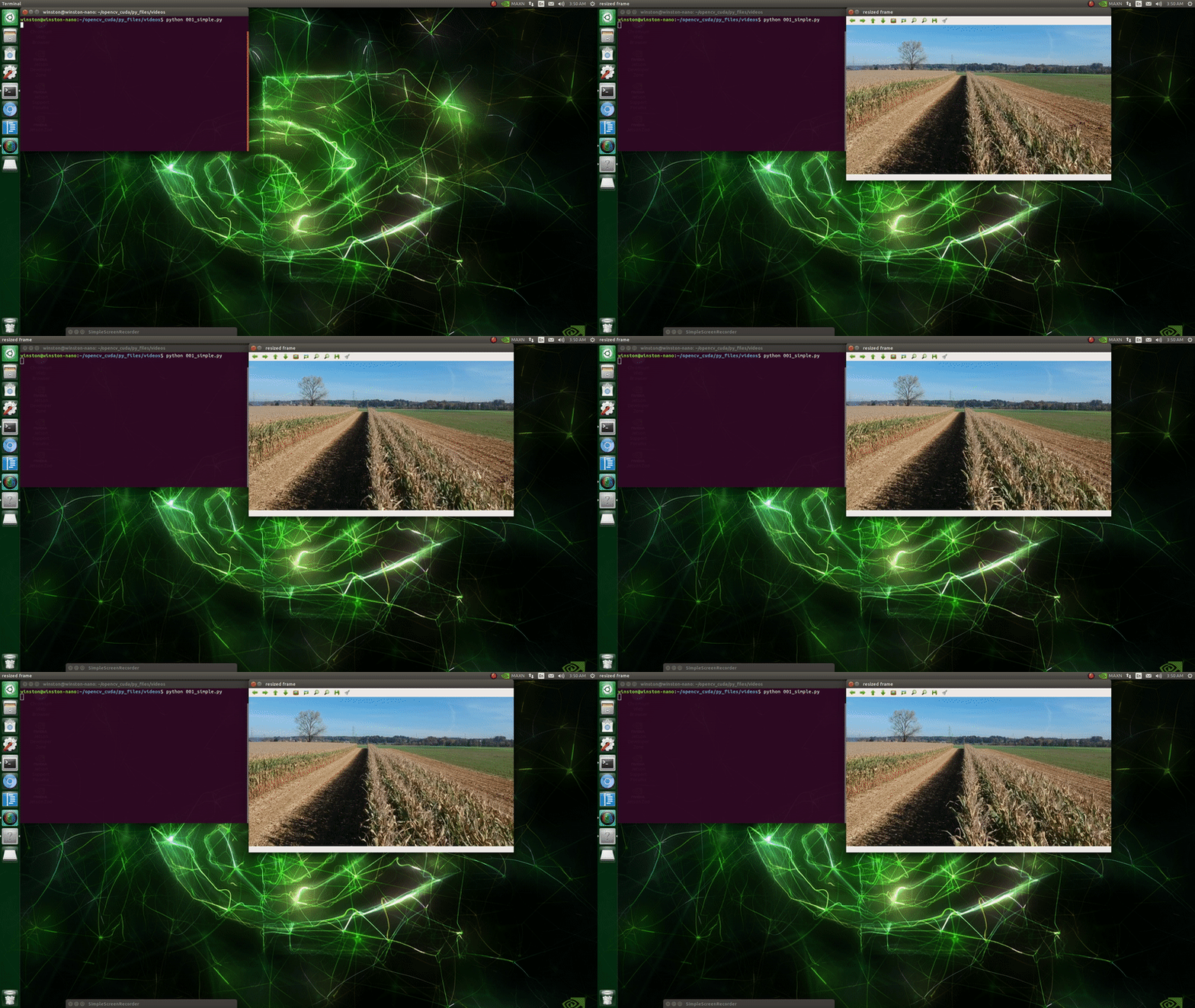
cv.VideoCapture() can be used to load and iterate through video frames on CPU. Let’s read the corn.mp4 file with it;
After .read()ing the 1st image, we’re ready to make a GPU matrix (picture frame) so that image can be .upload()ed to our GPU.
Great! But what about the 2nd image?
Well, you probably noticed .read() output 2 variables, ret and frame; ret is a boolean value that’s True if frame is a valid frame and False if it’s not.
So we can simply introduce a while loop and, by grabbing the next frame at the bottom, it’ll break when the video’s completed (i.e. ret!=True).
Setp 2 — Have Fun
Once frames start hitting GPU memory, the fun begins.
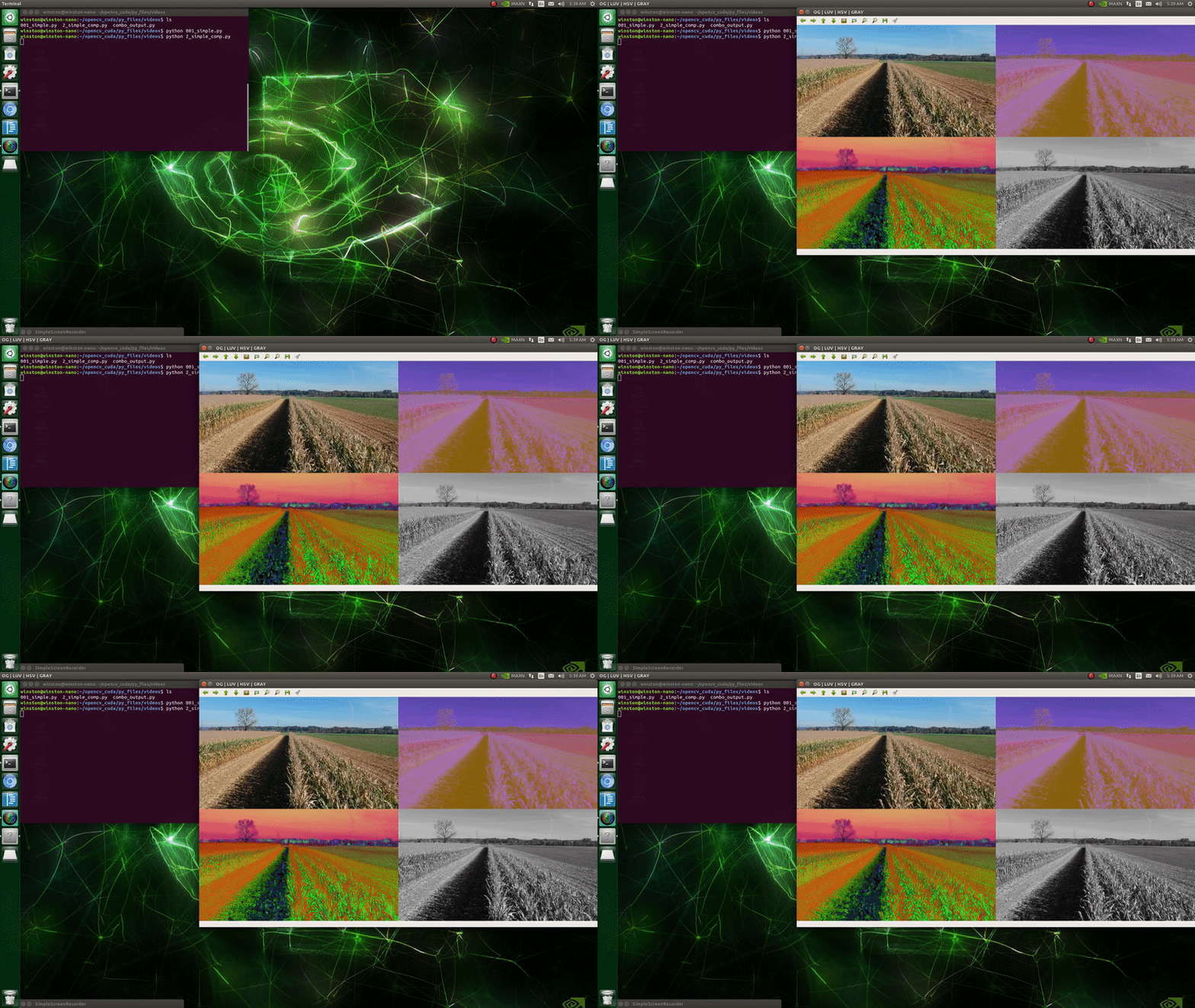
We’ve already seen cv.cuda.resize(), so let’s toss in cv.cuda.cvtColor() and apply some filters to the resized frames.
You’ll also note scale, this is for quickly adjusting the scale of the resize.
Step 3 — .download()
To see the images, we need to bring each back from GPU memory (cv2.cuda_GpuMat) to CPU memory (numpy.ndarray).
We can put this in right before loading the next frame;
And here’s how they came out;
cv.cuda + cv
Not all OpenCV methods have been translated to CUDA python bindings.
If, for example, you want to do .Canny() edge detection, you’ll either need to .download() (move that image from GPU to CPU) or run cv.Canny() before .upload()ing the video to GPU.
The .download() route made more sense to me;
To compare with the canny results, let’s run in a threshold on the grayscale as well. .threshold() is CUDA capable.
So if we only wanted to output the GPU threshold (thresh) and CPU Canny edge (canny), the script could look something like;
By scaling down the output image size (from scale=0.5 to scale=0.25), however, my Jetson Nano was able to display all 5 edits (gray, luv, thresh, hsv, canny) and the resized original (resized) side-by-side in real time.
So I did that;
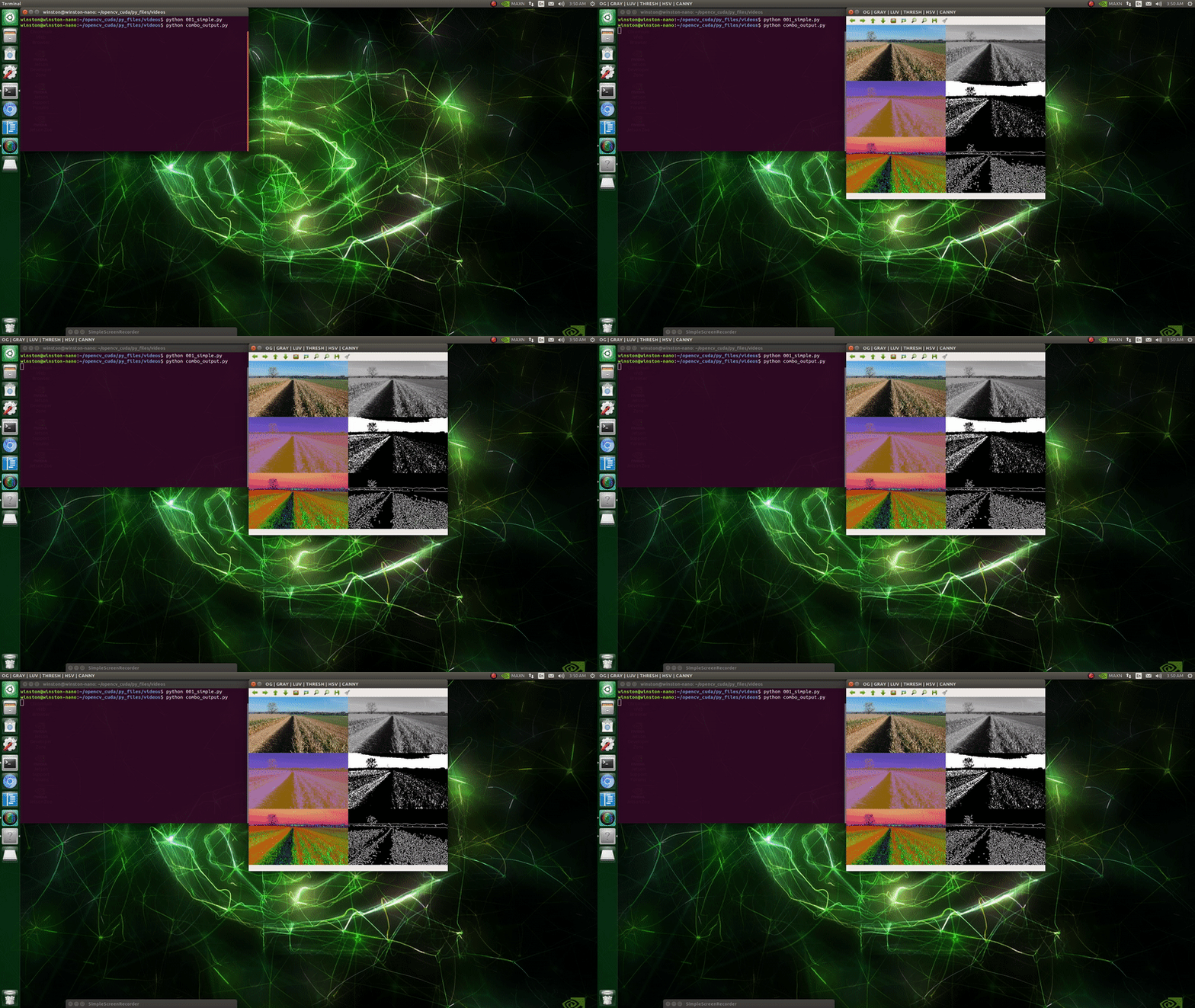
Note: displaying single channel images (
gray,thresh,canny) next to triple channel images (resize,luv,hsv) can be achieved withcv.cvtColor(img, cv.COLOR_GRAY2BGR)
Fin
Thanks for reading. Please feel free to respond with any questions.
You can help build OpenCV CUDA in opencv/opencv_contrib or in opencv/opencv.
Continued Reading
GPU Module Introduction — General Information
The OpenCV GPU module is a set of classes and functions to utilize GPU computational capabilities. It is implemented using NVIDIA CUDA Runtime API and supports only NVIDIA GPUs.
The OpenCV GPU module includes utility functions, low-level vision primitives, and high-level algorithms.
The utility functions and low-level primitives provide a powerful infrastructure for developing fast vision algorithms taking advantage of GPU whereas the high-level functionality includes some state-of-the-art algorithms (such as stereo correspondence, face and people detectors, and others) ready to be used by the application developers. (cont…)
References
“CUDA.” OpenCV, OpenCV Team, 2020, opencv.org/platforms/cuda.
Pulli, Kari; Baksheev, Anatoly; Kornyakov, Kirill; Eruhimov, Victor. “Realtime Computer Vision with OpenCV.” Realtime Computer Vision with OpenCV — ACM Queue, Association for Computing Machinery, 22 Apr. 2012, queue.acm.org/detail.cfm?id=2206309.


