avatarMarco Serafini

Summary

The article "Obsidian Unleashed — Community Plugins Series — Ep. 4" provides an overview of four community-developed plugins for Obsidian that enhance note-taking through customizable callouts, structured linting, outlining capabilities, and column organization.

Abstract

In the latest installment of the "Obsidian Unleashed" series, the author, Marco Serafini, introduces readers to four Obsidian community plugins designed to improve the note-taking experience within the Obsidian app. The first plugin, Callout Manager, allows users to create and customize callouts in their notes for better emphasis and organization. Serafini references a previous article that delves into the benefits of using callouts for information organization. The second plugin, Linter, helps maintain a well-structured note organization by employing a comprehensive set of rules covering various aspects of note-taking. The third plugin, Outliner, enables efficient list management, providing functionality to fold/unfold and move lists and sublists within notes. Lastly, Obsidian Columns facilitates the creation of multi-column layouts within notes, which can be particularly useful for templates such as invoices. The author concludes by inviting readers to stay tuned for future episodes featuring more Obsidian community plugins and encourages them to remain productive.

Opinions

  • The author expresses enthusiasm for the Callout Manager plugin, emphasizing its utility in enhancing the visual organization of notes.
  • Linter is highly recommended for its ability to enforce note consistency and structure, which is seen as crucial for maintaining an organized vault.
  • The Outliner plugin is praised for its intuitive controls, such as using keyboard shortcuts to navigate and organize lists, which streamlines the note-taking process.
  • Obsidian Columns is presented as a versatile tool, with the author showcasing its potential for creating visually appealing and functional templates like invoices.
  • The author's choice to include real-world examples and GIFs demonstrating the plugins' functionality indicates a belief in the value of practical demonstrations for learning and adoption.
  • The overall tone suggests that these plugins are not just useful but transformative for users looking to elevate their Obsidian experience.

Obsidian Unleashed — Community Plugins Series — Ep. 4

Obsidian Unleashed (Ep.4) — Image by Marco Serafini

Welcome back to a new episode of this series of articles where I share with you the plugins I test and use in my Obsidian Vault. The first of 2024!

Callout Manager

The first on the list is Callout Manager. This is the community plugin I use to customize and create your callouts.

Callouts are a feature that allows for the accentuation and emphasis of chosen text areas within your notes. These highlighted portions can be identified and categorized using colors and icons for easy spotting and organization.

I’ve already published an article about Callouts that you can find HERE.
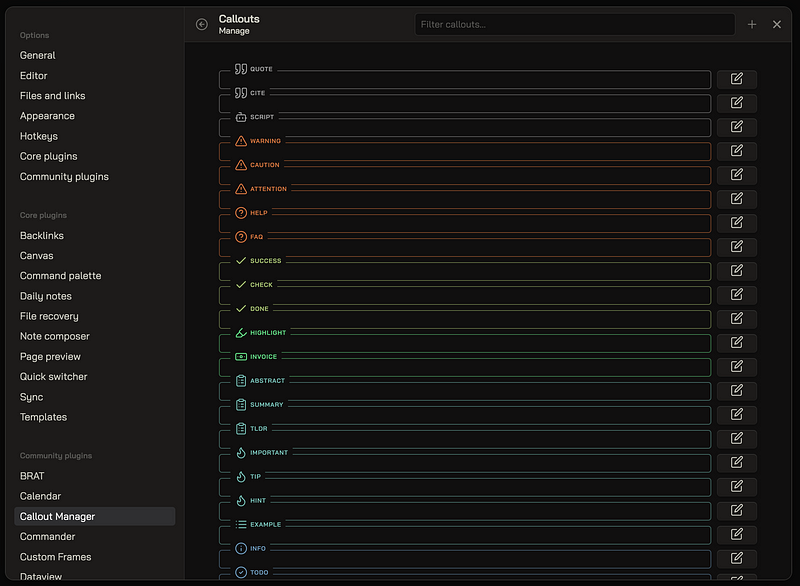
Callout Manager — Image by Marco Serafini

Linter

Linter is a plugin that structures your notes employing a vast array of rules related to YAML, H1 Headings, Footnotes, Contents, Spacing, Paste or even through some tailored rules. It immensely aids in maintaining the well-structured organization of your notes.

Linting can be initiated in various ways and can target single files, folders, subfolders, or entire vaults.
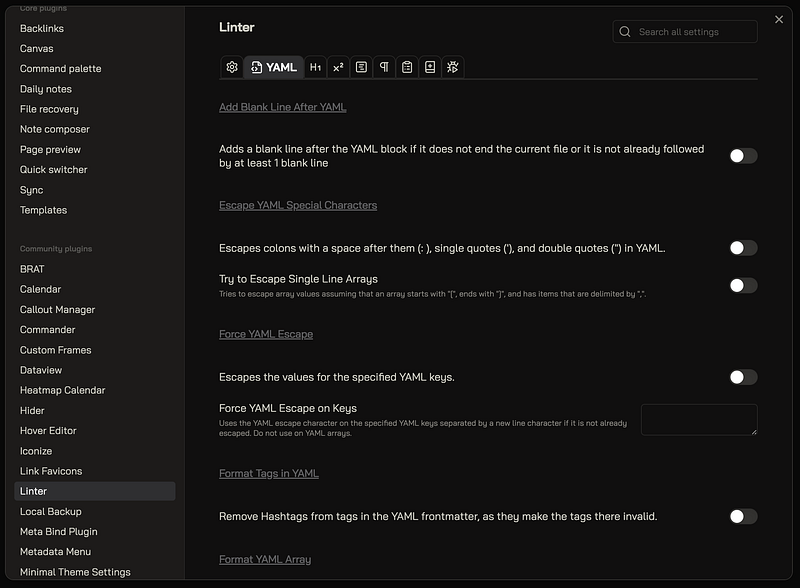
Linter — Image by Marco Serafini

Outliner

With Outliner I can manage my lists in Obsidian as if it was an outliner.
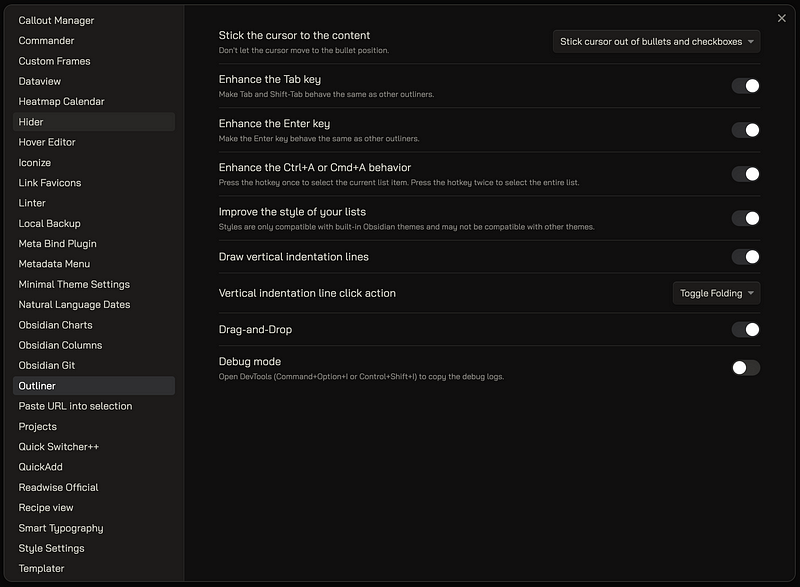
Outliner — Image by Marco Serafini

For example, with Cmd + Arrow Up/Down I can fold or unfold a list:
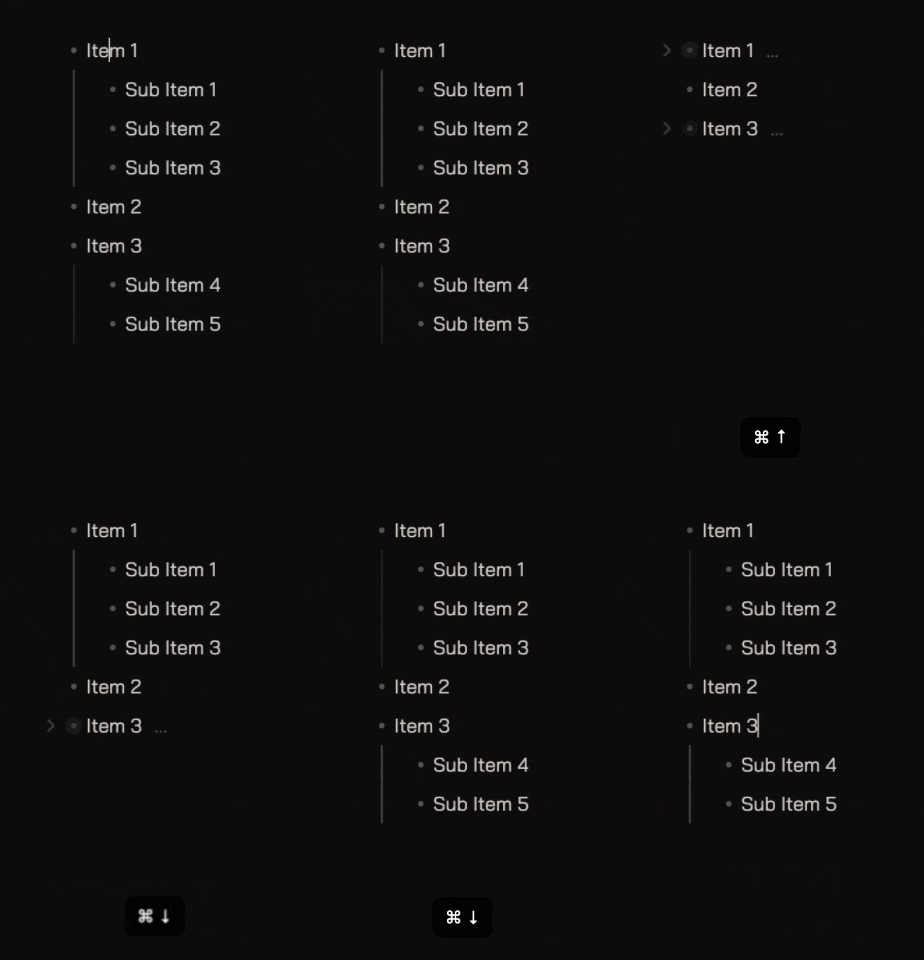
Outliner (Fold Unfold) — Image by Marco Serafini

Or with Control + Shift + Arrow Up/Down I can move list and sublists up or down:
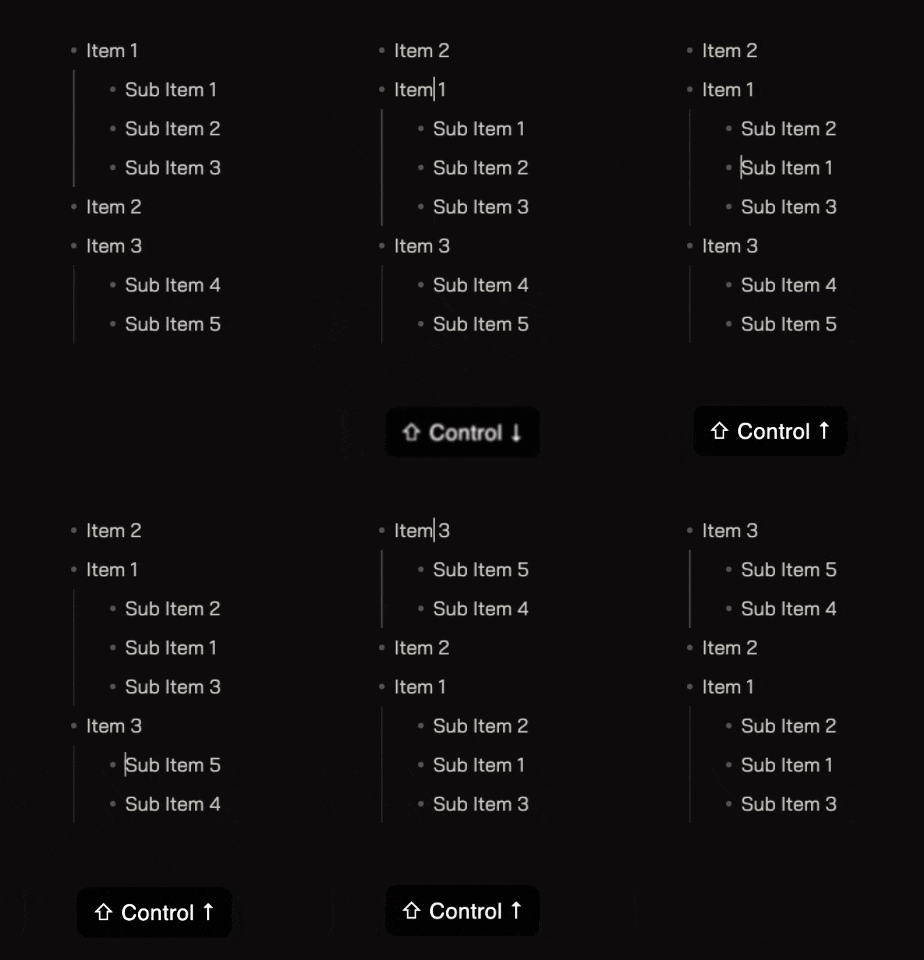
Outliner (Move List) — Image by Marco Serafini

Obsidian Columns

Obsidian Columns is the plugin I use when I need to divide my note in different columns. The syntax is really simple: for example, the code block for two columns looks like this:

````col
```col-md
FIRST COLUMN
Put the content of the FIRST COLUMN here!
```
```col-md
SECOND COLUMN
Put the content of the SECOND COLUMN here!
```
````

The result:
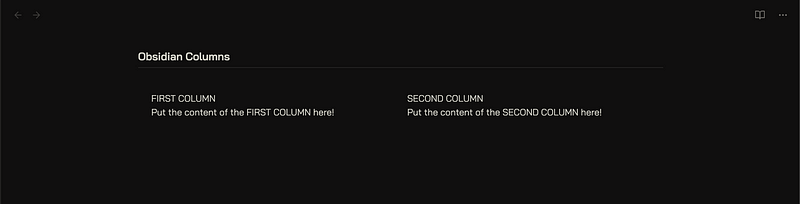
Obsidian Columns — Image by Marco Serafini

This plugin can help you to create some nice templates like this “Invoice” example:
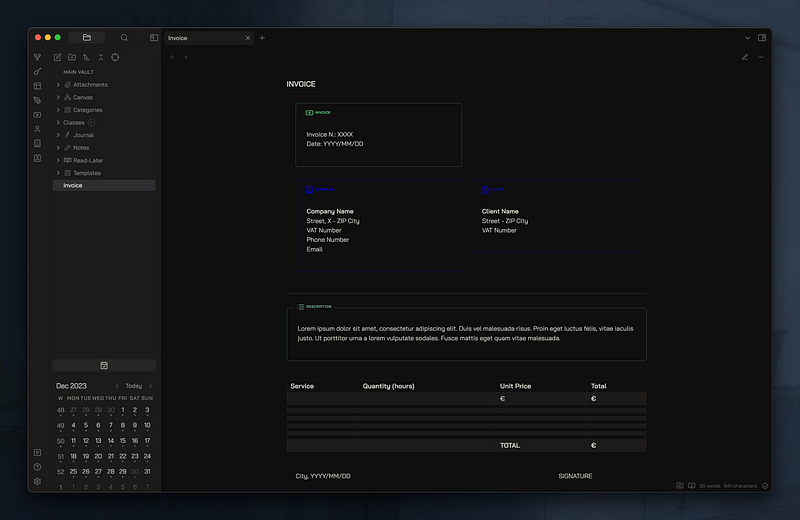
Invoice Example — Image by Marco Serafini

I’ll see you in the next episode for more Obsidian Community Plugins. In the meantime, stay productive!

You can follow me here:

- Website: https://mindstoneconsulting.net - YouTube: https://www.youtube.com/@Marco_Mindstone - X: https://twitter.com/Marco_Mindstone - Mastodon: https://mstdn.business/@Marco_Mindstone - Discord: https://discord.gg/Kn97v27D7p

Obsidian
Obsidian Plugins
Notetaking
Productivity
Pkm
Recommended from ReadMedium