
Obsidian Showcases: Dashboards, Daily Notes, Custom CSS, & More
Get inspired and creative with your workflow
Obsidian is a powerful note-taking tool with a passionate fan base. It has gained popularity among knowledge workers, writers, researchers, and avid learners due to its unique features.
It becomes an invaluable tool when it comes to navigating the chaos of information we encounter daily.
This is a new series of articles I’m starting. I will gather and write about some of the exceptional showcases of Obsidian. This will give light on how others are using the app.
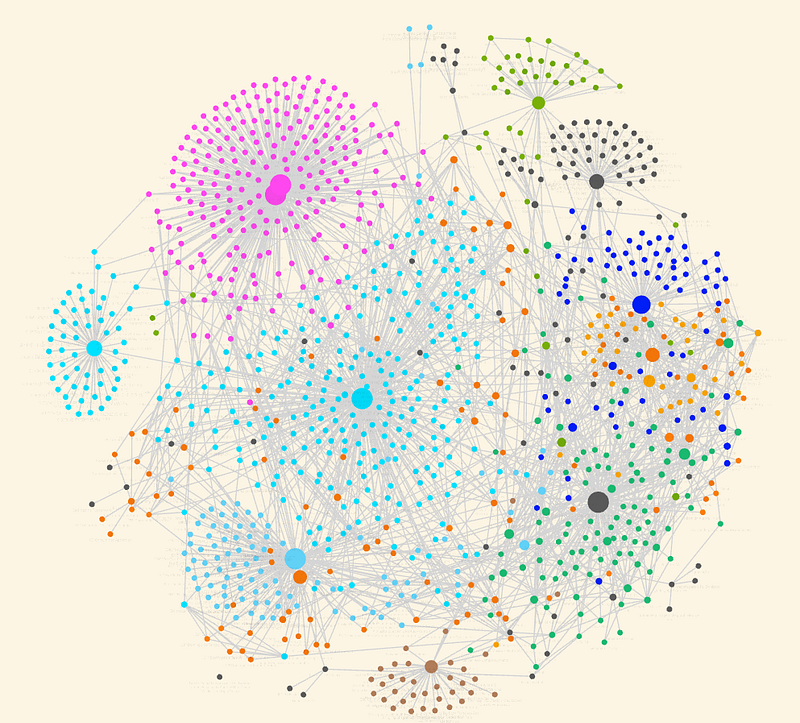
Most of the showcases you see on Obsidian are not useful. Most of what you see will be fancy graphs. But this is going to be different.
This will actually add value to your workflow. You will discover creative applications of different features that could potentially improve your workflow.
So, without further ado, let's begin the article.
Obsidian Homepage
This is a homepage built by Rainbell. It's available on GitHub if you want to check it out.
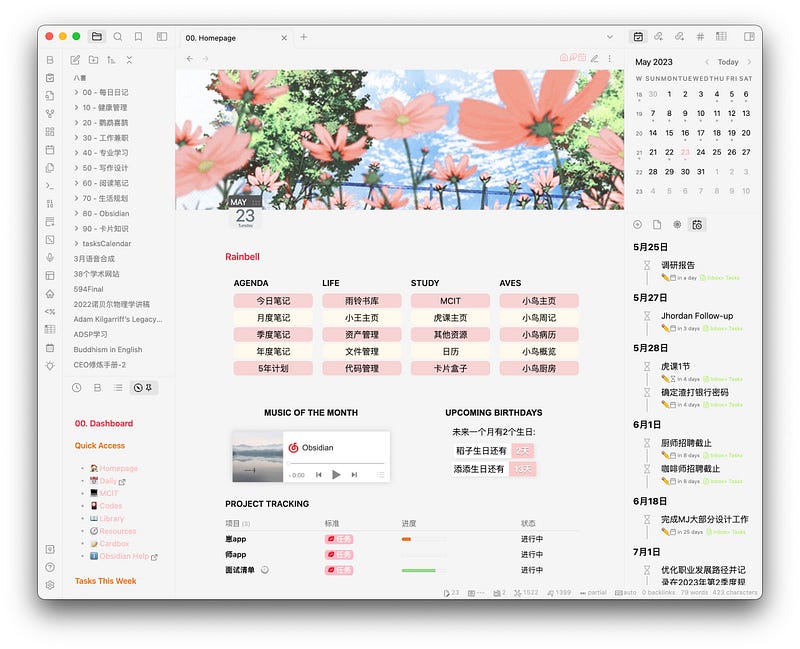
You can download the Example Vault template from GitHub. See what you like, and integrate it into your own workflow.
This homepage is built on a lot of plugins like buttons, periodic notes, Admonition, Banners, Dataview, and more. And I like how well-built it is.
Some of the features of this homepage are:
- Map of contents to navigate to different parts of your vault
- Three-button tabs to switch different parts of the display
- Dynamic view of different sections of your daily note
- Project Tracking for Notes
- Currently reading section
- Obsidian activity tracking
A powerful take on note-taking
CawlinTeffid wrote this one on the Discord Obsdian group. I love this one.
People do all kinds of “useless” things as hobbies, many of which can be done usefully. If someone enjoys doing that with note-taking or note-system–building, I don’t see a problem. Of course people sometimes mislead themselves about the usefulness of what they’re doing, and we try to help. But people need to play.
Also, notes that you never look at again can still have value. Writing it down may help you remember it, and the process of formulating something in a clear way can help you understand it better. Once you’ve done that, you don’t necessarily need to look at it again. Heck, writing it down may only serve to calm the fear that you won’t be able to find it again. And maybe that’s worth it.
Some of the notes you write may never be visited. But the understanding of the idea and peace of mind you get by having your ideas stored somewhere permanently, it’s worth the investment.
Make your tasks look better
This is a CSS snippet shared by Sunb_mn. This CSS snippet will make tasks inside your vault look visually better.
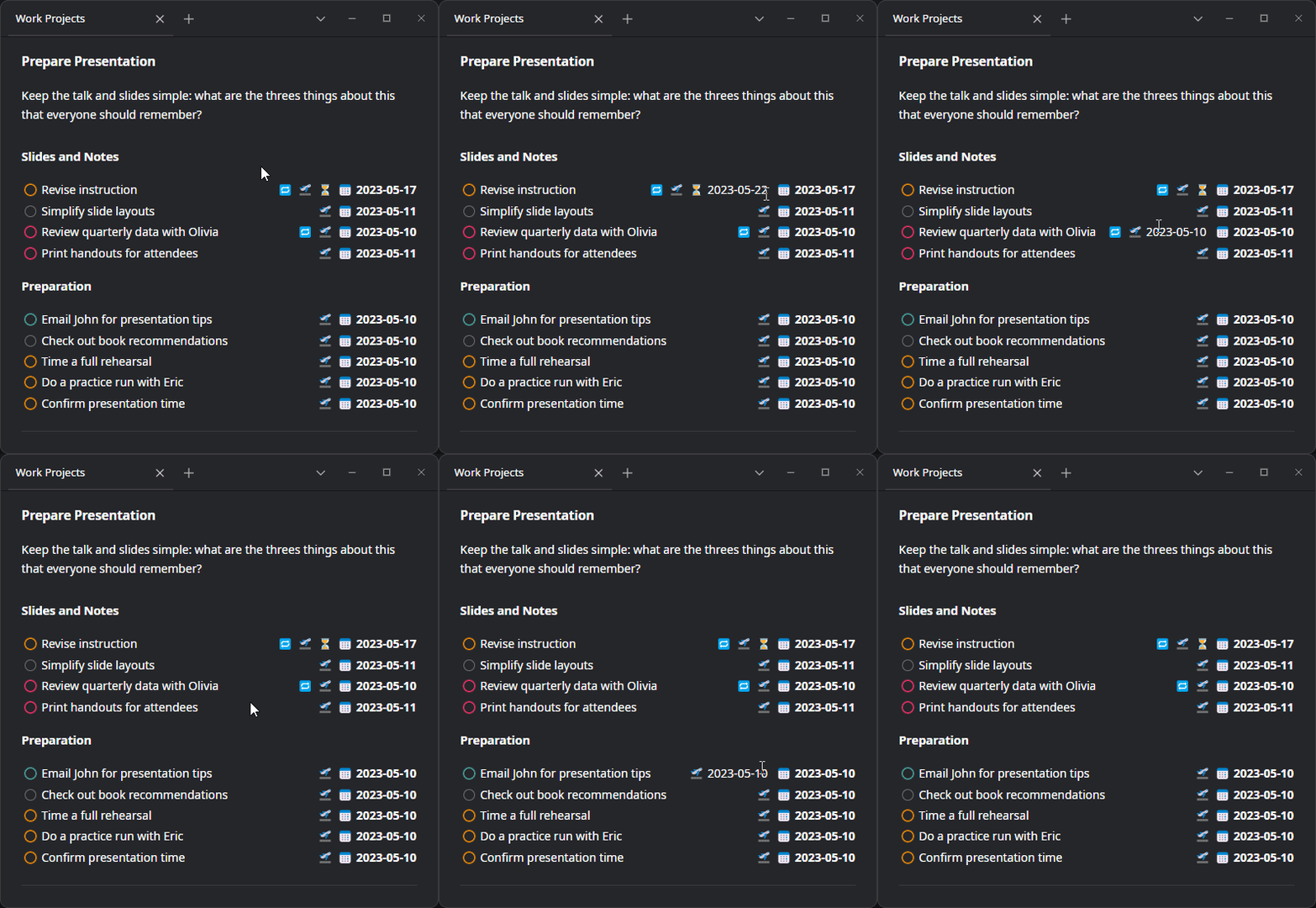
.task-list-item[data-task-priority="high"] input[type=checkbox] {
    box-shadow: 0px 0px 1px 1px var(--color-red);
    border-color: var(--color-red);
}
Also, there is a tweak made by another user which expands on hovering edits. You can get that CSS code here.
Chemistry Formulas
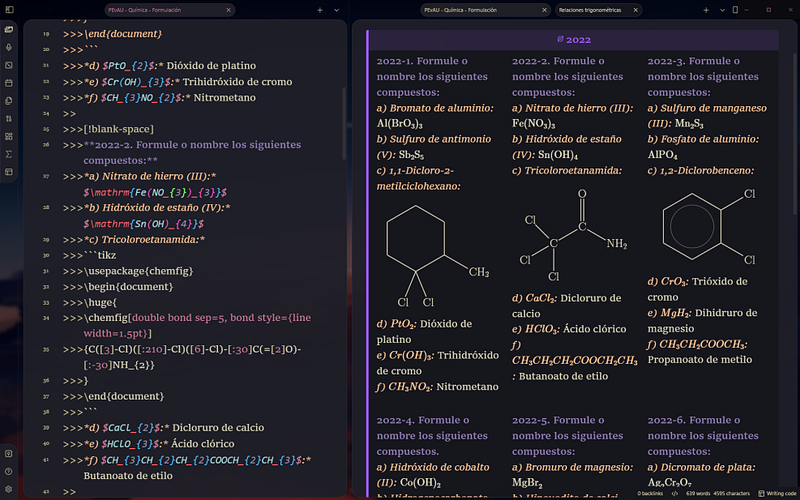
This is a showcase by Venturi365. You can improve your chemistry notes with the community plugin TikzJax.
Daily Notes Template and Homepage Dashboard.
This is a daily note template showcased by Charbel Gaegea.
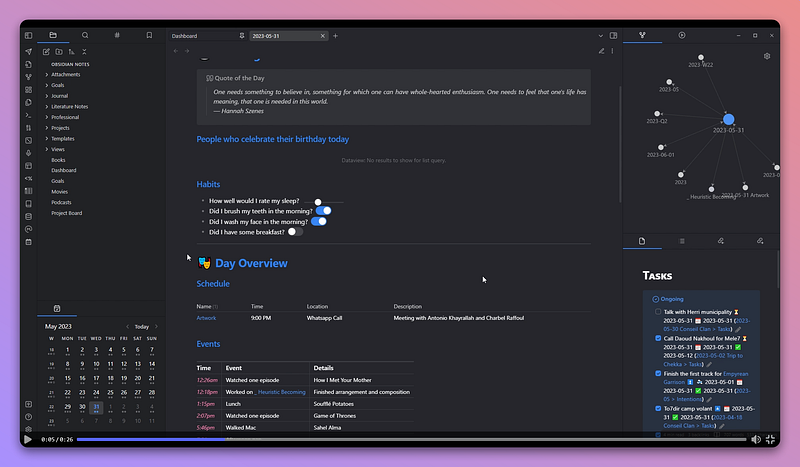
This is a well-built big daily note template. Along with this, the user also shared his homepage dashboard which looks like this:
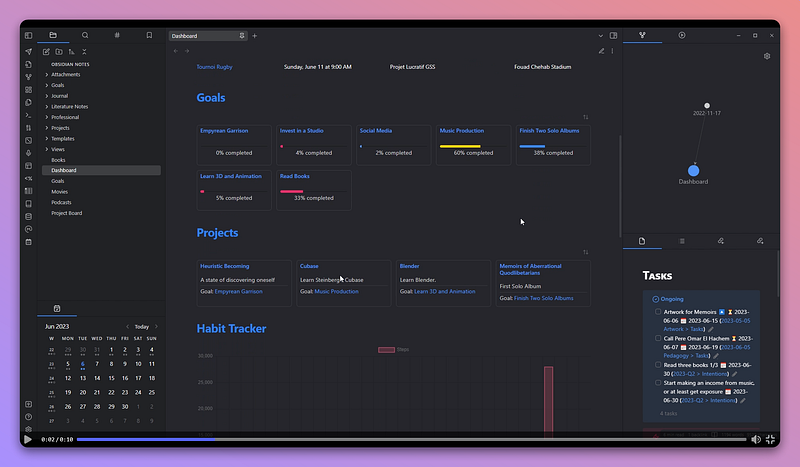
Check it out here.
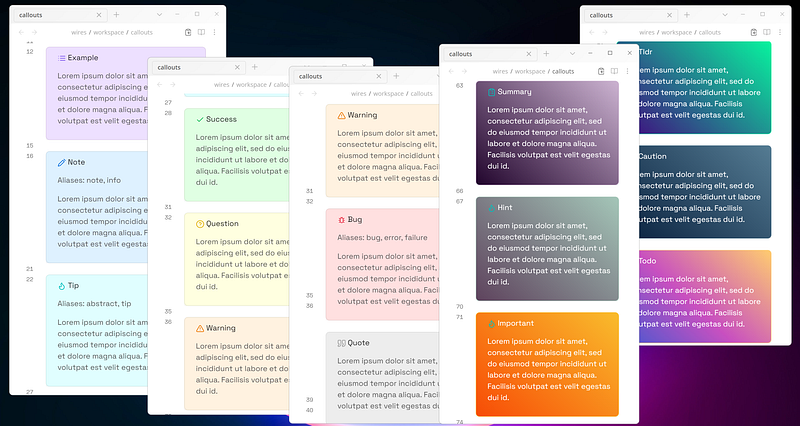
Gradient Callouts
If you work with a lot of callouts, this is going to add more beauty to it.
You can get the CSS snippet here. See the implementation of the gradient callouts here.
KPI Tracker
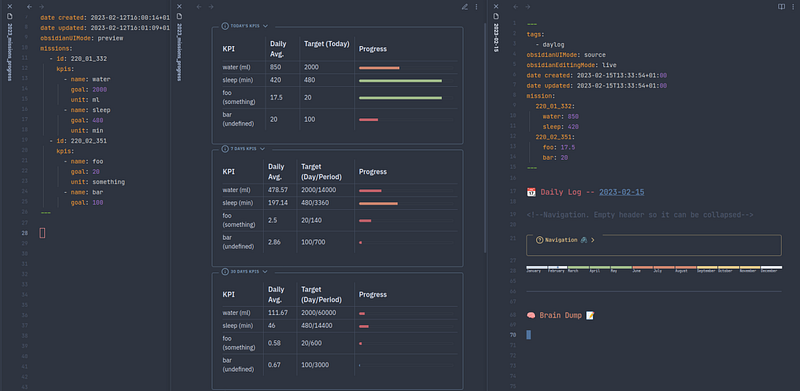
Shared by serpro, this is a tracker built in a single note.
The data is queried from daily notes and presented in a table format with a progress bar.
The Goal tracker is dynamic. It will track all the changes in your daily notes. Adding new goals or things you want to track is easy too. All you need to do is make changes to the frontmatter in your daily note.
Obsidian Logos
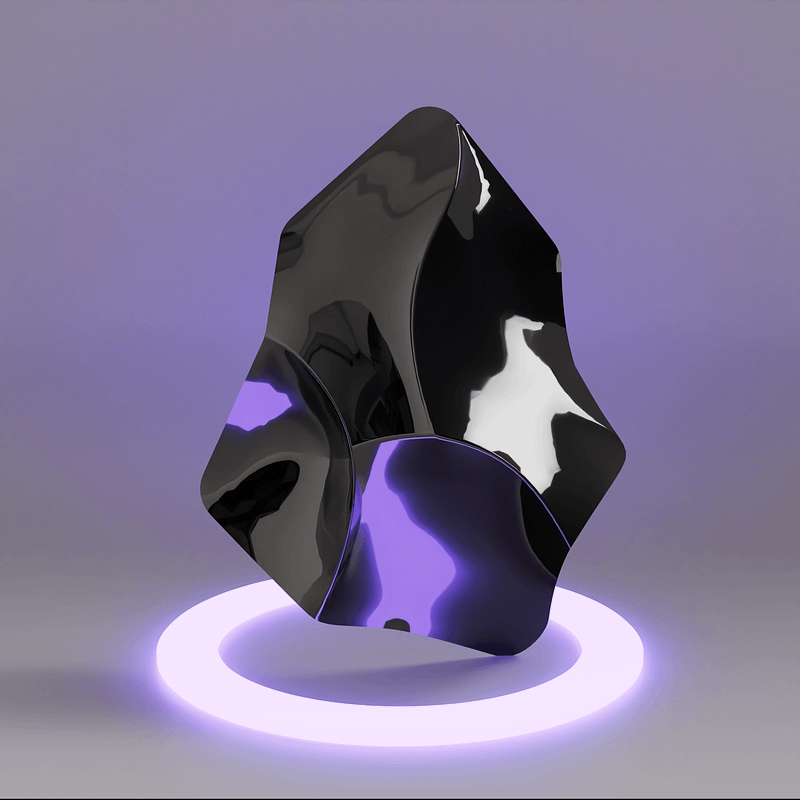
With the Obsidian logo files available as Figma files for everyone, people are getting more creative with it.
Meme of the Week

Thanks for reading. For more interesting tips and tricks about obsidian, join Obsidian Ninja.


