Obsidian Plugins Review — 42
Elevate Your Obsidian Experience: Discover the Best New Plugins for Enhanced Note-Taking and Boost Productivity

Are you ready to take your Obsidian note-taking experience to the next level? Look no further than this week’s new Obsidian plugins that are designed to enhance your productivity, organization, and creativity. In this article, we’ll take a closer look at the latest Obsidian plugins, exploring how they can optimize your workflow and help you unlock the full potential of Obsidian. So, let’s dive in and discover the exciting possibilities that await with these cutting-edge plugins!
This week, in Obsidian Plugins Review:
- Hill Charts
- Canvas Card Background Remover
- AI Note Suggestion
- Latex OCR
- Object Writer
- Strip Internal Links
- Beautitab
- Soundscapes
- Subdivider
- Canvas Daily Note
Hill Charts
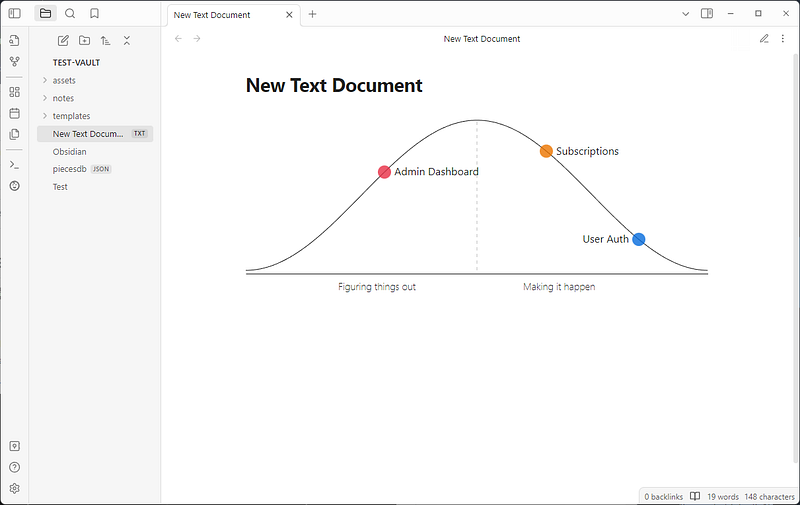
Obsidian Hill Charts is a plugin for Obsidian that allows you to add hill charts to your notes. An Hill Chart is a visual representation of a project’s progress using a hill-like shape. It helps teams see the progress of each task and identify areas that need more attention. The chart has two phases: uphill and downhill. The uphill phase represents the problem-solving phase, while the downhill phase represents the execution phase.
The plugin has five available options for configuring each point:
- size (default: 50%)
- opacity (default: 1)
- color
- label
- shape (default: circle)
You can define a hill chart in a code block like this:
```hillchart
points:
  - position: 30
    text: Admin Dashboard
  - position: 85
    text: User Auth
  - position: 65
    text: Subscriptions
 ```
Canvas Card Background Remover
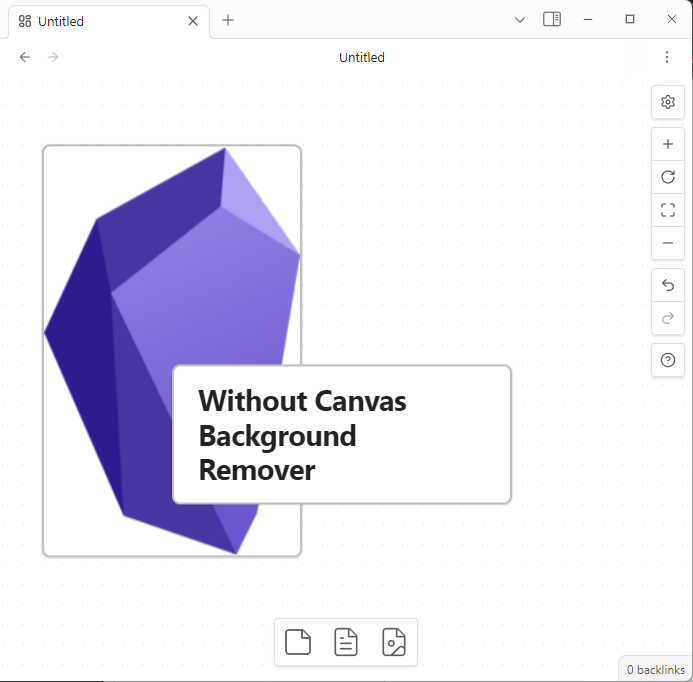
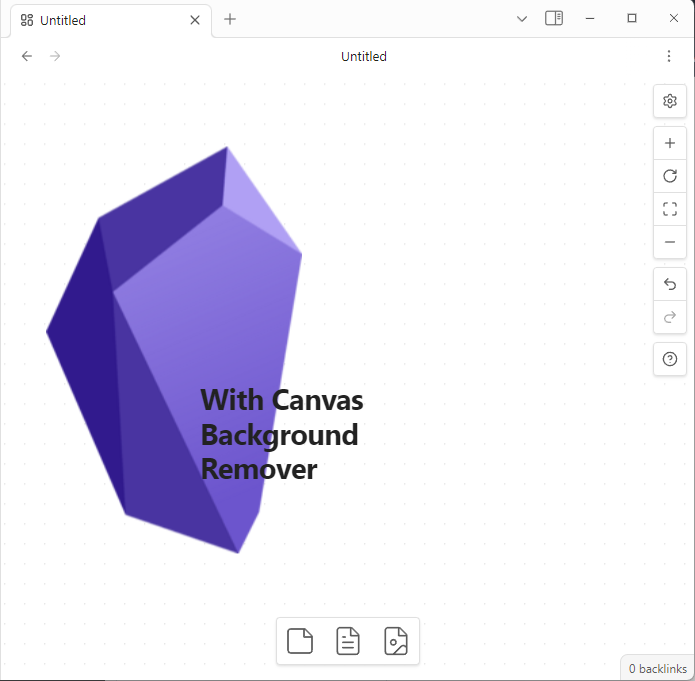
This plugin allows you to make the background of cards transparent in the Canvas for specific embed types, including Image, Canvas, and Markdown.
AI Note Suggestion
The AI Note Suggestion Plugin for Obsidian is a tool that enhances the note-taking experience by suggesting related and similar notes as you type, reducing the need for traditional tagging systems. It uses Weaviate, an AI vector search engine, and can be set up using Docker Compose. With this plugin, you can simplify your note-taking process and improve your productivity.
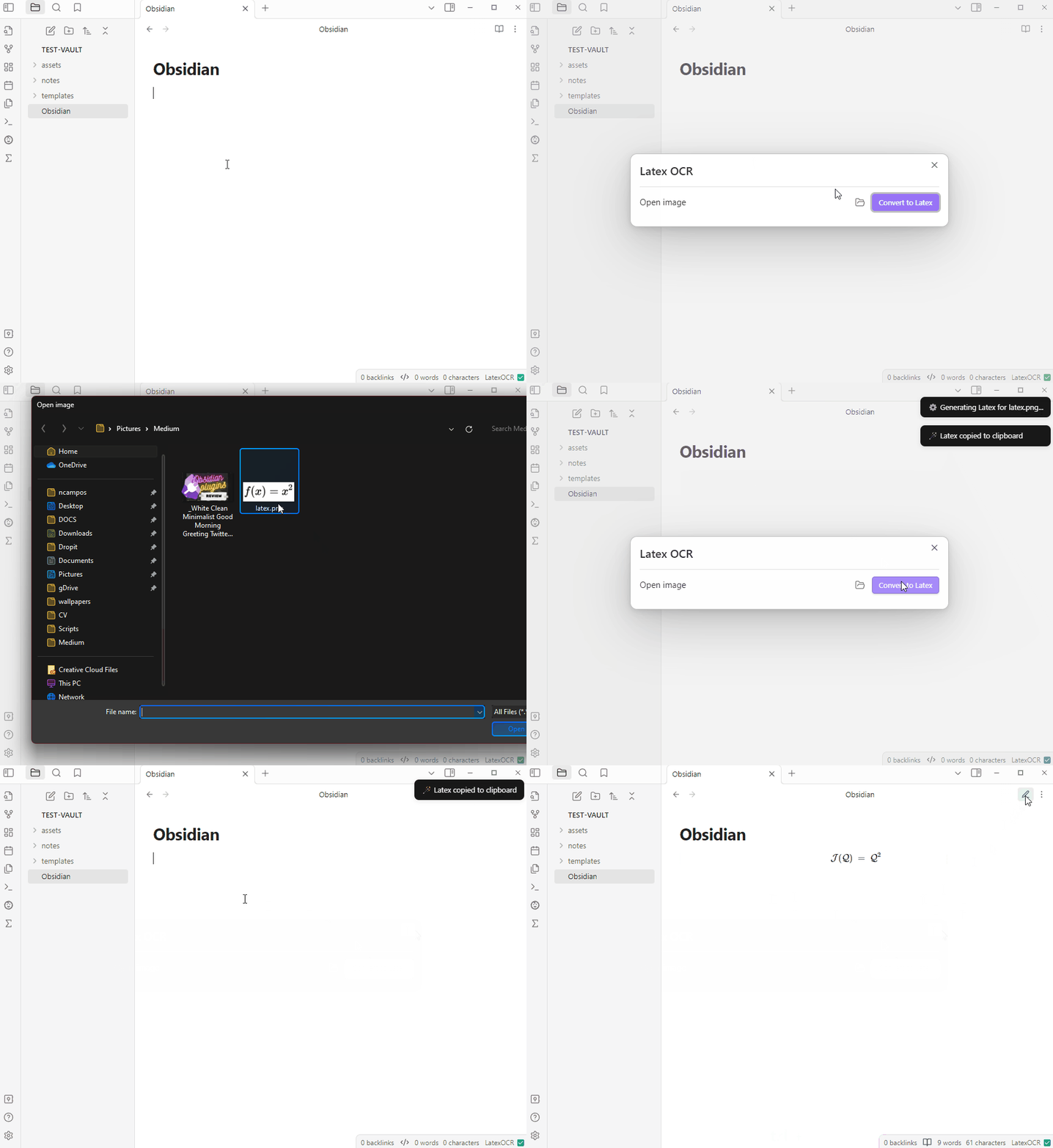
Latex OCR
This plugin allows you to generate LaTeX equations from images and screenshots within your vault. The plugin uses the HuggingFace inference API or a local model (you’ll need to install a Python package and configure the plugin with the Python path).
Object Writer
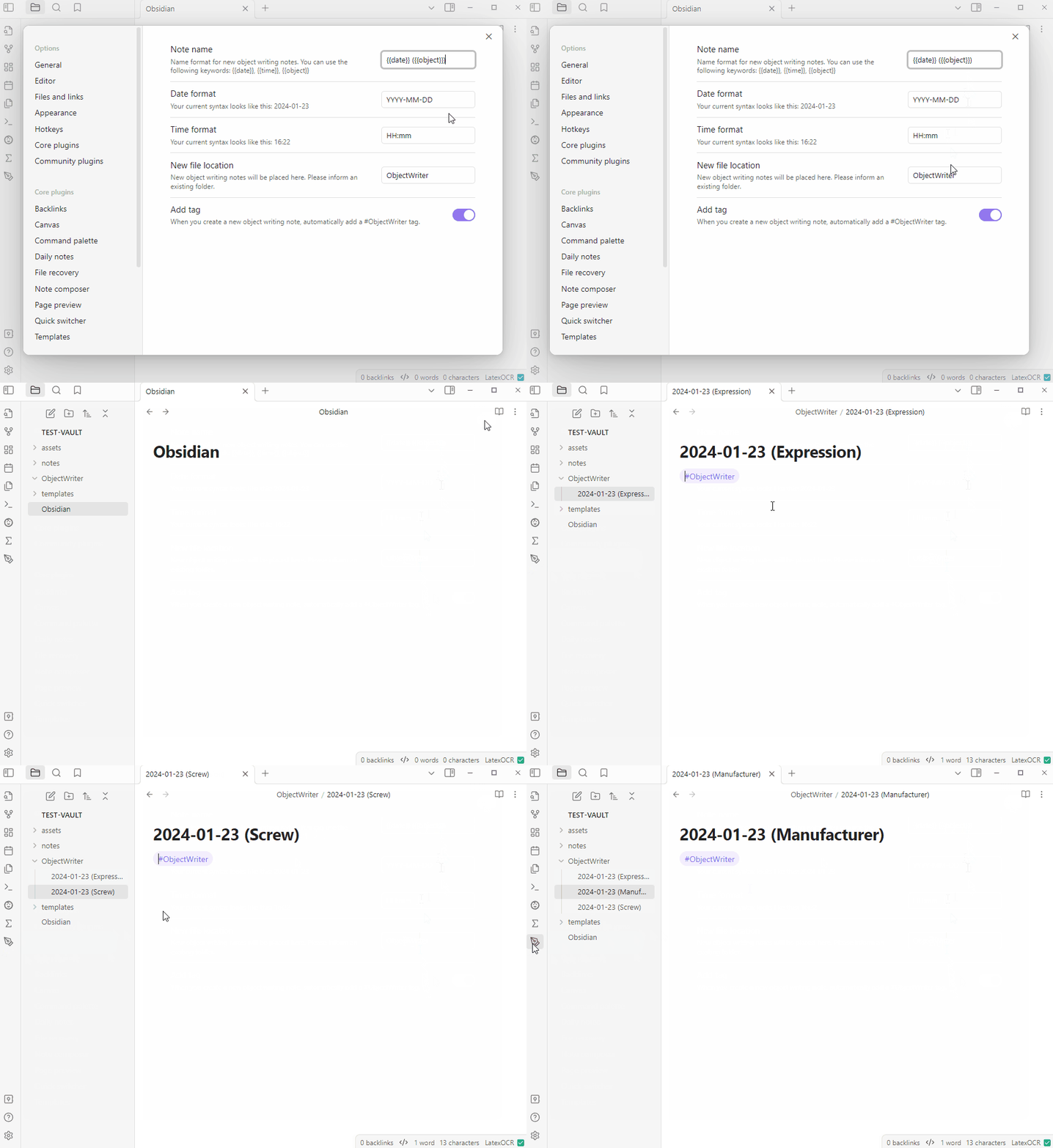
Object writing is a writing exercise that involves describing an object and any related experiences using all of your senses. It can help improve your writing skills by encouraging you to focus on the details of the object and to use descriptive language to bring the object to life for the reader. By practicing object writing, you can develop your ability to observe and describe the world around you in a more vivid and engaging way.
The Object Writer plugin adds a ribbon button to create a quick note for object writing, with a random word.
Strip Internal Links
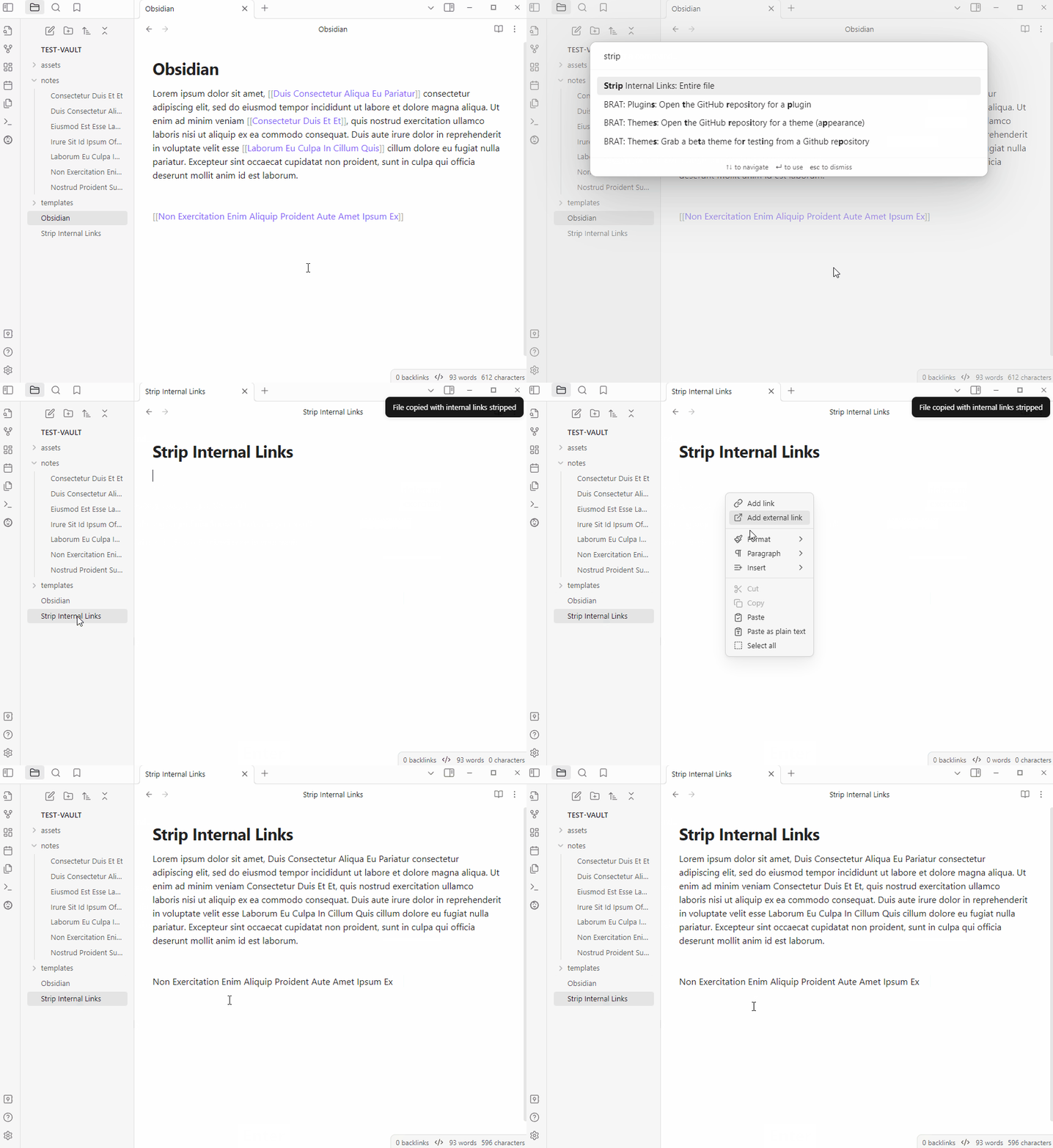
This plugin adds a command to remove internal links from files and copies the result to the clipboard. The plugin is useful when you want to share notes or other content with others, but the internal links don’t make sense to them. To use the plugin, simply select the file you want to strip, and the result will be sent to your clipboard, preserving any external links.
Beautitab
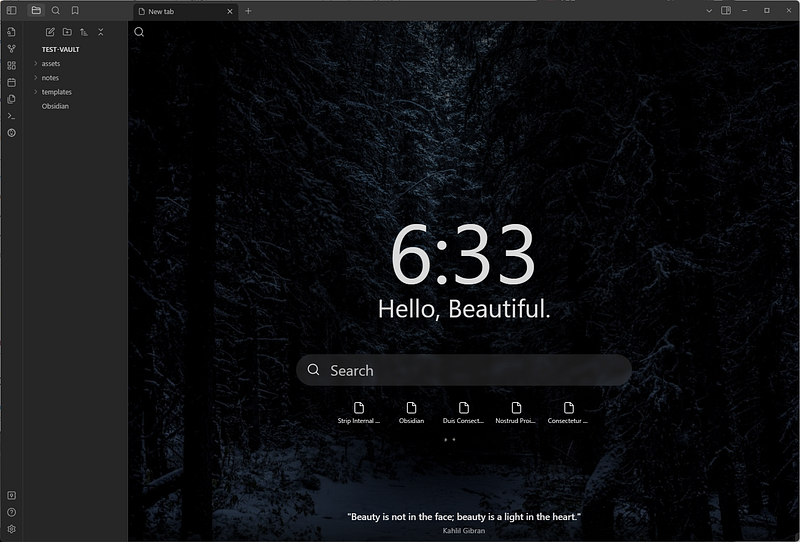
This plugin adds a customizable new tab view with features like backgrounds, quotes, search, and more. Customizations include the ability to show/hide various elements and configure the behavior of the search function.
Soundscapes
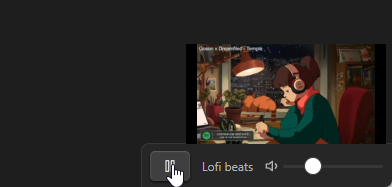
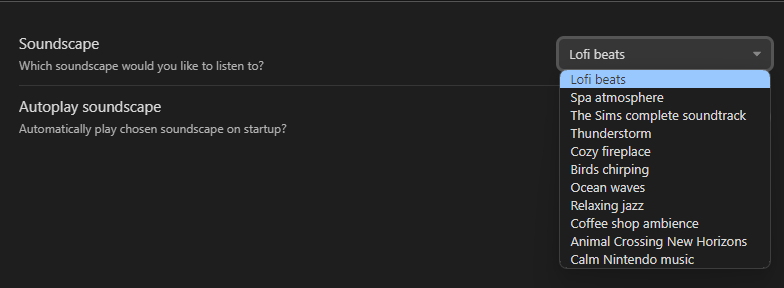
Soundscapes plugin adds a music/ambiance player to the status bar. It allows you to play Lofi beats, nature sounds, ambiance, relaxing music, and more. You can select which soundscape you want to play and set the volume.
Subdivider
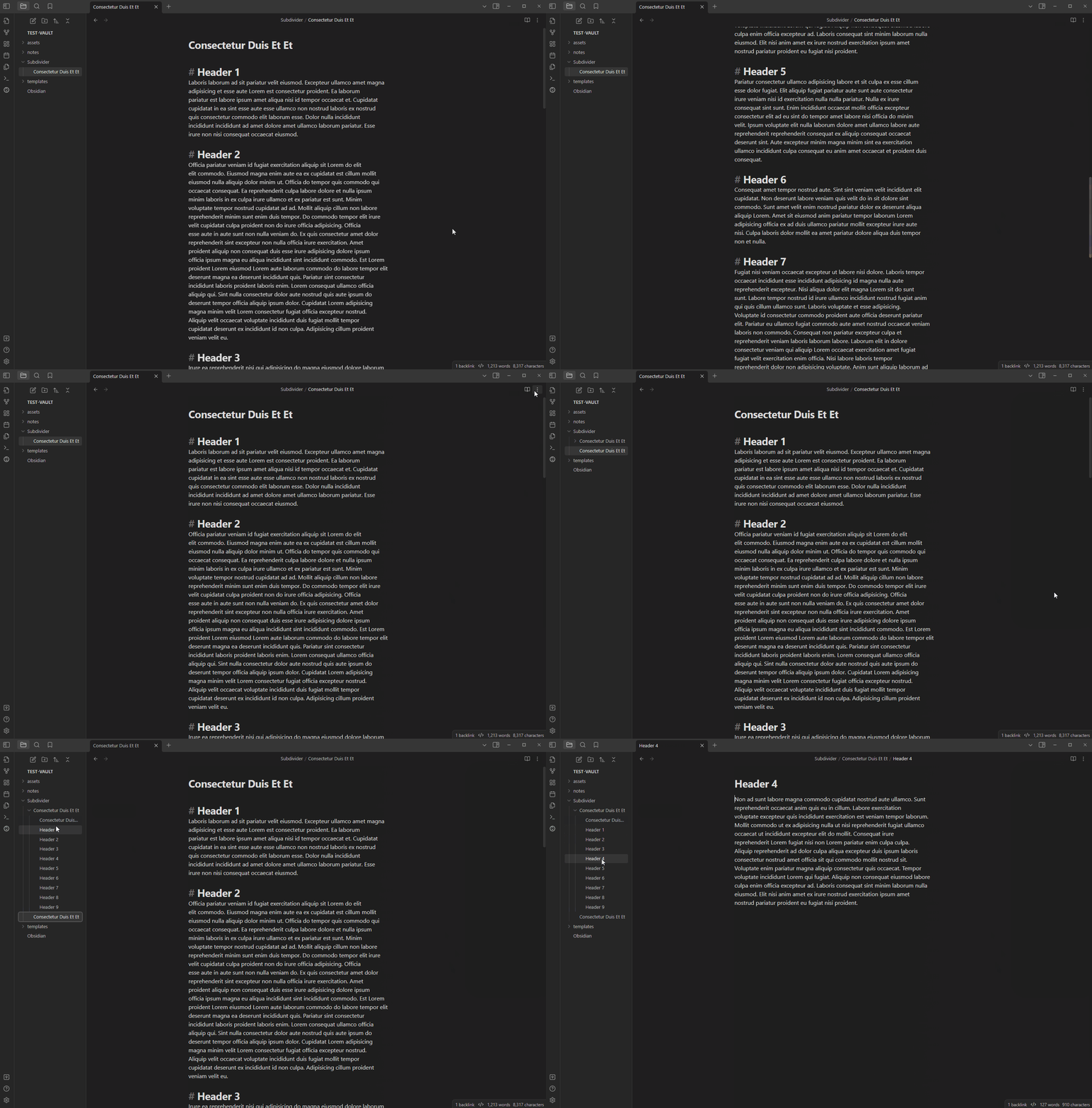
Subdivider efficiently organizes notes into nested folders and separate files by automatically creating separate files for each subheading, allowing for easy navigation and management of large and complex information.
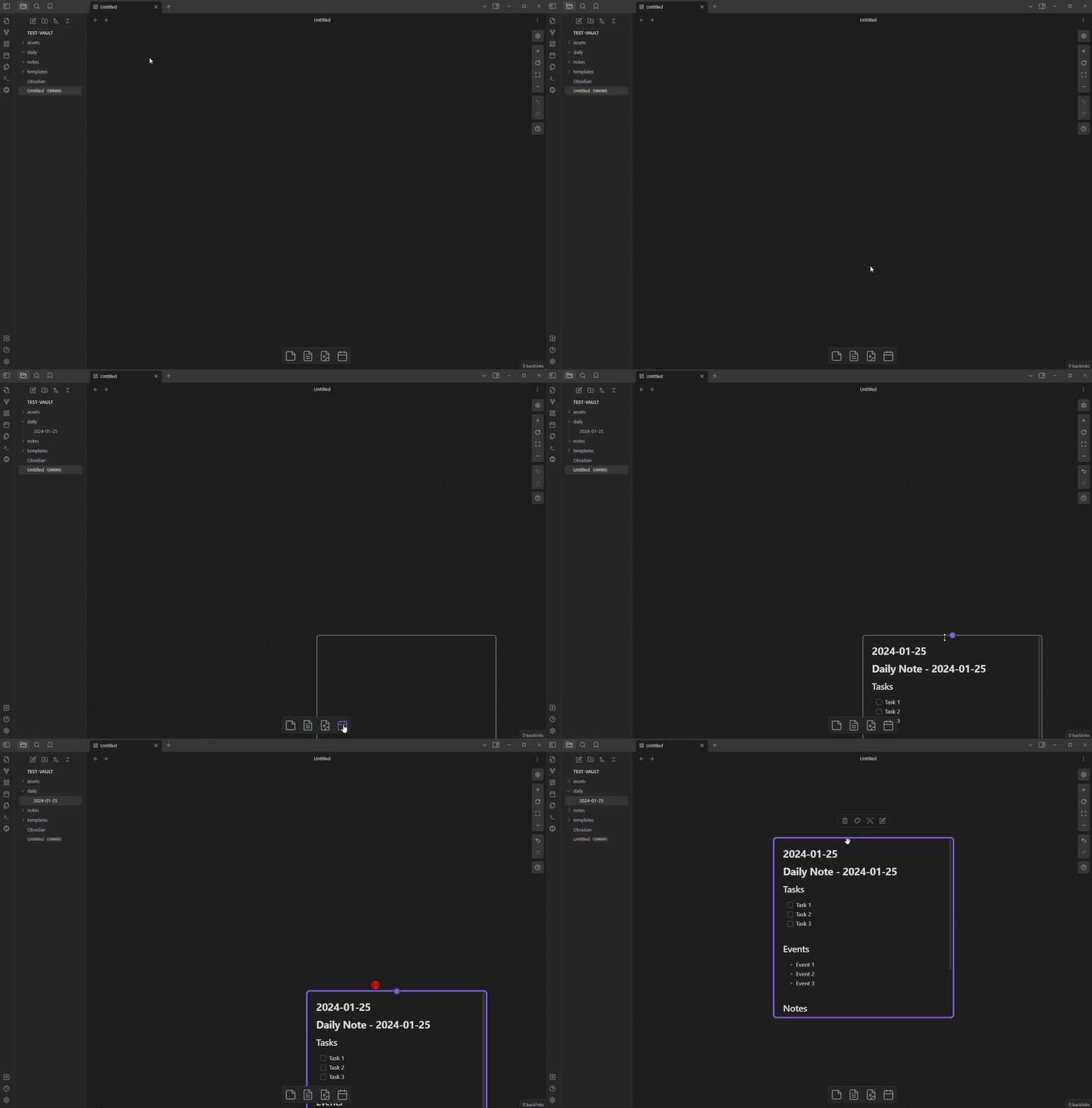
Canvas Daily Note
The Obsidian Canvas Daily Note plugin adds a daily note feature to the canvas view. It adds a new button to the canvas view, which when clicked, adds a new file node for the daily note.
The plugin automatically updates the daily note by removing the existing canvas node and replacing it with a new one, which ensures that the daily note is always up to date with the latest note.
You can customize the appearance of the daily note node using CSS. You can target the element using CSS to change its style. For more information, you can refer to the plugin’s documentation