
Obsidian Plugin Review — Smart Links, Auto Glossary, Image Layouts, Achievements, Project Garden
In this review, we’ll go through a couple more new Obsidian plugins that allow you to automatically create links from strings, create folder indexes, layout image galleries, create projects overview page, and gamify your vault.
Obsidian Smart Links
This plugin lets you create regular expression rules to create links from strings automatically.
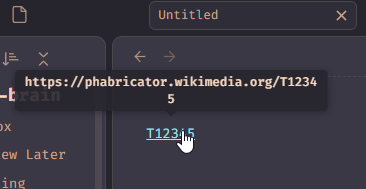
For example, when you install the plugin, there’s already an example rule created for phabricator:

This means that when you enter T12345, it will display a link to https://phabricator.wikipedia.org/T12345in reading mode.
Obsidian Auto Glossary
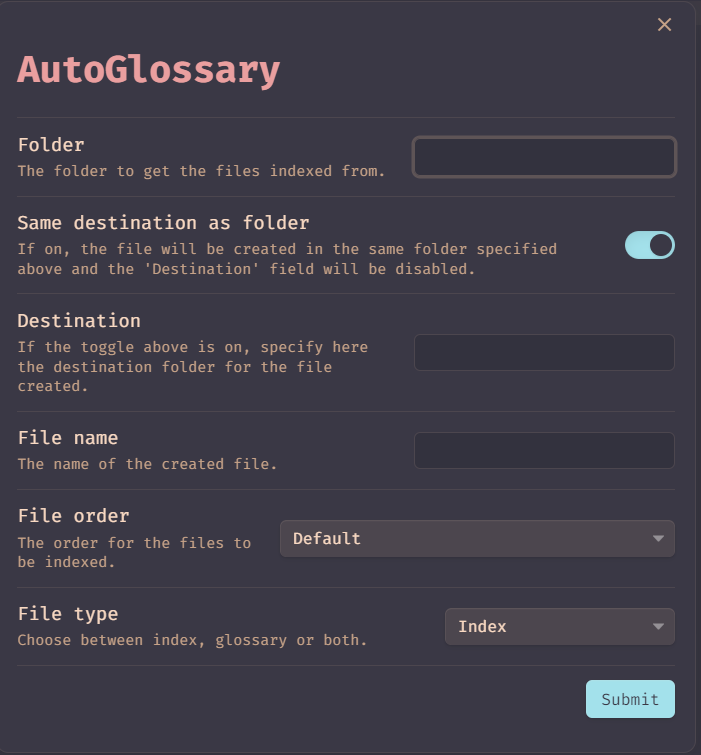
This plugin will create a glossary (list of ![[file]]), an index (list of [[file]]), or a glossary with an index from the files you want.
Obsidian Image Layouts
https://github.com/vertis/obsidian-image-layouts
As the name says, this plugin gives a couple of layouts to display your images, whether from your vault or external images.
```image-layout-a


```
```image-layout-b


```
```image-layout-f


```
```image-layout-masonry-3


```
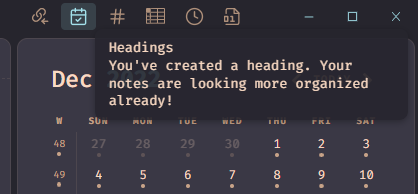
Obsidian Achievements
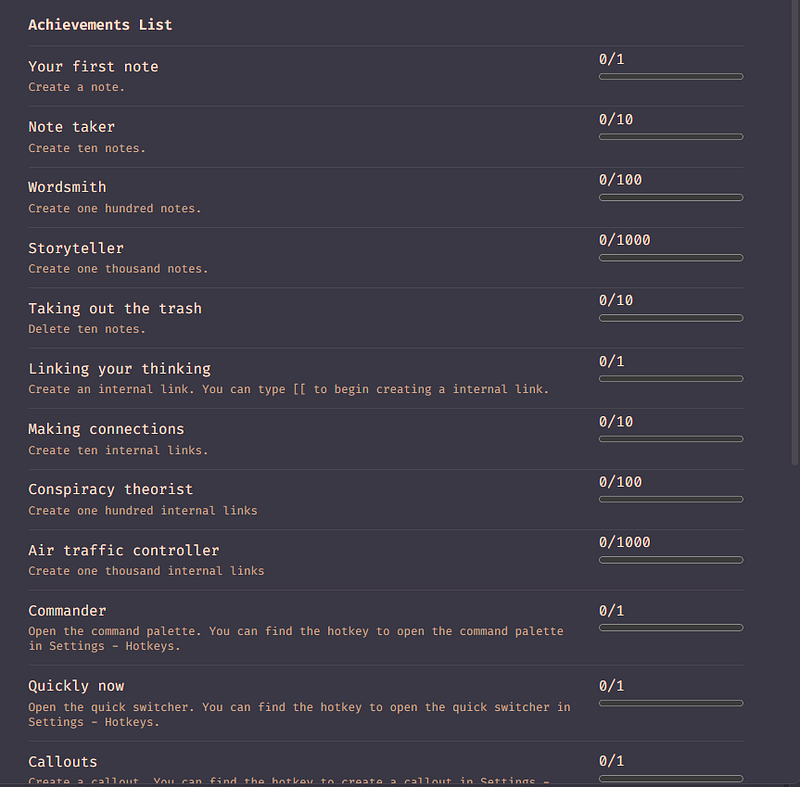
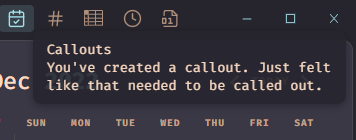
This plugin allows you to “gamify” your vault, by creating achievements:
Obsidian Project Garden
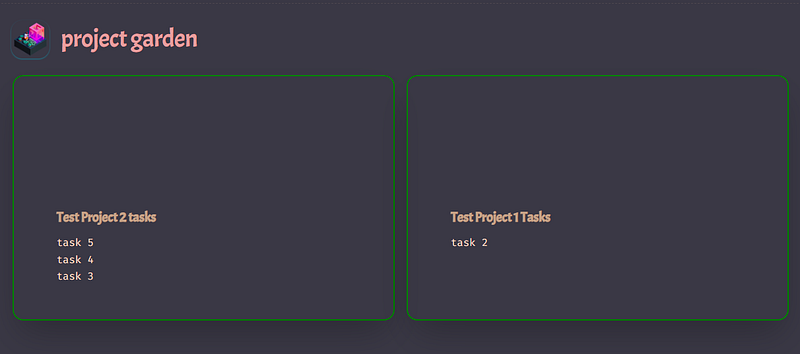
This plugin allows you to see your projects on one page as cards, your project garden. It will also display your project's incompleted tasks.
You can read the previous Obsidian articles here:
Click here to be notified every time I publish a new story 😉.
If you’re not a Medium member yet and wish to support me or get access to all my stories, click here.


