
Obsidian Plugin Review — A Tab Switcher, A Time Planner, An Orphan Links View, and A Powerful Translator
Introducing new Obsidian plugins
In this edition of my Obsidian Plugin Review, I’m going to show you a couple more Obsidian plugins: Obsidian Tab Switcher, Set In Obsidian Plugin, Obsidian Pending Notes, and Obsidian Translate.
Obsidian Tab Switcher
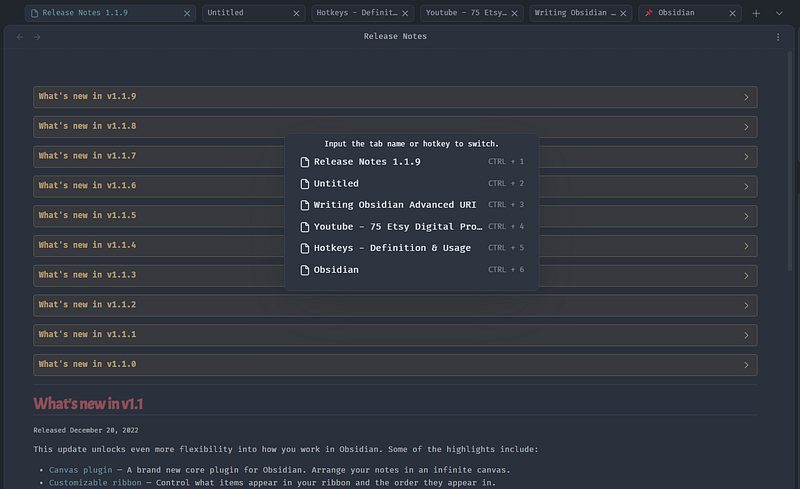
This plugin allows you to quickly switch between open tabs. Just open the command paletteand run Tab Switcher: Open Switcher For Tabs, or set up an hotkey for quicker access, and you’ll get a tab switch window, including a hotkey for each tab.
Set In Obsidian Plugin
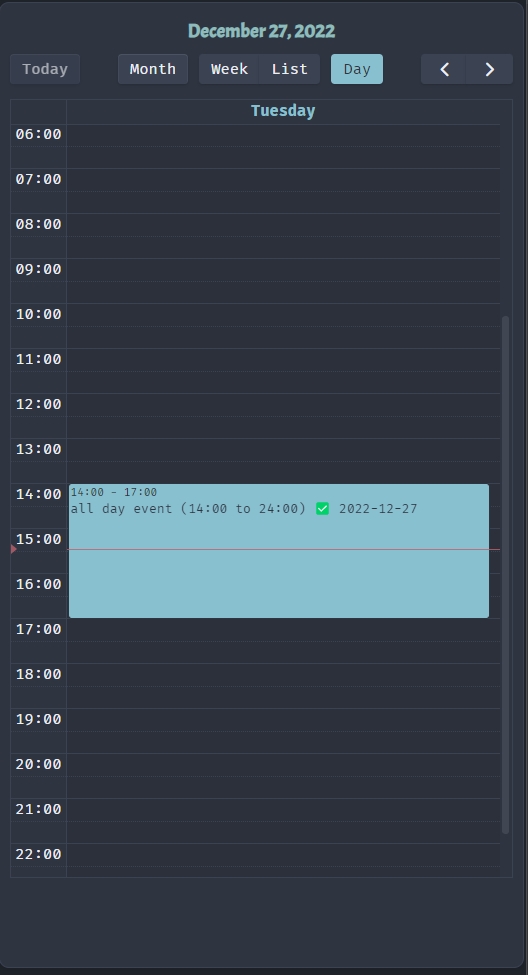
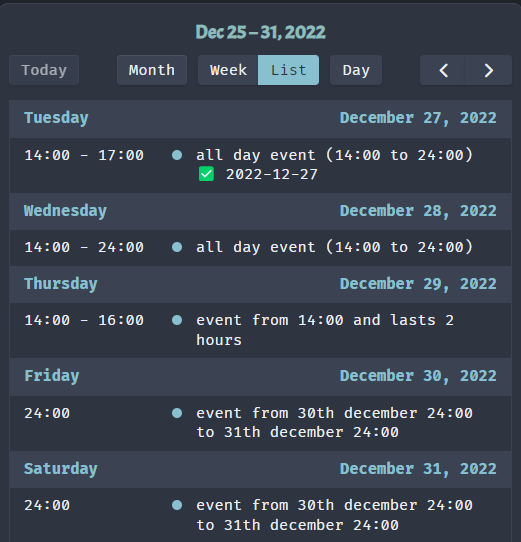
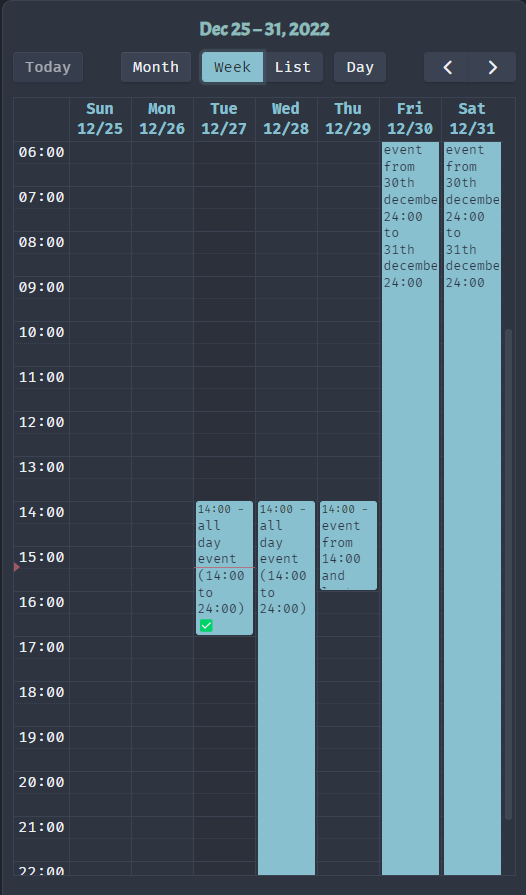
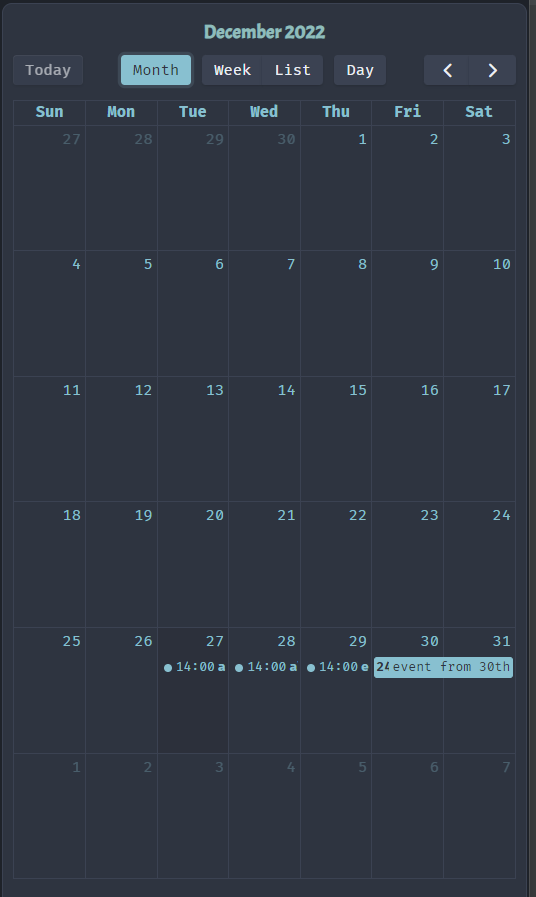
This plugin allows you to insert time stamps in list items, and show them on a list/day/week/month view.
- [x] `2022-12-27T14:00 PT3H` all day event (14:00 to 24:00) ✅ 2022-12-27
- `2022-12-28T14:00` all day event (14:00 to 24:00)
- `2022-12-29T14:00 PT2H` event from 14:00 and lasts 2 hours
- [ ] `2022-12-30 2022-12-31` event from 30th december 24:00 to 31th december 24:00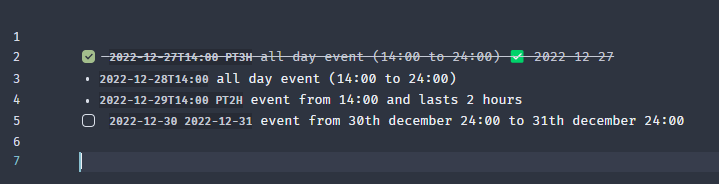
You can also set recurring events:
- `2023-01-01 every 3 days` test happens every 3 days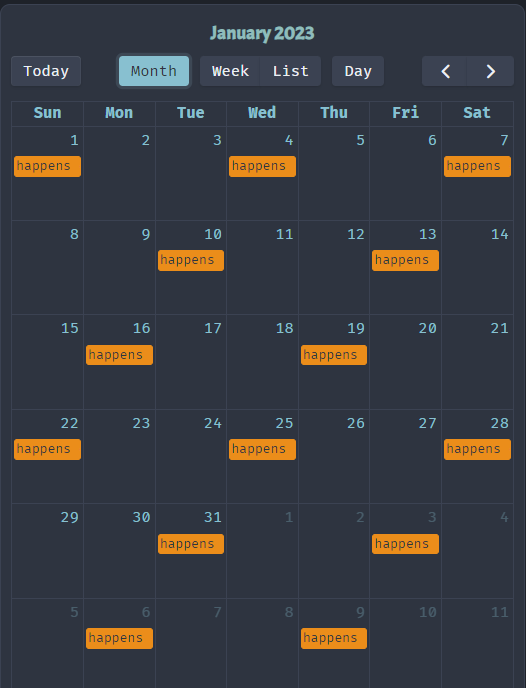
Obsidian Pending Notes
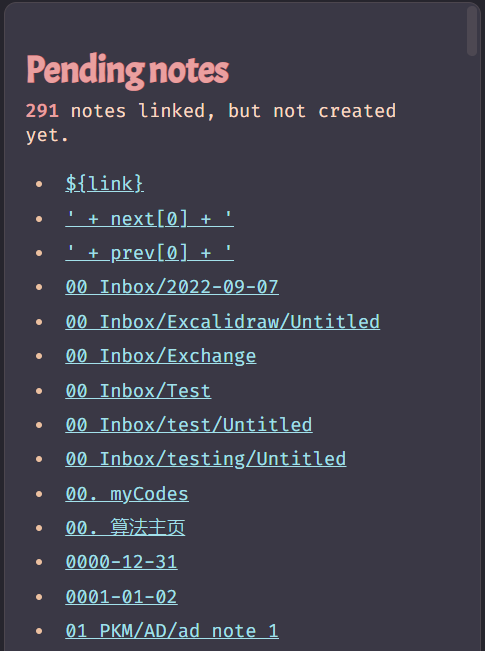
This plugin provides an easy view of links that you created on your notes, which do not link anywhere yet. Just open the command paletteand click Pending notes: Open pending notes list.
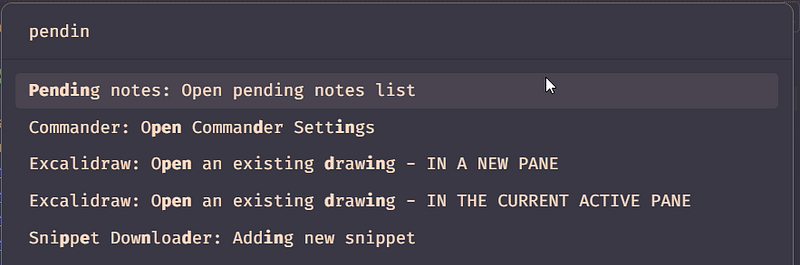
The list of pending notes will show on the right sidebar. Now, just click the link and it will create and open the new note.
Obsidian Translate
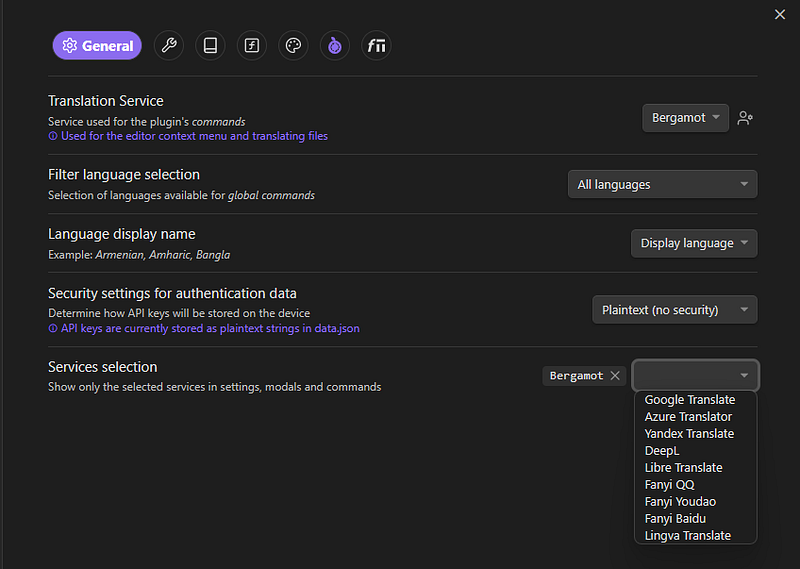
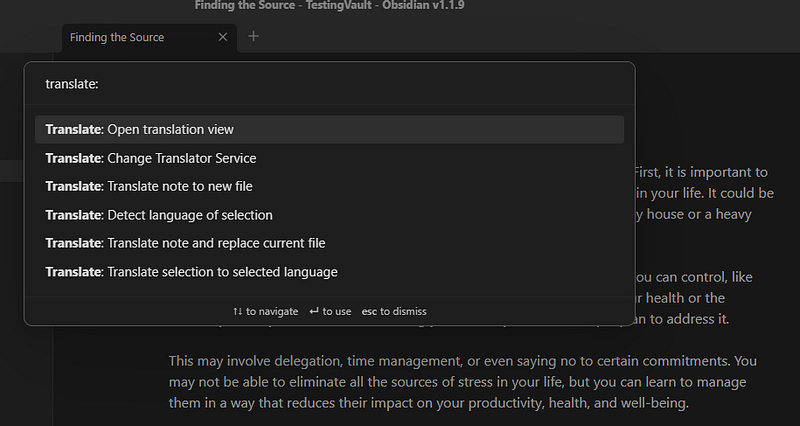
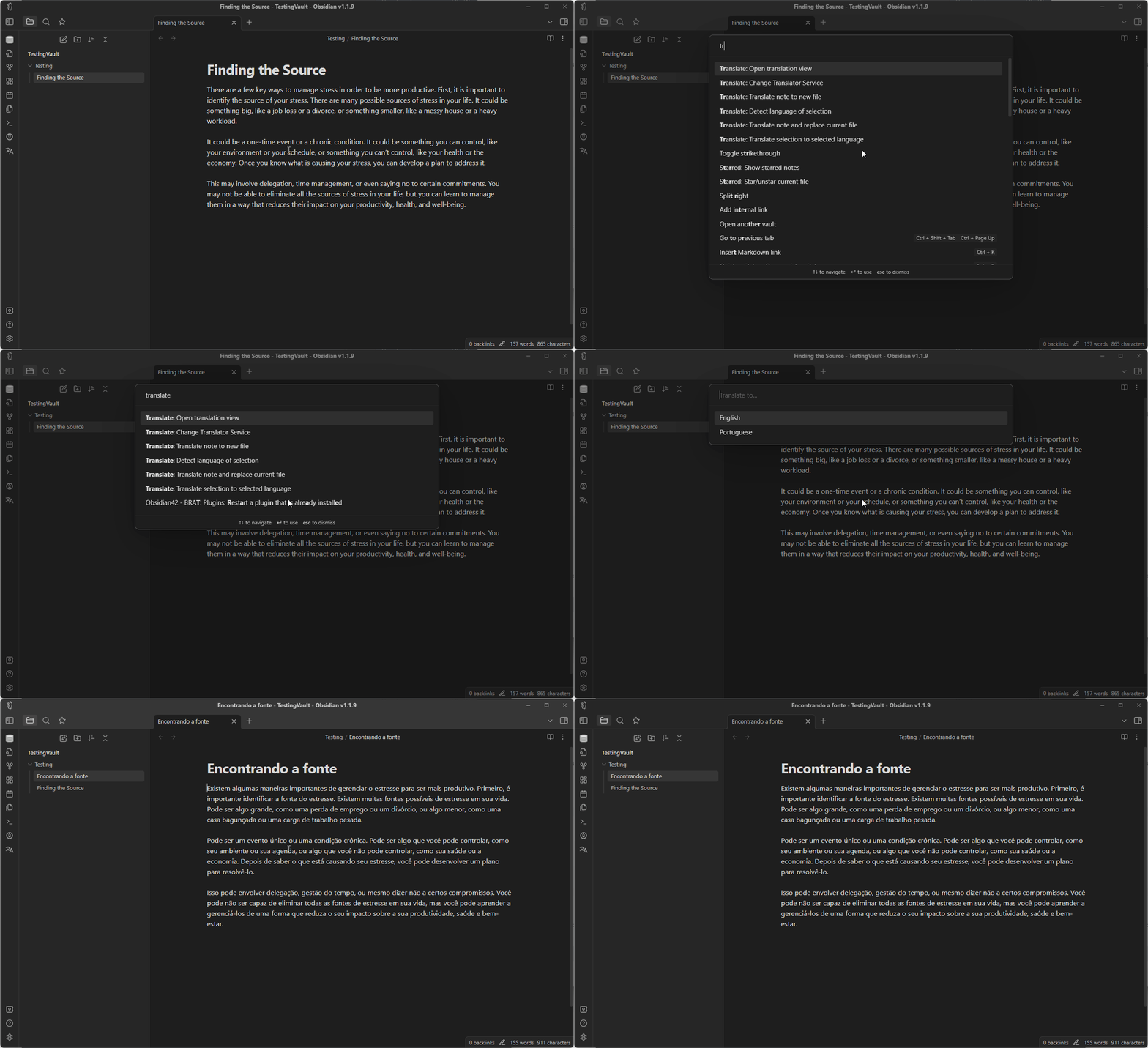
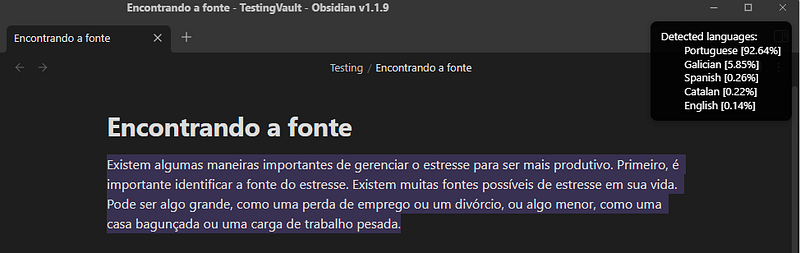
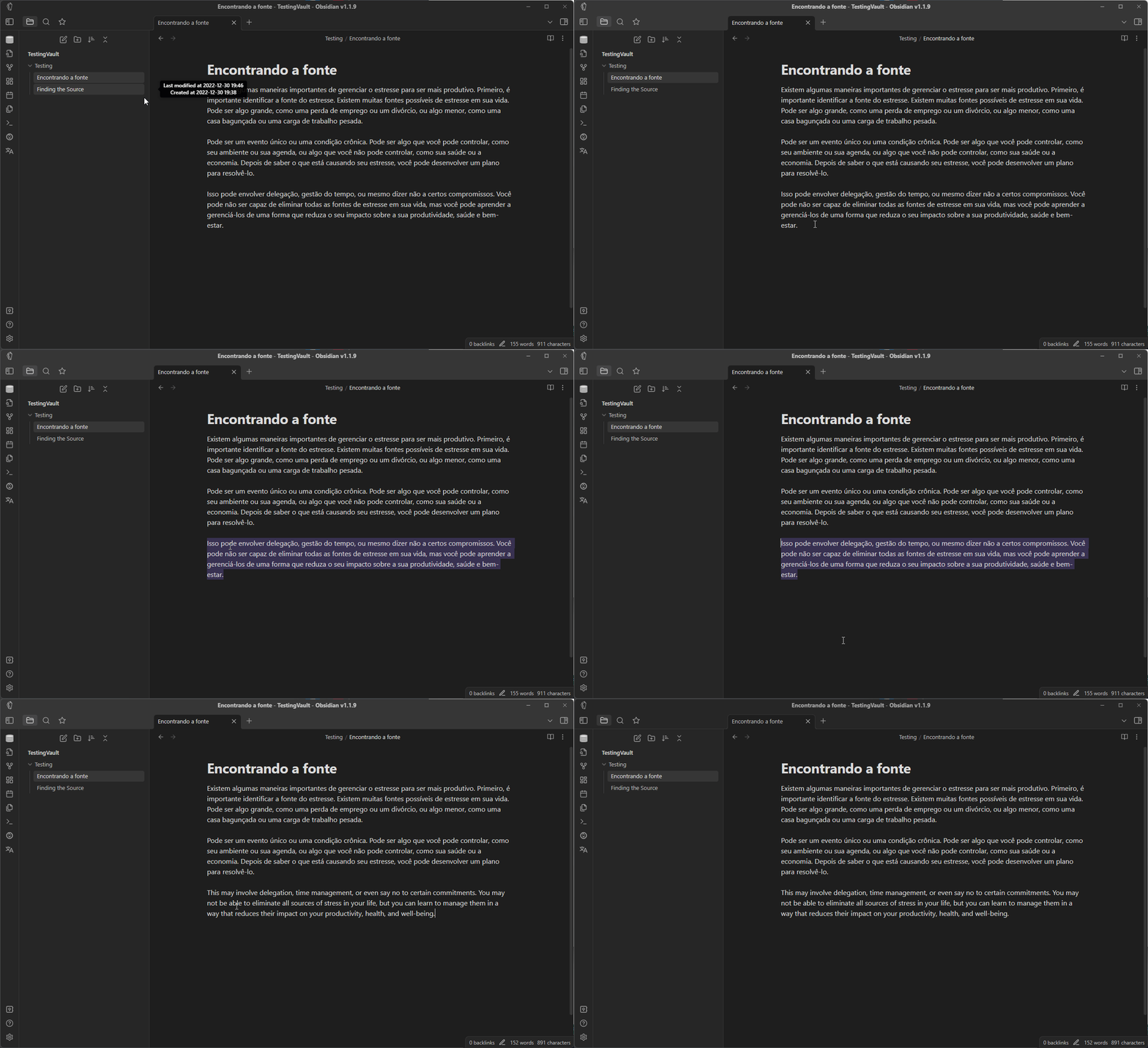
This plugin provides a couple of commands to translate text, allowing you to choose from 10 different translation services, including free services that do not require sign-up or API keys (Bergamot, Libre Translate, and Lingva Translate).
You can read the previous Obsidian articles here:
Click here to be notified every time I publish a new story 😉.
If you’re not a Medium member yet and wish to support me or get access to all my stories, click here.


