
Obsidian Cinema — How to keep track of movies with Movie plugin
I wrote a similar article about keeping track of your books in Obsidian — Obsidian Library — How to keep track of your books with Book Search and Projects plugins — , and this time I want to show you how to do the same thing with movies by using Movie plugin.
Movie allows you to collect movie data from omdb and Youtube trailers.
Keeping track of movies has never been so simple!
How to set up Movie
First of all you have to install the plugin! To do that, go into settings — community pluginsand search for Movie.
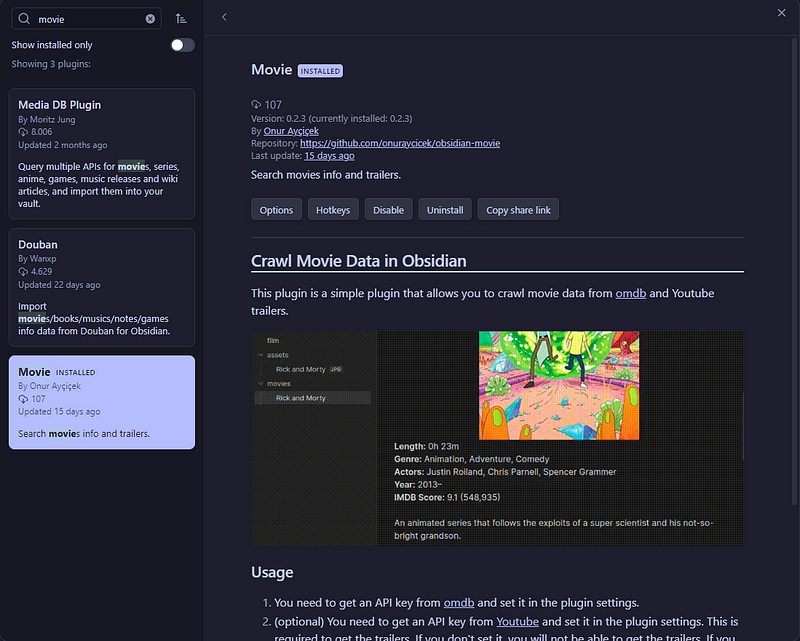
Install and enable it!
Once you’ve done, follow these instructions:
- Create a folder named
Movie(you can use the name you prefer): this will be the folder for your movie notes. - Create a folder named
Attachments(you can use the name you prefer): this will be the folder for the poster image. - Get an API key from omdb, open the plugin Options panel and copy/paste the API key in the OMDB APY Key field:
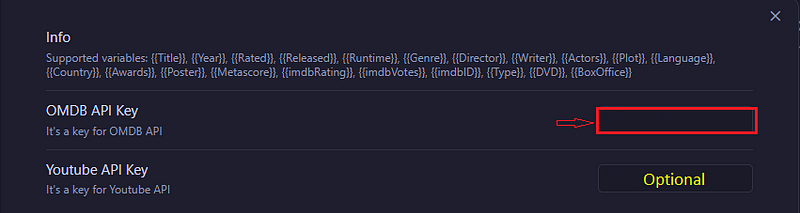
As you can see from the screenshot above, you can also add an API key from Youtube, but this is “Optional” since it’s only to be able to get the trailers. Anyway, if you are interested, this is a link that can be useful to get more information on how to get the API key from Youtube.
4. Lastly, we just need to set up the note template and the paths. These are my settings:
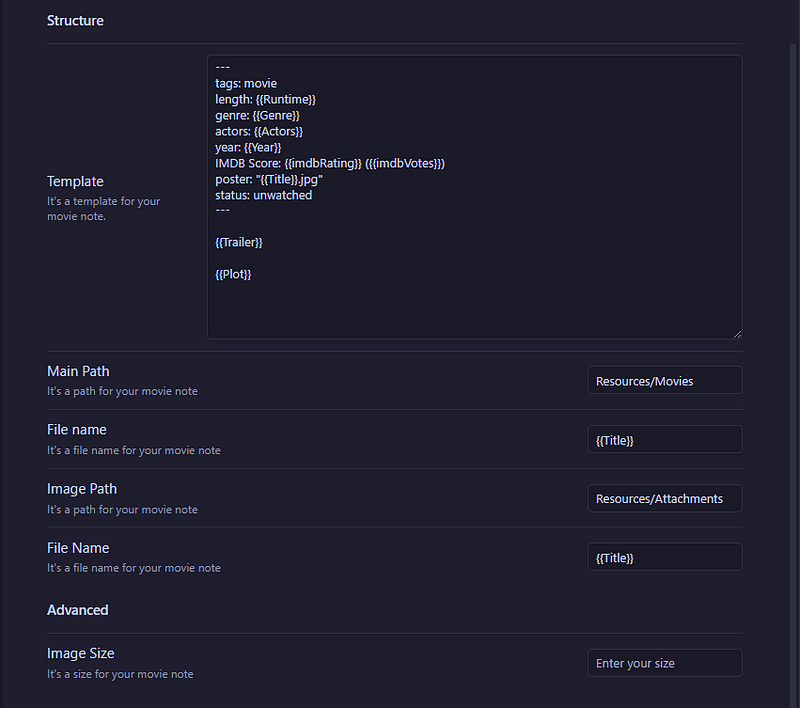
This is the code block to copy/paste the template:
---
tags: movie
length: {{Runtime}}
genre: {{Genre}}
actors: {{Actors}}
year: {{Year}}
IMDB Score: {{imdbRating}} ({{imdbVotes}})
poster: "{{Title}}.jpg"
status: unwatched
---

{{Trailer}}

{{Plot}}
Movie plugin is now ready to use!
The plugin in action
Let’s try the plugin by clicking the movie icon in the ribbon!
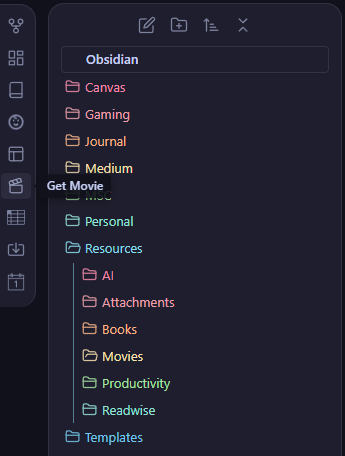
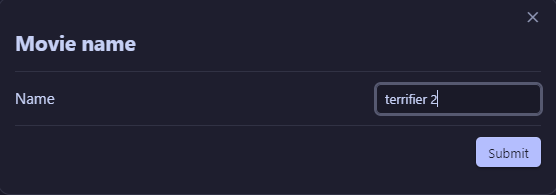
Now insert the title of the movie that you want, and hit submit:
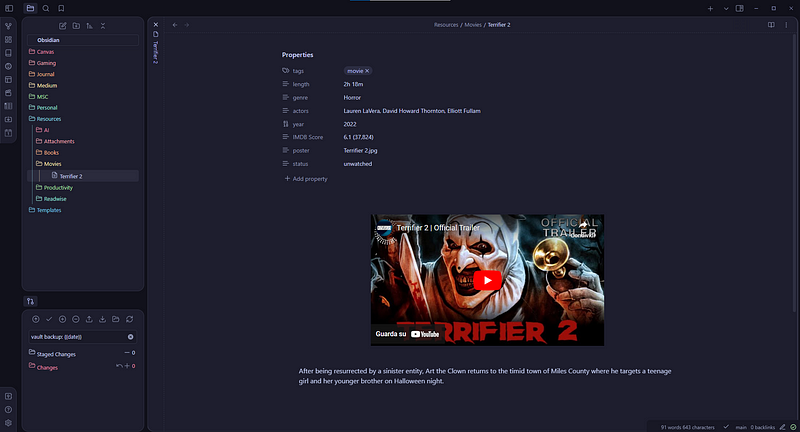
And that’s it! This is how the movie note looks like:
Gallery View with Projects Plugin
I’ve already explained how to set the Projects plugin in my previous article (link at the beginning of this article!), but let’s see here how to create a gallery view for your movies.
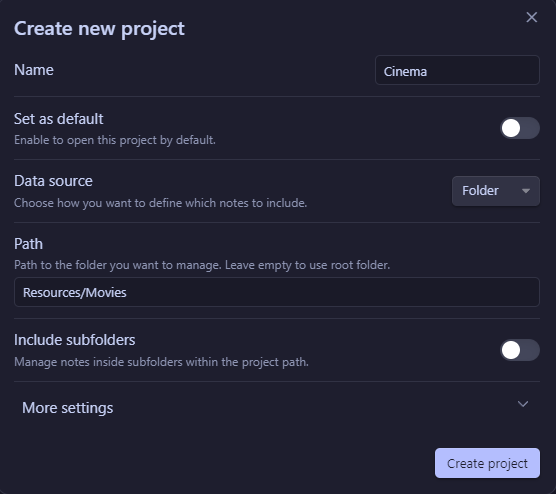
Open the Projects plugin and create a new project:
Create the gallery view:
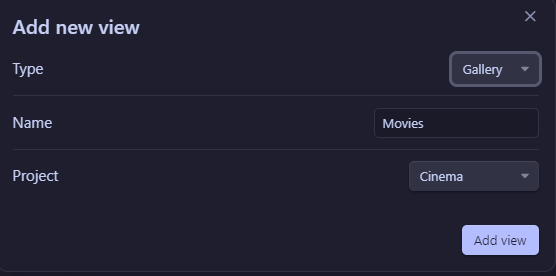
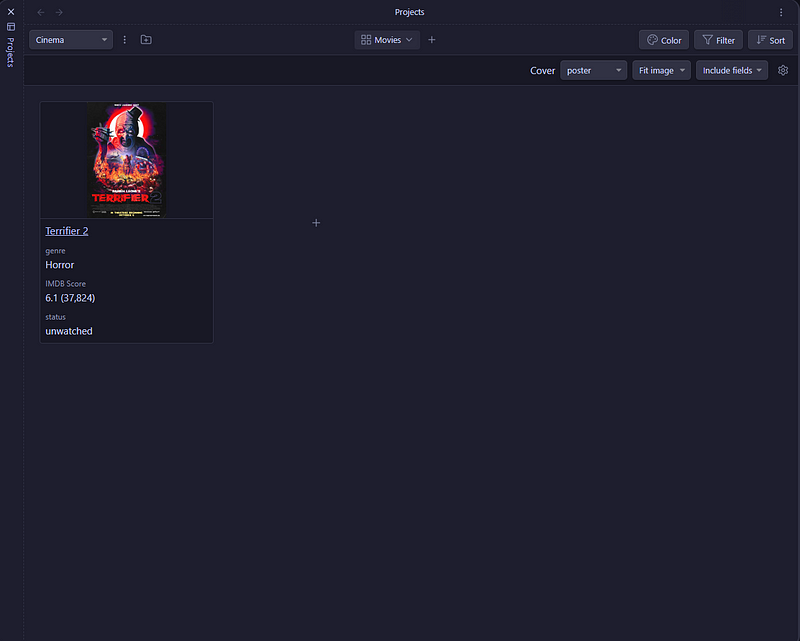
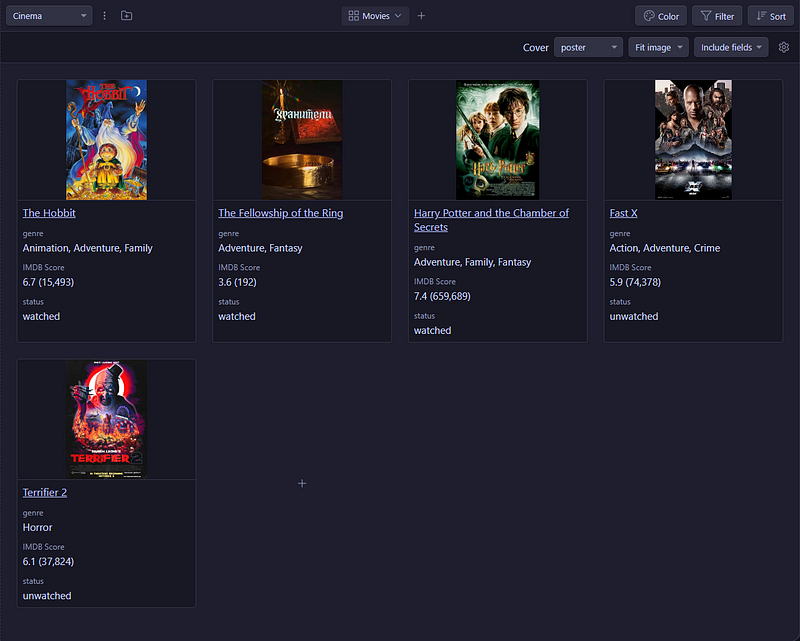
Use poster as “Cover”, set image option to “Fit image” and the card width to 250px.
You can include the fields that you want inside the card, but I personally include genre, IMDB Score and status.
This is how the gallery view looks like:
Conclusion
Now you have a nice and fast way to keep track of your favourite movies in Obsidian!
You can also follow me on:


