avatar🐟Curtis Chan FishSunSun

Free AI web copilot to create summaries, insights and extended knowledge, download it at here

1361

Abstract

om the speaker. However, my approaches are, using an app called Notability. I note every essential into the app, digitally.</p><blockquote id="30a3"><p>Tools mentioned: Wacom Bamboo Pad (<a href="http://www.wacom.com/en-us/products/navigation/bamboo-pad-wireless">official introduction</a>) + MacBook Air + Notability (<a href="http://www.gingerlabs.com">official website</a>)</p></blockquote><figure id="7284"><img src="https://cdn-images-1.readmedium.com/v2/resize:fit:800/1*tSrvliuP4_9NxvrqvMxI7A.png"><figcaption>Notability is my note-taking app</figcaption></figure><h2 id="ee5c">The way to mark the unfinished lesson</h2><figure id="6c8f"><img src="https://cdn-images-1.readmedium.com/v2/resize:fit:800/1*OtHJ1DXAaQVfod7Q6150Kw.png"><figcaption>Incomplete classes</figcaption></figure><p id="a699">Sometimes, as experienced, the lecturer cannot finish the entire class. Therefore, I mark the Part and Date into the slide stopped.</p><p id="7351">It can keep tracks of my lesson too.</p><h1 id="8466">Not yet! OneNote!</h1><figure id="a612"><img src="https://cdn-images-1.readmedium.com/v2/resize:fit:800/1*4Kj6j05o_D0taxuL4Qwasg.jpeg"><figcaption>note organizing</figcaption></figure><p id="5c6b">Indisputably, it is not sufficient when you merely to take notes during the course. Instead, second processing is important for everybody.</p><p id="6df7">For

Options

me, I use OneNote to organize the lesson. Copy and Pasting is, of course, the basic for me to do. After that, the meaningful part, making things more memorizable.</p><h2 id="7a4e">Colour</h2><figure id="4fc1"><img src="https://cdn-images-1.readmedium.com/v2/resize:fit:800/1*bUYKO3qc1baLD_mr1otSEg.png"><figcaption>Colorful</figcaption></figure><p id="8c87">Definition, keeps in a cell filled with Blue; Concepts, in contrast, keeps in a table with Red + Green.</p><h2 id="306d">Symbols</h2><p id="fe2d">#examples</p><h2 id="33f2">Dividers/Headings</h2><figure id="3f95"><img src="https://cdn-images-1.readmedium.com/v2/resize:fit:800/1*RZR-MNNNzBX8k8jq04B0TA.png"><figcaption>More clearer to show the structure of notes</figcaption></figure><p id="71d5">A horizontal cell</p><h2 id="23c8">Illustrations</h2><figure id="fd3d"><img src="https://cdn-images-1.readmedium.com/v2/resize:fit:800/1*uOxRIL3LdP3cklljPo0ZKw.png"><figcaption>a spider is scary.</figcaption></figure><p id="d9dc">Some diagrams are drawn for better memorization. Here are some examples.</p><h1 id="4a84">Conclusion</h1><p id="71f3">It is better for everyone to reconsider the tools to learn. My way is not the best but is suitable for me. All aforementioned is just some productivity boost means. The most important, is, learn and understand all the pieces of knowledge.</p></article></body>

Note-taking without a real note

Papers

It is horrible when you are living at 21st centuries. However, papers are dominated in your life. In fact, more papers are adapted in electronic form instead of a bunk of sheets.
I understand that some may say using paper is better than staring on the screen. However, I would say, there are many benefits for you to use digital-inking.

Paperless Learning
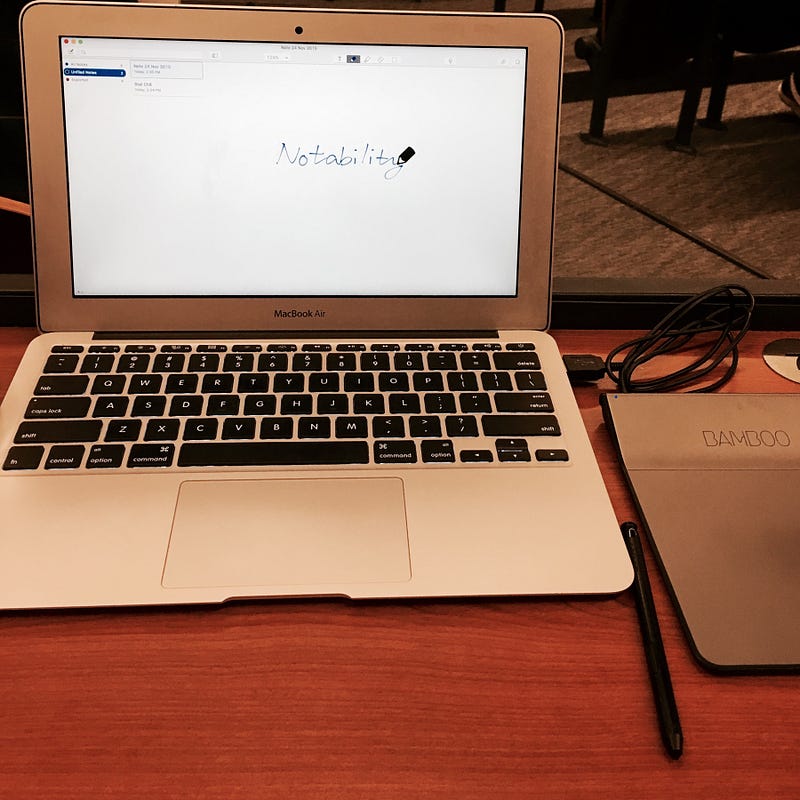
My notebook, electronically

As a student, it is quite common to see my classmates print the slides out. In a big contrast, the companion for me is the MacBook plus a drawing board. Beyond ticking the attendance, no pens would I use during the class.

Then, a drawing board, as I mentioned, you probably guessed how I jot notes in the class. It is almost identical to others, I do need to handwrite every key point from the speaker. However, my approaches are, using an app called Notability. I note every essential into the app, digitally.

Tools mentioned: Wacom Bamboo Pad (official introduction) + MacBook Air + Notability (official website)
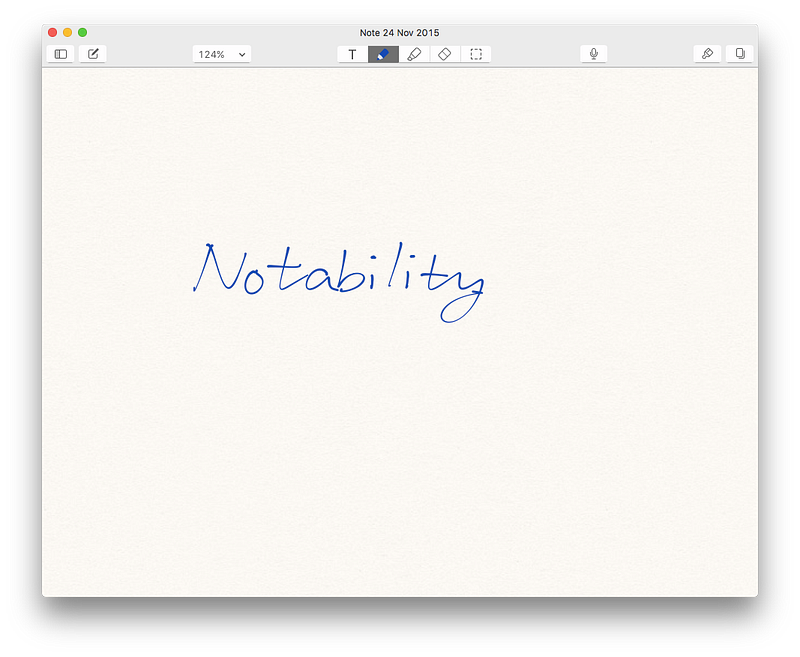
Notability is my note-taking app

The way to mark the unfinished lesson
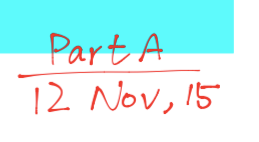
Incomplete classes

Sometimes, as experienced, the lecturer cannot finish the entire class. Therefore, I mark the Part and Date into the slide stopped.

It can keep tracks of my lesson too.

Not yet! OneNote!
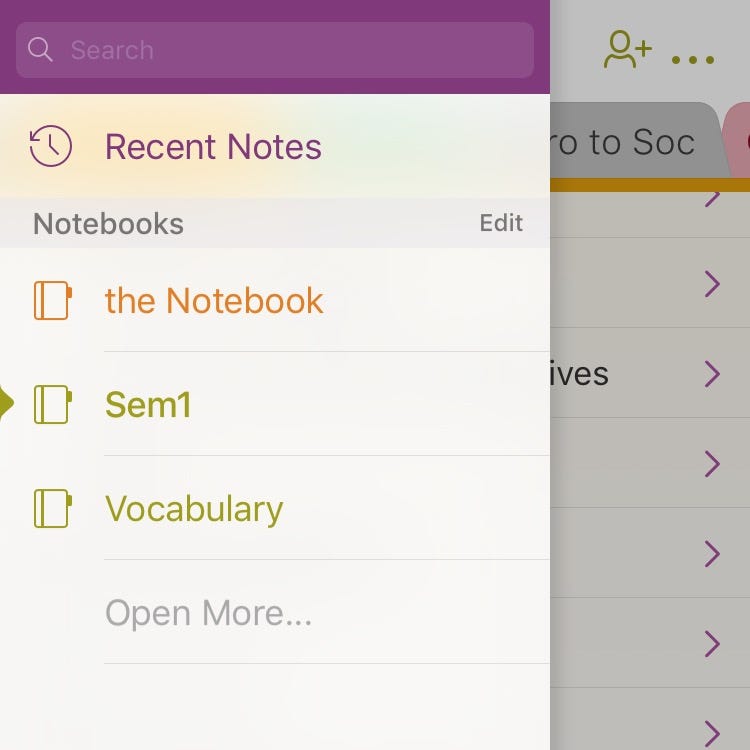
note organizing

Indisputably, it is not sufficient when you merely to take notes during the course. Instead, second processing is important for everybody.

For me, I use OneNote to organize the lesson. Copy and Pasting is, of course, the basic for me to do. After that, the meaningful part, making things more memorizable.

Colour
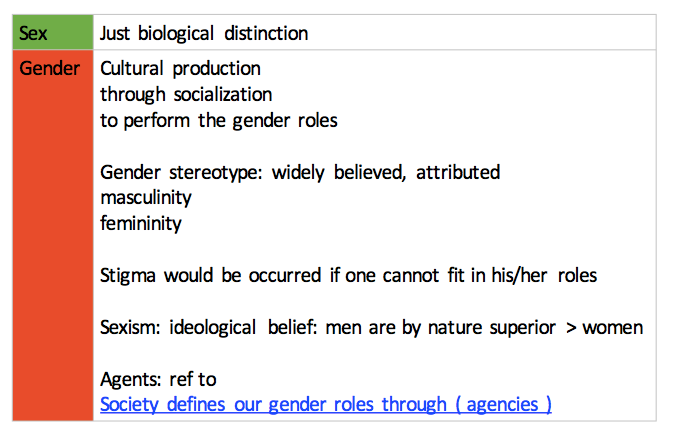
Colorful

Definition, keeps in a cell filled with Blue; Concepts, in contrast, keeps in a table with Red + Green.

Symbols

#examples

Dividers/Headings
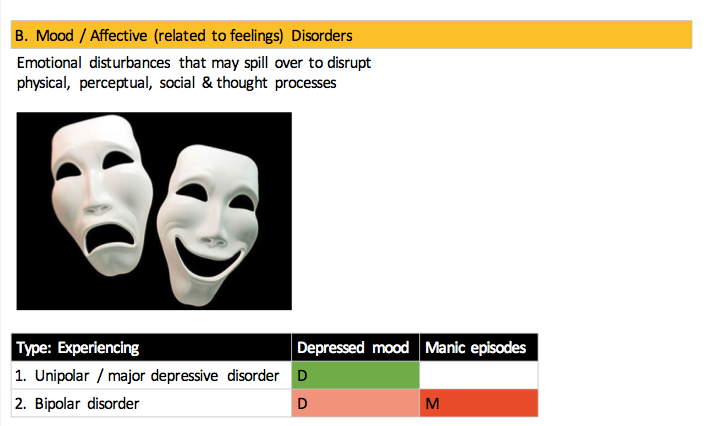
More clearer to show the structure of notes

A horizontal cell

Illustrations

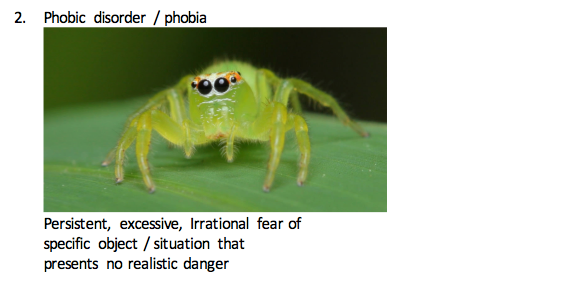
a spider is scary.

Some diagrams are drawn for better memorization. Here are some examples.

Conclusion

It is better for everyone to reconsider the tools to learn. My way is not the best but is suitable for me. All aforementioned is just some productivity boost means. The most important, is, learn and understand all the pieces of knowledge.

Productivity
Evernote
Note Taking
Recommended from ReadMedium