
Node.js. Video streaming, and segmentation in Examples
In this article we will take a look at how we can send a video as a stream (in chunks), and as a segmented video (m3u8). Additionaly we will create a React.js app with “vime-js” (not vimeo) player.
What we will be implementing
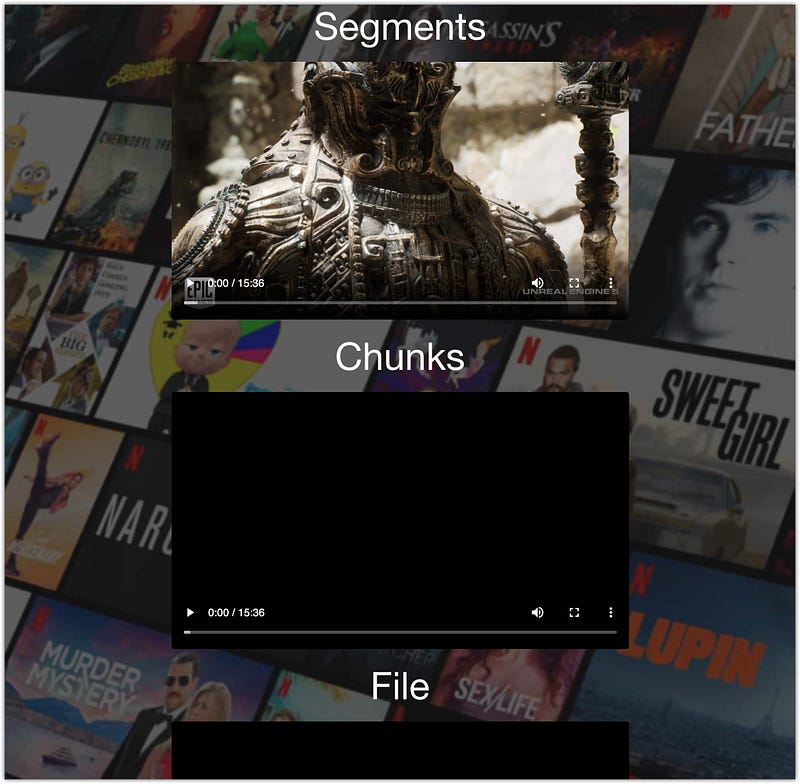
This is how our React.js page will look like fetching data from our Node.js server:
Prerequisites
Project structure:
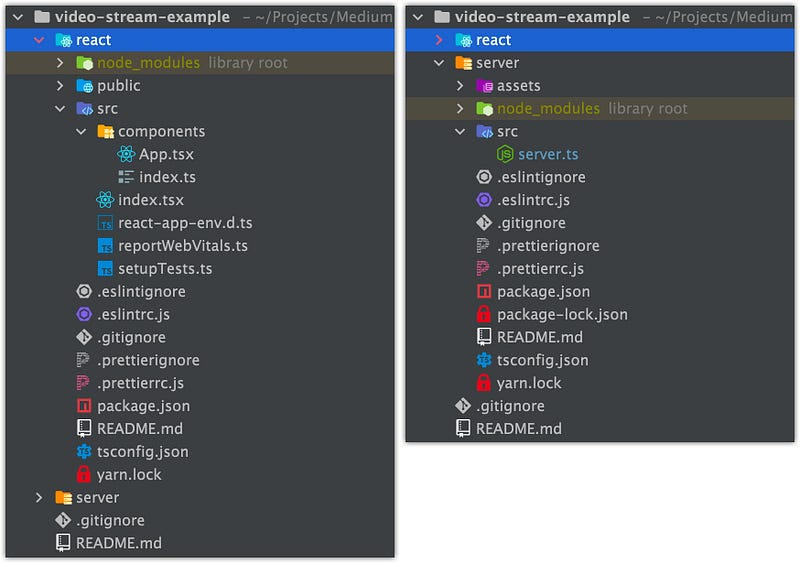
/reactfolder — React.js app created via create react app;/serverfolder — Simple Express.js server
If you are using WebStorm as your development IDE you can use this template file:
Just download the archive and copy it into the folder (for Mac users)
/Users/{userName}/Library/Application Support/JetBrains/WebStorm{version}/projectTemplates
After that, you can create a new project from that template (don't repeat yourself 🙂):
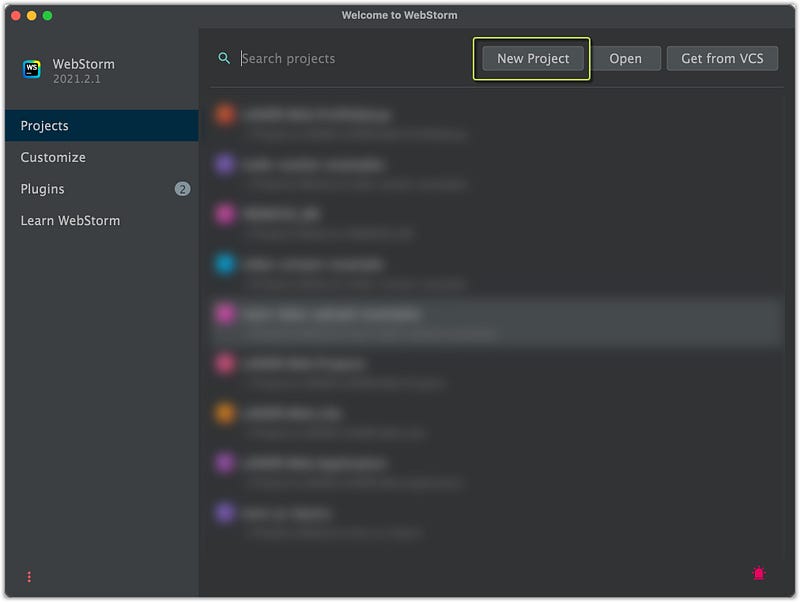
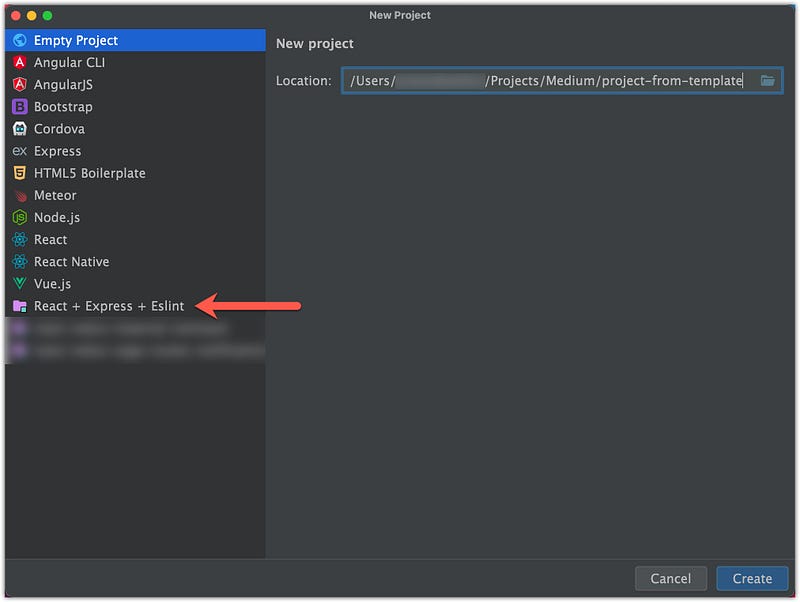
A new project will be created from that template
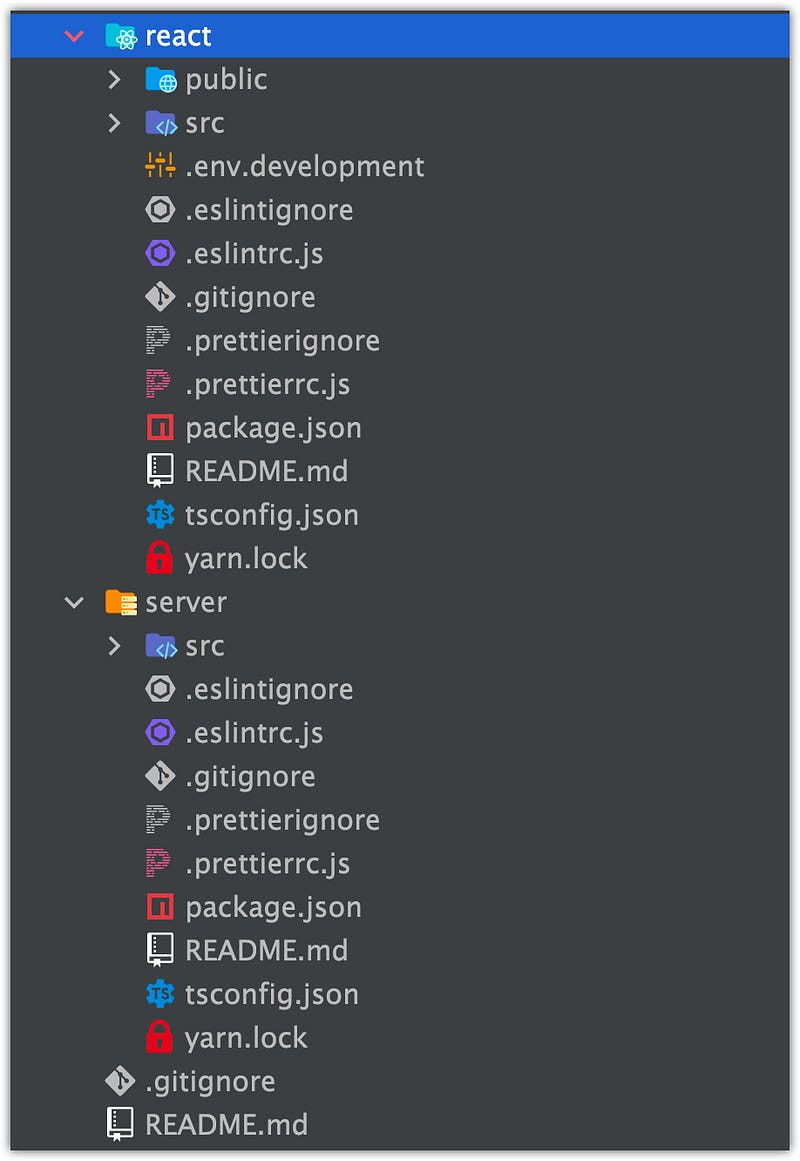
Don’t worry, you will not have to create this project from scratch → I will leave a link to the github repo:
If you just want to check the project without downloading it and running locally you can press “dot” . at the github page → VS Code IDEA will open:
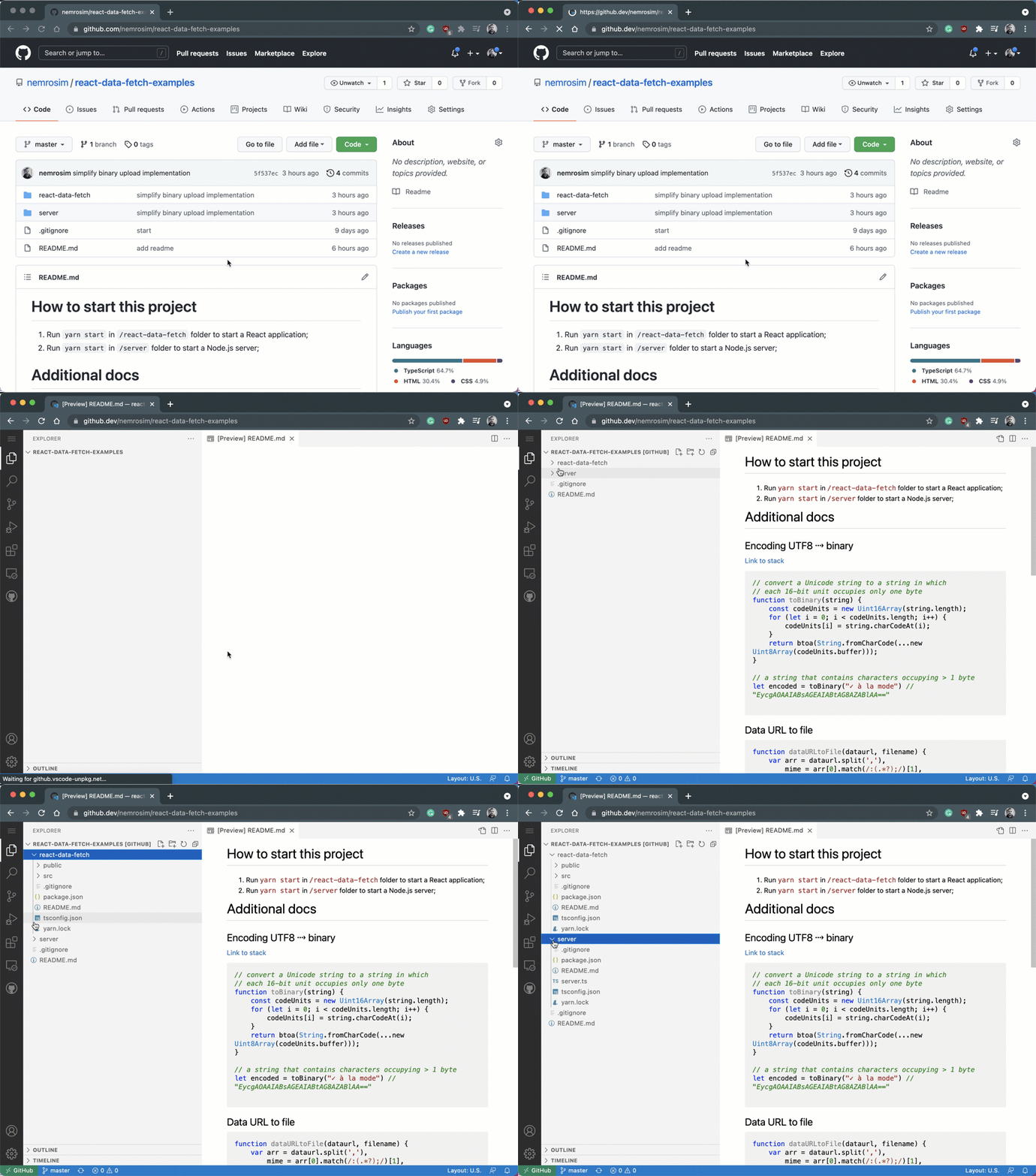
Express.js data send
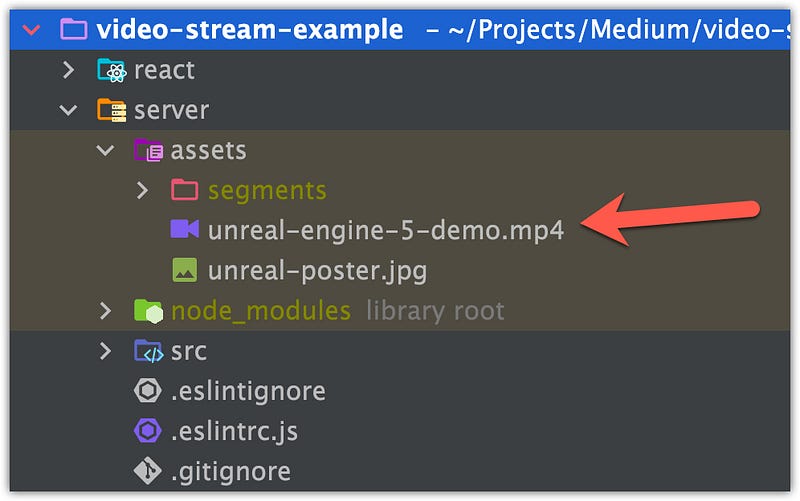
At first, we will be working on back-end implementation. We will use a video file to be work with from the Unreal Engine5 demo:
At first, we will place that file into the /server/assets folder:
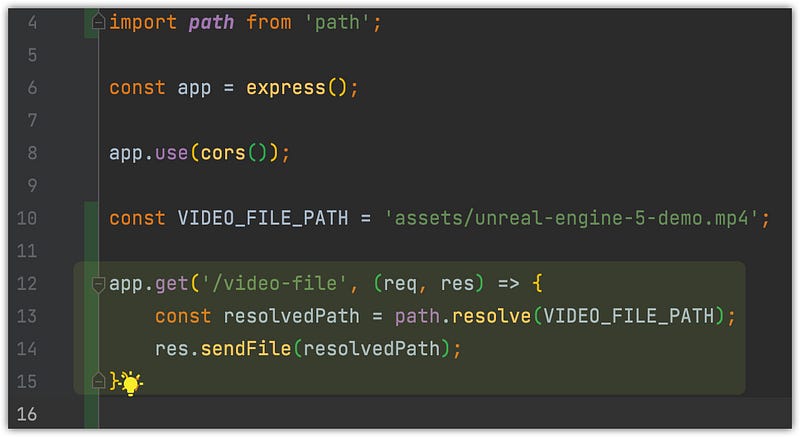
Next, we will create an Express.js route (.sendFile) that will send this file by GET request /video-file :
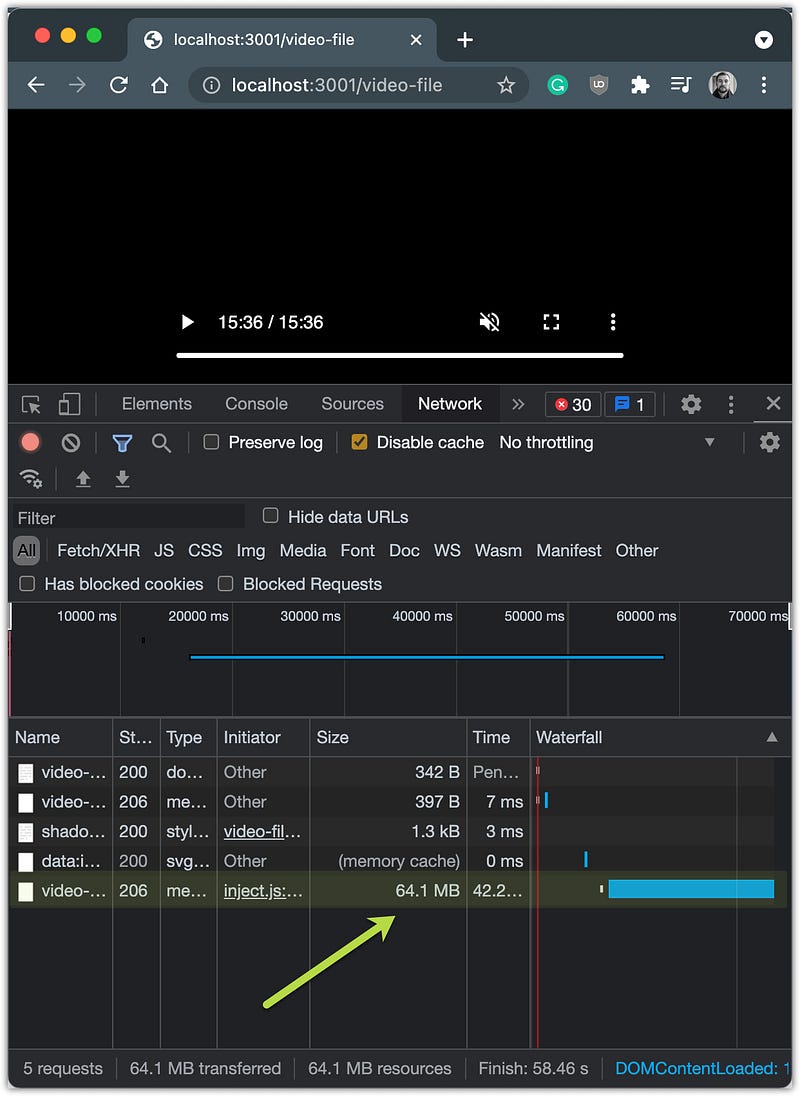
After the server start, you can open a browser at localhost:3001/video-file page (no React, for now at least) and see how it works:
If user will forward a video…
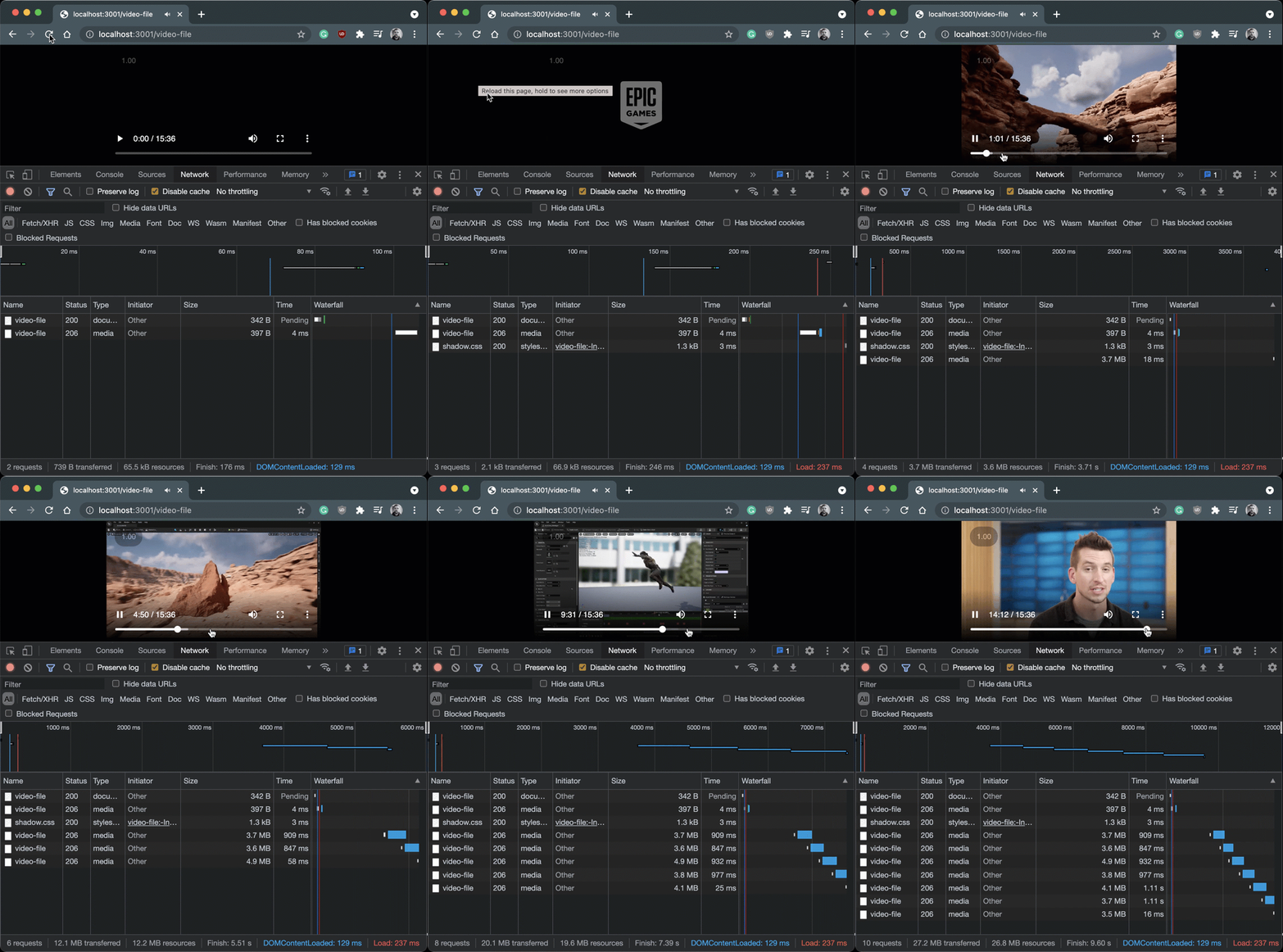
… video data will be loaded in chunks (take a closer look at status 206 Partial Content), just like we will do it next:
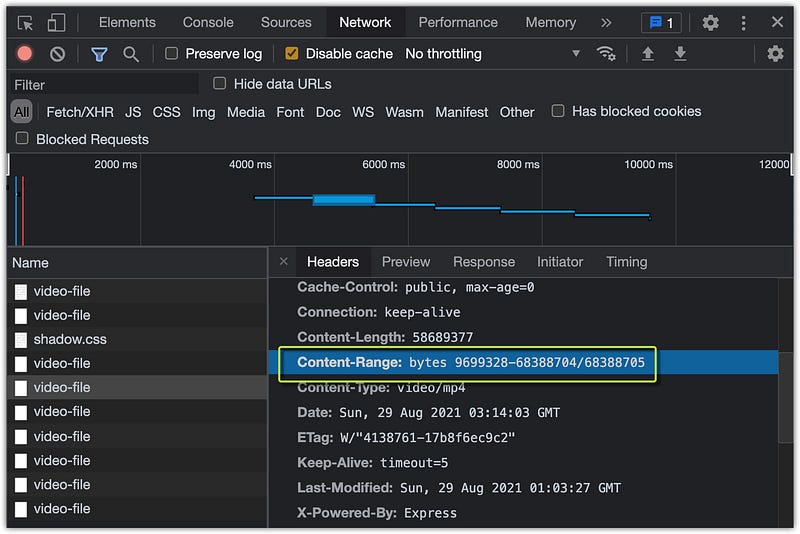
This approach is uses the Express.js framework, but how it can be done using Node.js only. Let’s take a look next.
Streaming video file
Here we will implement the same thing but only using Node.js. Create a new GET /video-chunk route:
getFileSizeAndResolvedPath and getChunkProps functions in utils.ts file:
If you will open localhost:3001/video-chunk page → result will be the same
Video segmentation
And this is the most interesting part. In this section, we will create segments of our video → m3u8 list with .ts files.
⚠️ NOTE: You can create video segments of your video using many desktop tools available, but here I what to show you how to do that using Node.js.
We will use fluent-ffmpreg library:
This library abstracts the complex command-line usage of ffmpeg into a fluent, easy to use node.js module.
Instal those packages into the /server project:
yarn add fluent-ffmpeg @ffmpeg-installer/ffmpeg hls-server… and types (if you use typescript):
yarn add @types/fluent-ffmpeg -DNext, copy-paste code into the src/generate.mjs file.
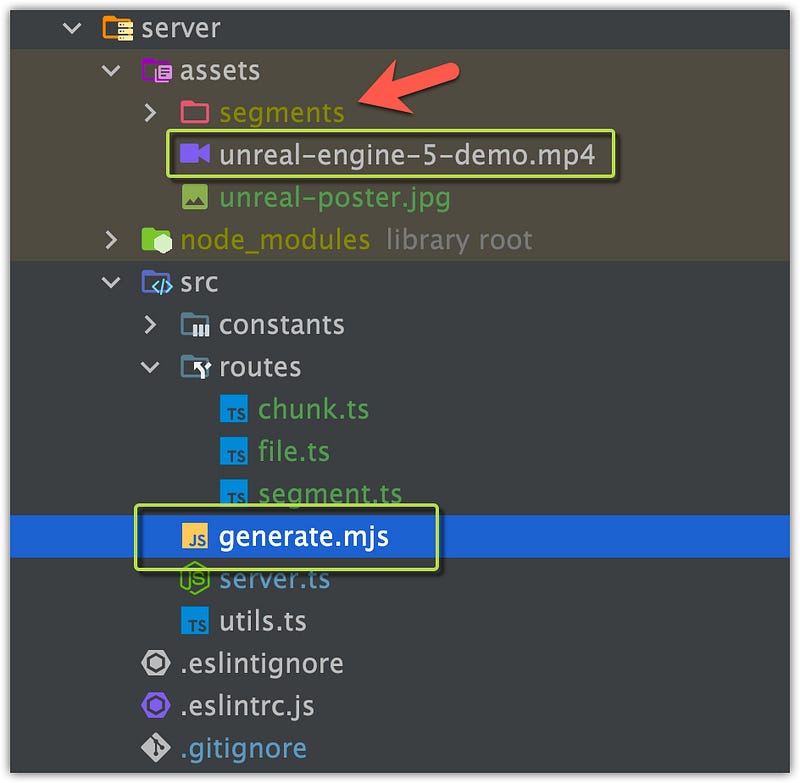
👉 You can check more about those command lines we copy-pasted here:
Next, run node generate.mjs command:
It will generate ts segments with m3u8 from Unreal Engine 5 video file:
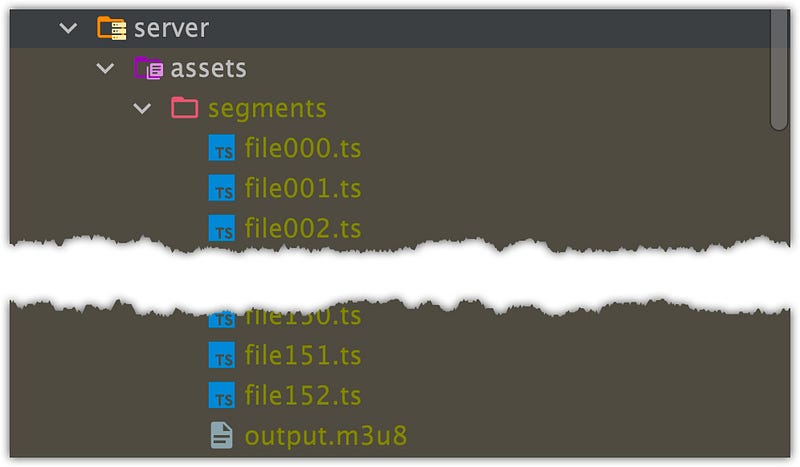
👉 m3u8 file is basically a list of video segment file names and timecodes:
#EXTM3U
#EXT-X-VERSION:3
#EXT-X-TARGETDURATION:13
#EXT-X-MEDIA-SEQUENCE:0
#EXTINF:13.213200,
segments/file000.ts
#EXTINF:8.341667,
segments/file001.ts
#EXTINF:0.834167,
segments/file002.ts
#EXTINF:8.341667,
segments/file003.ts...#EXTINF:8.341667,
segments/file151.ts
#EXTINF:8.174833,
segments/file152.ts
#EXT-X-ENDLISTNext, we will create two simple routes:
/segment-list→ will return a m3u8 list/segments/:segment→ will return afile002.ts(as example) fromassets/segmentsfolder
React application
At first, add vime player to your dependencies:
yarn add @vime/reactNext, update App.ts file with this code:
Basically, we have three Players:
- Chunks and File players requesting a video file from a server in a “simple” way → fetch video file by a link;
- Segments players work a bit differently → it fetches
m3u8list with the segment file names and timecodes at first and then file by one at a specific time
⚠️ NOTE: You can check my other article, if want to know how to deploy this app on Netlify:
Github repository link:
If you liked this story you can check “List of all my stories” as well. Happy coding!


