
No One Told Me These Two Secrets About AWS CloudFront
Essential Insights for Effortless CloudFront Deployment and Management
I have been using CloudFront for 6+ years ever since I started my AWS journey. Recently, I came across some new things that I had never met before.
In this article, let me walk you through the story and I will show you the examples.
Context
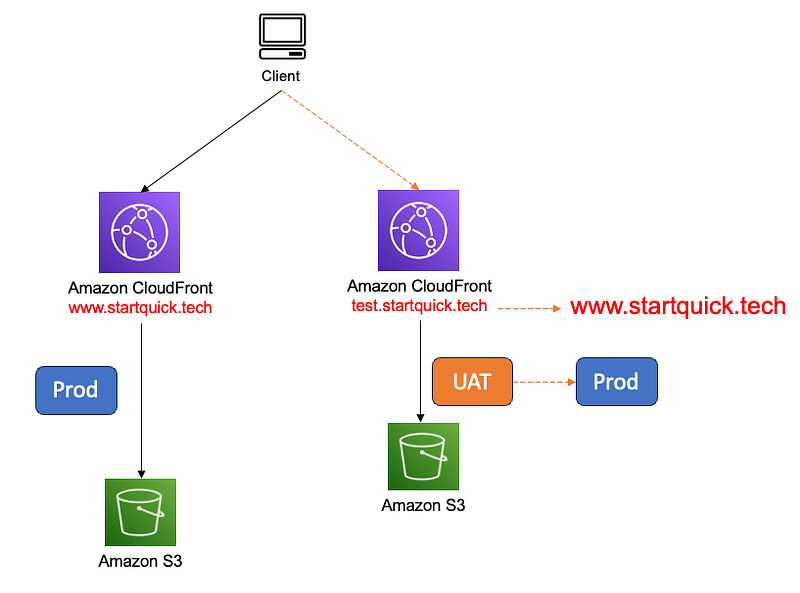
For our production website www.startquick.tech, we have a CloudFront distribution, as depicted in the diagram. As part of this project, we’re constructing an entirely new infrastructure and developing the app atop it. Throughout the development phase, we utilize test.startquick.tech as the URL for the website.
When it comes to launching the new website, several steps need to be taken. We must update the alternate name for the new CloudFront distribution and adjust the DNS records to transition the newly-built site to the production environment.
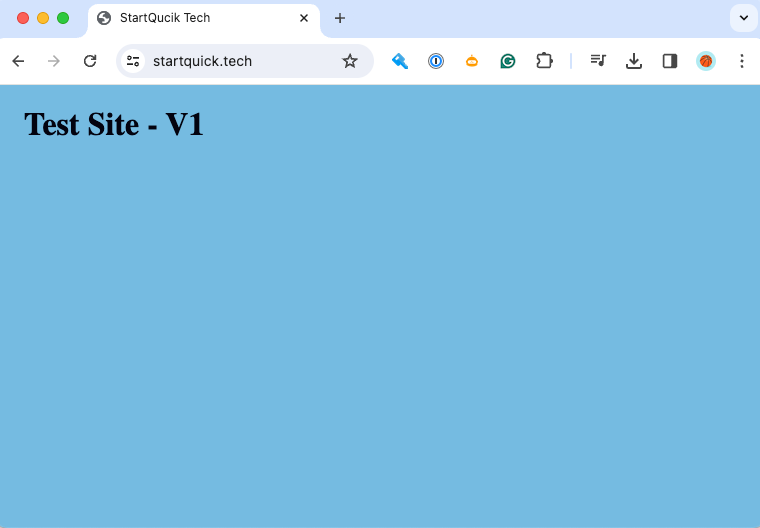
The existing production website is like this www.startquick.tech:
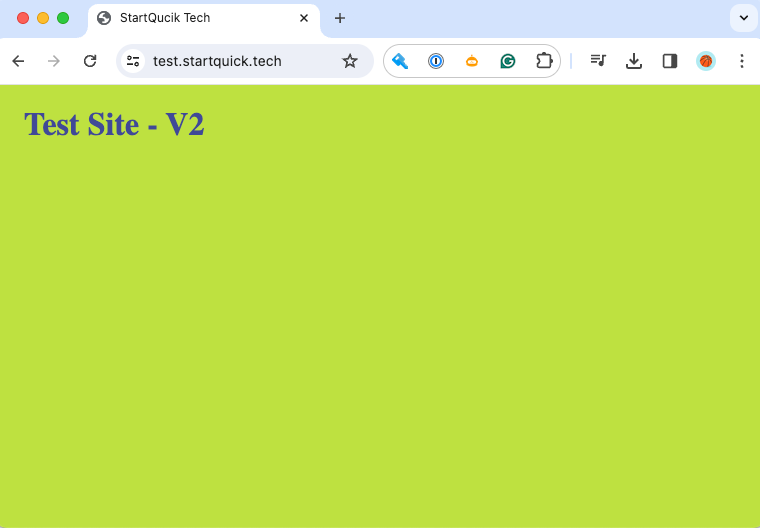
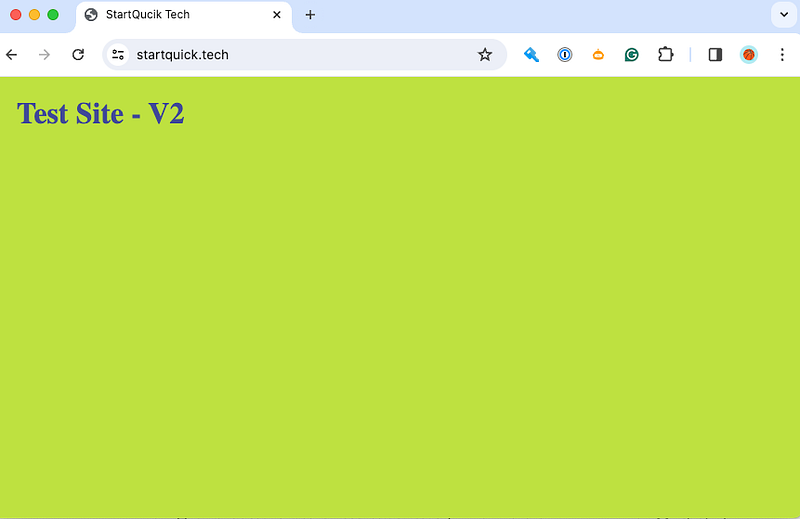
And the new website is as below test.startquick.tech:
Now we are running into the first problem.
Alternate name cannot be re-used!!!
Before we update the DNS record to make the new website go live, we need to update the Alternate Name for CloudFront distribution from test.startquick.tech to www.startquick.tech .
When I save the change, it pop up with an error message:
one or more of the CNAMEs you provided are already associated with a different resource
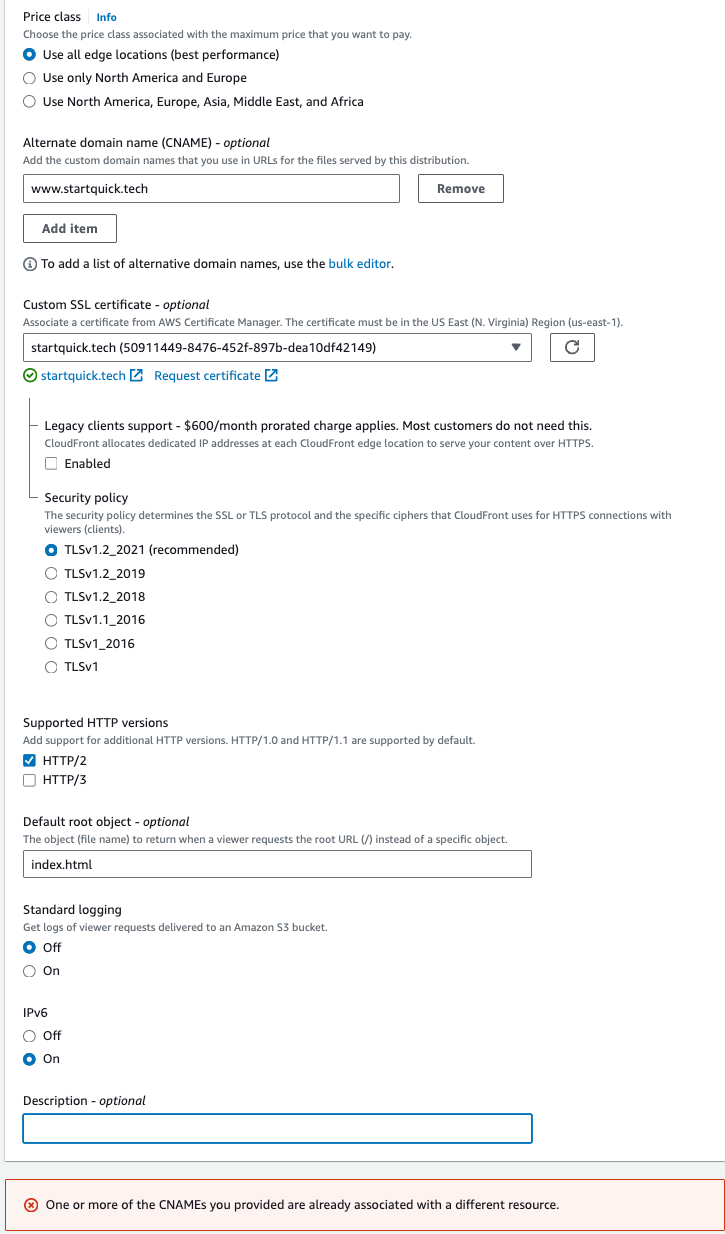
This represents a limitation within AWS CloudFront, but fortunately, it’s easily remedied with the appropriate actions.
Use Wildcard Domain Name
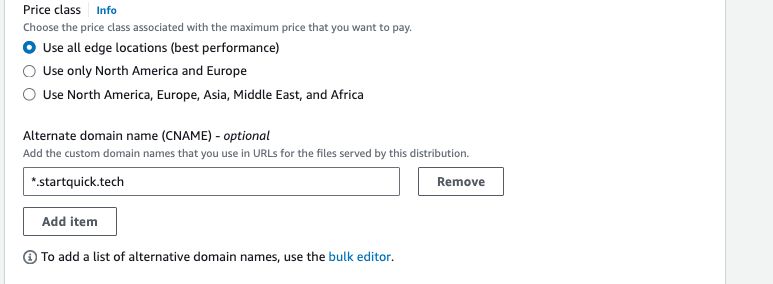
Indeed, a straightforward solution is to utilize a wildcard domain name, such as *.startquick.tech, as the Alternate name. However, it’s crucial to note that when updating the DNS records, configuration of www.startquick.techwith the new distribution domain name remains a necessary step.
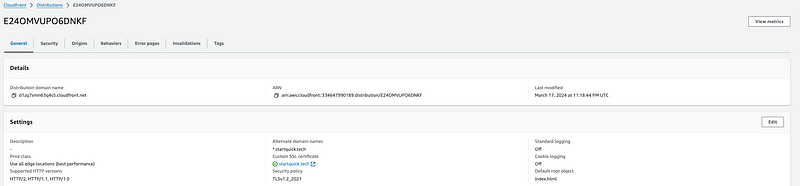
See the AWS Document below as a reference.
The next step is to update the DNS Record.
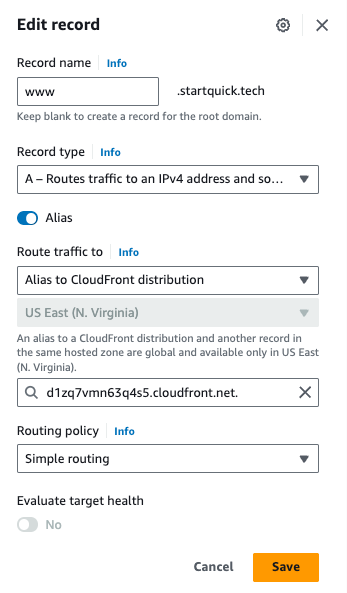
The second challenge arises…
The DNS Change Does Not Work!
In the last step, I have updated the DNS record for www.startquick.tech to the NEW CloudFront distribution domain dlzq7vmn63q4s5.cloudfront.net .
However, when I load the website, it still does not work.
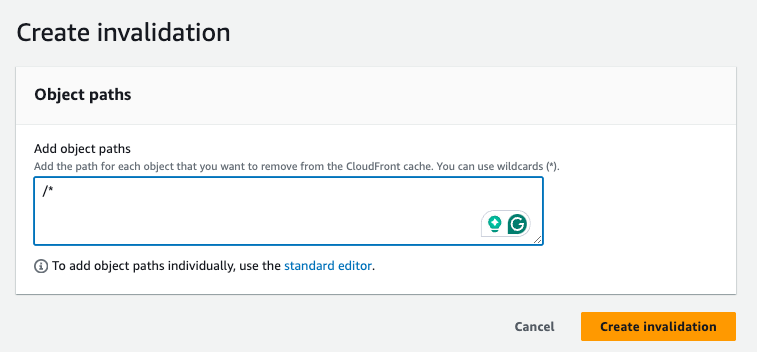
Initially, I suspected the issue might be related to caching. To address this, I invalidated the cached content on both distributions. However, despite this action, the problem persisted.
Disable the Old CloudFront Distribution
Finally, I resolved the problem by disabling the old CloudFront Distribution.

I encountered a significant challenge during this process, as disabling the old CloudFront distribution posed a considerable risk. Any unforeseen issues or gaps in my understanding could potentially result in downtime for the website. To mitigate this risk, we had a carefully crafted rollback plan in place, which involved reenabling the distribution if necessary.
Thankfully, upon disabling the old distribution, traffic seamlessly redirected to the new website without any downtime. This smooth transition alleviated any concerns and ensured minimal disruption to our users.
Wow…
For the second issue, it’s impressive that we can navigate through such a complex issue and find a solution, especially considering the lack of documentation available. If you know where AWS wrote this, feel free to leave your comments below.
Finally
I wrote this article and I hope this provides valuable guidance to others who may encounter similar issues in the future.
Please follow me if you are interested in Cloud, DevOps, automation, programming, and any tech topics. I would also appreciate it if you could give me a clap.
Your comments are always welcome.
Thanks.
Harry@NZ
In Plain English 🚀
Thank you for being a part of the In Plain English community! Before you go:
- Be sure to clap and follow the writer ️👏️️
- Follow us: X | LinkedIn | YouTube | Discord | Newsletter
- Visit our other platforms: Stackademic | CoFeed | Venture | Cubed
- More content at PlainEnglish.io


