
New Editor for Markdown tables in Obsidian!

With Obsidian 1.5 (at the moment available only for early access), Obsidian released its brand new editor for tables.
Say goodbye to the old “clunky” markdown tables!
How to Create a Table
Creating a markdown table has never been easier! Now, in Obsidian you can create a table by simply open the command palette with Ctrl/Cmd + P and click on “Insert Table”.

And you will have your first new table!
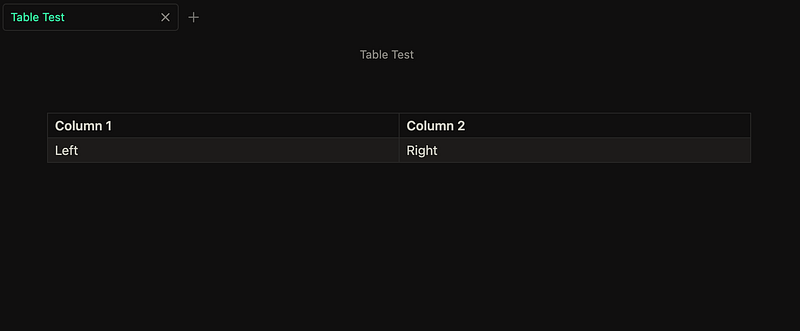
The Table Features
If you right click on the table, in the context menu you can see all the table features:
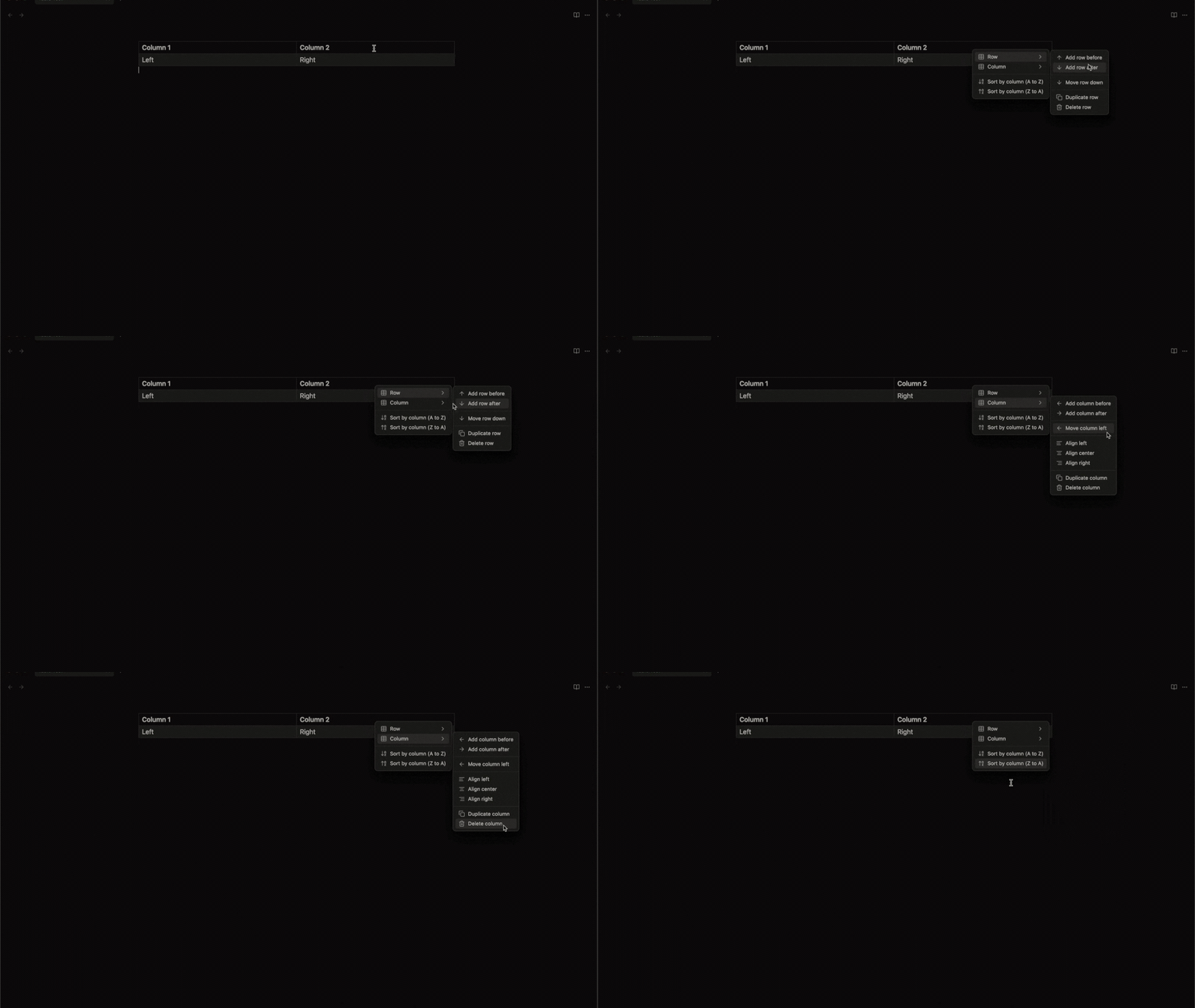
You can add a row before or after:
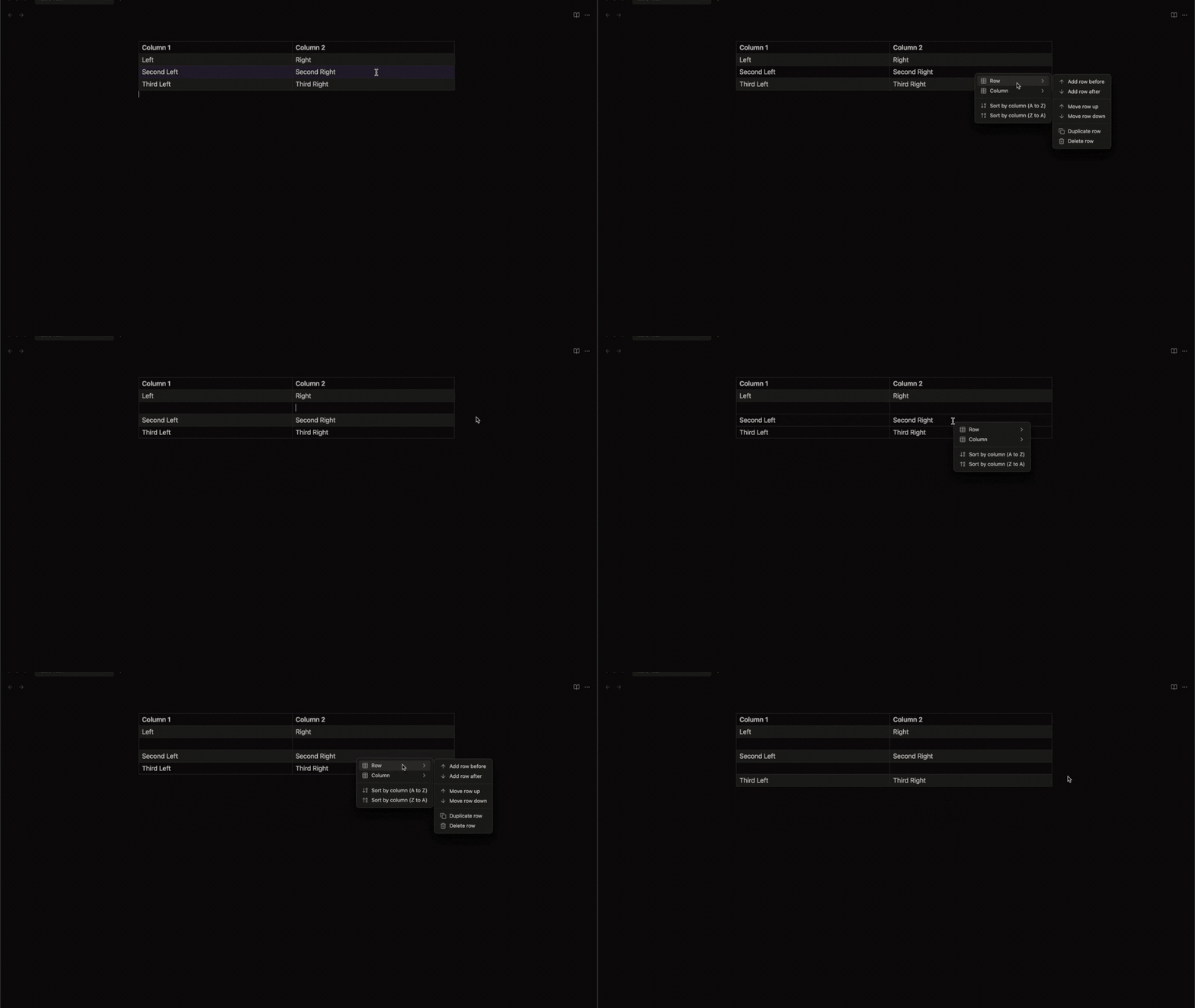
You can move rows up and down:
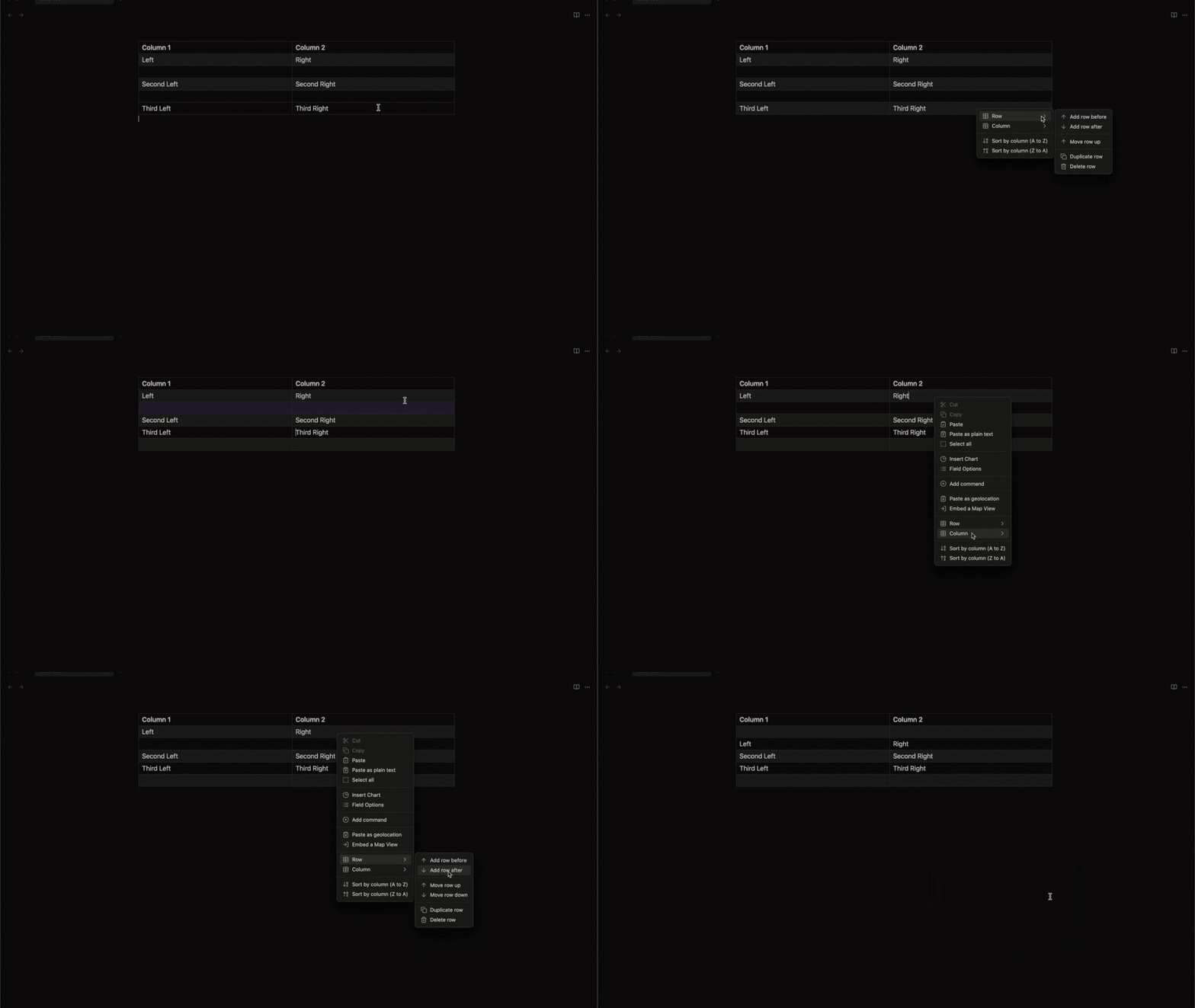
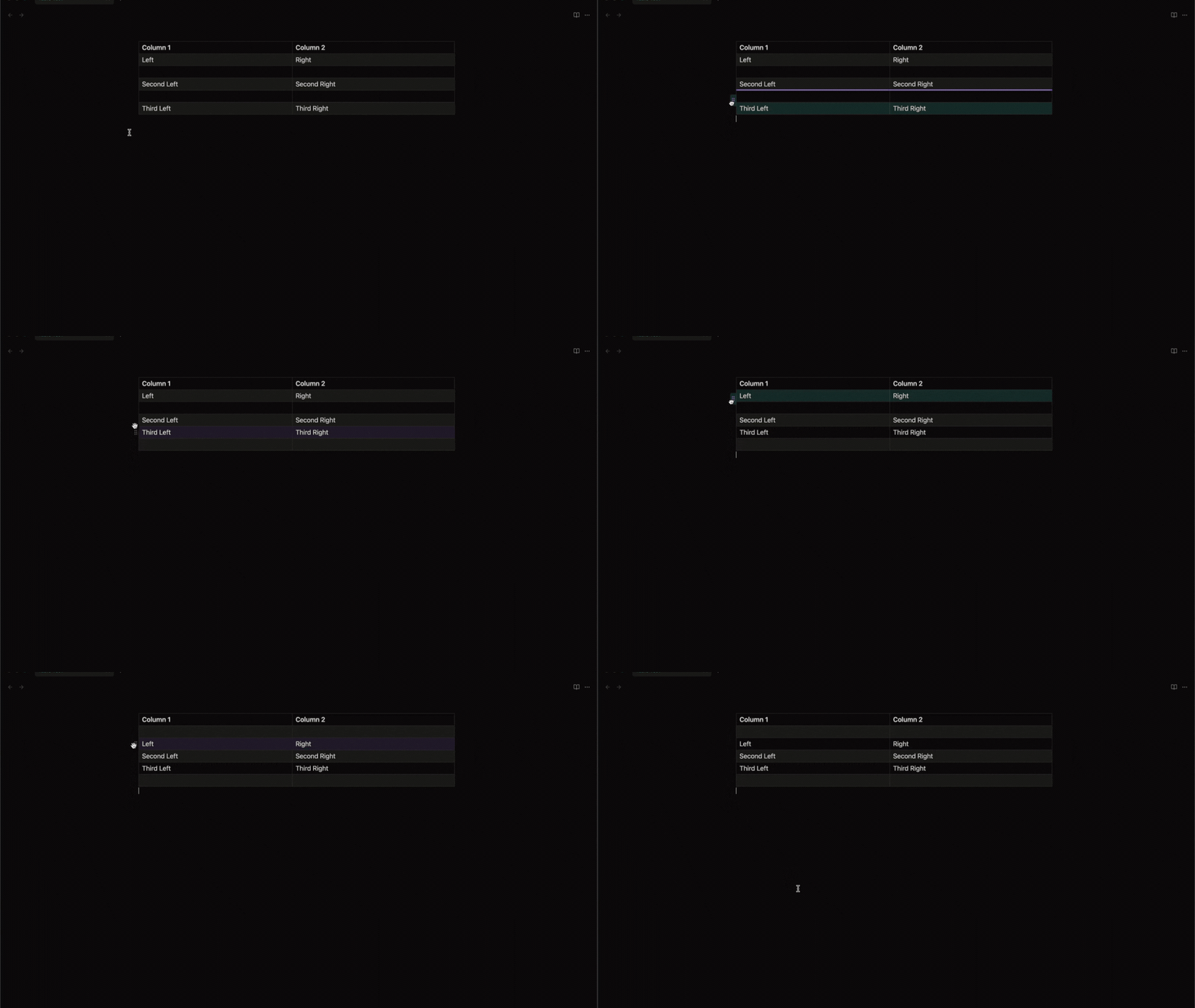
You can duplicate or delete rows:
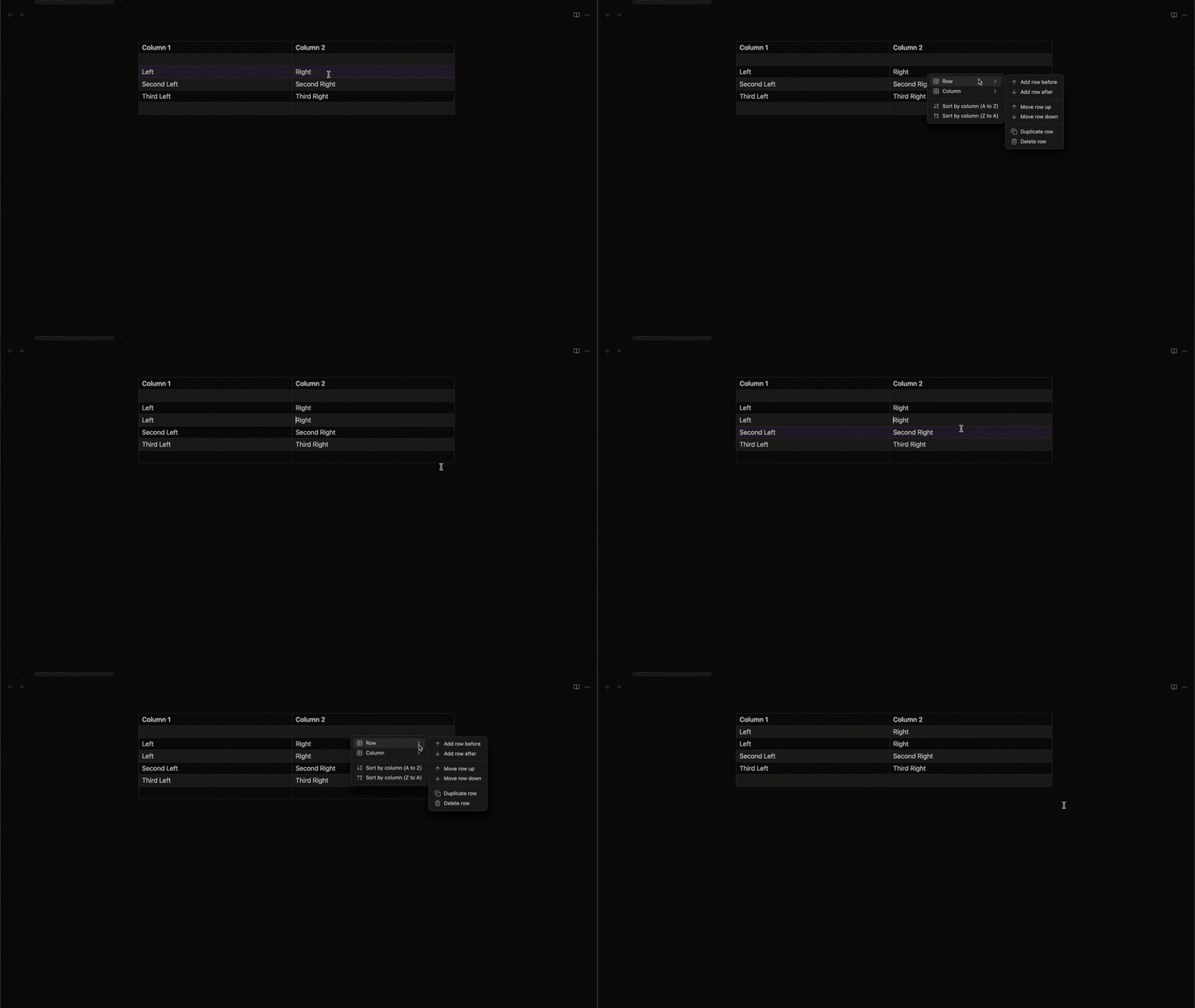
You can add a column before or after:
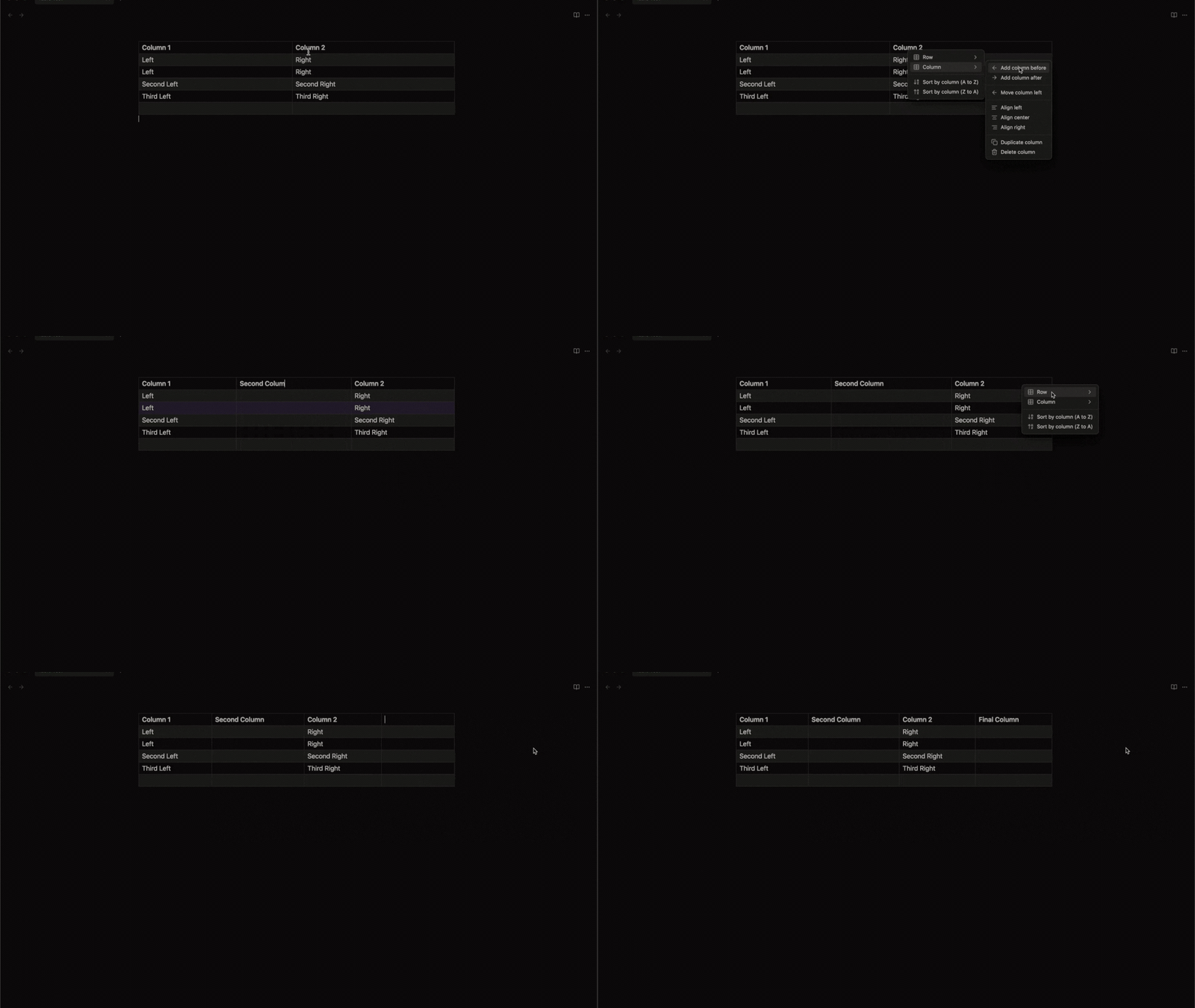
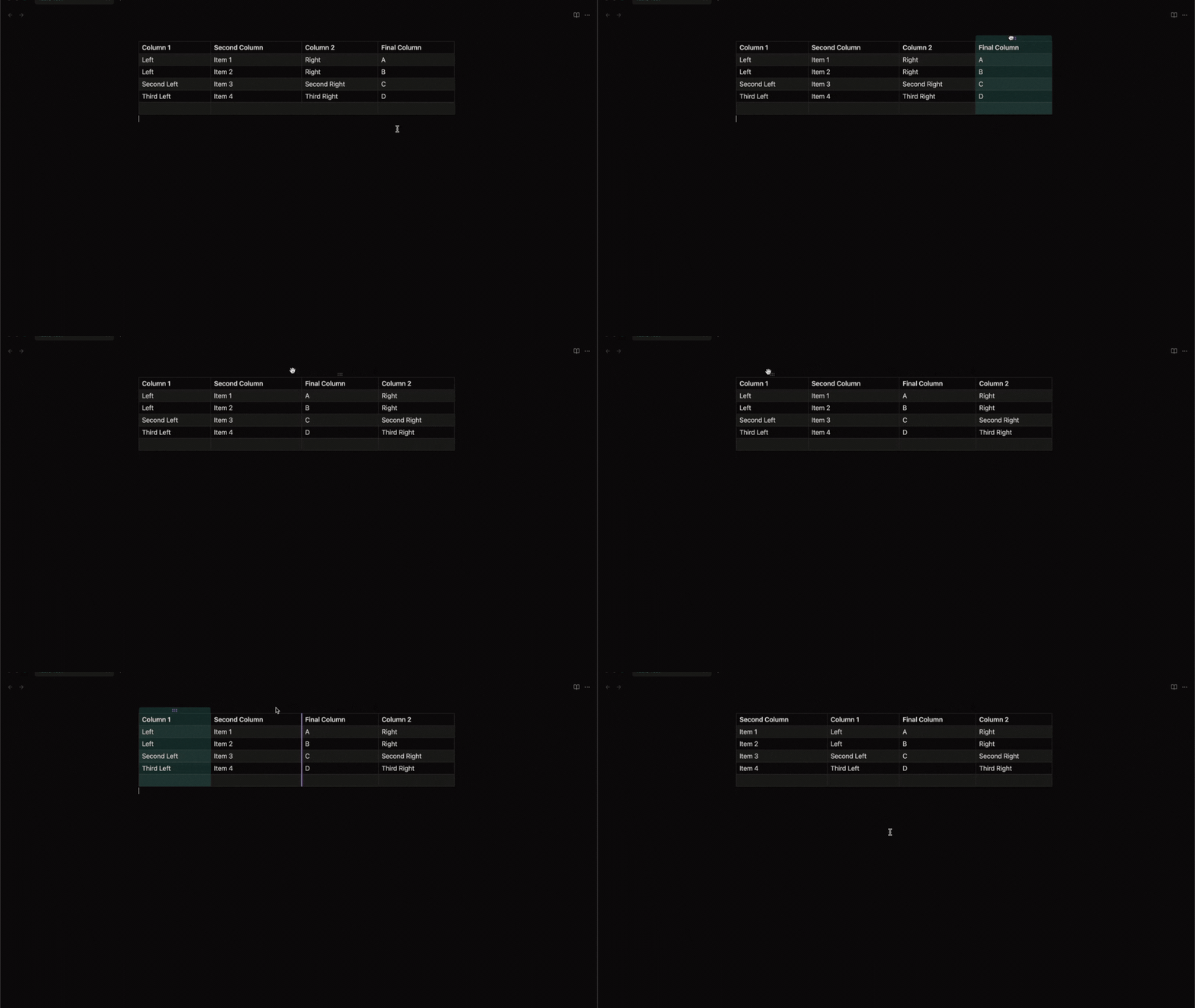
You can move columns to left or right:
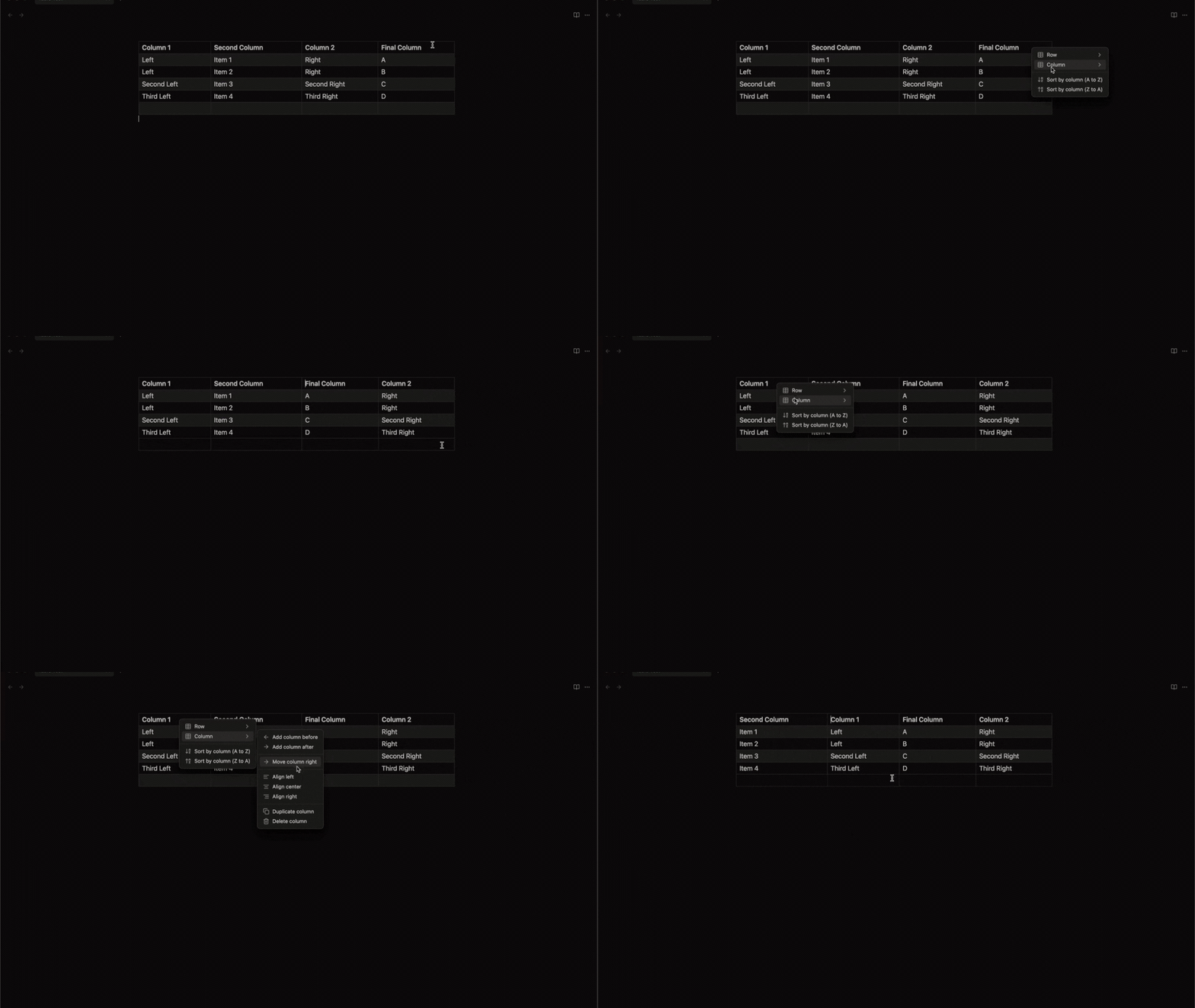
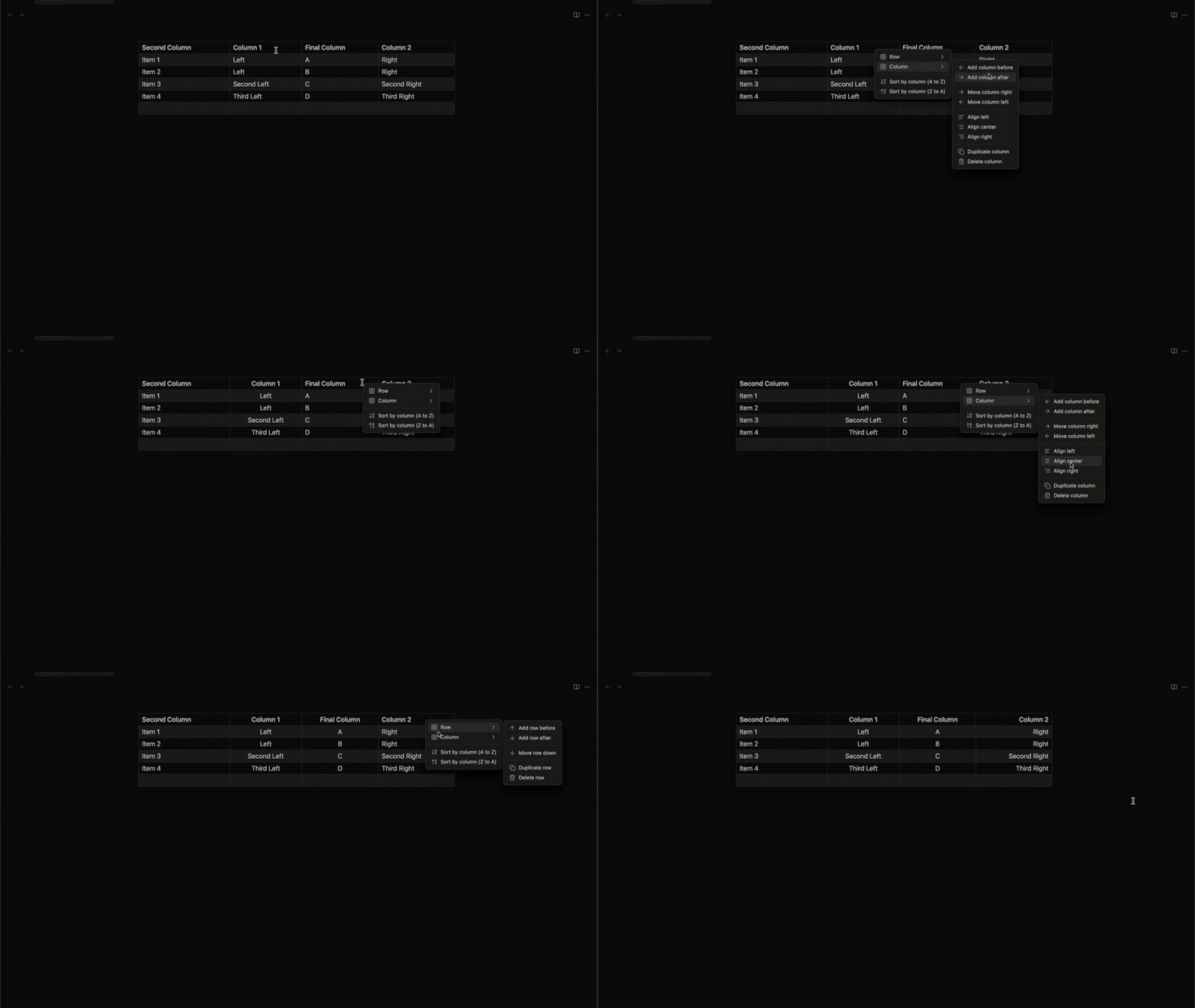
You can change the alignment of a column:
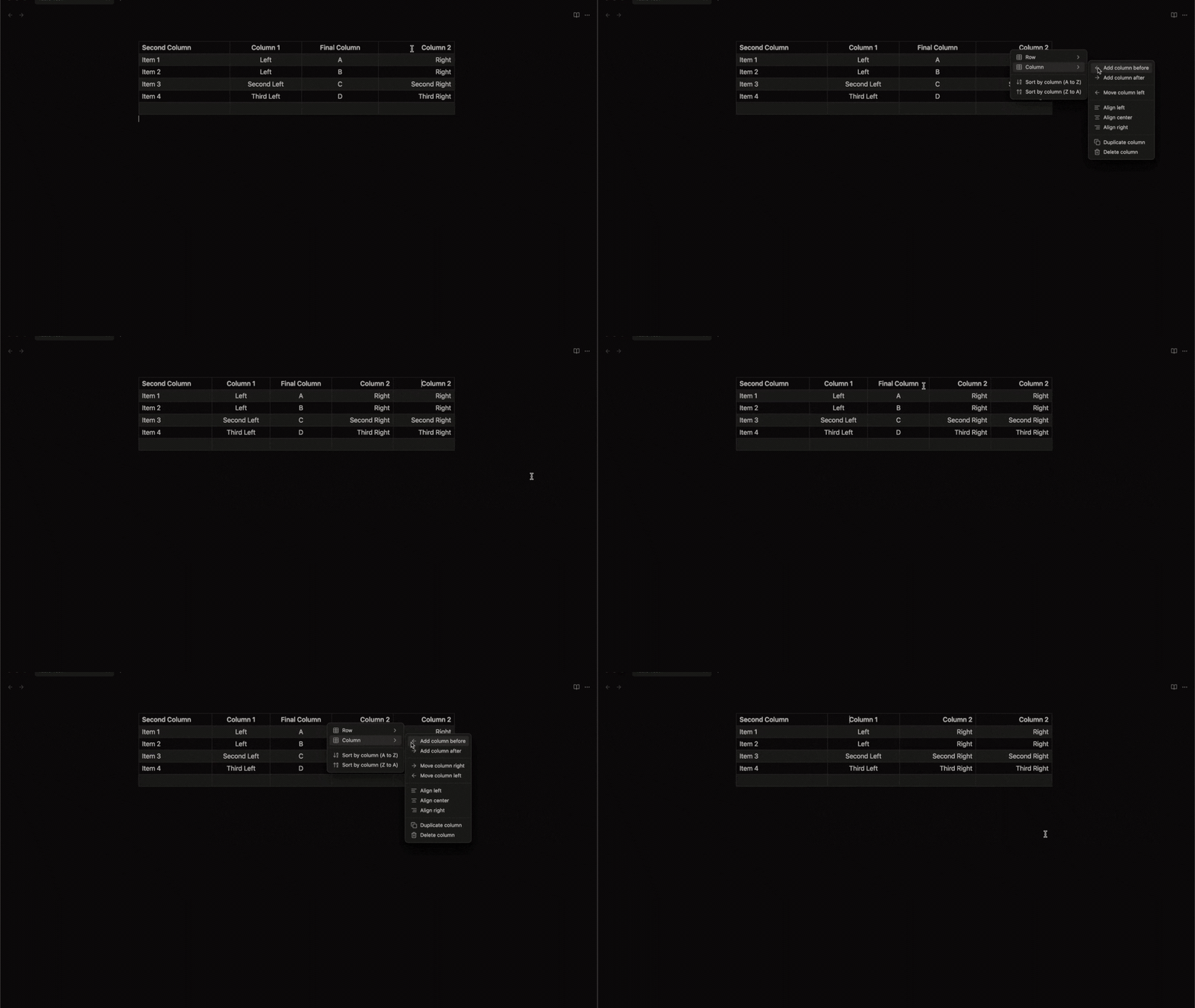
You can duplicate or delete columns:
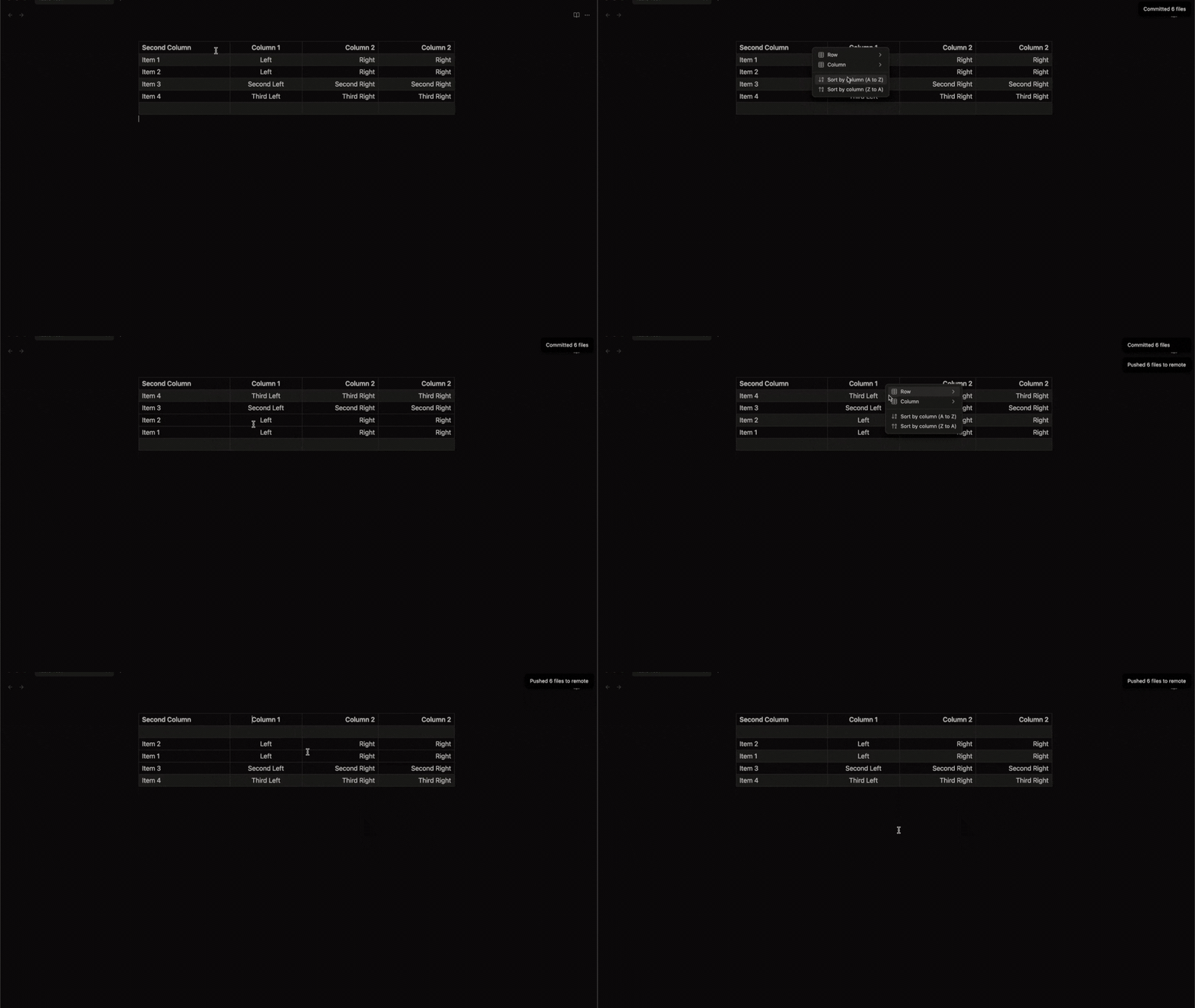
You can sort your data in ascending or descending order:
Conclusion
This improvement has been long awaited and the Obsidian team did a great job on that!
You can join my Discord server HERE, and follow me on:
- YouTube: https://www.youtube.com/@Marco_Mindstone - X: https://twitter.com/Marco_Mindstone - Mastodon: https://mstdn.business/@Marco_Mindstone - Website: https://mindstoneconsulting.net/


