Neovim 101 - Games
Learning Vim/Neovim while playing games.
For Vim beginners, the initial learning curve could be relatively steep. A game-based approach to learning Vim is a good start. This article explores different types of games that could help.
This article is part of the Neovim 101 series.
The Neovim configuration files are available in this repository.
Getting Started
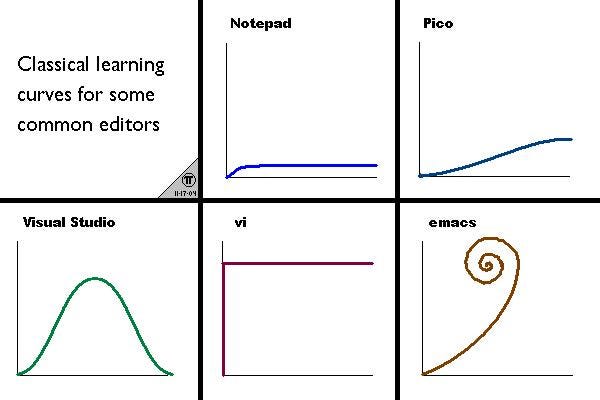
This diagram shows the classical learning curves for several common editors. 2 editors that stand out are Vi and Emacs. Though not easy to learn, they have been popular for several decades. Grokking one of them is definitely worth the time spent.
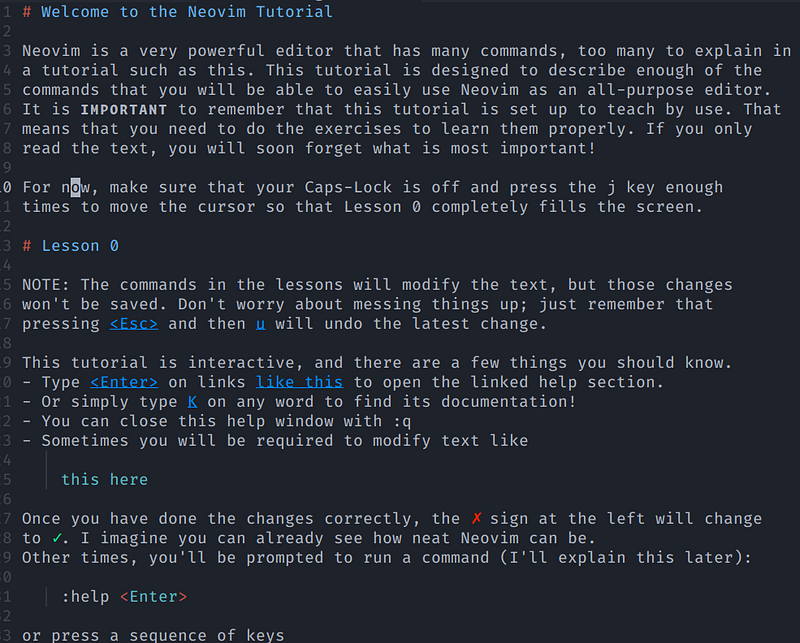
The built-in Vim tutor (:Tutor) provides a good introduction to learning Vim quickly. However, an interactive and game-based approach is more fun.
This article explores different games to help us master Vim.
Console Games
PacVim
PacVim is a game that teaches Vim commands. We need to move Pacman (the green cursor) to highlight each word on the gameboard while avoiding the ghosts (in red).

PacVim has two special obstacles:
- We cannot move into the walls (yellow color). We must use Vim motions to jump over them.
- If we step on a tilde character (cyan
~), we lose!
We are given three lives, gaining a life each time we beat levels 0, 3, 6, 9, etc. There are 10 levels, 0 through 9. After beating the 9th level, the game is reset to the 0th level, but the ghosts move faster.
Winning conditions — Use Vim commands to move the cursor over the letters and highlight them. After every letter is highlighted, we win and proceed to the next level.
Losing conditions — If we touch a ghost (indicated by a red G) or a tilde character, we lose a life. If we have 0 life, we lose the entire game.
VimMan
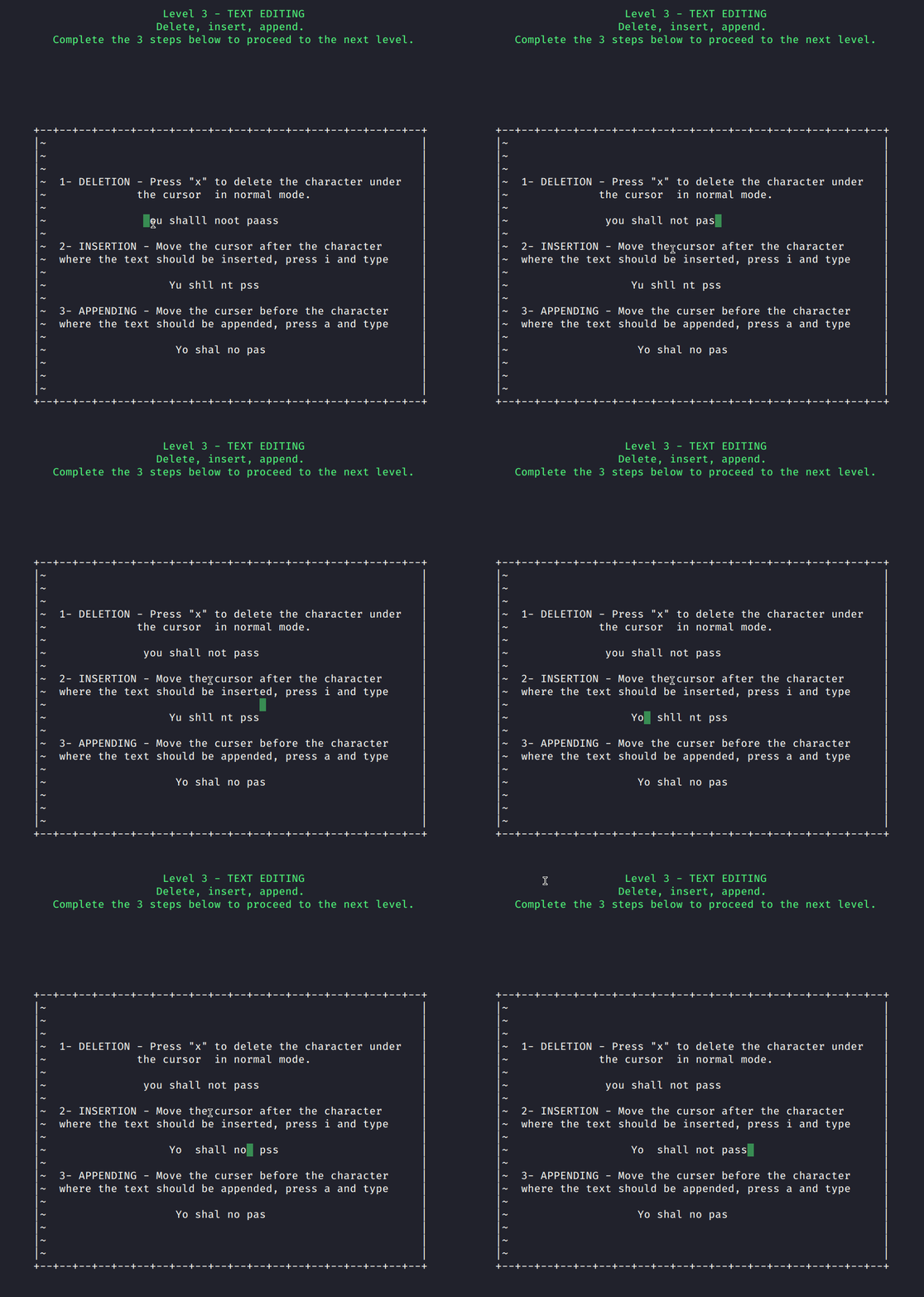
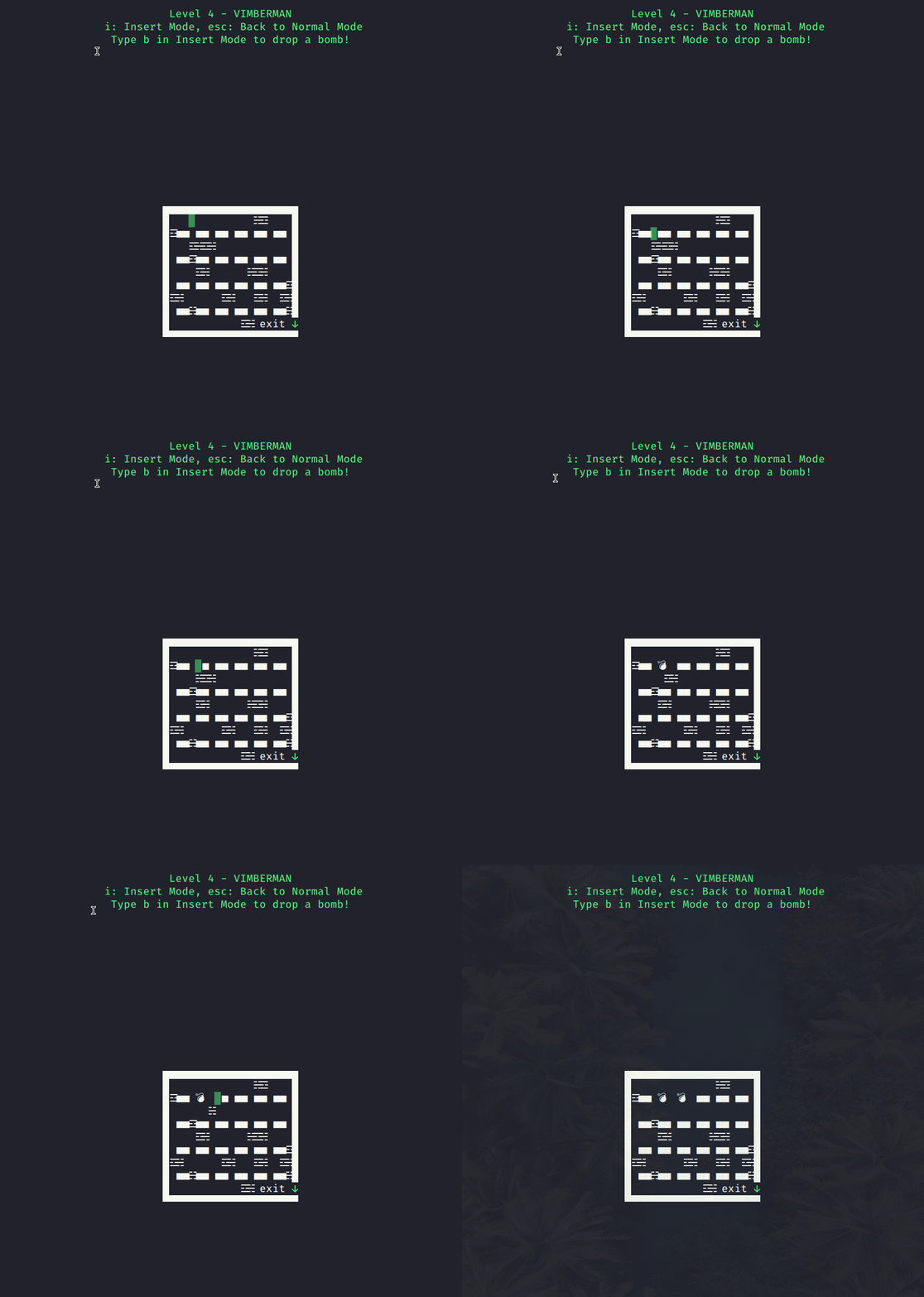
VimMan is a terminal program developed in Golang. It is a semi-editor and a semi-game. The purpose of VimMan is to teach people how to use Vim and have fun!
VimMan has 4 levels
- Level 1 — Basic movement in Normal mode
- Level 2 — How to exit Vim
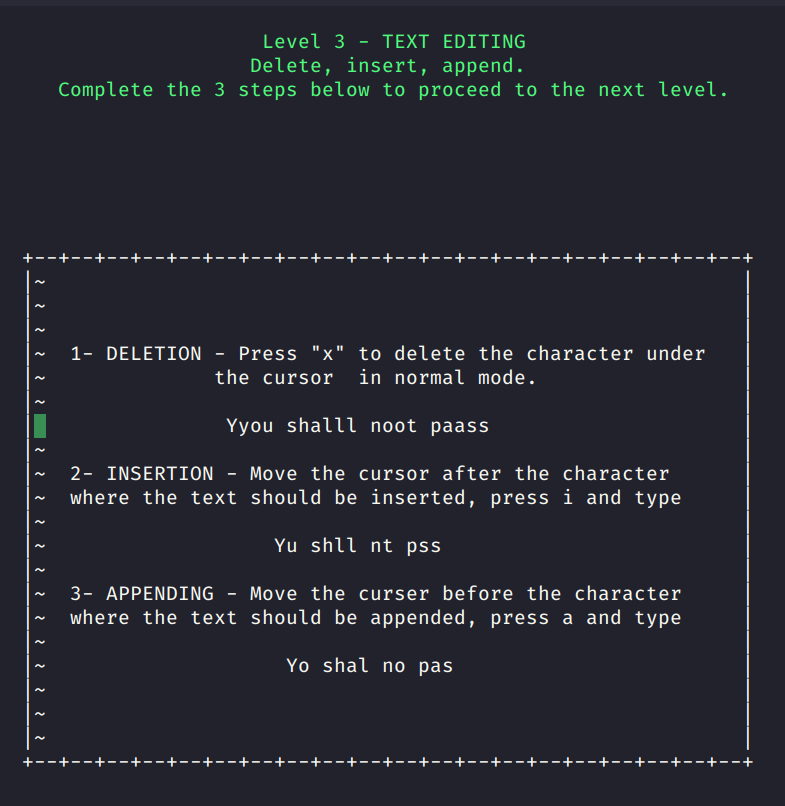
- Level 3 — Basic text editing
- Level 4 — Vimberman!
Plugins
Here are several plugins to train us to use Vim commands.
vim-be-good
vim-be-good is a plugin designed to make us better at Vim by creating a game to practice basic Vim motions.
In the screenshot below, we start the game using the :VimBeGood command. We choose the type of motion and difficulty level we want to practice.
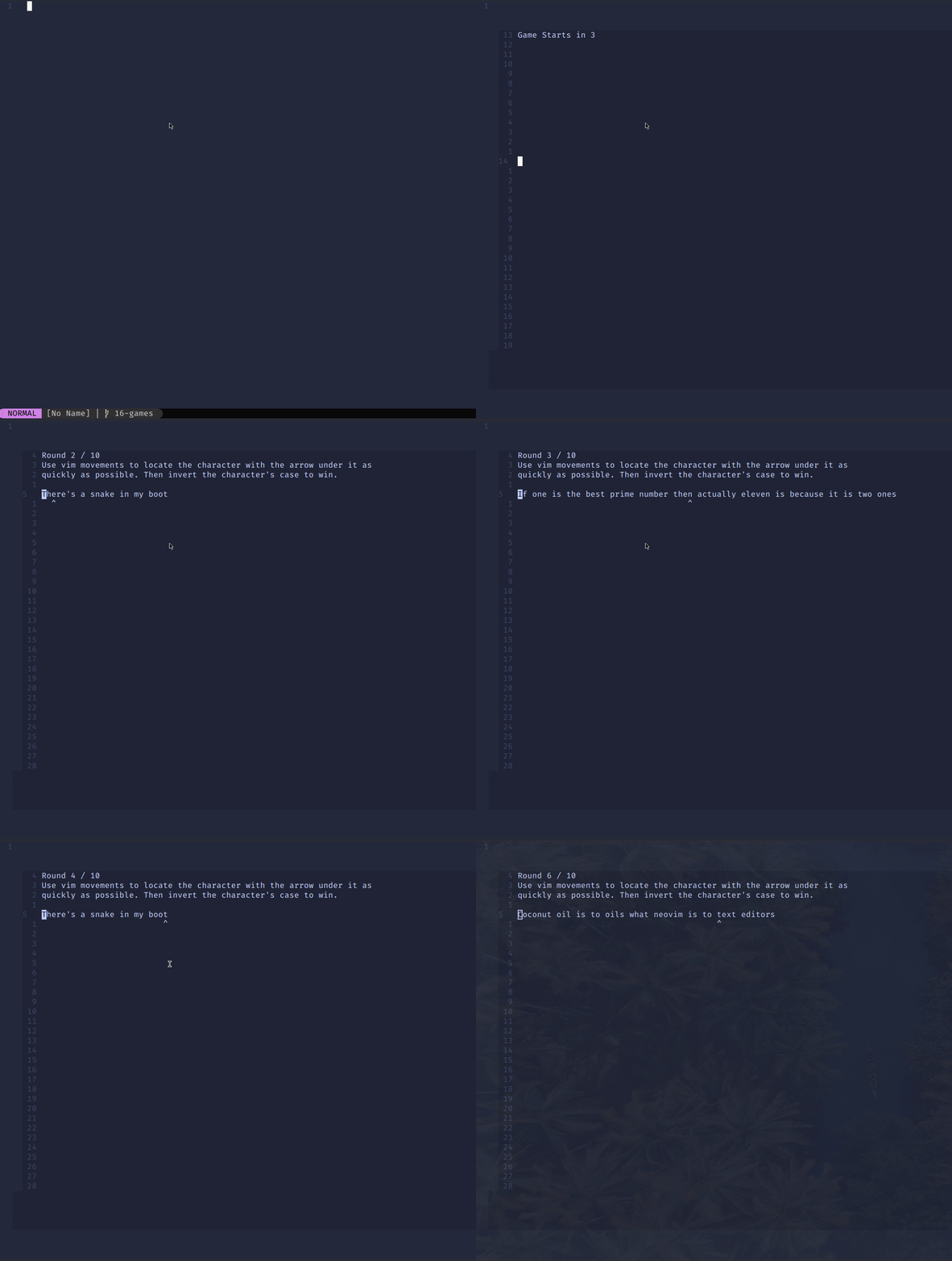
Using this plugin, we can train for word motions, up-down motions, motions and operators, left-right motions, and other movements.
For Vim motions, check out this article!
Neovim 101 — Motion
Explore motion plugins to improve the development workflow.
alpha2phi.medium.com
train.nvim
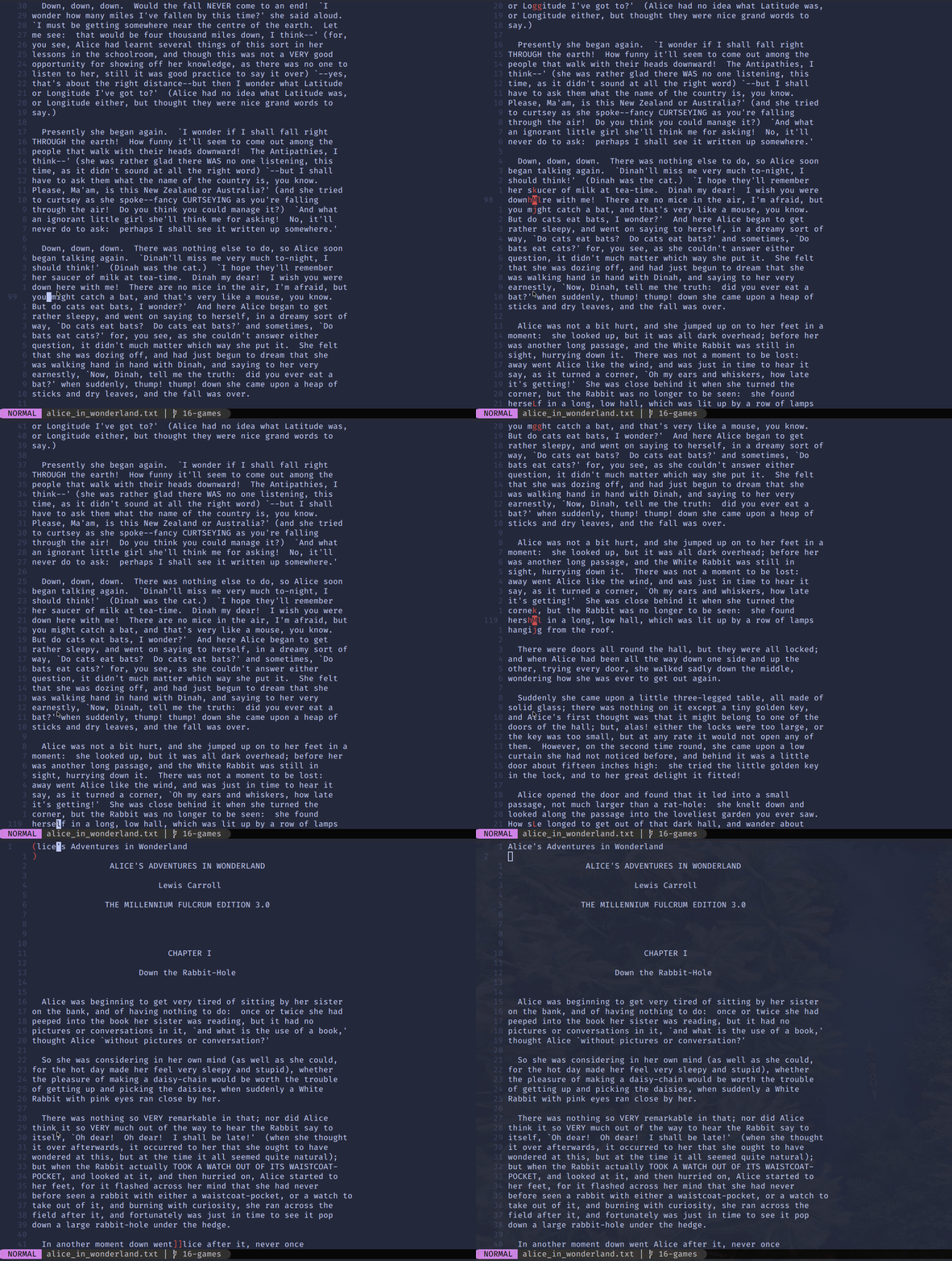
train.nvim is a plugin to train ourselves with Vim motions.
Using this plugin, we can
- Train for up and down motions (
:TrainUpDown) - Train for word motions (
:TrainWord) - Train for text object motions (
:TrainTextObj)
Online Games
Here are several interesting online games to master Vim.
Vim Genius
Vim Genius is a timed flashcard-style game designed to make us faster in Vim. There are tutorials for beginners and experienced users. For experienced users, we can learn Vim arglist, motion, macro, copy and paste, and other interesting topics.

Vim Adventures
Vim Adventures is an online game based on Vim’s keyboard shortcuts (commands, motions, and operators).
It is a puzzle game for practicing and memorizing Vim commands. It is an easy way to learn Vim without a steep learning curve.
We start the game with only the ability to move up, down, left, and right. As we progress, we talk to people and collect items and keyboard buttons. Each keyboard button adds to the set of commands we can give to the cursor until we master Vim.

Vim Snake
Vim Snake mainly trains us to use the direction keys (h, j, k, l).

OpenVim
OpenVim provides an interactive Vim tutorial. It is a good alternative to the built-in Vim tutor. It provides tutorials to learn most of the Vim basics.


Check out the article Learn Neovim The Practical Way for all the Vim/Neovim articles!
If you are not a Medium member yet and want to become one, click here. You will gain unlimited access to all Medium articles and support my work directly.