
My Obsidian Setup (Part 4) — Plugins
In this 4th part and the next ones, I will talk about my favourite plugins and how I am using them.
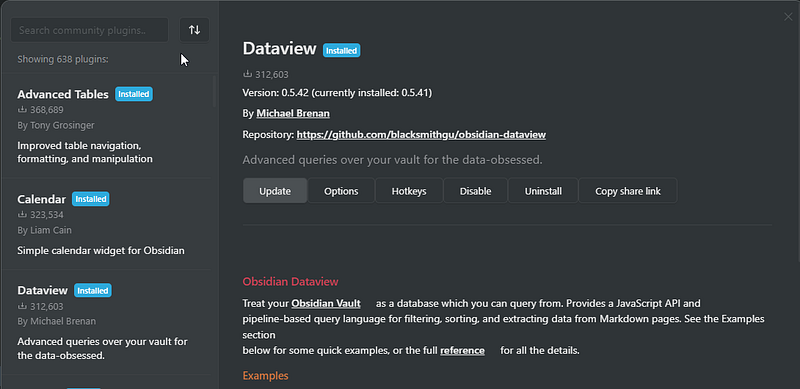
DataView
This is my #1 plugin. Dataview allows your Obsidian Vault to be a database that you may search through. Filters, sorts, and extracts data from Markdown pages using a pipeline-based query language and JavaScript API.
Find more about the plugin here: https://blacksmithgu.github.io/obsidian-dataview/
How I use it
In the PKM MOC files, listing all notes belonging to a specific subject, using tags:
```dataview
List
from #subject and #type/note
SORT file.name ASC
```
In the PKM notes, show a table of events with a backlink to the note:
```dataview
TABLE
 object as "Object",
 date as "Date",
 description as "Description"
FROM #events AND [[filename]]
```
To list the projects (using the path to filter):
```dataview
TABLE
 deadline as "Deadline",
 complete as "Complete"
FROM "02 Action/02 Projects"
WHERE file.name != "02 Projects"
SORT complete DESCENDING
```
In the Habits Tracker:
```dataview
TABLE WITHOUT ID
link(file.name) as "Date",
exercise AS "🏃♂️"
FROM "03 Periodic/01 Daily"
SORT file.name DESC
LIMIT 30
```Templater
This plugin is like an enhanced version of the core Template plugin. In other words, it is what the Template plugin should have been. Templater allows the usage of variables and function results in notes. It also lets you run JavaScript code to manipulate those variables and functions.
How I use it
Daily Template
---
tags: daily-note
full-date: <% tp.file.title %>
week: <% tp.date.now("YYYY-[W]ww", 0, tp.file.title, "YYYY-MM-DD") %>
month: <% tp.date.now("YYYY - MM-MMMM", 0, tp.file.title, "YYYY-MM-DD") %>
year: <% tp.date.now("YYYY", 0, tp.file.title, "YYYY-MM-DD") %>
AutoNoteMover: disable
---
⠀
###### [[<% tp.date.now("YYYY-MM-DD", -1, tp.file.title, "YYYY-MM-DD") %>|↶ YESTERDAY]] ⁝ [[<% tp.date.now("YYYY-MM-DD", 1, tp.file.title, "YYYY-MM-DD") %>|TOMORROW ↷]]
# ◌ <% tp.date.now("dddd -  MMMM Do YYYY", 0, tp.file.title, "(📅) YYYY-MM-DD") %>
#### ✓  TASKS
###### ↑ TOP TASK
```tasks
due before <% tp.date.now("YYYY-MM-DD",1, tp.file.title, "YYYY-MM-DD") %>
not done
priority is high
hide task count
```
###### ○ TASKS
```tasks
due before <% tp.date.now("YYYY-MM-DD", 1, tp.file.title, "YYYY-MM-DD") %>
not done
priority is below high
short mode
hide task count
```
###### ✓ COMPLETED TODAY
```tasks
done date is <% tp.date.now("YYYY-MM-DD", 0, tp.file.title, "YYYY-MM-DD") %>
hide task count
```
#### ↻ DAILIES###### ◧ DAILY JOURNAL
###### ↻ HABITS
[Exercise :: ➖]
###### ◨ NOTES CREATED/EDITED TODAY
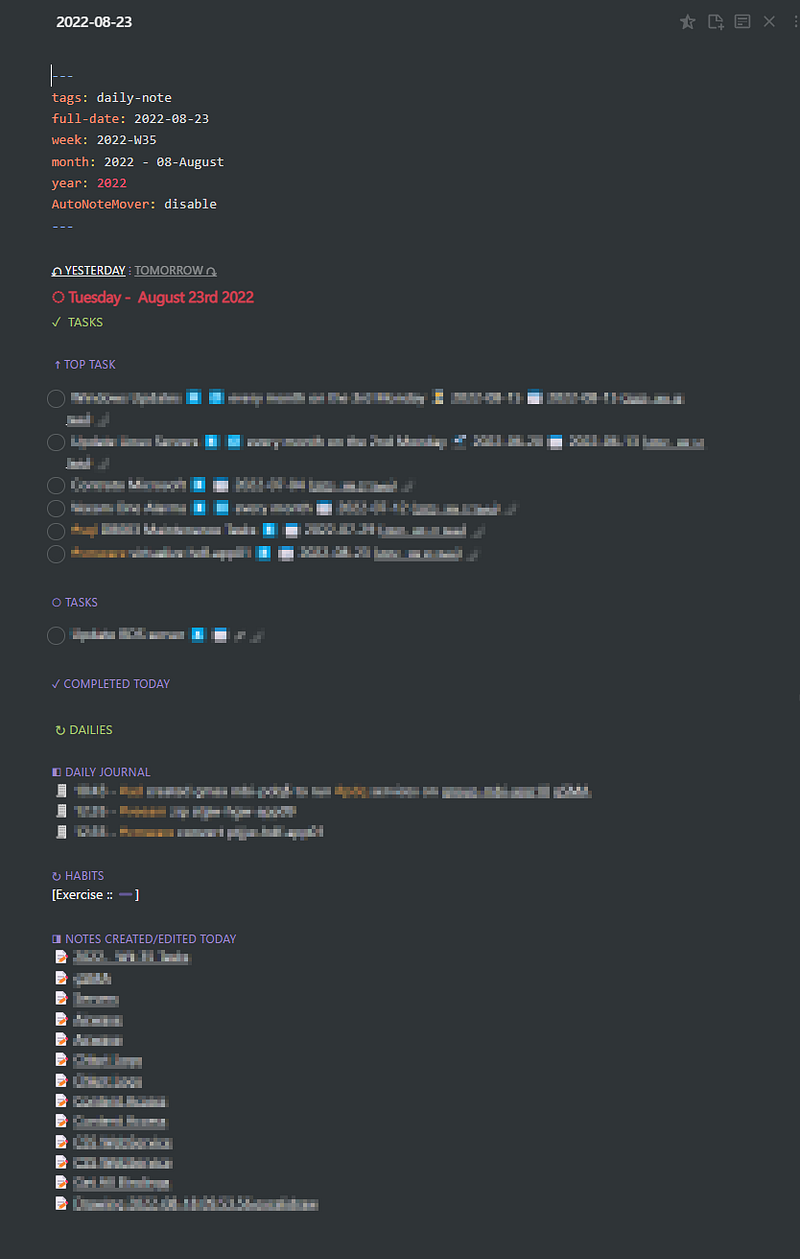
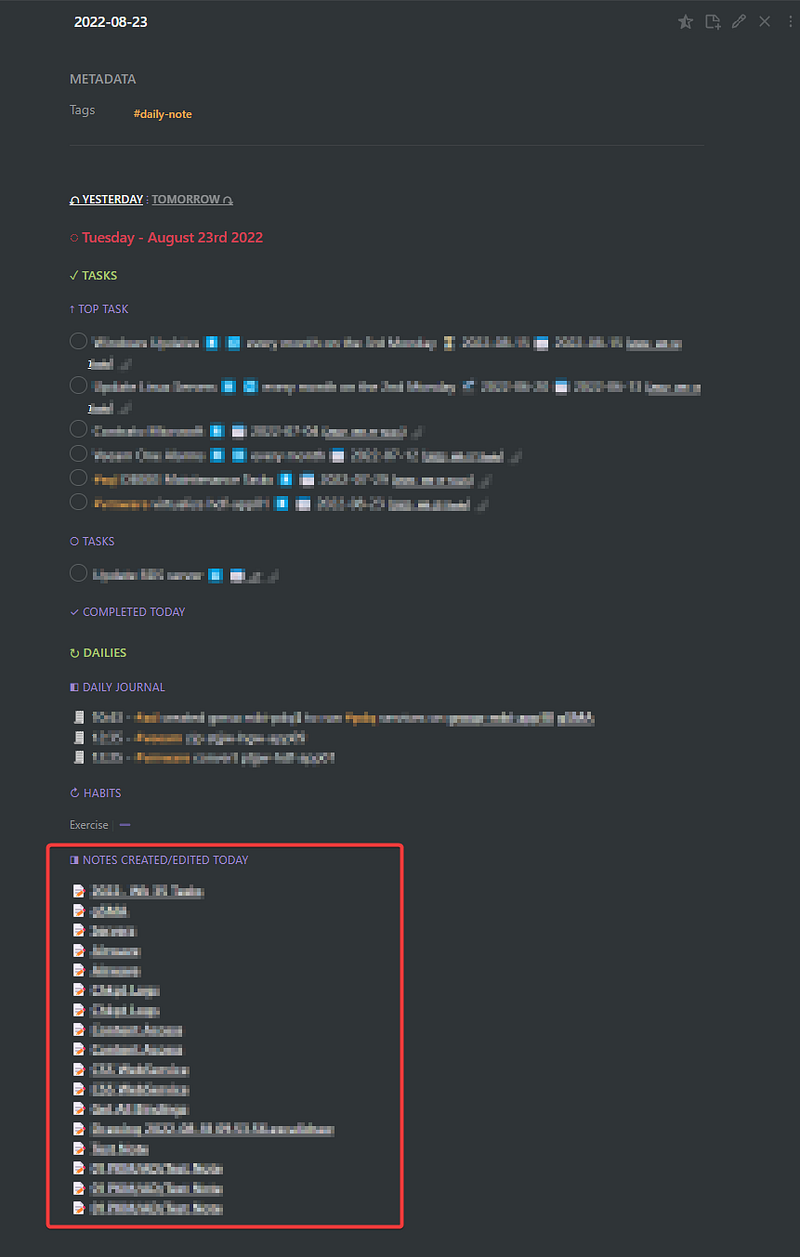
Results in this:
Monthly Template
---
tags: monthly-note
month: <% tp.date.now("MM", 0, tp.file.title, "YYYY--WW") %>-<% tp.date.now("MMM", 0, tp.file.title, "gggg-[W]ww") %>
year: <% tp.date.now("YYYY", 0, tp.file.title, "gggg-[W]ww") %>
AutoNoteMover: disable
---
⠀
###### [[<% tp.date.now("gggg-[W]ww", -7, tp.file.title, "gggg-[W]ww") %>|↶ PREVIOUS WEEK]] ⁝ [[<% tp.date.now("gggg-[W]ww", 7, tp.file.title, "gggg-[W]ww") %>|FOLLOWING WEEK ↷]]
# ◌ <% tp.file.title %>
## Weeks
```dataview
TABLE
month as "Month"
FROM "03 Periodic/02 Weekly"
WHERE month = "<% tp.file.title %>"
```## Days
```dataview
TABLE
month as "Month"
FROM "03 Periodic/01 Daily"
WHERE month = "<% tp.file.title %>"
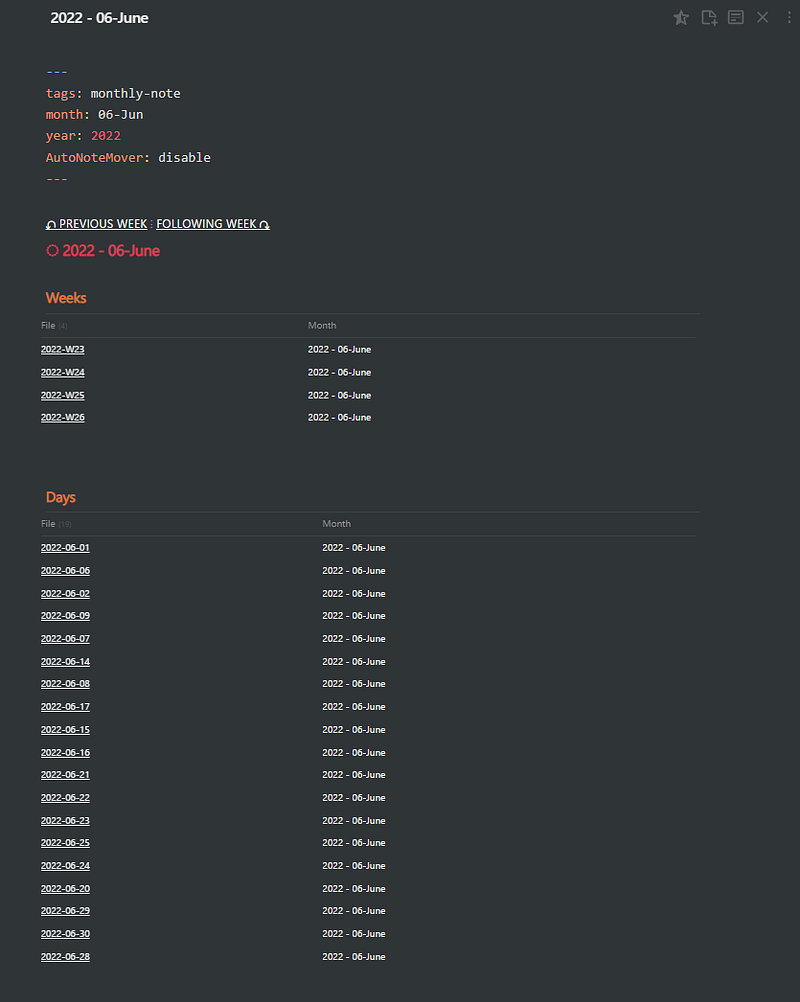
```Results in:
Note Template
<%*
let qcFileName = await tp.system.prompt("Note Title")
let qcSubject = await tp.system.prompt("Note Subject")
/*titleName = qcFileName + " " + tp.date.now("YYYY-MM-DD")*/
titleName = qcFileName
await tp.file.rename(titleName)
await tp.file.move("/01 PKM/"+qcSubject+"/" + titleName);
-%>
---
title: <% qcFileName %>
date: <% tp.file.creation_date("YYYY-MM-DD HH:mm:ss") %>
tags: [quick_note]
topic:
---<% tp.file.cursor() %>## Events
```dataview
TABLE object, date, description, expense
FROM #events AND [[<% qcFileName %>]]
```
## Tasks
```tasks
done
# hide task count
# hide backlinks
# short mode
description includes [[<% qcFileName %>]]
sort by start date
```
## Daily Log
```query
block:(/.*🧾.+[[<% qcFileName %>]].*/ OR /.*🧾.+[[<% qcFileName %>]].*/)
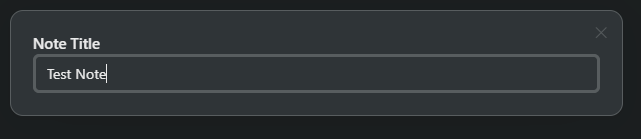
```This will prompt for note title and subject and saves the note using the name and subject to the path. Then I execute a couple of queries based on the file name.
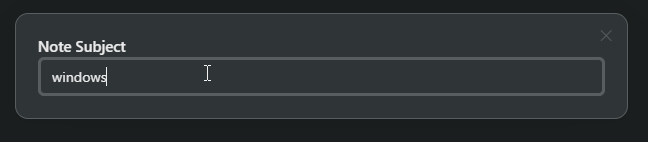
Find more about Templater plugin here: https://github.com/SilentVoid13/Templater
List Modified
I like to link everything in Obsidian. Tasks, PKM notes, people, tags, everything is connected in my vault. This plugin allows me to link all modified files to the daily note. This offers a precise log or archive of the files updated on particular days.
How I Use it
Daily Note
These are three of my favourite plugins and a few examples of how I use them. In the next articles, I’ll show more plugins that I use.
Checkout my other My Obsidian Setup articles:


