
My Obsidian Setup (Part 10) - Pane/Tab Management
I was not using any pane/tab management plugin until today. I didn’t feel the need for it. But today I found myself with 5+ panes opened and I think to myself that I need a plugin to better manage opened panes. The default behaviour is to open all panes side-by-side, reducing the pane's width. So if you have a couple of panes open, their size will be minimal.
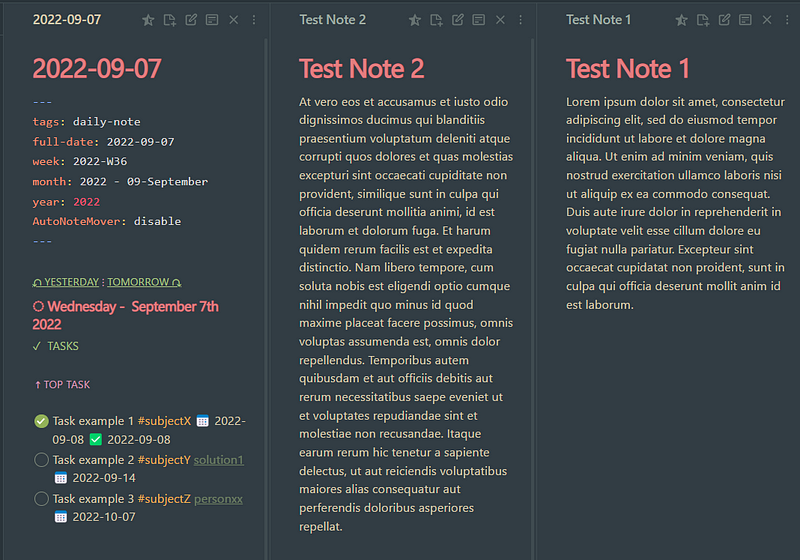
After today’s newly installed plugins, the panes will be stacked on the left or right side. Also, switching panes now have a nice sliding animation.
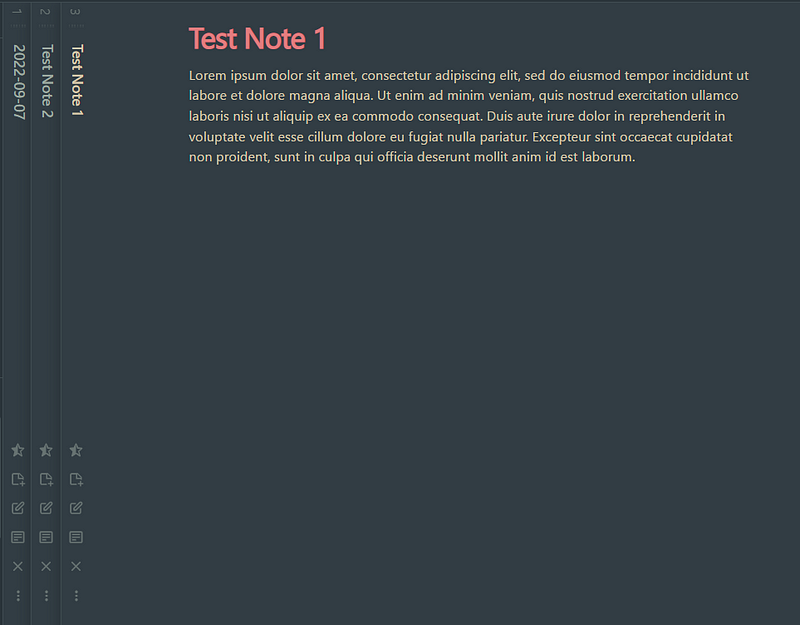
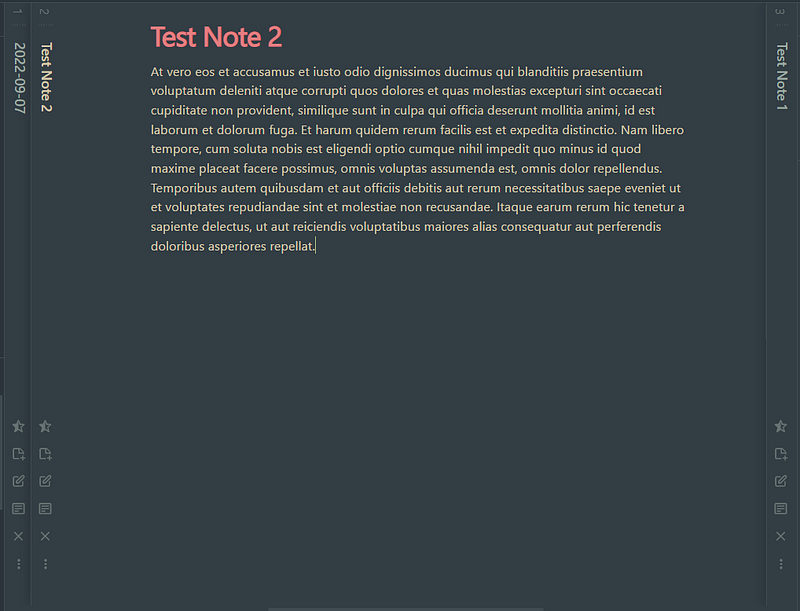
The plugins that I have installed today are:
- Sliding Panes (Andy’s Mode)
- Pane Relief
- Embedded Note Titles
Sliding Panes (Andy’s Mode)
This plugin changes the way panes in the center workspace are handled. The panels won't resize to match the workspace anymore; instead, they'll stay with a fixed width (though resizable) and will stack on the left or right side, so you can scroll between them.
By default the header will be moved from the top to the left of the pane in the shape of a spine, so we can actually see the note titles when they are stacked. If you prefer Obsidian’s normal behaviour and have the header on top, you can change this in the plugin’s options.
Embedded Note Titles
If you like the rotated header on the left side, but also want to have the note tile on top, just install the plugin Embedded Note Titles which will do just that, embed the title on the top of the note 😜
Pane Relief
This plugin brings commands to switch between panes or windows (default is ctrl/cmd + Pg Up/Pg Dn), jump directly to the Nth pane (Alt + 1,2,3,…) or move tabs around (ctrl/cmd + Shift + Pg Up/Pg Dn). This way we can easily switch or move panes from the keyboard. This plugin also enables per-tab opened notes history, so we can go back and forward on opened notes in each pane.
Another feature of this plugin is a simple Sliding Panes mode that can be toggled, but I prefer the Sliding Panes (Andy’s Mode) plugin.
And that’s it, nice and easy pane/tab management.


