
My iPad Dilemma is Settled
Trying to find the perfect iPad was a struggle, but I think I finally found it.
Let me start by saying that the iPad Mini is a great iPad, and after trying it out twice, I have finally accepted that it is not for me. Like the iPhone 12 Mini, the size and weight of the iPad Mini are perfect. I can throw it in my bag with an Apple Pencil and not even know it is there.
The iPad Mini is great for reading, note-taking, and consuming media. Most iPads share these features, but the laminating screen and size for reading and handwriting are hard to beat compared to the Mini. After reading all of this, you might wonder why it didn’t work for me if I can give it so much praise.
The answer: ProMotion
It seems silly, but it is true. I also found that the Mini screen size was limiting when not using the Apple Pencil or reading Kindle books. Reading webpages or my RSS feeds in Reeder 5 felt a little too small sometimes. Also, iPadOS still bothers me in how it places the apps on the home screen; the margins when in portrait mode are just ridiculous.
I again realized that the Mini wasn’t for me, so I struggled to find the iPad I wanted. Even though the Mini was $400 on sale when I bought it, I didn’t want to buy something at that price tag for a tablet that I could use as a secondary device for mostly consuming content.
Even though it was going to be a secondary device, I wanted to have ProMotion. I knew I could get a 2018 11-inch iPad Pro for around $400, but I felt I could find something cheaper to fulfill my needs. With the new iPad rumors swirling, the prices will probably go down more once a new 11-inch is announced, so I figured I could wait.
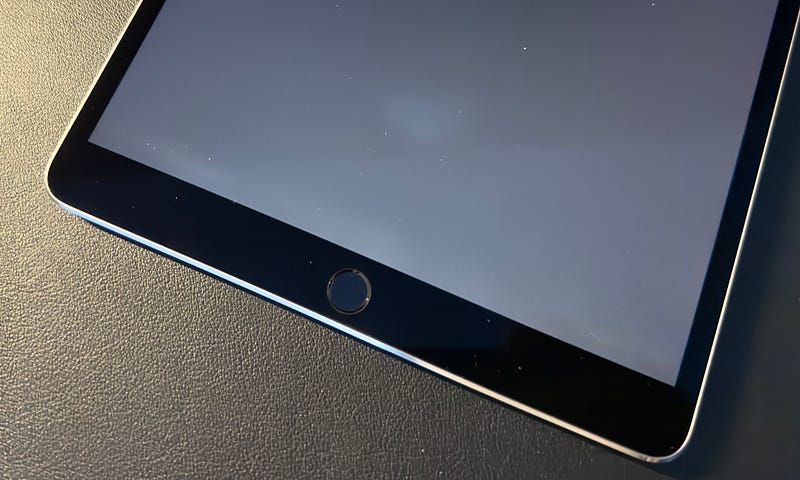
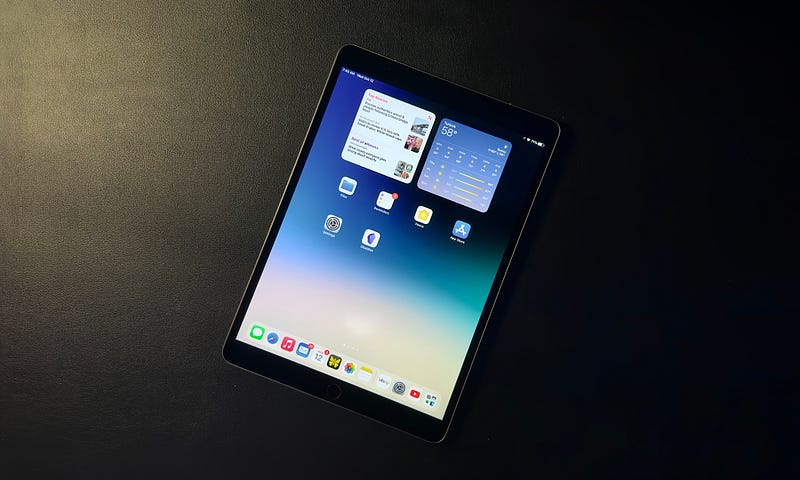
For now, I found a great condition 10.5-inch iPad Pro for about $150. The front glass and casing are all in pristine condition, but it does have some damaged pixels on the lower part of the screen when held in portrait mode. You can only see it when the screen displays light colors, so I can’t see it that much. It is not visible at all when in Dark Mode or watching something.
This iPad Pro is outstanding at one hundred and fifty bucks. Sure it is over five years old, like my iMac Pro, but it has ProMotion and a beautiful laminate display. Handwriting with the 1st Generation Apple Pencil on this device is, in my opinion, substantially better than on the iPad Mini. ProMotion really does make a difference in this regard.
When moving around the iPad and reading, the ProMotion brings a very satisfying experience. Even with this old hardware, it holds up well with iPadOS 15 and still feels very fluid and smooth. I sometimes get some stuttering in Reeder when I scroll through an article quickly, but it usually is only for a brief moment.
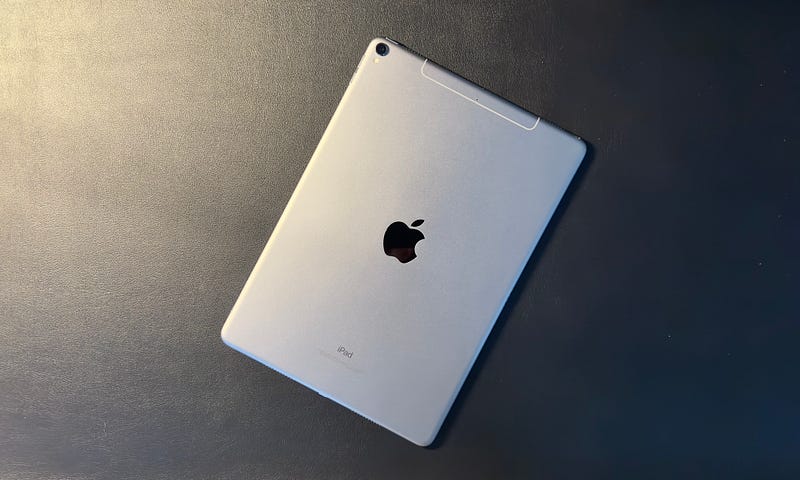
As I hold this iPad Pro in one hand, I forgot how thin these iPad models felt when they had round sides. I was discussing the iPhone 14 Pros with a co-worker and how he missed the iPhone X through iPhone 11 Pro model phones with the rounded front glass and sides making the phone super comfortable in hand. Though I initially liked the direction Apple was going with the iPad Pros and iPhone 12’s with the more squared-off and sharp-edged design, they are genuinely not as comfortable.
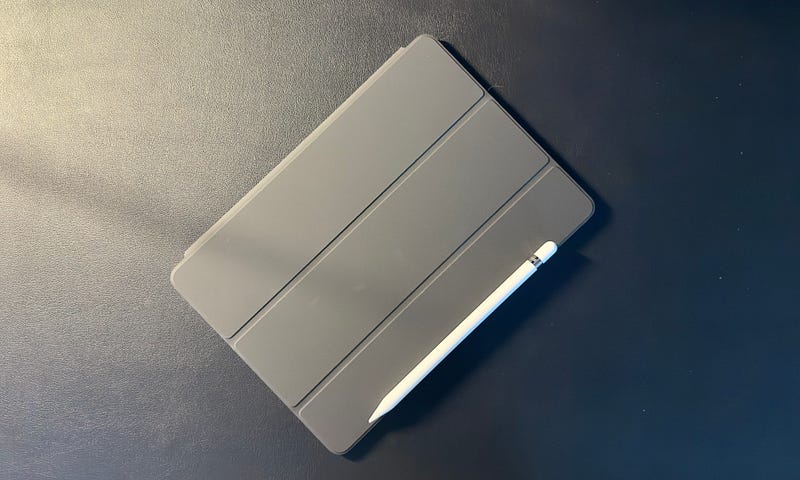
This 10.5 -inch iPad Pro has that old-school style, and I enjoy holding it for long periods. I also got a brand new Smart Cover for it, I can’t believe Best Buy still sells them for this iPad model, and the whole package in my hand is incredibly light and portable. The Apple Pencil doesn’t conveniently magnetically connect to the iPad, but I have made do with it in my pocket.
I will admit that the large bezels on the top and bottom of the device do feel dated. But the bezels on the sides are smaller than even the current iPad Pro models today. And with the curved back, I don’t accidentally touch the screen; we forget just how thoughtful this design was when it was first released. And even though the bezels are large on the top and bottom, I will argue that the Touch ID sensor on the front of the iPad is far superior to it being on the device's top edge.
Especially when I am using the iPad in landscape mode, having the Touch ID button exactly where my thumb sits is very convenient. I really wish Apple could figure out the whole fingerprint reader under the screen technology, so the Air and Mini could have this convenience without the awkward placement it is now or the need for a larger bezel to be on the front.
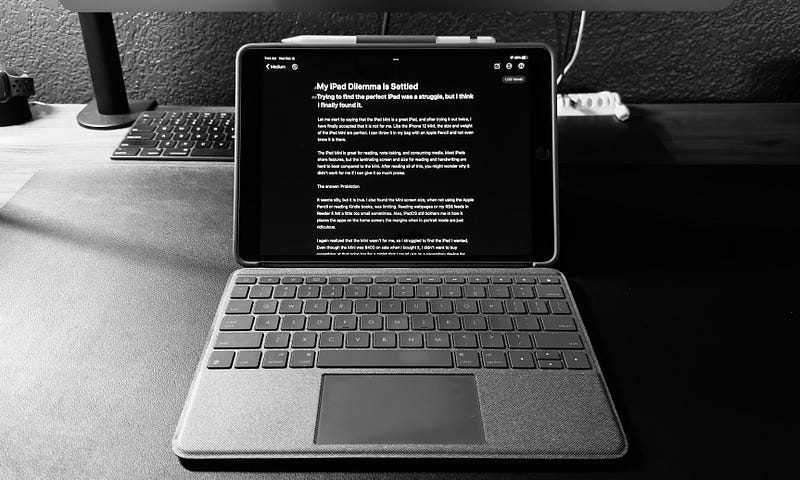
One last thing I did was buy a Logitech Combo Touch Keyboard Case for the iPad Pro, which I am currently using to write this post. I remember reviewing this case and keyboard when it was first released for the iPad Pro and iPad Air in 2017. At the time, I remember really enjoying it. The keyboard felt good, and the trackpad was super useful.
After purchasing it again and using it for a while, I thought it was a nice addition to the iPad Pro. I don’t know how often I will use it, but so far, I think this setup might become the secondary writing computer I was looking for. I was concerned about using the kickstand on my lap, but so far, it hasn’t been an issue; we will see how many more posts I write using it before I call it a win.
Buying older tech can be risky. I can already tell the battery on this thing is not great. Apple still provides battery service for it for $100; we will see if I need to do it after a couple more weeks. Who knows, after iPadOS 16, how many more iPadOS releases will support this iPad? I know many still have iPad 3’s and early Airs that they still use, so I don’t need to worry too much.
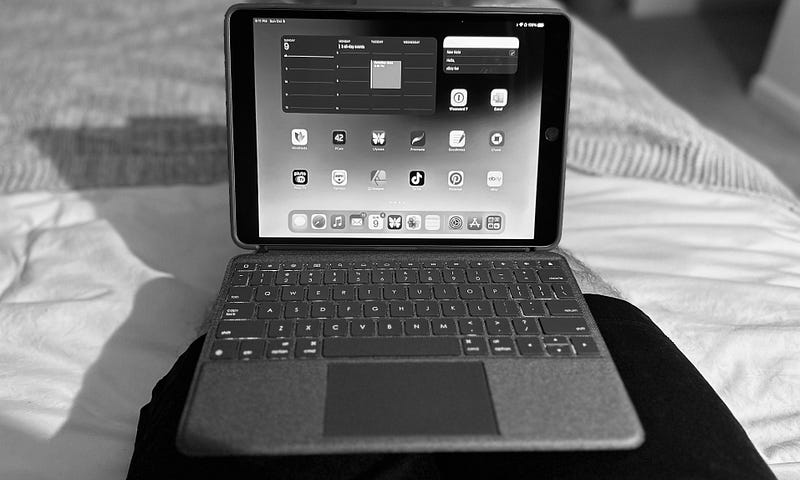
I remember owning this exact iPad shortly after it was released years ago. I remember loving it, and I don’t know why or when I got rid of it. It is funny that I have gone back to it all these years, but it does show how much quality Apple puts into its technology. The display, ProMotion, True Tone, and Touch ID are all technologies still used in Apple products today — even if implemented differently.
Either way, it is pretty cool that I can pick up a $150 device with an objectively better display than the current iPad 9th Generation model with double the price tag. Sure, the current iPad has a better processor and will get updates for many more years, but the experience, I argue, is way better on this iPad Pro — at least until the iPadOS versions really start to bog down the processor's abilities.
Read every Techuisite story and all other writers on Medium by becoming a Member using the following link:
(Using this link will directly support Paul Alvarez and the Techuisite publication)