
A Beginner’s Guide to Tweepy
How to use Python and Tweepy to create your own Twitter dataset

The first step in analyzing data is finding data to analyze. And a great place to find data is Twitter.
Twitter’s API is famously well documented, making it a great place to get started creating your own datasets.
In this tutorial, we’ll cover:
- Creating a twitter app
- Getting tweets with Tweepy
- Extracting tweet attributes
Create a Twitter Developer Account and App
- Apply for an account here.
- Create a new app. Fill in the required fields. (If you don’t have a website you can use a placeholder.)
- Click the keys and tokens tab. Create an access token and access token secret key. (The consumer and consumer secret key should already be visible.)
Install Tweepy
To install with pip simply type pip install tweepyin your terminal.
Authentication
Now for the good stuff.
Tweepy really does make OAuth mostly painless — but I’m not going to lie, I couldn’t get it to work for hours… then I finally realized I had a space at the end of my access token. 🤦♀
And now just to make sure it worked, lets print the most recent tweets from my stream:
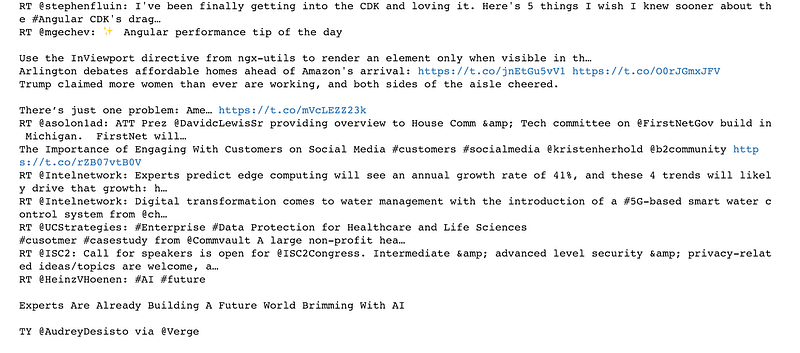
Success! We have a bunch of random tweets! But, this really isn’t very helpful, unless you’re trying to analyze the tweets of the people you follow.
Get a User’s Tweets
Tweepy has a useful method that returns the most recent statuses posted from the specified user.
Let’s use this to see what Donald Trump is tweeting today:
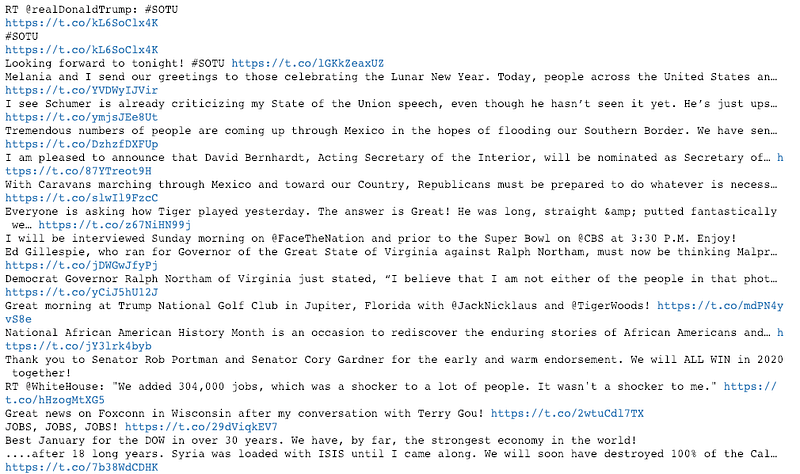
Now we’re getting somewhere! We have the tweet text, but this still isn’t super useful. It just looks like a bunch of random text.
The user_timeline function returns a tweet object. From Twitter’s documentation we can see that each tweet object has a long list of attributes including the text attribute that we used above.
We can write a function to extract the attributes we’re interested in and create a dataframe:
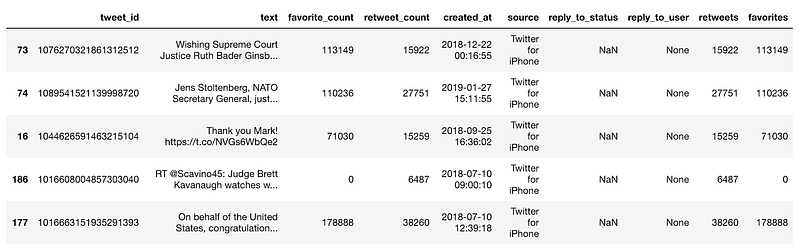
Now we’re getting somewhere. With some attributes of interest in our dataframe we can move on to analysis.
Some popular uses of Twitter data include topic modeling and sentiment analysis.
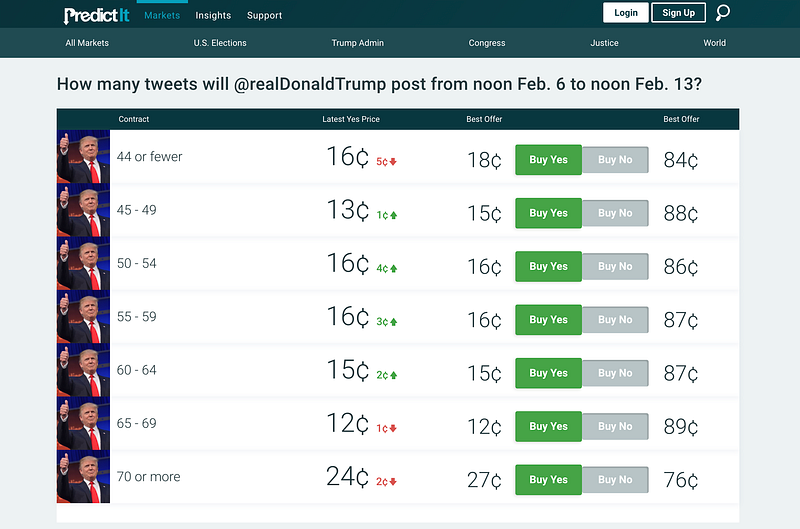
Something more interesting, and perhaps with a real world application, could be to attempt to predict how many tweets Trump will post in a week.
Conclusion
While this is a great start to data mining, we’ve just barely scratched the surface. Twitter’s API has many more methods we can explore, not to mention the rest of the internet!
I look forward to seeing what interesting data you dig up!