
My 6 FAVOURITE M2 MacBook Air Accessories
What makes Apple’s greatest laptop even better?
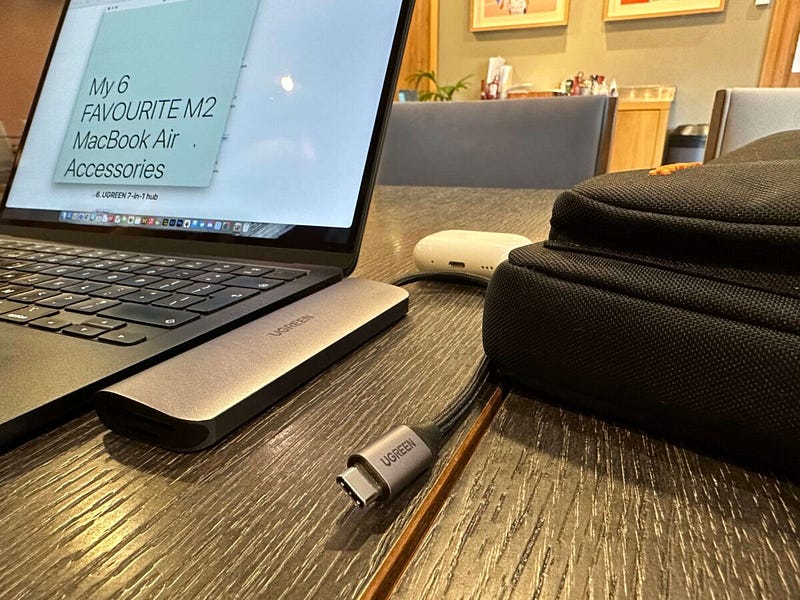
One of the best things about the M2 MacBook Air is that it’s pretty much perfect as it is, straight out of the box. You therefore don’t need a rucksack full of accessories just to make it better — or to fill in the inevitable blanks left by Apple.
There is some stuff you need, though. And, during my time with Apple’s thinnest, smudgiest, and most iconically brilliant laptop, I’ve built the perfect little setup.
As always, I think there’ll be at least one item in this list of M2 MacBook Air accessories that floats your boat (or, at the very least, makes your laptop just that tiny bit more useful).
1. tomtoc Defender laptop bag
Buy here (use code CREATEDC for 15% off)
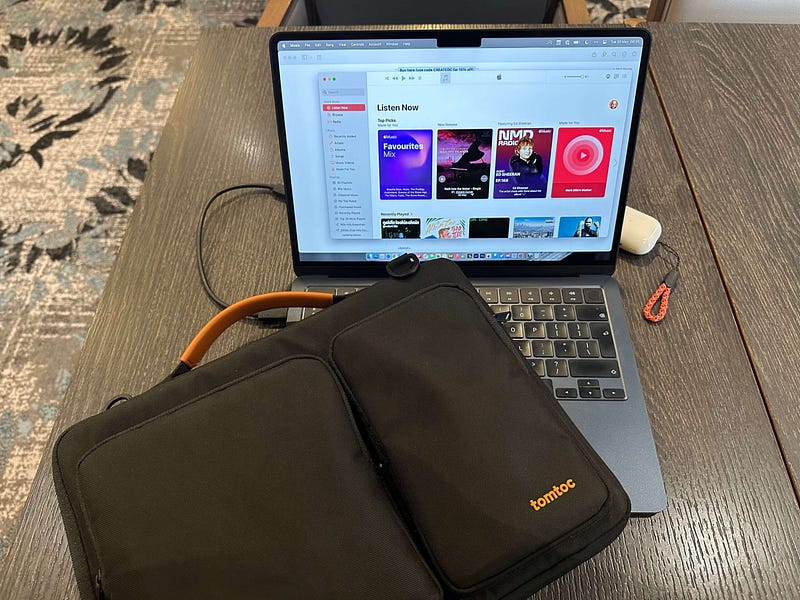
If there’s one thing the M2 MacBook Air needs, it’s protection.
I mentioned in a recent YouTube video that I’ve reached the stage of ownership with my M2 MacBook Air where I’m a little less careful with it. I don’t place it gingerly on every surface, and I’ve removed the kid gloves that come with the purchase of every new MacBook.
Up until now, I’ve been using the brilliant Inateck hard shell case for protection and transport. For anyone who’s worried about bending or snapping their M2 MacBook Air (it’s a daft concern, but I had it and know exactly how you feel), that Inateck case still has my recommendation.
For everyone else, I’d suggest looking at the tomtoc Defender laptop bag. This offers superb protection (there’s so much padding) but raises the utility stakes by including two sealed pockets (so, your cables and power brick can come along for the ride), a back pocket, and a removable shoulder strap.
2. Bose QC45 noise-cancelling headphones
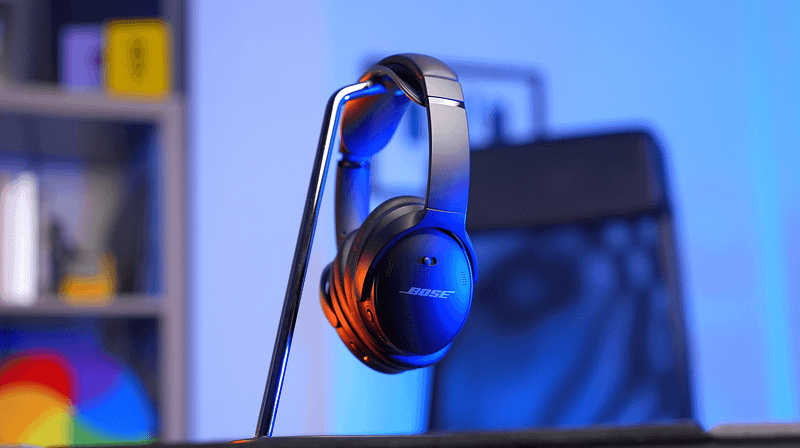
I get to try a lot of headphones. My studio is full of them, including everything from the bottom of the budget barrel to the top of the “why on earth are they that expensive?!” tree.
However, there’s one pair which, this year, I’ve not been able to put down. On the face of it, they’re one of the least impressive pairs of headphones to which I have access. Regardless, they are undeniably brilliant — and my YouTube audience appears to agree.
The Bose QC45 are not the best sounding headphones in my studio. They’re one of the most plasticky, too, and the design is about as mundane and utilitarian as I’ve seen. However, the noise cancellation on offer is second to none. The comfort is genuine wear-me-all-day comfortable. They fold correctly and, consequently, slot into one of the smallest and most convenient headphone cases I’ve used. The build quality, although plasticky, appears to stand up to constant everyday use brilliantly.
The Bose QC45 remain the best noise-cancelling all-rounders out there and are constantly on my head when I’m working on my M2 MacBook Air.
Unless I’m on a call, that is.
3. AirPods Pro 2
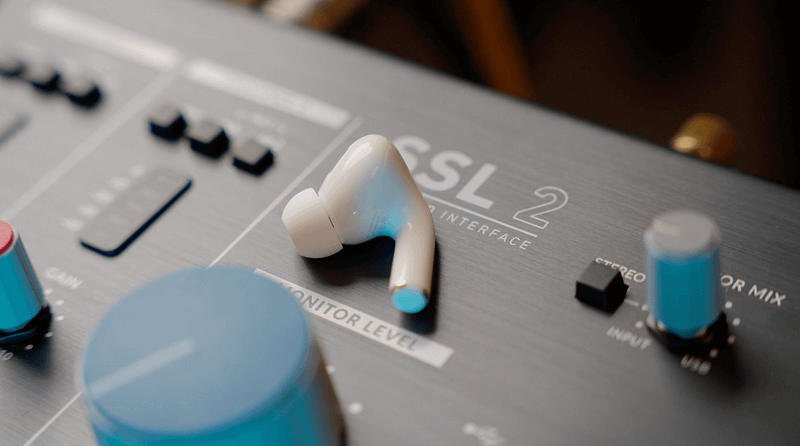
I don’t use over-ear headphones for telephone and video calls. The inability to properly monitor yourself without wearing them DJ-style with one cup placed behind your ear is a deal-breaker for me.
That’s the reason the second-generation AirPods Pro are on this list. I do quite a bit of video conferencing on my M2 MacBook Air and I only need one of Apple’s brilliant buds in my ear to make those calls audible for both parties.
The fact the latest AirPods Pro are so good at literally everything else means they’re a constant companion. And, yes, that’s why they make it onto virtually every accessories list I publish.
4. MOFT Snap Float Folio (for your iPad)

I’m not a heavy secondary display user, but I’ve recently been enjoying the addition of my iPad Air 5 for that task.
As great as the display is on the M2 MacBook Air, we are — for now — still only treated to a 13-inch screen. Anything beyond referencing therefore does require a bit more estate, and one of the most convenient ways to extend your M2 MacBook Air desktop is to use your iPad.
The challenge with the iPad is raising it to a level that aids that kind of work. The good news is that I’ve recently discovered the Snap Float Folio from MOFT, which is quite brilliant. It’s the first-ever origami-style iPad case that neatly folds itself into a brilliant little perch for your tablet.
Now, I have an iPad case that nails its main job, but also doubles as a monitor stand for my iPad Air when I’m using it as a secondary display for the M2 MacBook Air.
5. Harber London Tech Dopp Kit
I’m a relatively recent convert to tech accessory bags. Previously, all of my cables, SD cards, and other paraphernalia would just be chucked into a spare pocket in my rucksack. That was an untidy process that was fraught with constantly lost items.
These days, I chuck all of that stuff into the Harber London Tech Dopp Kit. If you’re wondering, the term ‘dopp kit’ is usually applied to travel toiletry bags, but in this case, it’s attached to a rather lovely handmade leather tech accessory case.
Big enough to fit an iPad mini, the Harber London Dopp Kit has a soft fabric lining and dedicated slots for cables. I now throw all of the fiddly bits in there and, consequently, never lose them.
6. UGREEN 7-in-1 hub
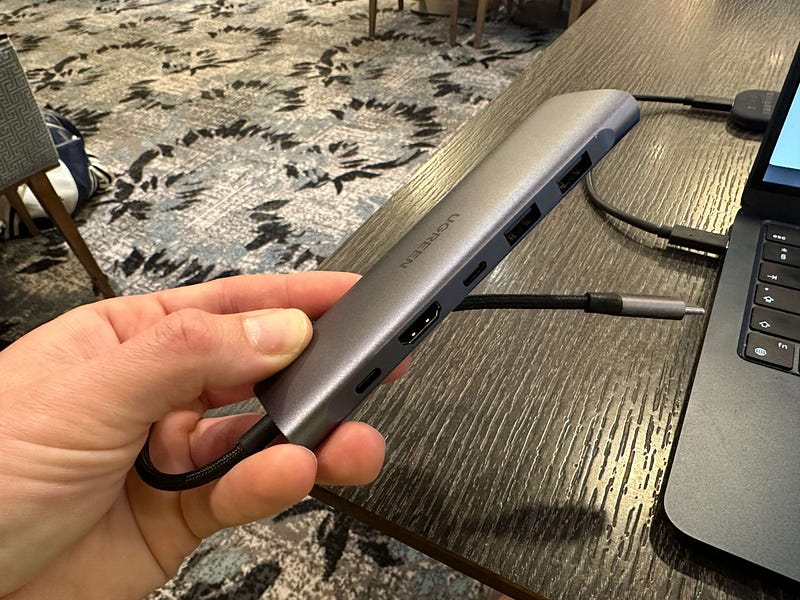
If there’s one downside of picking the M2 MacBook Air over the 14-inch MacBook Pro, it’s the dearth of ports to which you’re ‘treated’.
The M2 MacBook Air features two Thunderbolt ports, a headphone jack, and MagSafe for charging. If you want anything more than that (which I often do), you’ll need to head into Dongle Town.
It’s impossible to get excited about dongles, and there are so many out there to choose from, but I’m a big fan of UGREEN stuff, and my current favourite is their 7-in-one USB-C hub.
This hub features every additional port I need to make the M2 MacBook Air compatible with my stuff. There’s a couple of USB-C ports (one of which supports pass-through charging, if you fancy using this hub for your iPad, too), two USB-A ports, slots for SD and micro SD cards, and a HDMI port.
Wrap up
As noted earlier, the M2 MacBook Air doesn’t need much to raise its game — it’s already an incredibly convenient, capable laptop. My accessory list is, therefore, tightly defined, free of flab, and conceived after a lot of work on the road with this brilliant MacBook.
Over to you. Give me your favourite MacBook Air accessories in the comments section below, please!
Before you go
Join my Substack newsletter for tips on becoming a profitable, happy online creator!
If you enjoy my writing, it’s only a snippet of what’s on Medium. I’m a paying member myself and highly recommend joining. Click here to join (a portion of your membership fee will be sent my way and therefore directly support my work!).
This post includes affiliate links
Originally published at https://markellisreviews.com on May 30, 2023.


