
MongoDB Performance 101: How to Generate Millions of Data for Performance Optimization

I am learning MongoDB recently and the syllabus started to get more challenging. Thus, I started to write MongoDB Performance-related articles to deepen my understanding and also allow myself to look back into this reference in the future.
After my first article, How to Improve the Speed of MongoDB App (member’s stories 🎉🎉), I realized there is a single section which is the Data Preparation section can be reused in all the others MongoDB Performance article that I am going to write.
Thus, this article will talk about how to generate the sample dataset used for Performance Optimization.
Model Preparation and Data Generation
After some digging and googling via Internet, I discovered a tool on GitHub, mgodatagen, which allows me to generate random data in MongoDB with very minimal configuration.
Without further ado, let’s follow the step-by-step guide on how to do it.
Step 1. Download the tools from the data generation library release page
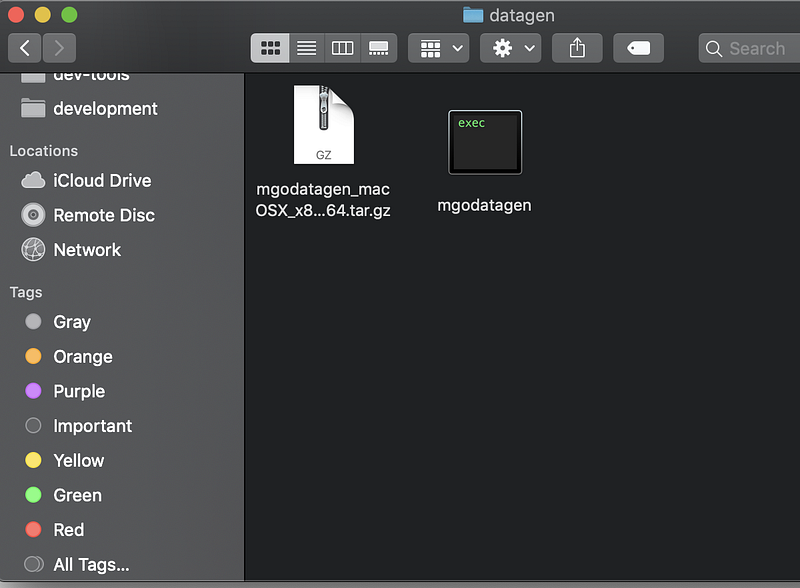
Please download the library according to your workstation OS. You shall see the mgodatagen executable file after the extraction. A screenshot is provided below.
Step 2. Create a config.json
According to the data generation library, there is some mandatory configuration we have to specify, for example, the name of the database, the collection name, how many documents you want to generate, etc.
For this article, I will re-use the configuration that I did for my previous article where I will create a flight database with a million documents.
Let’s look at the gist of config.json which I created under the same level of directory.
The gist basically tells us:
- Where we’re generating data to — the flight database and the booking collection. If this database and collection are yet to be created, don’t worry as MongoDB will create it for you prior to the data insertion.
- How much data we’re generating — a million as we defined in the count key.
- What documents we’re generating and what the fields are. We defined this in the content key. We added the key that we need and also their respective types. For example, booking_no is a string with a minimum and maximum of 6 characters.
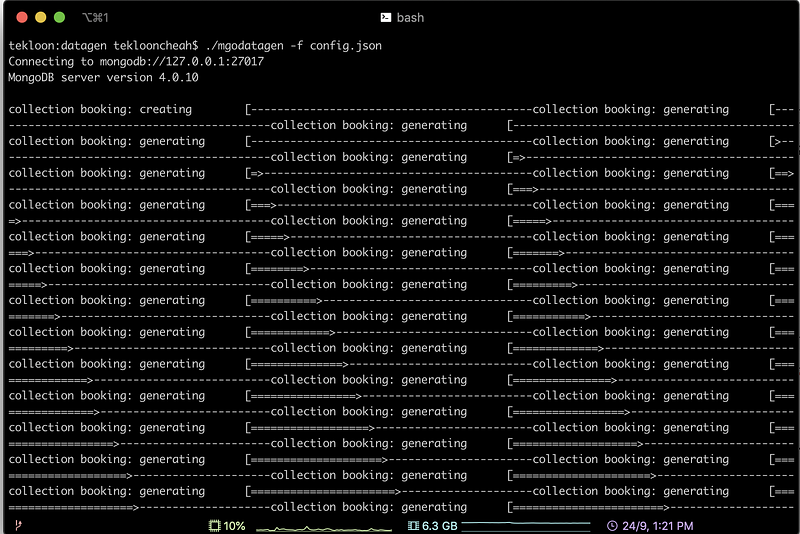
Now we have all of the configuration ready, let’s perform the data generation. For data generation, we just have to run the following command.
./mgodatagen -f config.json
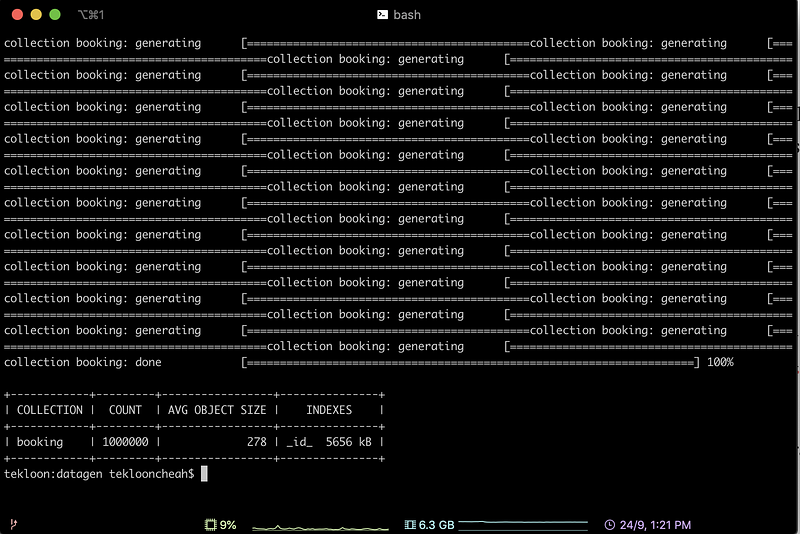
It took the config.json we have defined earlier and generated the data. Below are the screenshots of the process of generating data and the result of successfully generating the data.
Step 3. Verify data generation
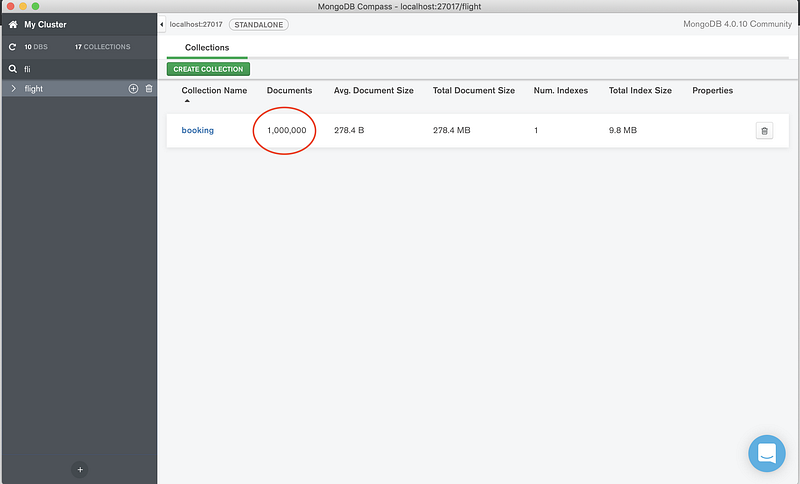
Now let’s verify that the database and collection are generated in your local MongoDB via Compass. Refer to the screenshot below.
Conclusion
In short, data generation is no longer a challenge as we can easily define our model and generate the data with just a single command.
This is especially useful when you want to carry out performance optimization. You can load your development environment with the equivalent amount of dataset you have in production and re-simulate the performance problems like slow query time.
References
- Mgodatagen library


