
Modern Debugging — Tools and Tips you need to stay ahead
“Sometimes it pays to stay in bed on Monday, rather than spending the rest of the week debugging Monday’s code.” — Christopher Thompson.

Whether you’re entirely new to the field or have been programming for decades, anybody in development knows how excruciatingly frustrating it is to attempt to debug successfully. I’ve seen even the most senior developers struggle.
Luckily it doesn’t have to be so aggravating every time you sit down to fix an issue. Let’s go through some simple tips to help:
- Take a break — Honestly, I can’t believe how often this will help. Just talking your mind off the problem for an hour or so will help you come back with a fresh view of the whole problem. It seems counterproductive, but it’ll help prevent you from going down purposeless rabbit holes.
- Talk to a duck — It may sound a little odd if you’ve never heard of this before, but I promise you it works. The phenomenon is described here. The theory goes that if you explain your problem out loud to a rubber duck, you will soon realise that your code isn’t doing what you intended.
- Use the Input-Output Principle — This is a simple principle but can really help. Simplify your code into each separate functionality and consider what inputs are going in and what outputs you are expecting. You can use your debugger to help with this.
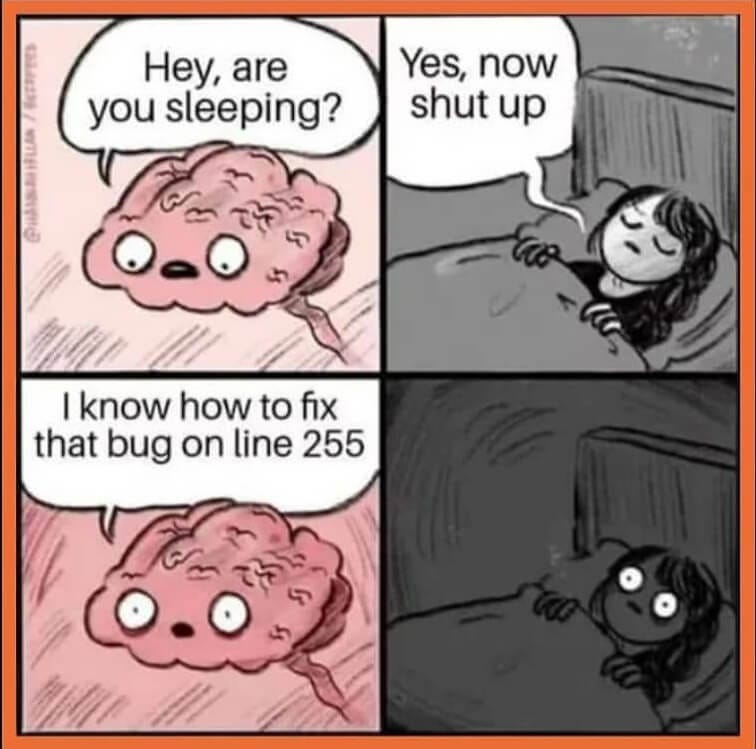
To make sure you stay calm and level-headed, here are two crucial things to remember when trying to debug your code:
- The bug is happening for a real and logical reason.
- Know the debugging tools.
It sounds so simple, but you wouldn’t believe how many developers don’t do these and then complain that nothing works. No, the bug is not magic; the program is doing exactly what you’ve told it to do (Really. Even though it may seem that way sometimes). Secondly, there are so many handy debugging tools out there, yet so many programmers will just use a print function. Know your tools.
“Debugging is like being a detective in a crime movie where you are also the murderer.” — Filipe Fortes.
Talking of which tooling, here they are:
Let’s start with the obvious. Whatever IDE you’re using hopefully has a debugger. Learn how to use it.
Monitoring Tools
dtat— Auto refreshing how much network and disk your computer is using at a given time. Usage:$ dstatstrace— Prints system calls your program is using and can help identify exactly what your program is doing when it errors. Usage:$ strace python script.pyoppensnoop— Prints out in real-time every file that your program is opening at a time. Usage:$ opensnoop -p $PID
Networking Tools
netcat— An incredibly versatile tool that supports portscanning, file copying, port forwarding, proxy servers, and hosting servers. Usage:$ nc -vz <host> <port> # Checks connection between two hosts on given port.netstat— Returns network details such as routing tables, network connections, memberships, stats, flags etc. Usage:$ netstat -tlpn # List all listening portstcpdump— Capture and analyse traffic coming to and from your system. Fantastic tool for debugging any networking issue. Usage:$ tcpdump -i <interface> <ip or hostname> <port>
CPU Tools
perf— Performance analysis tool capable of lightweight profiling. There are so many fantastic ways to use this tool, I encourage you to look up some examples but just picking one I’ll go with this as our example Usage:$ perf top. This will give us an exact function that is using up our memory.
I regularly post articles on DevOps articles exclusively on Medium — If you would like to read more I recommend checking out the stories below.
If you’ve enjoyed this article and you’re not a member, consider supporting me and thousands of other writers by signing up for a membership and get unlimited access to content from Medium’s fantastic writers. Your membership directly supports me directly with a portion of your fee and won’t cost you more.
Click here to signup today.