
Midjourney’s inPainting (Part 2) : Replacing Elements
Unlocking Creative Freedom: Element Replacement in Designated Areas
This blog post continues with our previous entry, which explored the correction of misshapen hands using the newly introduced inPainting feature by Midjourney.
In this article, we delve into the process of replacing existing elements in upscaled images from Midjourney with fresh components.
We’ll illustrate this transformation with three examples as following.
Example 1.
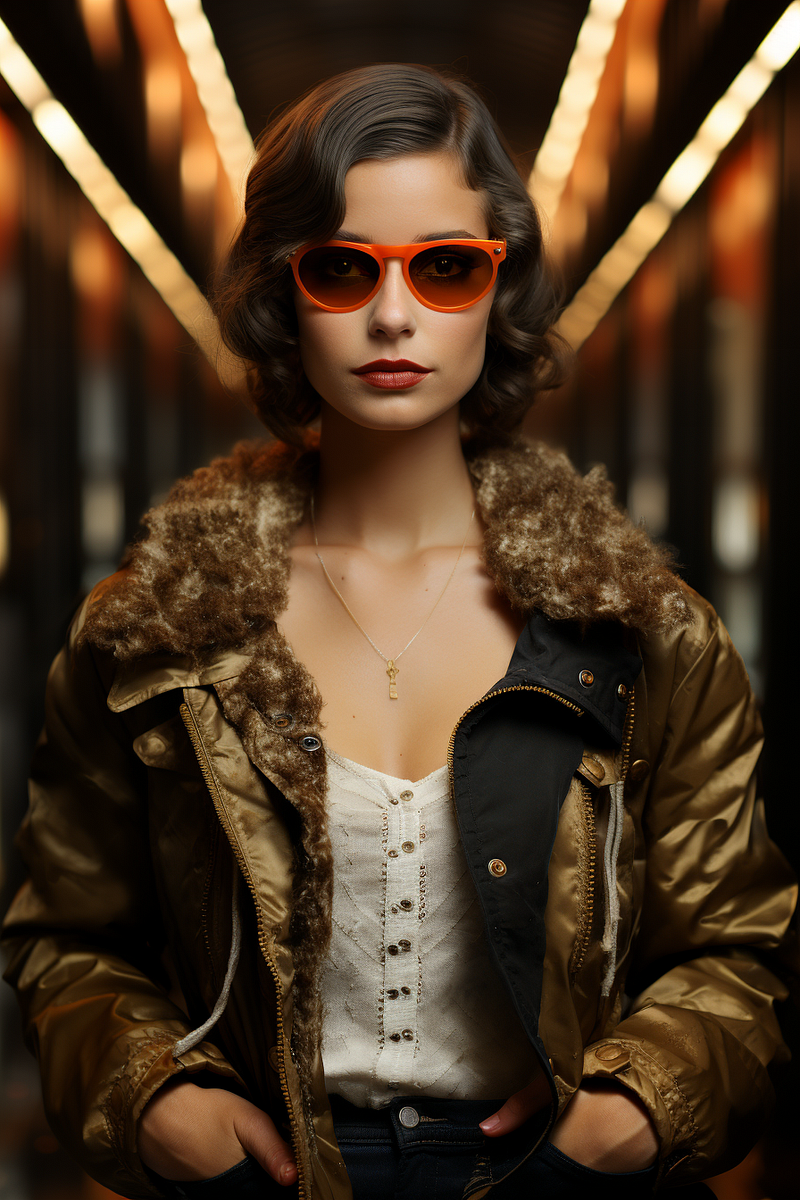
Transforming the fashion photorealistic image that embodies the glamour, luxury, and geometry of Art Deco.
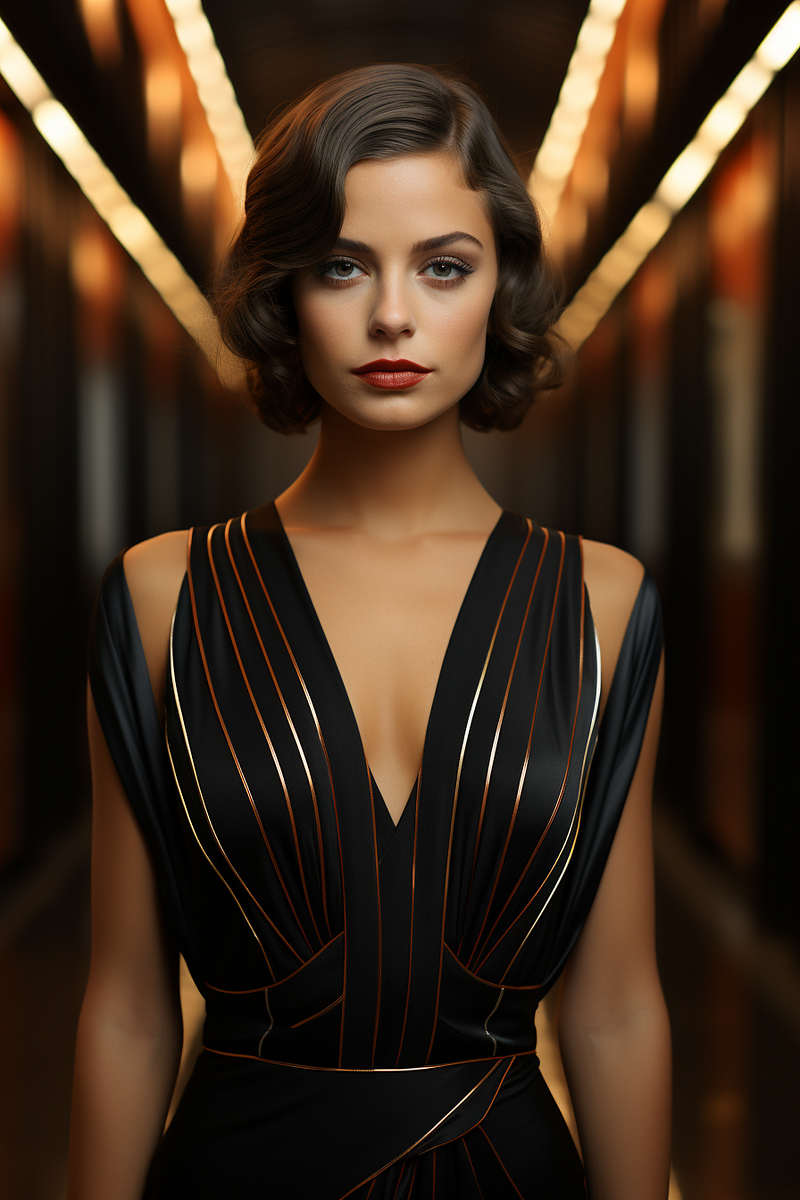
Select the area covering the dress.
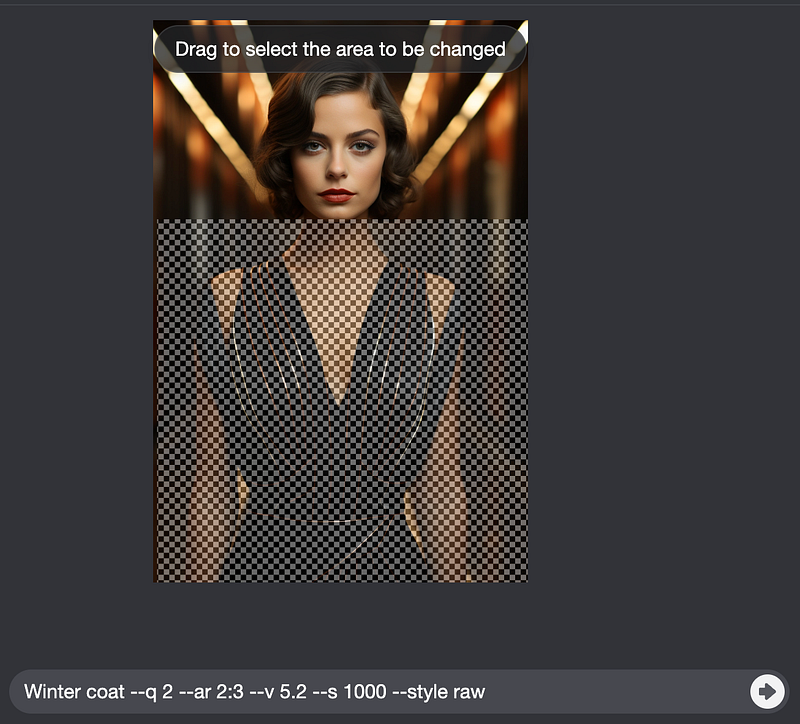
Replace the prompt with “Winter coat — v 5.2 — s 1000 — style raw — ar 2:3”
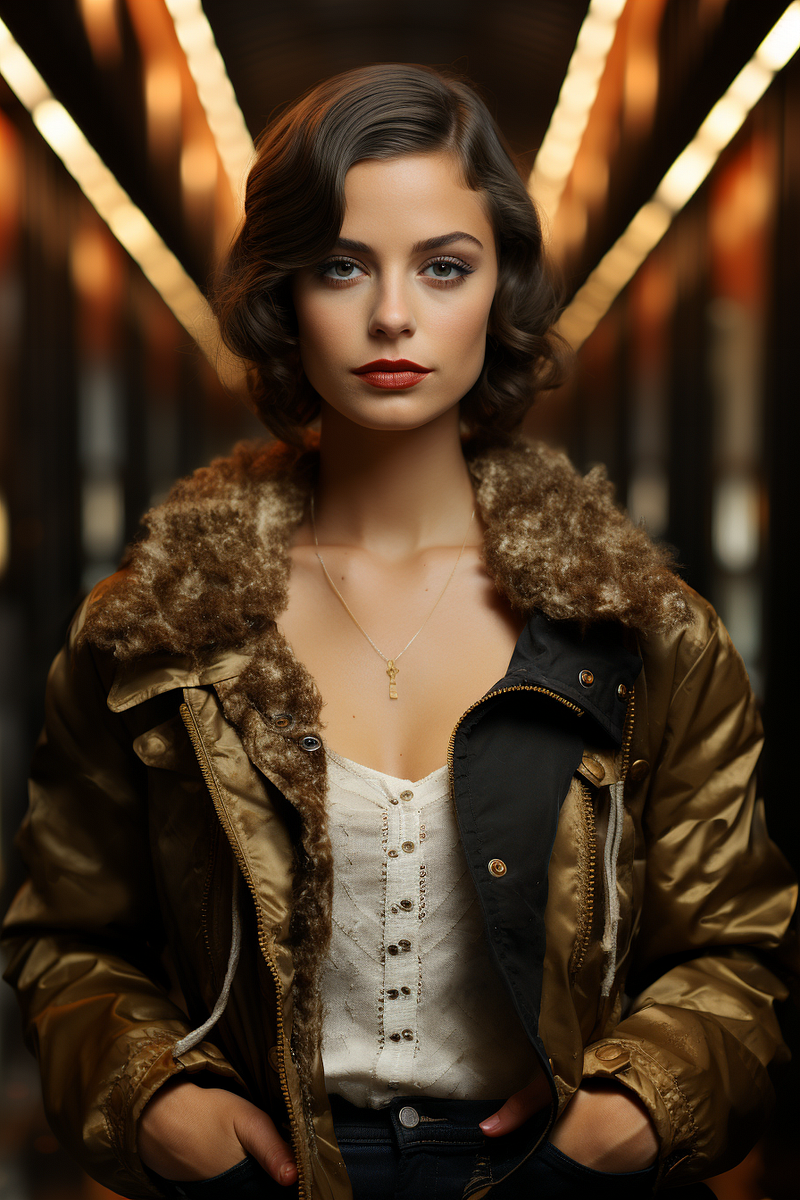
Select the area covering the eyes.
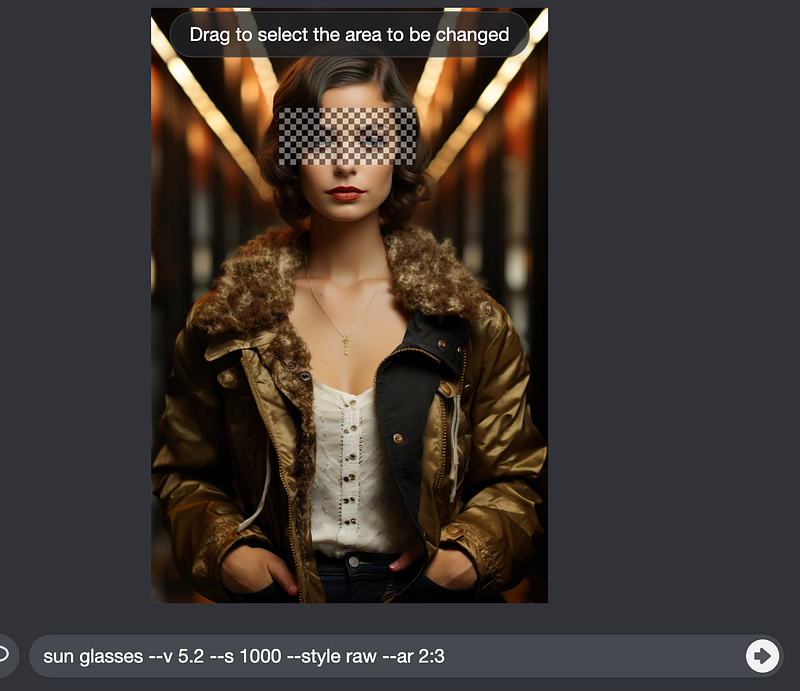
Replace the prompt with “sun glasses — v 5.2 — s 1000 — style raw — ar 2:3”
Example 2.
Use this living room image as the source image
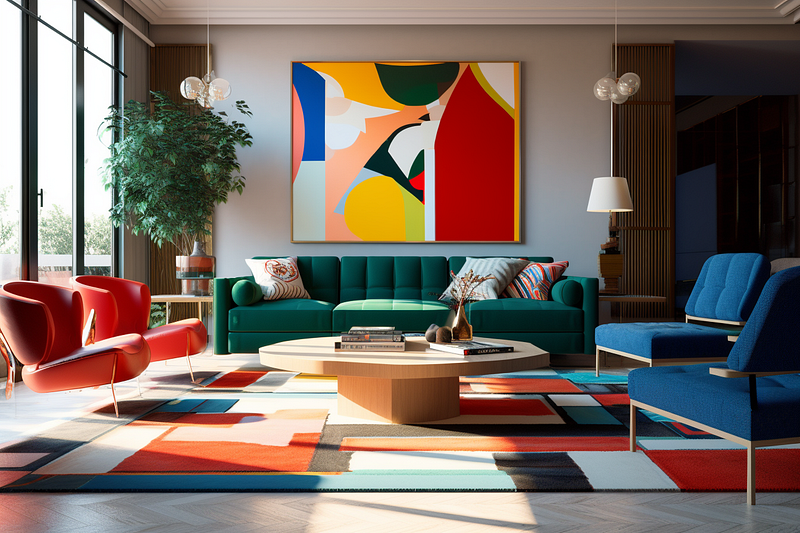
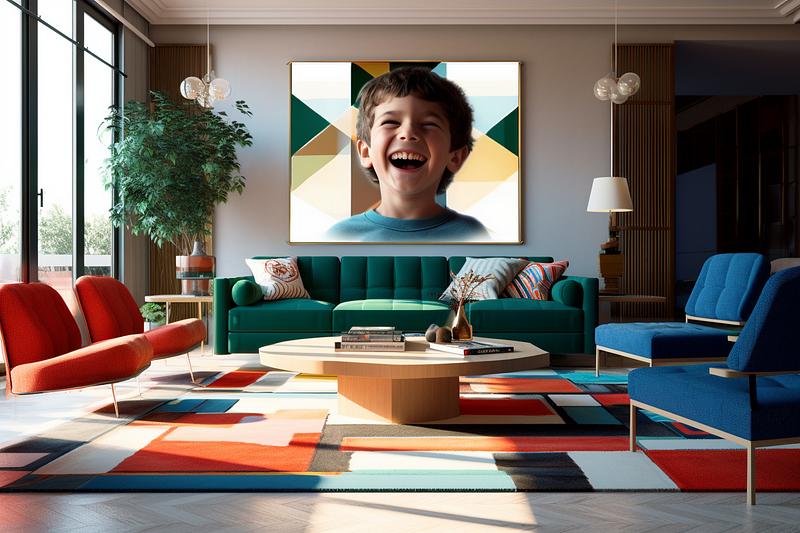
Select the wall art area.
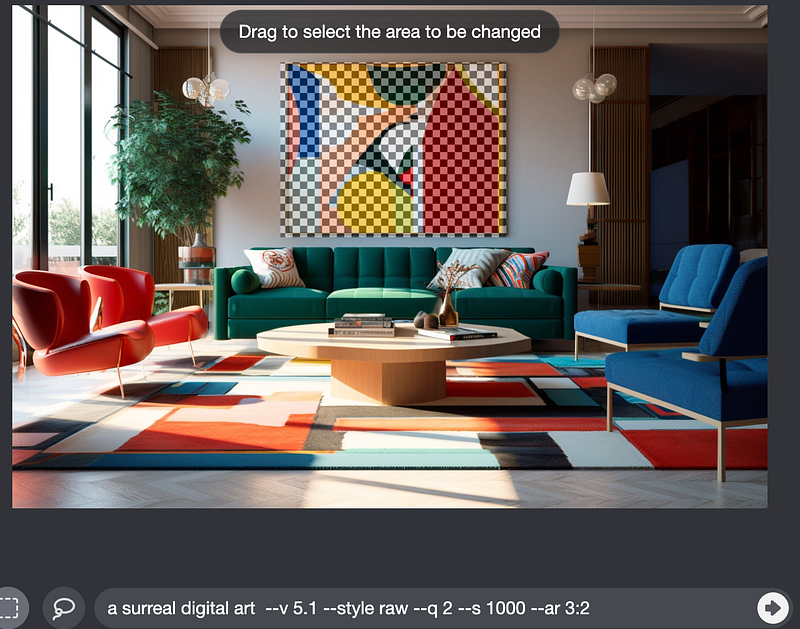
Replace the prompt with : “a surreal digital art”
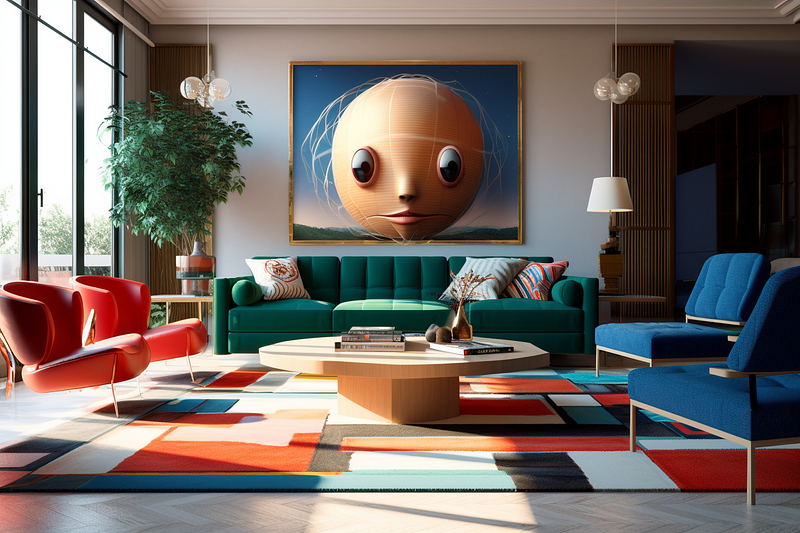
Replace the prompt with “a boy smiling photography — v 5.1 — ar 3:2”
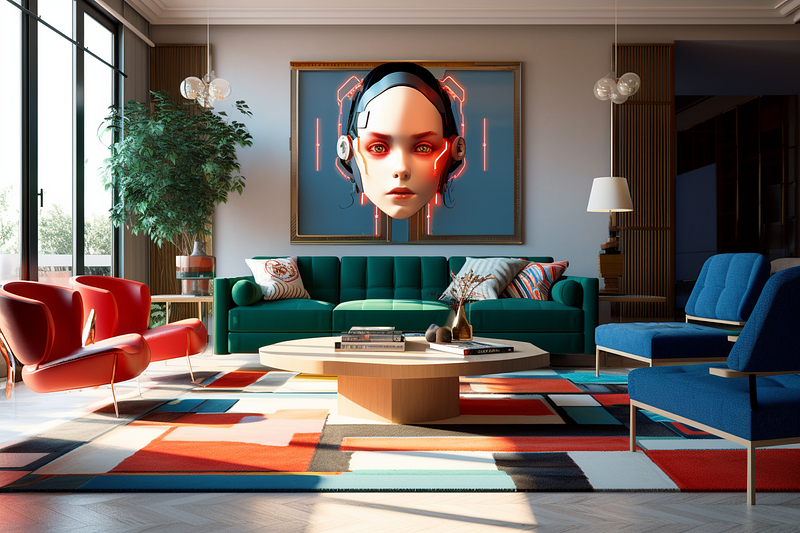
Change the prompt to : “a cyborg girl digital art”
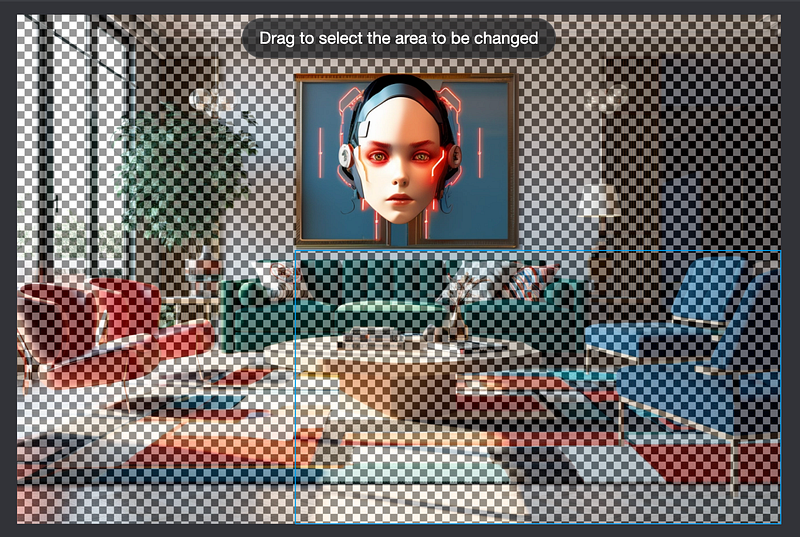
Select area outside the wall art
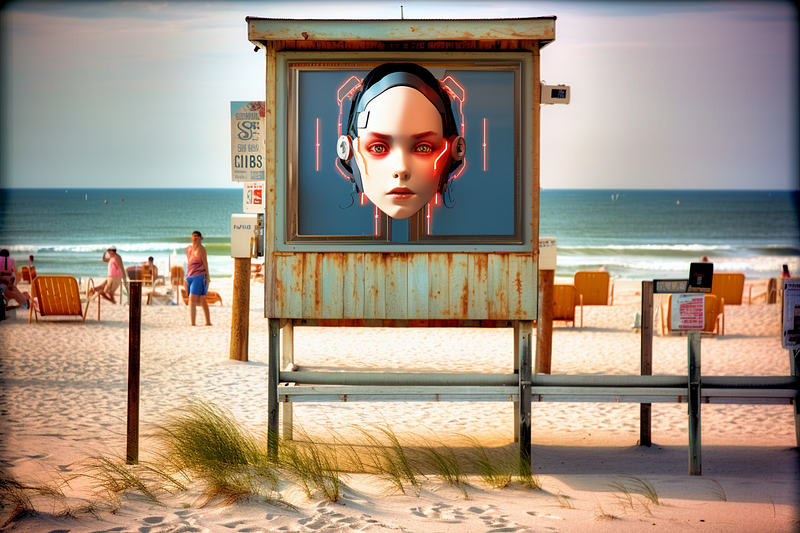
Replace prompt with “beach — v 5.1 — style raw — s 1000 — ar 3:2”
Replace the prompt with “bedroom — v 5.1 — style raw — s 1000 — ar 3:2”
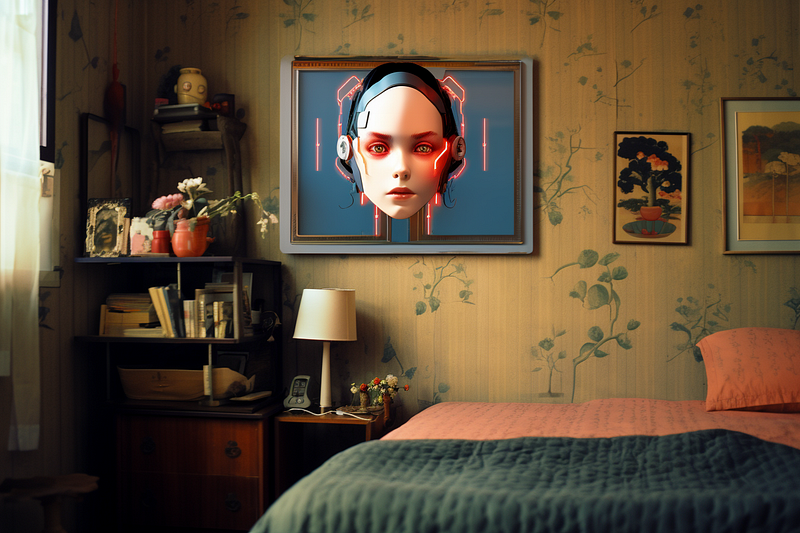
Replace the prompt with “kitchen — v 5.1 — style raw — s 1000 — ar 3:2”
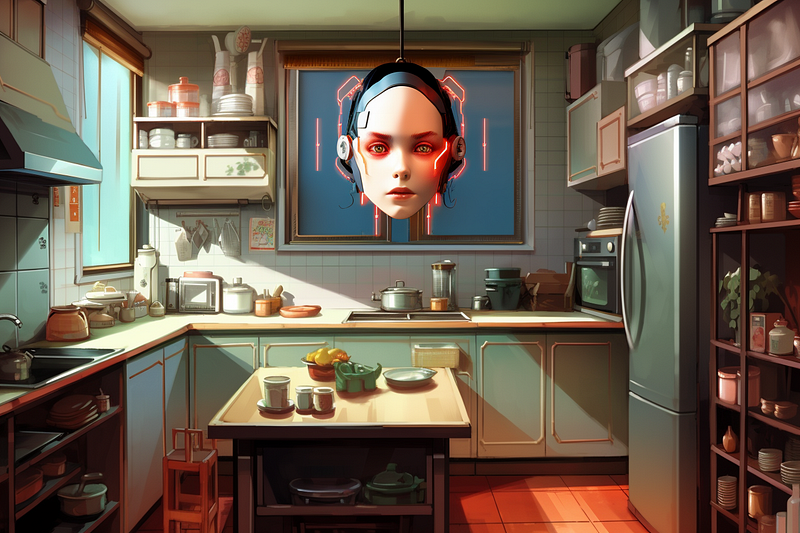
Example 3.
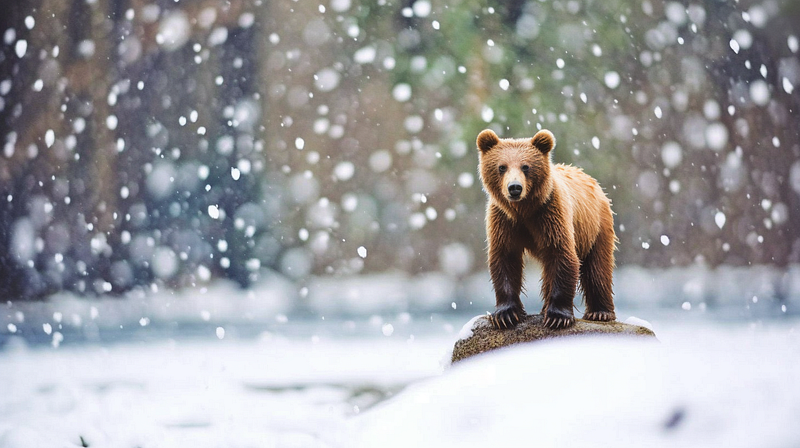
Transforming from this bear in river image
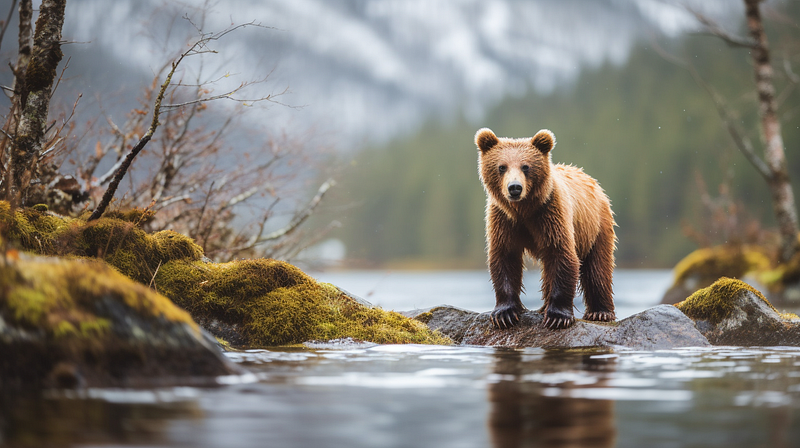
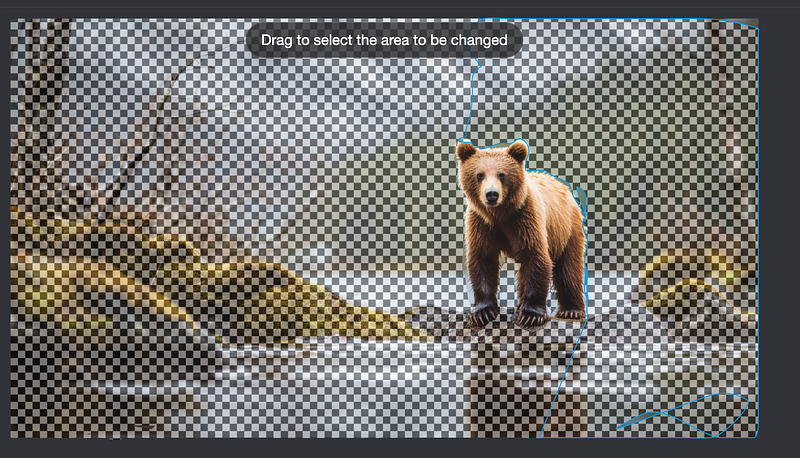
Select area covering the bear
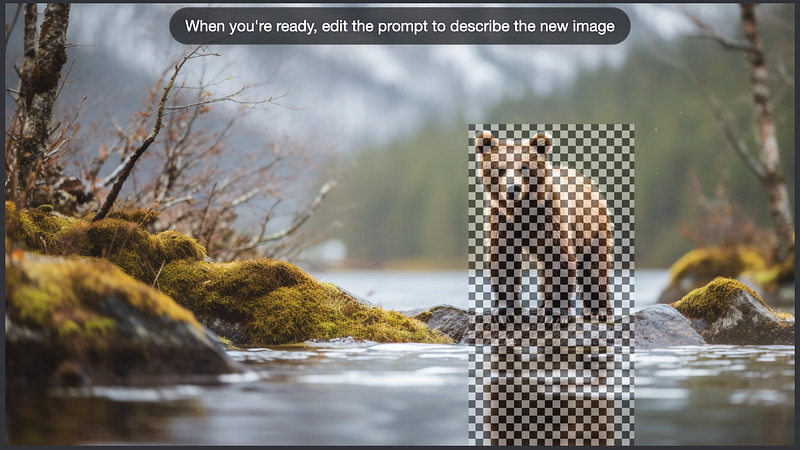
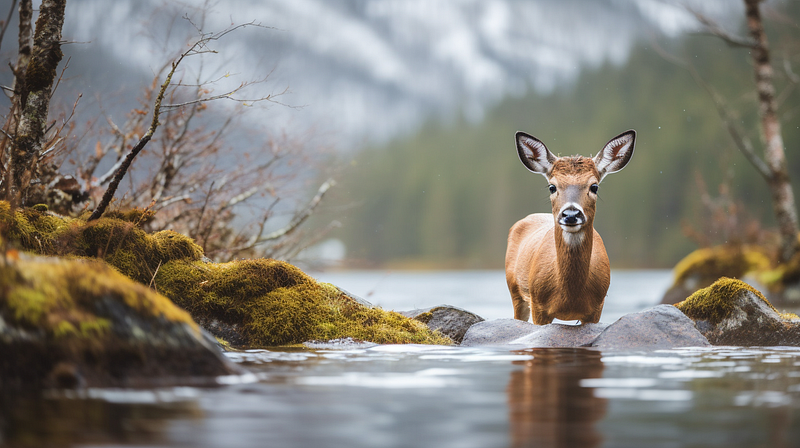
Replace the prompt with “a deer — v 5.1 — style raw — s 1000 — ar 16:9”
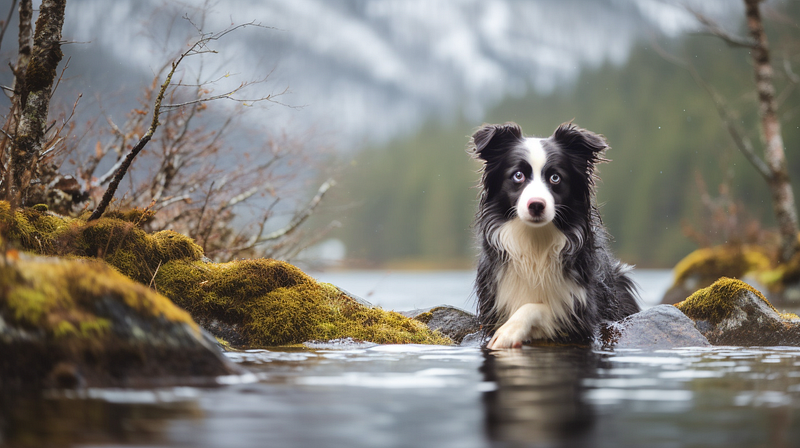
Replace the prompt with “a dog — v 5.1 — style raw — s 1000 — ar 16:9”
Select area covering the outside of the bear
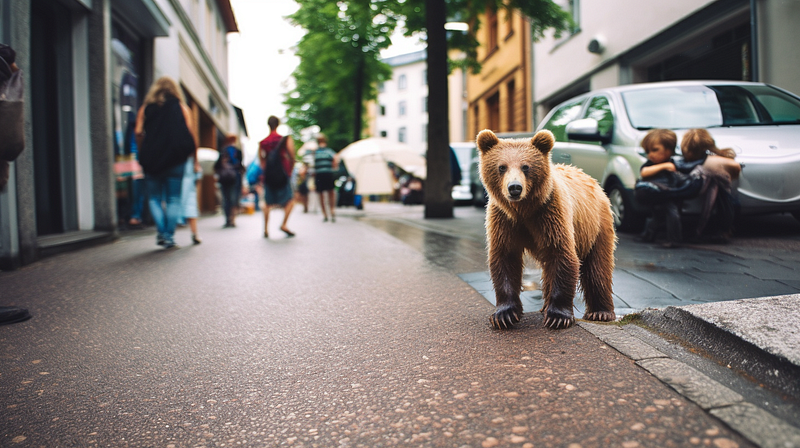
Replace the prompt with “in the street — v 5.1 — style raw — s 1000 — ar 16:9”
Replace the prompt with “snowing — v 5.1 — style raw — s 1000 — ar 16:9”
Final Thoughts
The power of Midjourney’s inPainting feature is undeniable. It offers an unprecedented level of control and customization over image transformation, unlocking new creative avenues. Whether it’s updating a piece of fashion photography to resonate with modern tastes or reimagining a living space with varying thematic elements, the possibilities are endless.
As we’ve journeyed through this two-part series, it becomes evident that technology is not just enhancing traditional image editing, but it’s redefining it. Stay curious and never hesitate to experiment; after all, in the world of digital transformation, the only limit is our imagination.


