
Midjourney Unveils a Game-Changer: The 2x & 4x Upscalers For Superior Resolution!
The Wait is Finally Over! Midjourney Introduces the Awaited Higher Resolution with 2x & 4x Upscalers.
How to Access This Feature?
- You can see 2x and 4x upscale buttons under any normal V5 or Niji job after clicking U1/U2/U3/U4
- Have a previous task you’d like to upscale? Enter /show followed by the job ID.
Some Insights:
- The upscaling is designed to retain the integrity of your original image. While it keeps details intact, it may not rectify any pre-existing issues or glitches.
🔔 Heads Up:
- Going for the 4x upscale? It’ll take up around 3x the GPU minutes of the 2x version.
- These upscalers are currently fine-tuned for fast-gpu time only.
- As for relax mode compatibility? Expect some test runs in the upcoming week to assess the feasibility.
Visual Examples for Clarity:
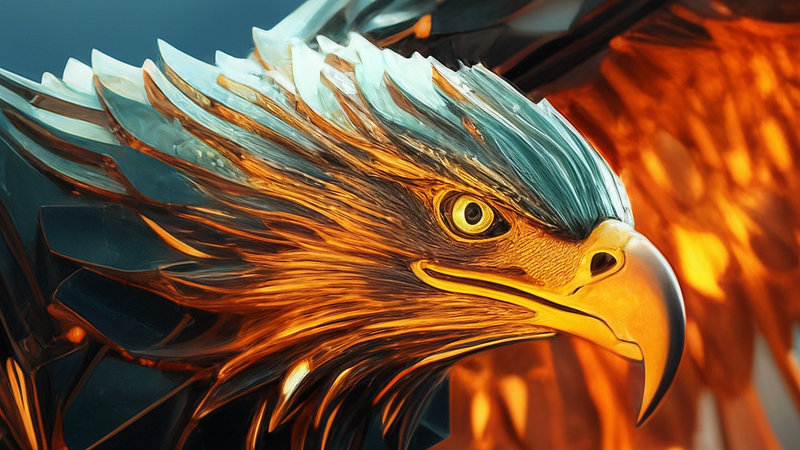
1. A 3D Eagle Using MJ 5.2
Original: 1456 × 816
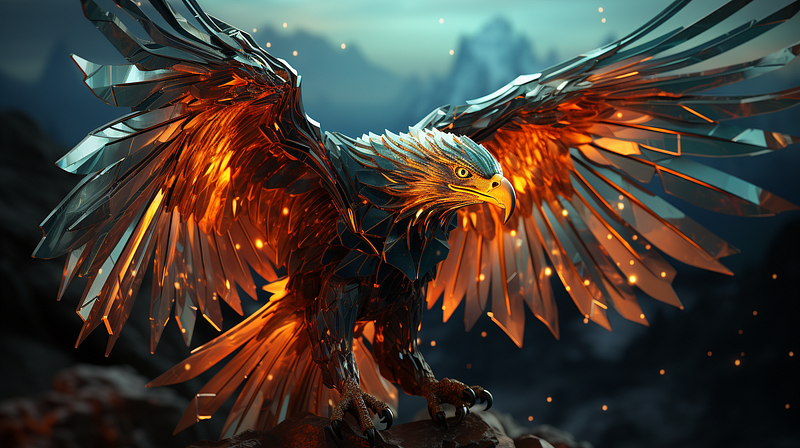
Post 2x Upscale: 2912 × 1632
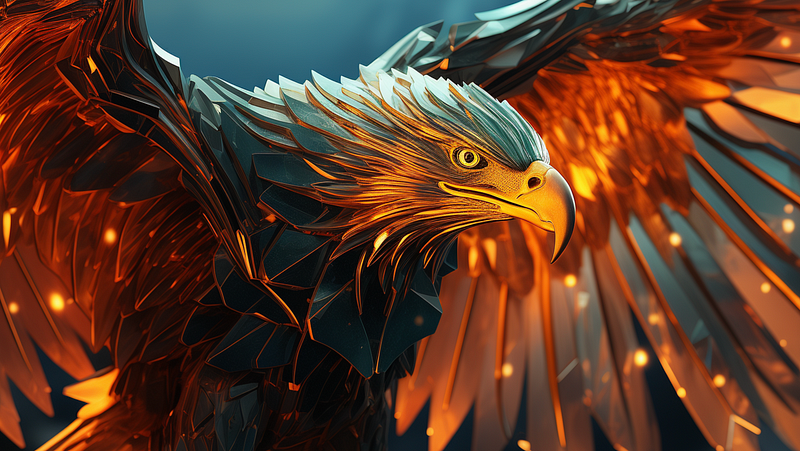
Post 4x Upscale: 5824 × 3264
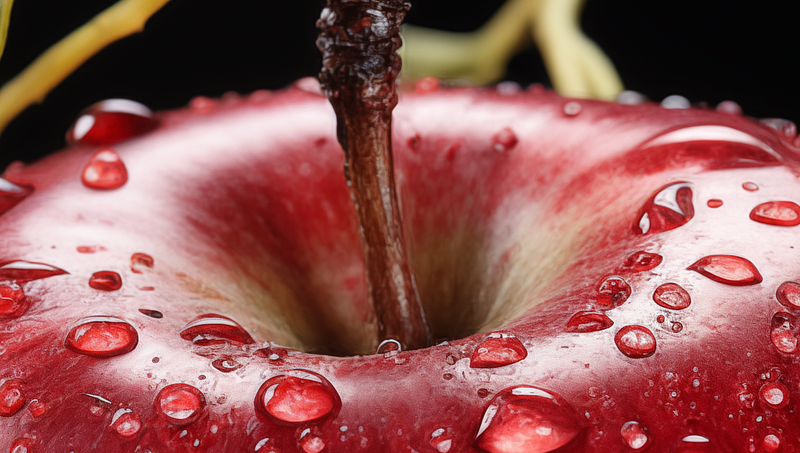
2. An Apple Using MJ 5.2
Original: 1456 × 816
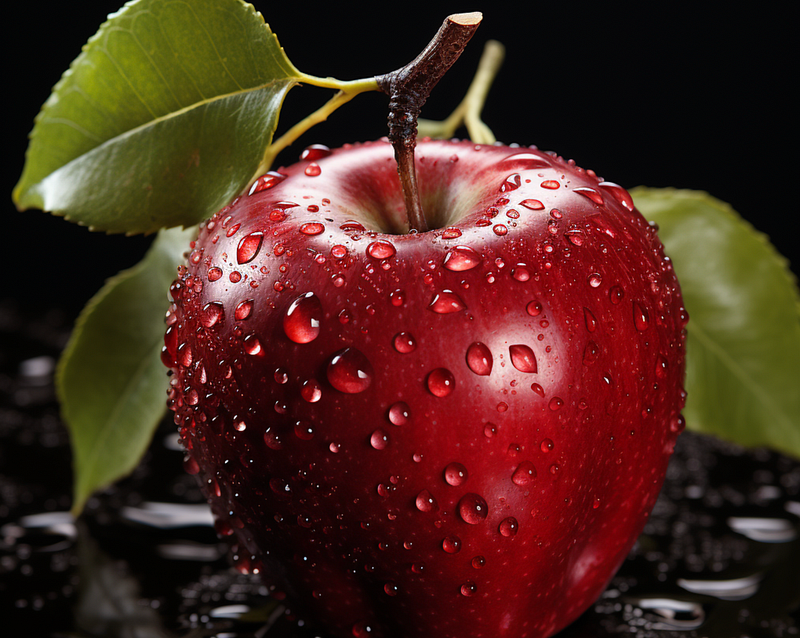
Post 2x Upscale: 2912 × 1632
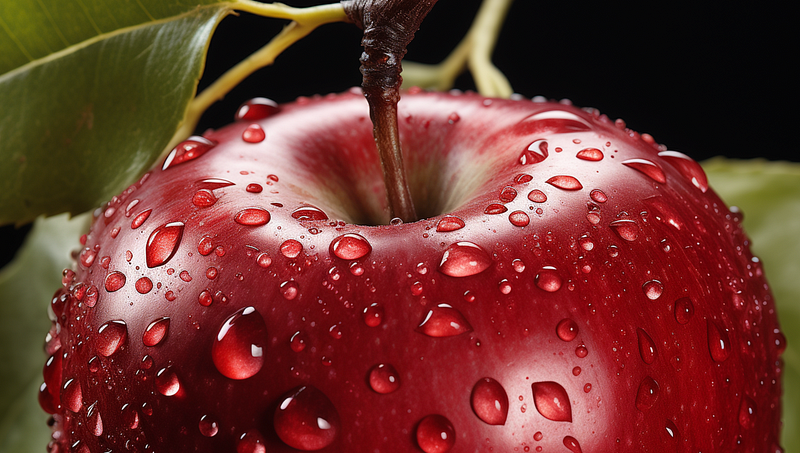
Post 4x Upscale: 5824 × 3264
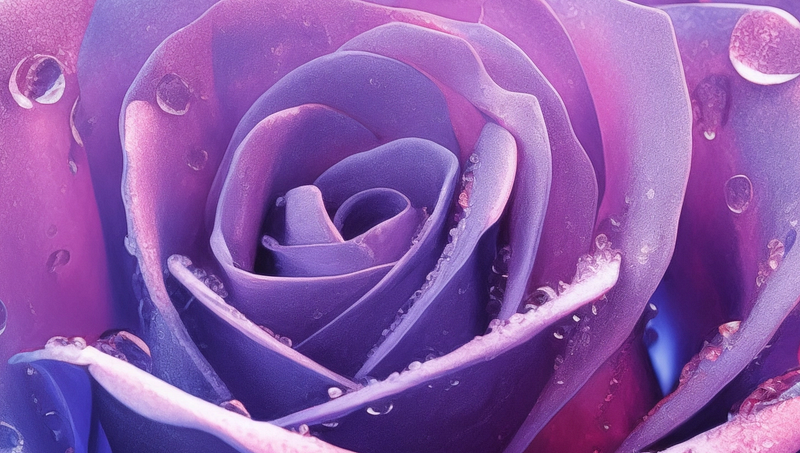
3. A 3D Lavender Using MJ 5.2
Original: 1456 × 816
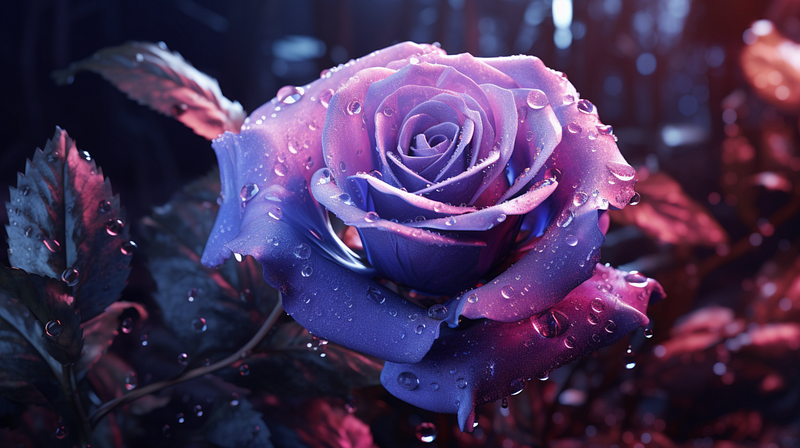
Post 2x Upscale: 2912 × 1632
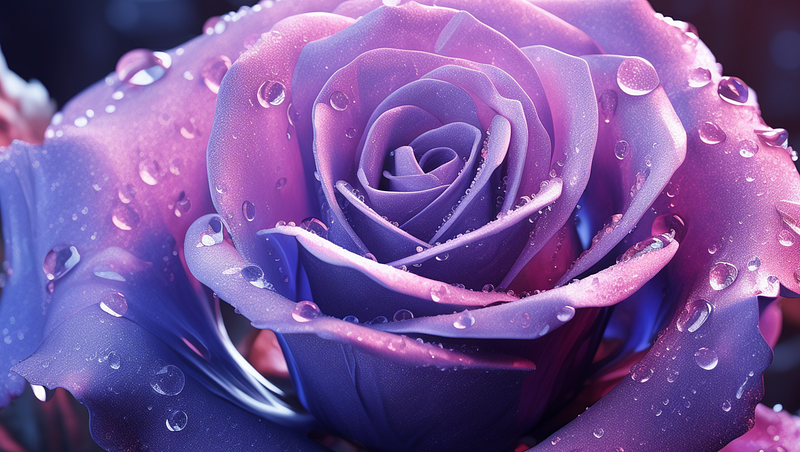
Post 4x Upscale: 5824 × 3264
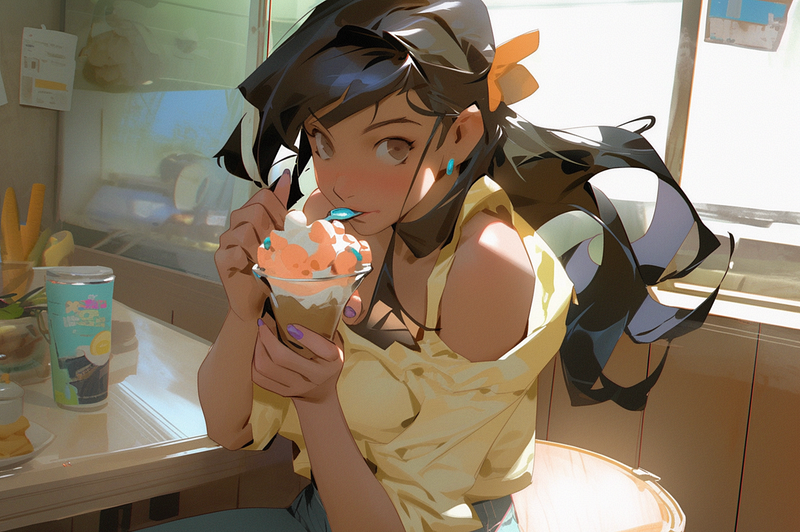
4. A Girl Eating Ice Cream Using Niji 5
Original: 1456 × 816
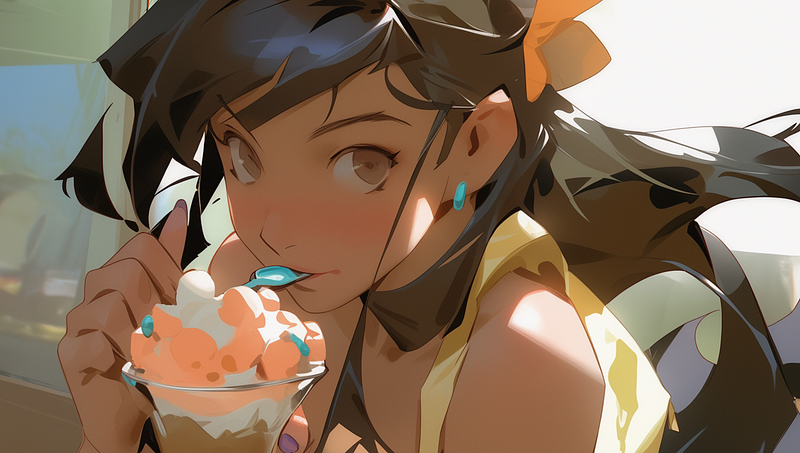
Post 2x Upscale: 2912 × 1632
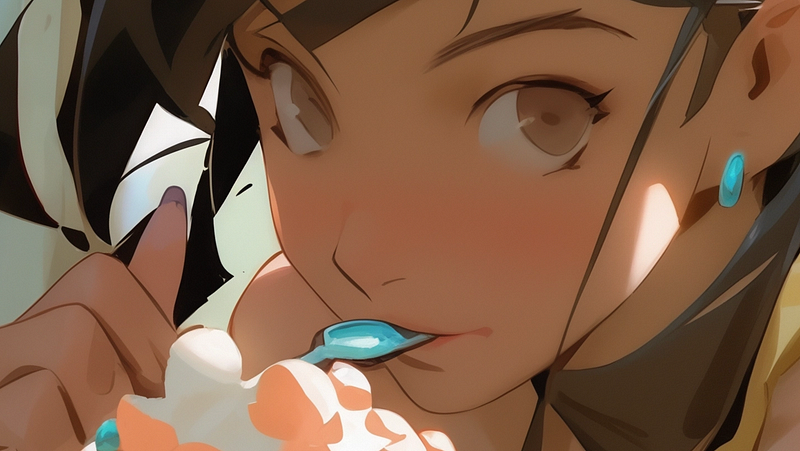
Post 4x Upscale: 5824 × 3264
Experience the difference today with Midjourney’s transformative upscalers!

This story is published on Generative AI. Connect with us on LinkedIn to get the latest AI stories and insights right in your feed. Let’s shape the future of AI together!
