
Midjourney Shifts from Text Prompts to Image-to-Image Generation:
Are You Ready for the Evolution?
Text prompting in AI art generators has always been a blunt instrument. Some people keep their prompts short and precise; others swear that every one of their 500 words is absolutely necessary for the quality of output they require. Sift through the public gallery of Midjourney, and you will find examples of both, each giving a full range of quality and mediocre results.
Some of the cheaper, more basic tools have created presets in an attempt to create more predictable results. This results in generic output, which can be clearly identified as AI and will soon become part of the bland tapestry of social media.
AI generative art is a creative act. As a creator, I want my results to be unique to me, and I want specific control over those results. Until now, using text only, that has not been easy to achieve.
The possible future
The Midjourney developers have just introduced style referencing, and they are promising a character referencing tool soon. For both of these, you input an image and then have some control over the degree to which MJ follows those images' style or character specifics.
As I write, only the basic style referencing tool is in place. During Feb and March 2024, we are promised more specific control over this tool. For example, we may be able to direct MJ to follow the colour scheme of our source image or follow the photographic or artistic quality and ignore the colours or maybe copy a character but change the clothes.
So, for now, let’s see what is possible using the basic style referencing tool and image weights.
The chair experiment
I suggest you follow along in this experiment. I am using the web-based creation tool, but it works just as well in Discord. Note that things will be changing in the next few weeks so get the basics and experiment for yourself.
Choose a simple subject to begin with, and select three images of this subject from the web or your own collection. Choose one that is painted, one photograph, and a charcoal or pencil sketch.
I chose a chair and googled it.
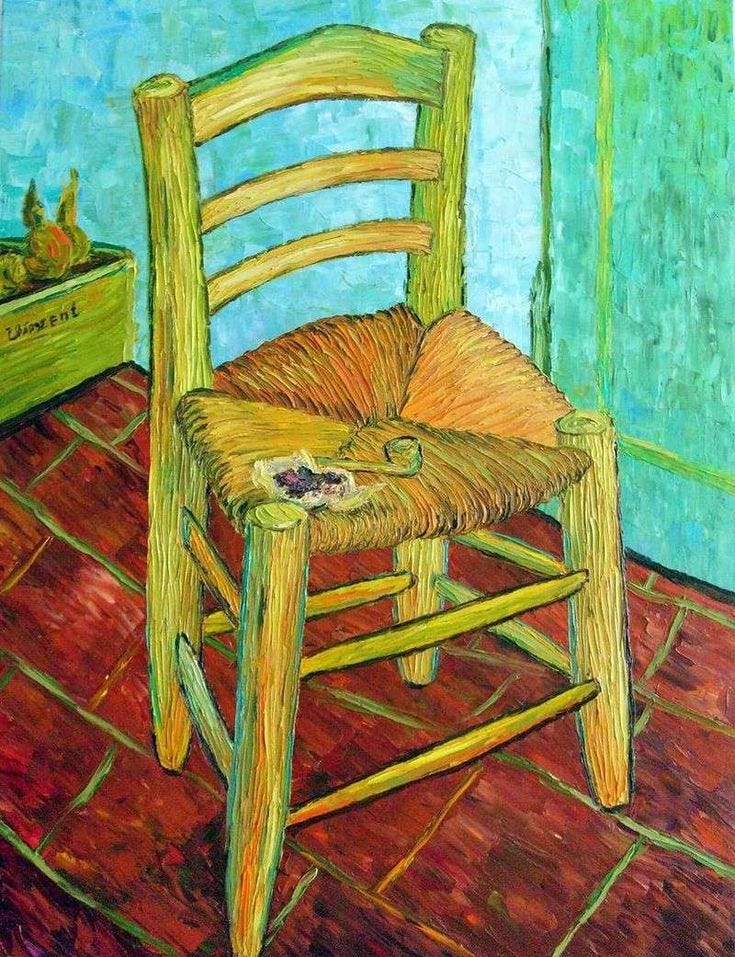
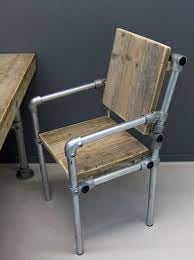
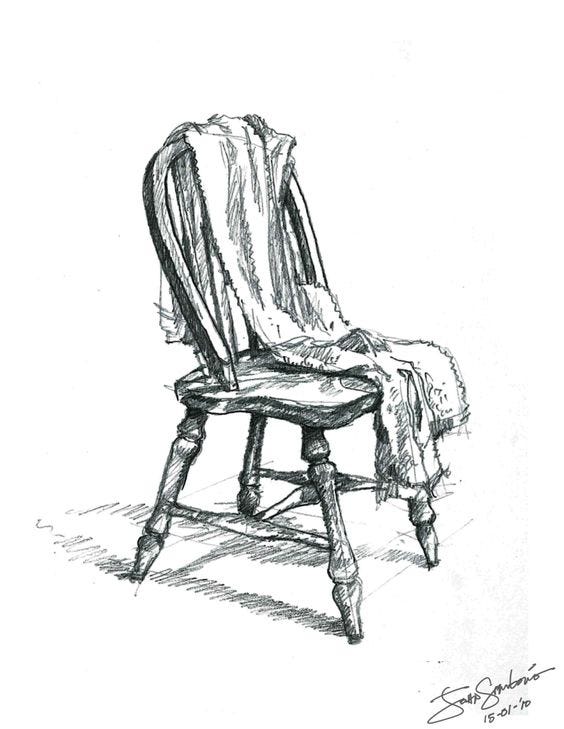
I then created a prompt for a chair and ran this prompt with each of the images as a style reference.

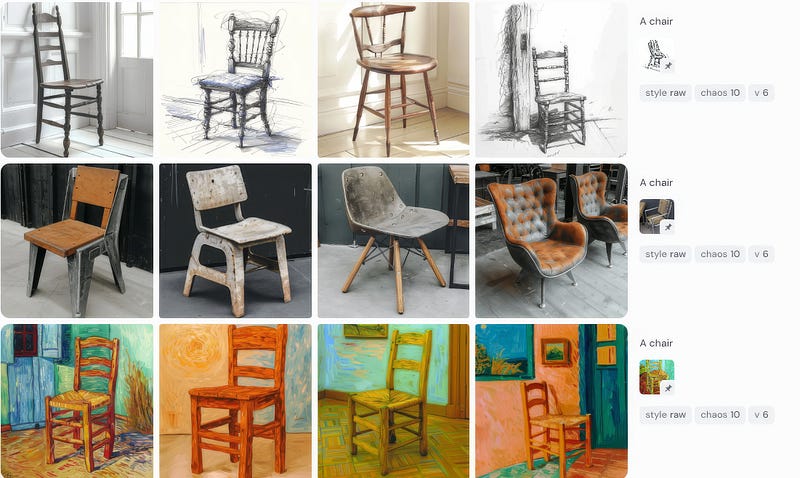
I’m not sure why the charcoal drawing was a 50/50 photo/drawing, but the middle one is consistently an industrial photograph, and the lowest one has style elements of Van Goch’s oil painting.
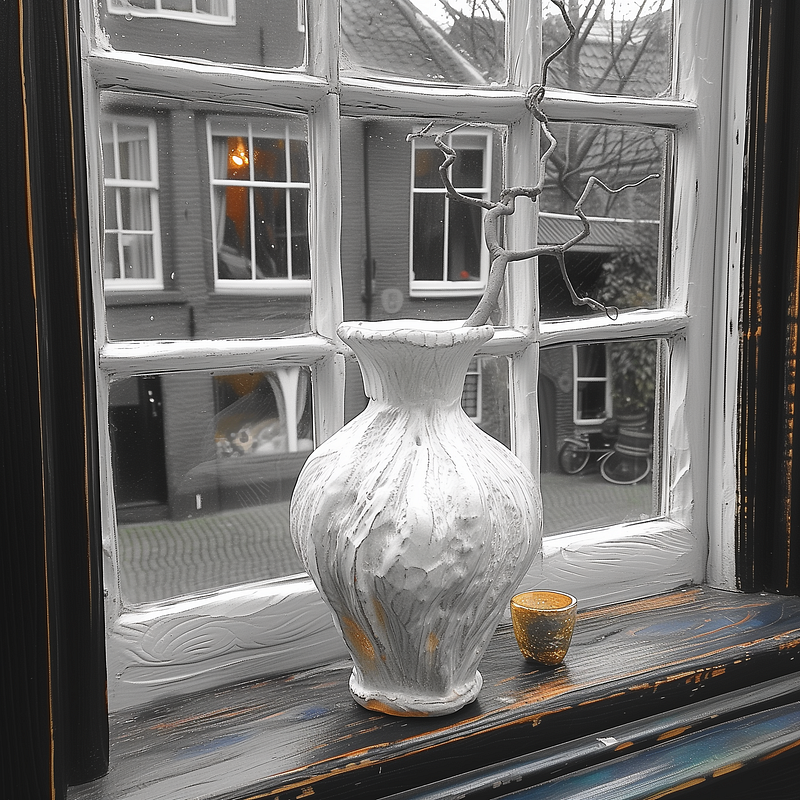
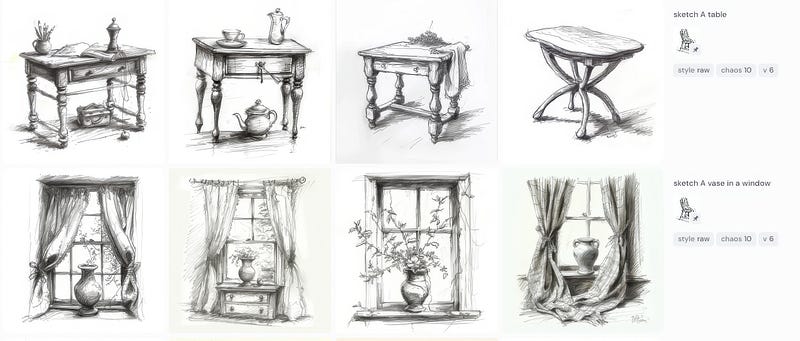
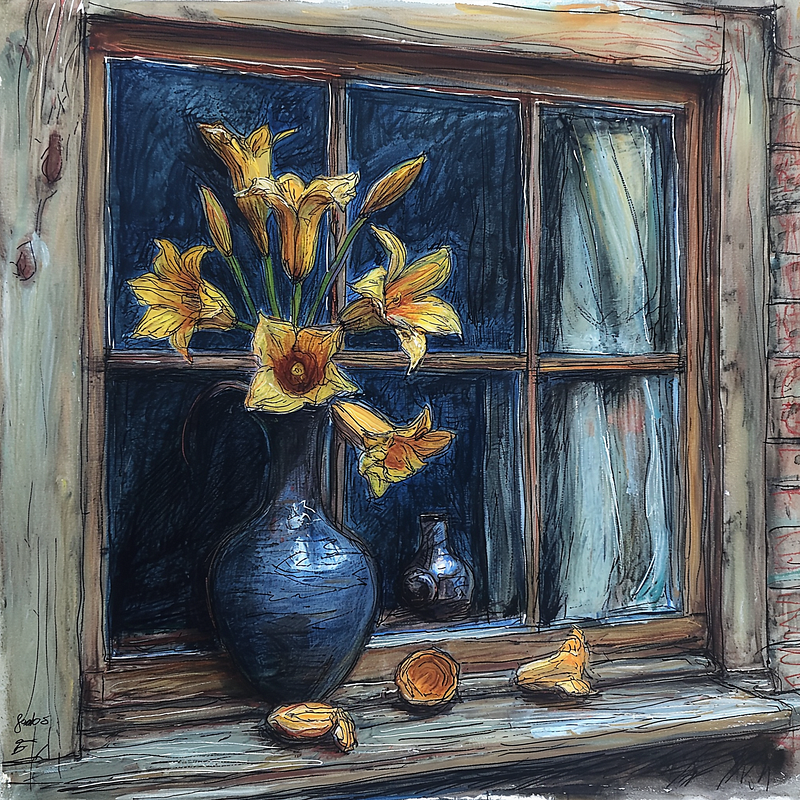
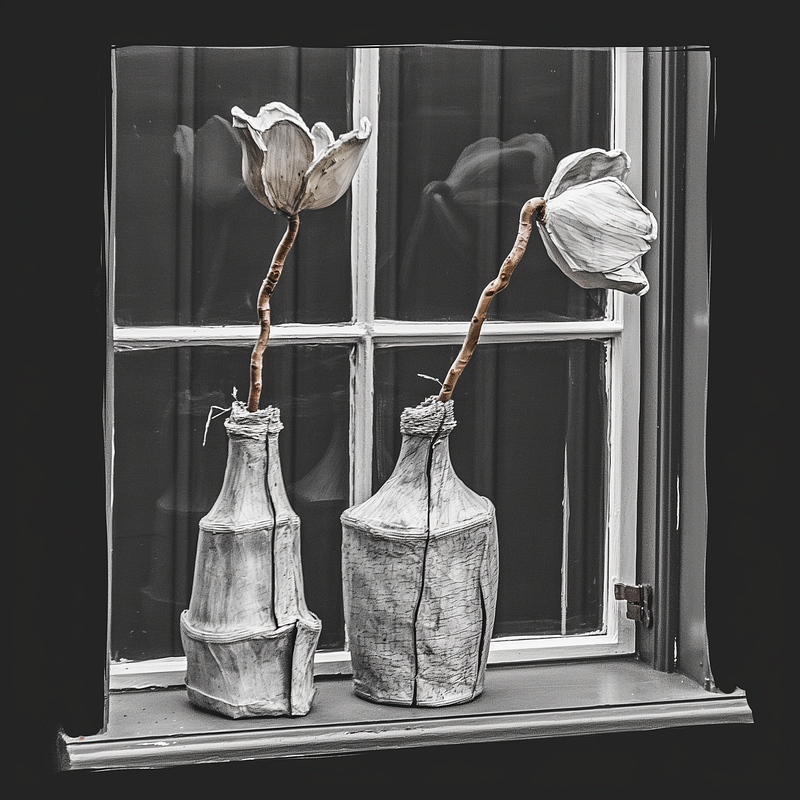
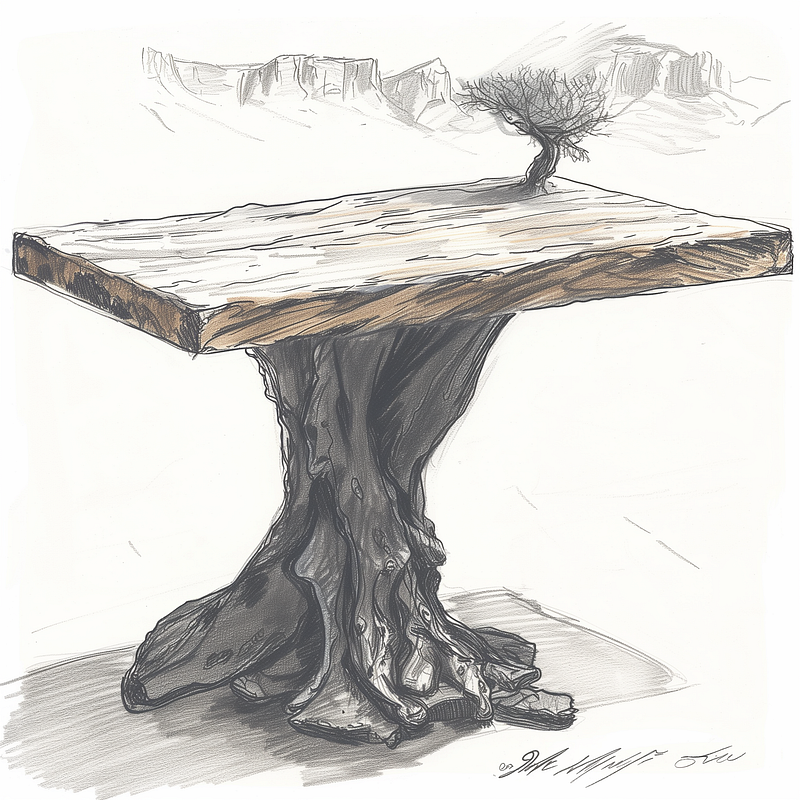
Now, we get to the fun part. As it’s a style reference, we can create a whole number of other subjects in that style. I tried a table and a vase in a window.
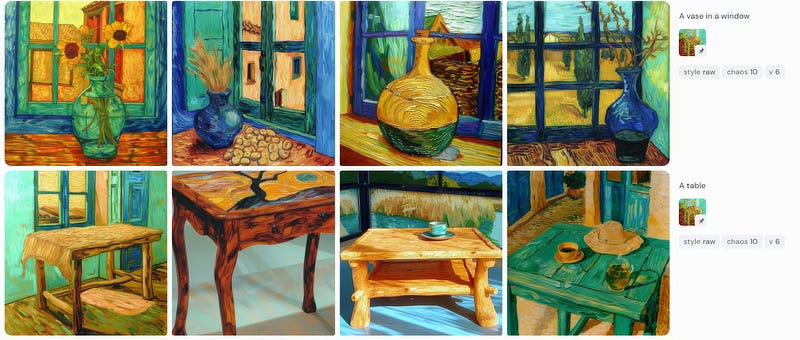
For my own projects, I tend to use paintings I have created myself so I bring my personal style into the mix
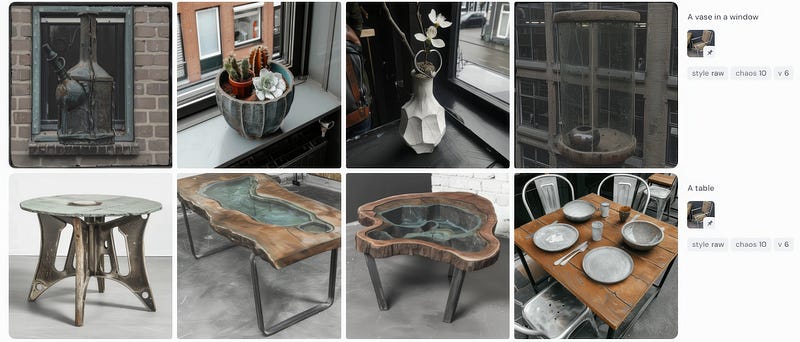
A photographer might use one of their own photographs to create a series from an individual shot.
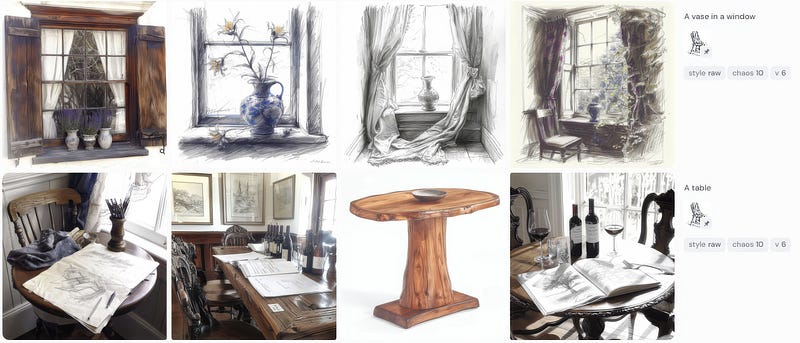
There is clearly a bit of a problem with the interpretation of the sketch style. This was solved by adding the word sketch to the prompt.
The Superpower in MJ is the ability to combine style references and give weight to each image you use.
So, I began by pairing up the references and then using all three.
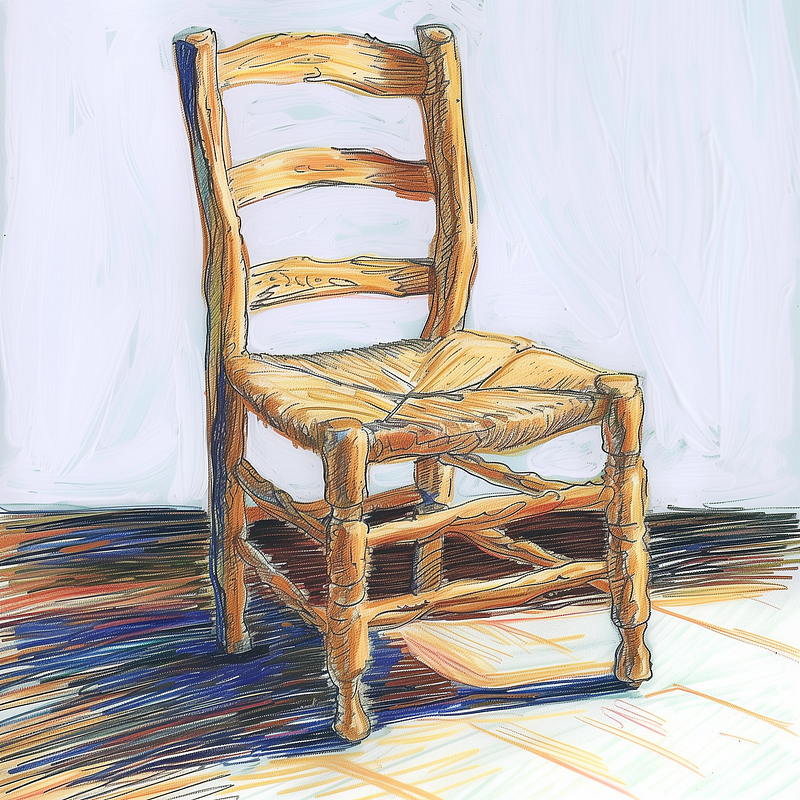
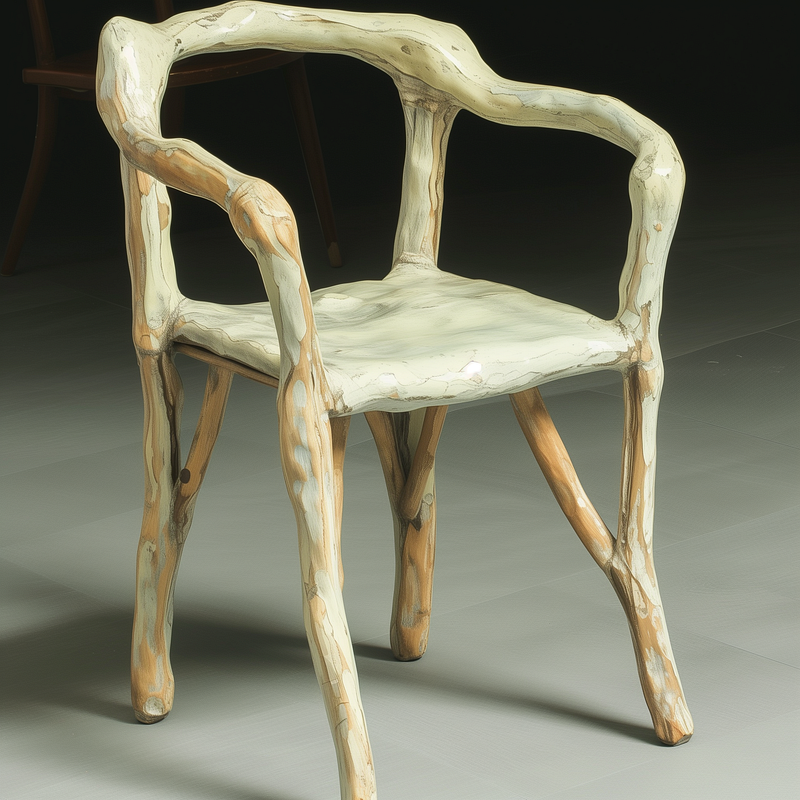
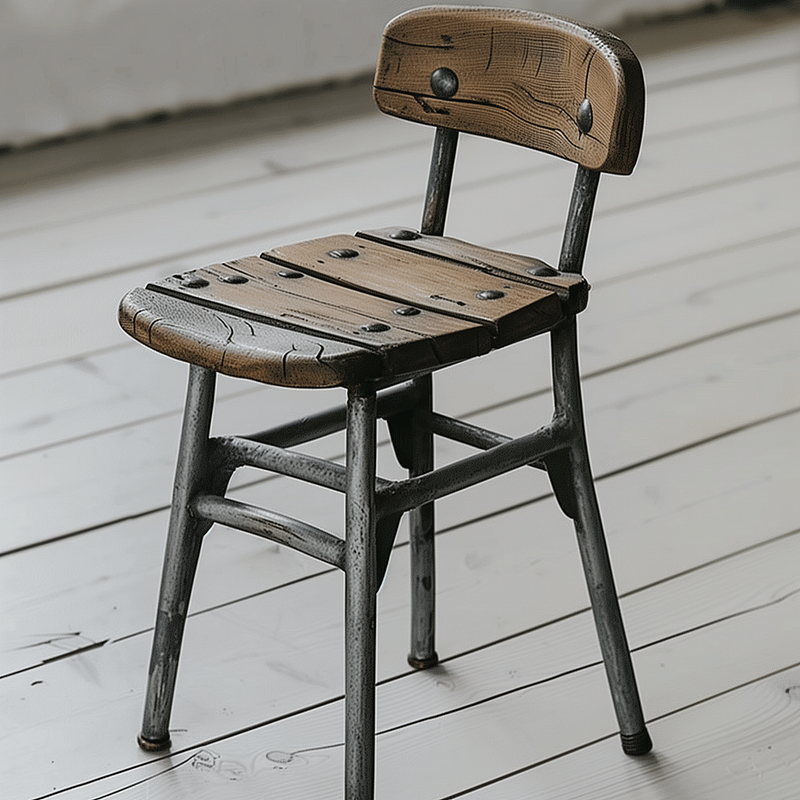
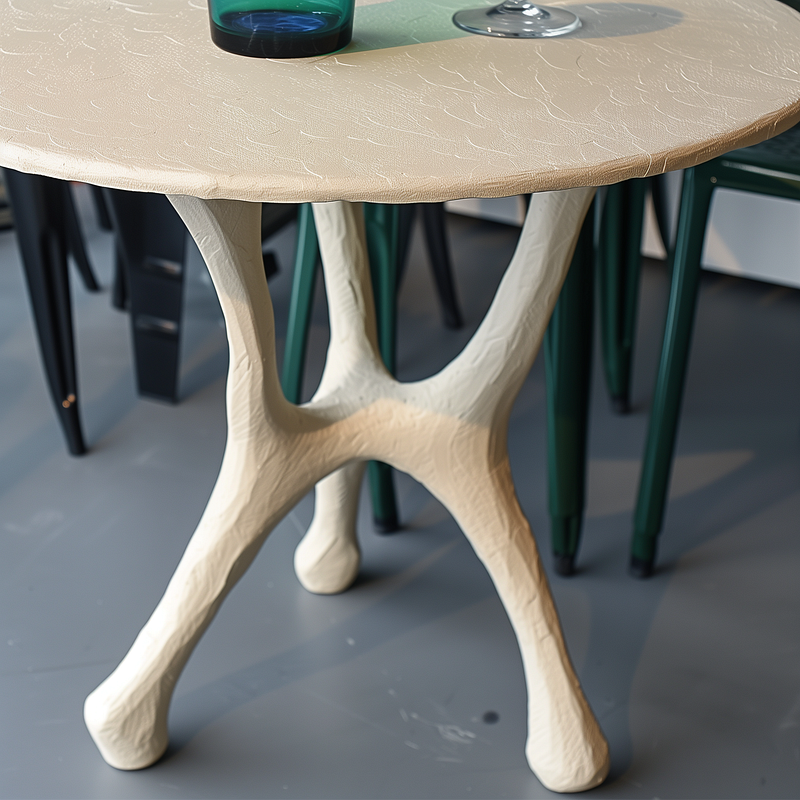
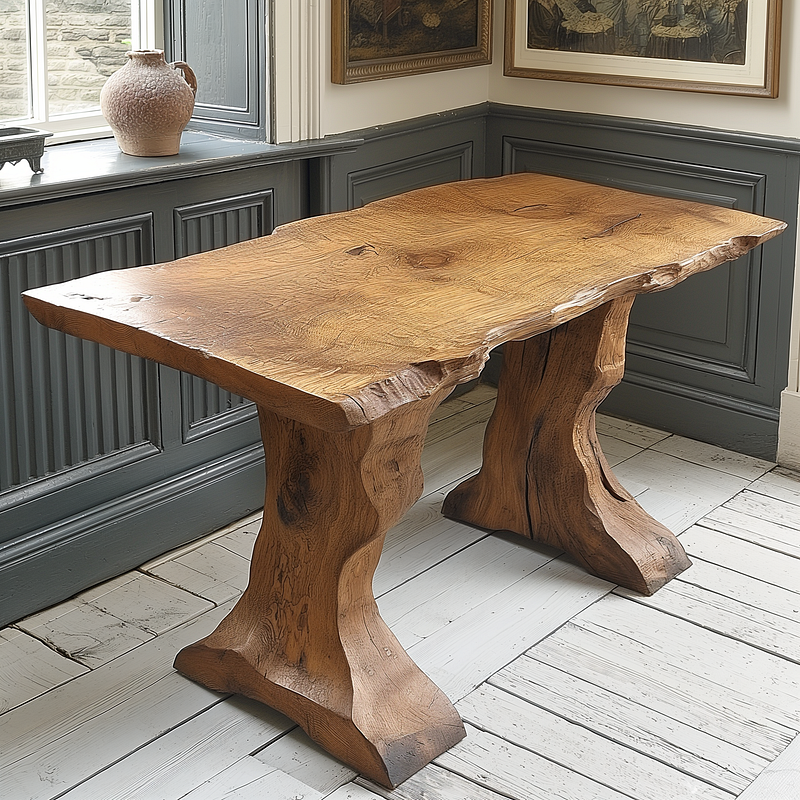
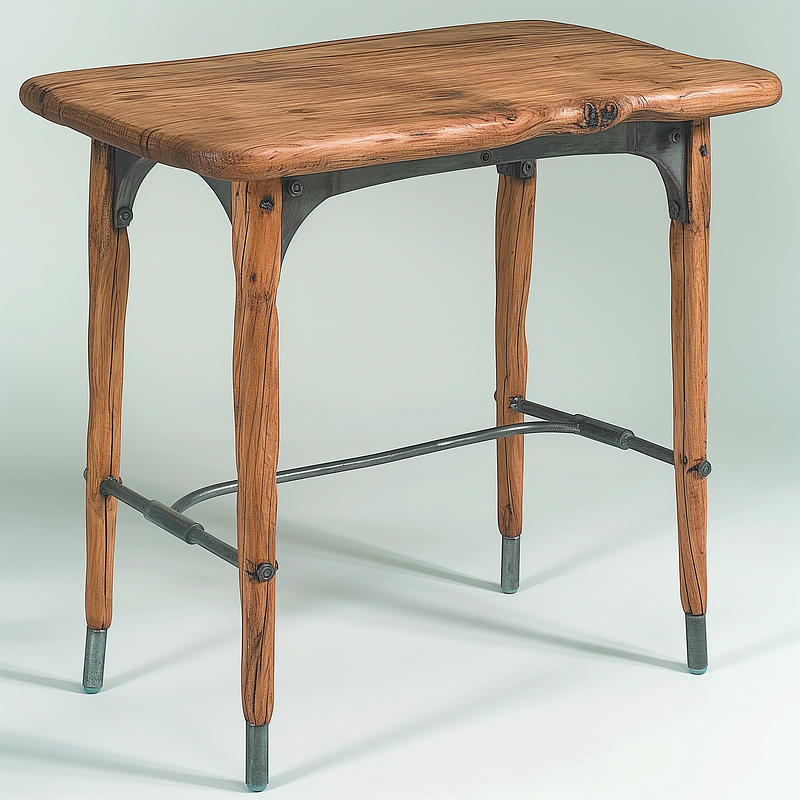
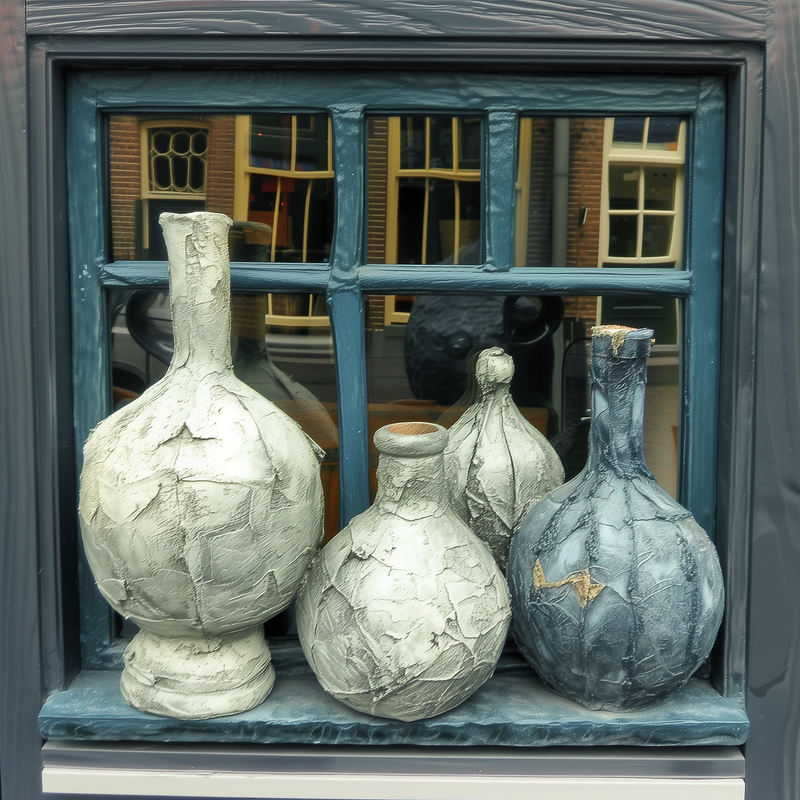
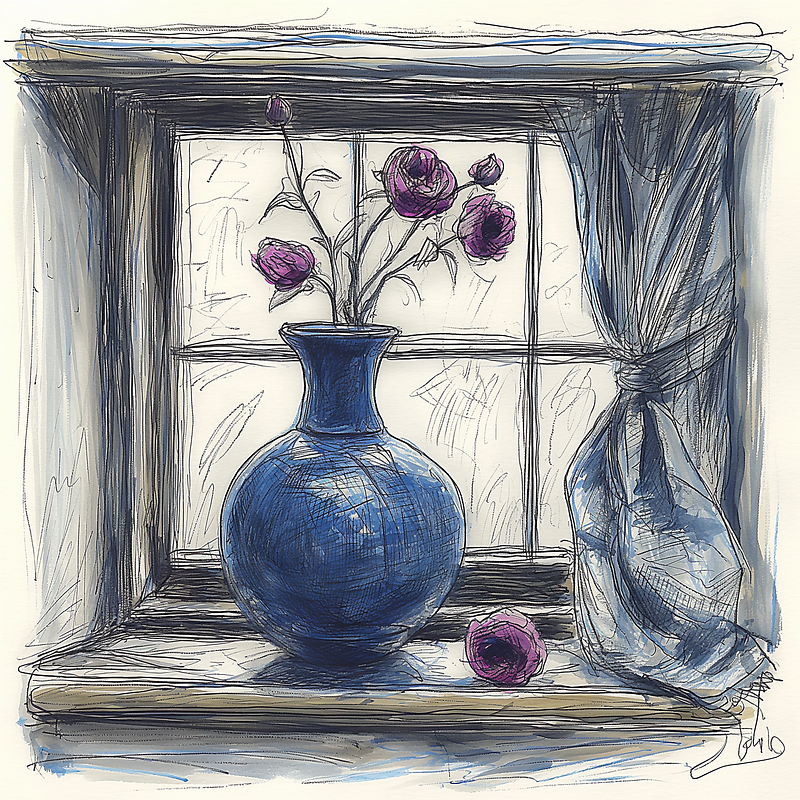
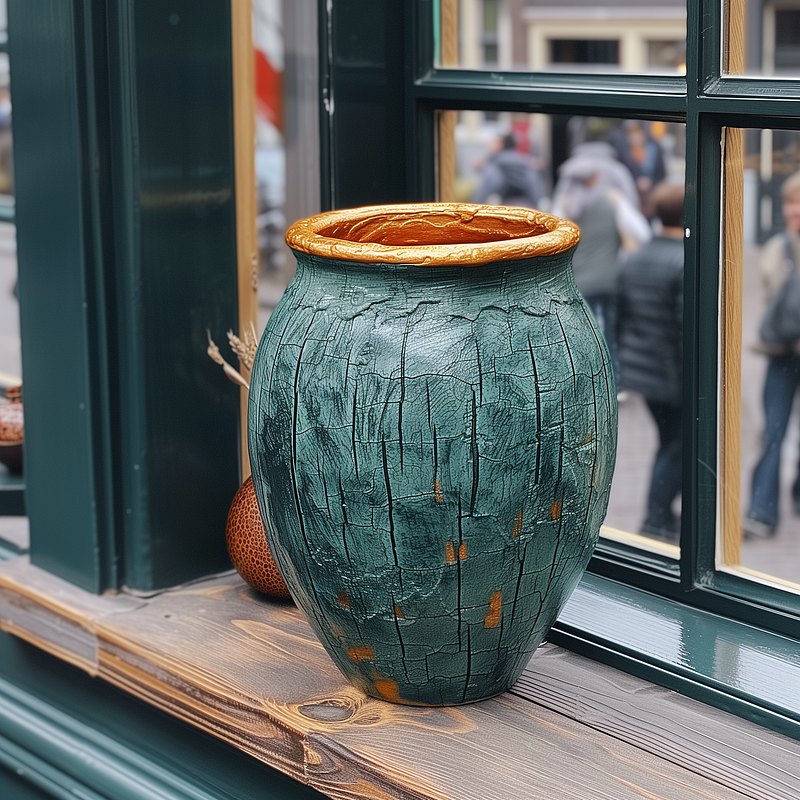
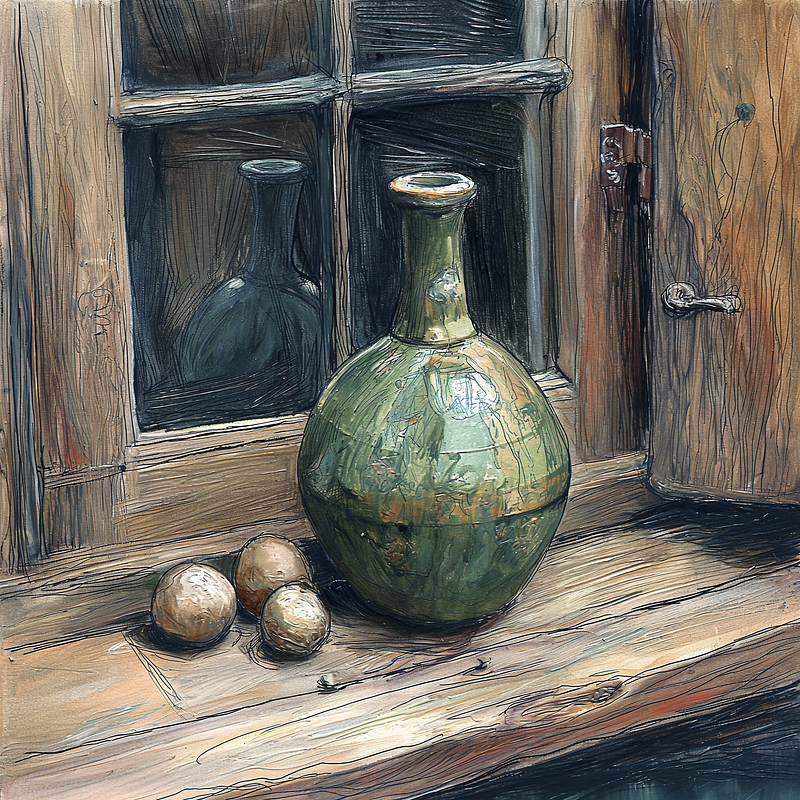
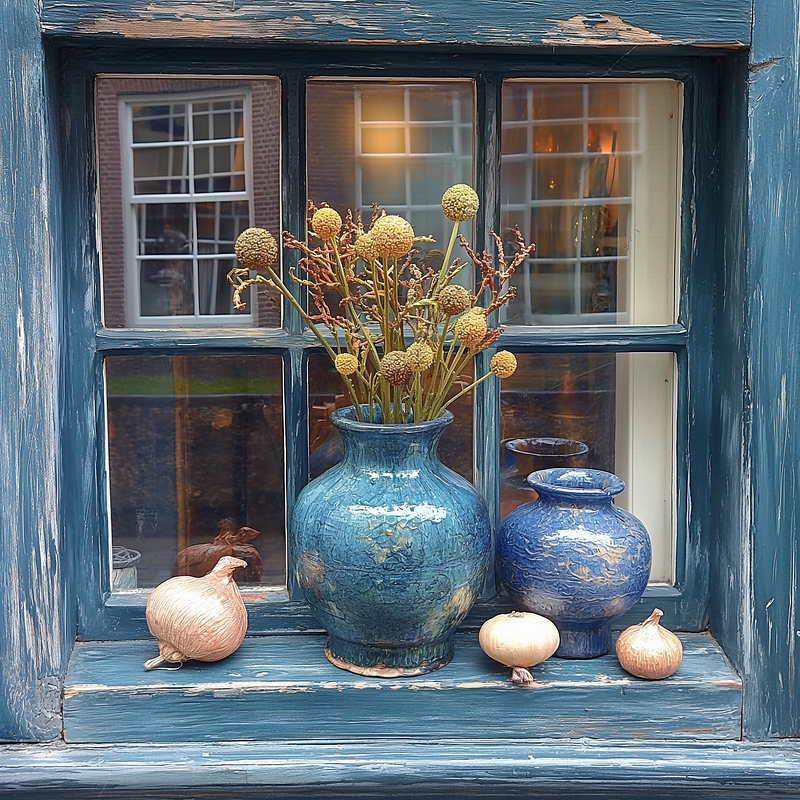
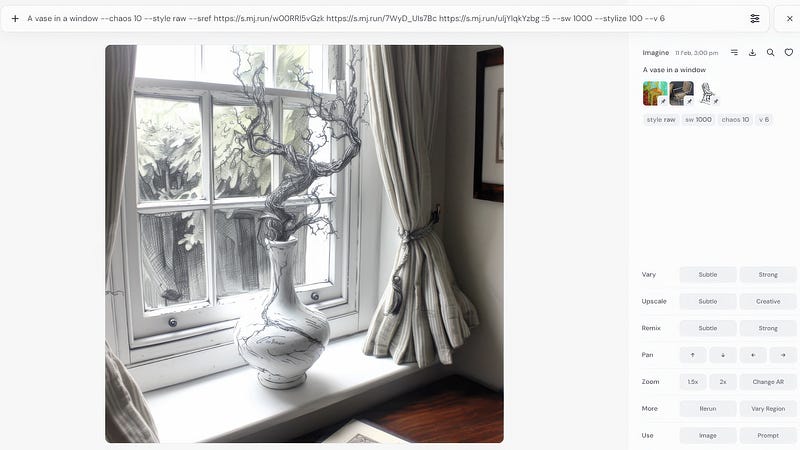
The above were all created with equal weights. You can also vary the weighting as shown below, where the third image, which is the sketch, is weighted at five by adding ::5 directly after the image reference.
You will also notice I have put the overall style rating to 1000 with the sw command. These commands all seem a bit changeable at the moment, so I suggest you carry out your own experiments.
I hope that has given you enough information and inspiration to cut your prompts down to a minimum and use style referencing to tilt your images in the direction you want. If you are a photographer and want to create images with similar qualities to your photographs, upload a few and experiment. If you are a painter or illustrator, upload some of your work and begin creating mockups for new work following your own stylistic quirks.
Midjourney is clearly moving the emphasis away from text prompts and onto multi-image referencing. This should help you be ready for the new developments.
Thanks for reading to the end; please highlight, clap, respond, subscribe and follow so I know I am not wasting my time.


