
40+Midjourney Prompts to Create Outstanding UI Design
Design Beautiful UI Like a Pro with AI
Artificial intelligence is becoming the new normal for many industries, including UX/UI! This technology provides a ton of options for design quickly and efficiently, encouraging creativity and guiding you toward the best decisions.
It’s remarkable to see how advanced AI could very well revolutionize UX/UI design.
With the right prompt, you can create a prompt that can take your User Interface designs to the next level.
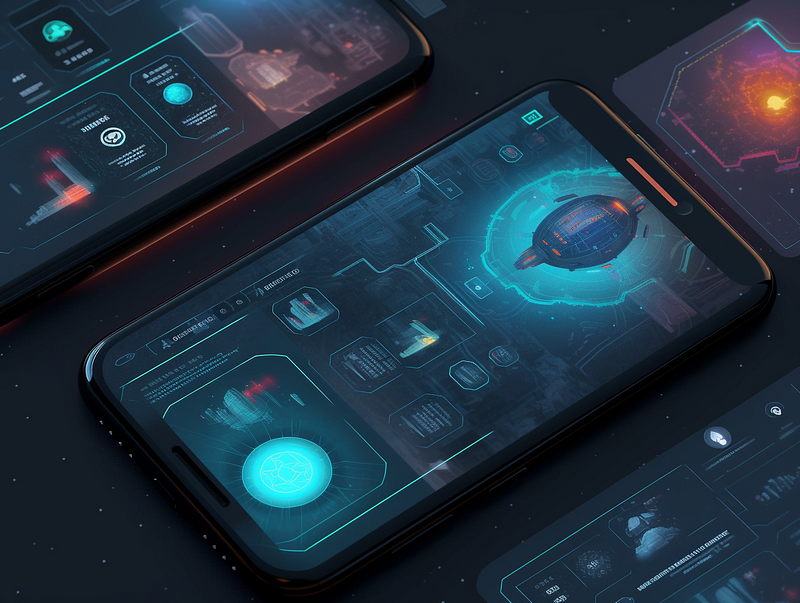
Midjourney’s AI Art Generative Tool is a remarkable game-changer for unleashing your creative potential!
This fantastic technology uses artificial intelligence and machine learning to help you easily create stunning visuals.
If you are just starting, I know it’s challenging to craft the perfect prompt. So, here is a beginner’s guide and list of prompts to get you started:
AI systems are a great resource for designers, as they can feed style and design concepts into it to get fresh ideas and insights.
Today, let me help you learn how to take your UI designs to the next level with the following steps:
- User Interface
- Refine with style
- Select color palette
- Include specific elements
- Include famous UI designers (optional)
- Bonus
1. User Interface
Let’s start the project with the type of interface
- Website
- Landing Page
- Mobile App
- Tablet
- Smartwatch
- Dashboard
- Interactive Screen
- AR/VR
A simple prompt will be like this:
Prompt: UI design of a Forest Exploration Game, Landing Page
--ar 4:3
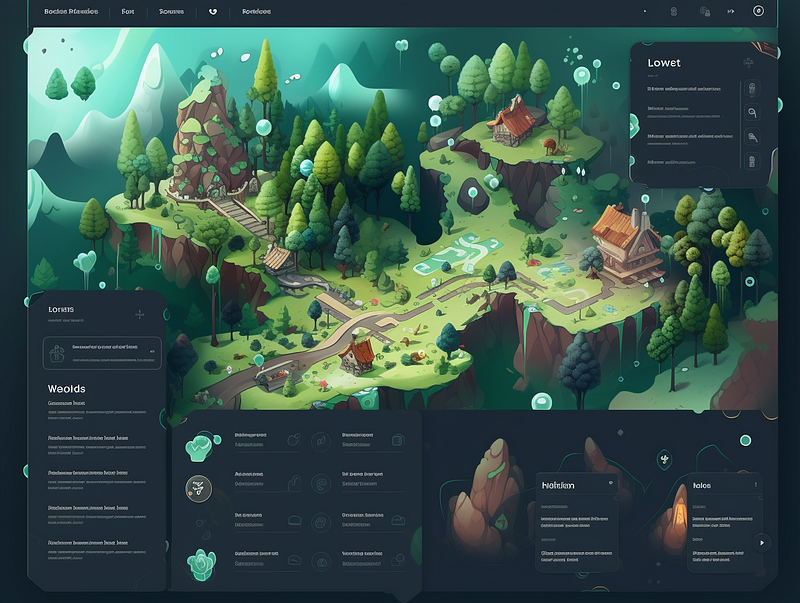
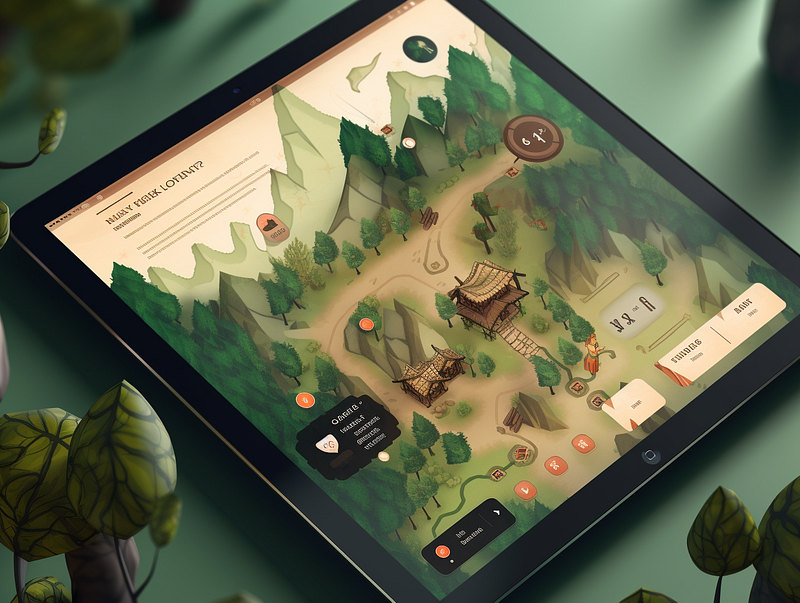
Get more specific with the type of device like a tablet.
Prompt: UI design of a Forest Exploration Game, Landing Page on a Tablet
--ar 4:3
2. Refine with Style
You can type any words into the system to try and capture whatever you’re thinking, but the more specific prompts you use, the better output quality you’ll get.
Add a bit of touch with a descriptive style to match the branding:
- Minimalistic
- Modern
- Feminine
- Vintage
- Elegant
- Clean
- Smart
- Classy
- High end
- Luxury
- Urban
- Cute
- Cartoonish
- Mysterious
- Sci-fi
- Futuristic
- High-tech
- Futuristic
- AI Utopia Advancement
- Vibrant
- Bright
- Neon
- Cyber
- Watercolor
- Retro
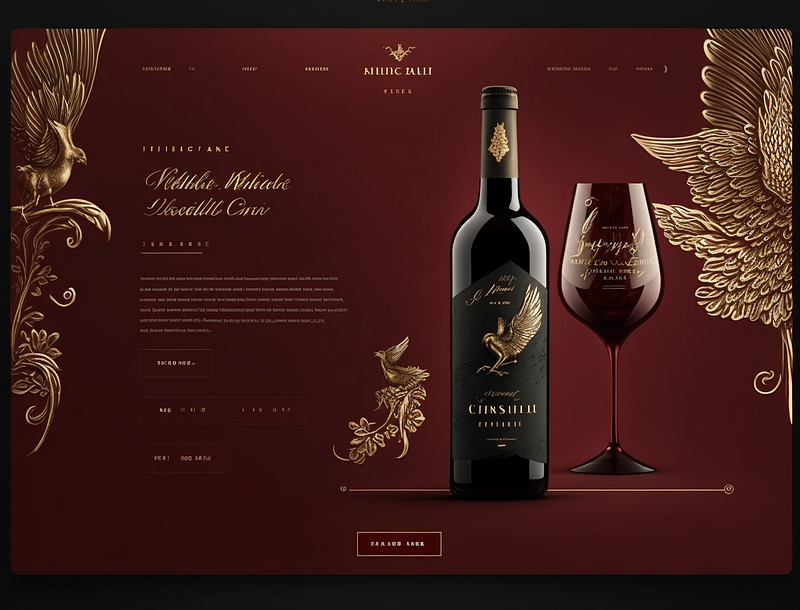
Let’s try modern, classy and high end
Prompt: UI design of a Red Wine Company, Landing page, Modern, Classy, High end, High Resolution
--ar 4:3
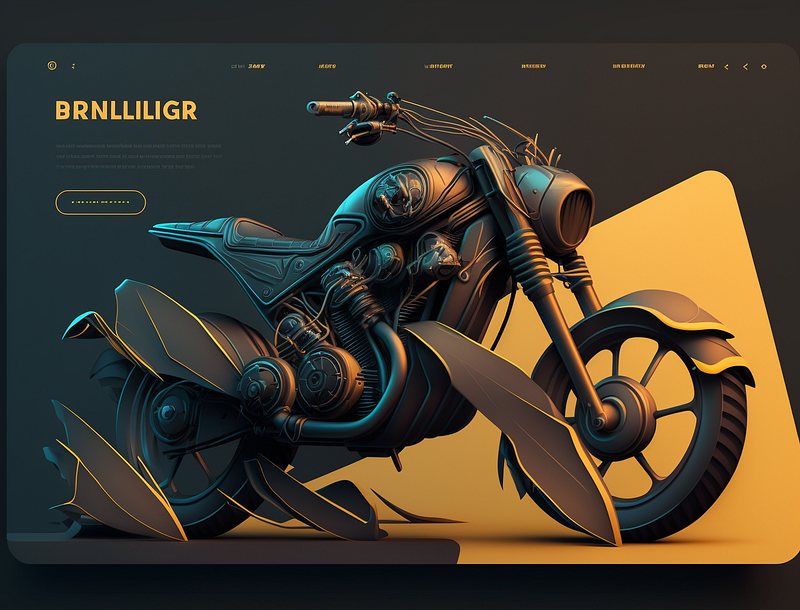
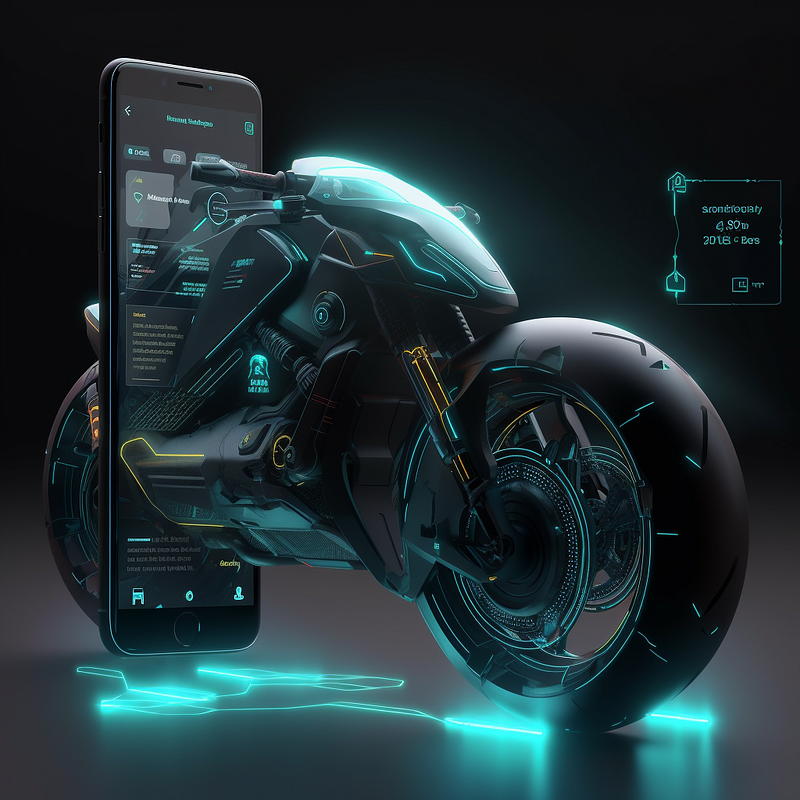
Prompt: UI design of a Motorbike with 3D illustration, Landing page, Modern, Classy, Minialistic, High Resolution
--ar 4:3
3. Explore Color Palettes
Color is a fantastic resource for designing an impressive UI. It can be used to showcase your business’ identity, set customer expectations and pass on a message all at the same time!
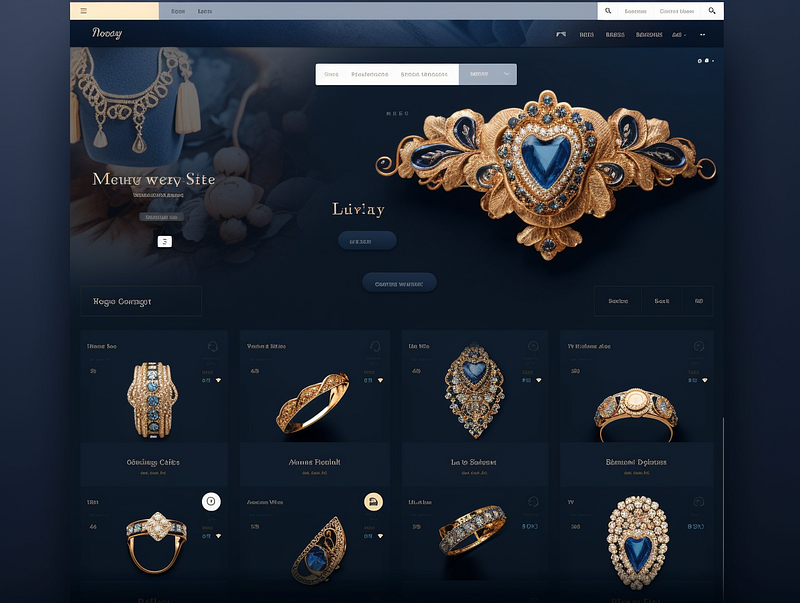
Prompt: UI design of a Vintage Jewellery Company, Landing page, Vintage, Classy, Minialistic, Elegant, Navy Blue and Gold color palette, High Resolution
--ar 4:3
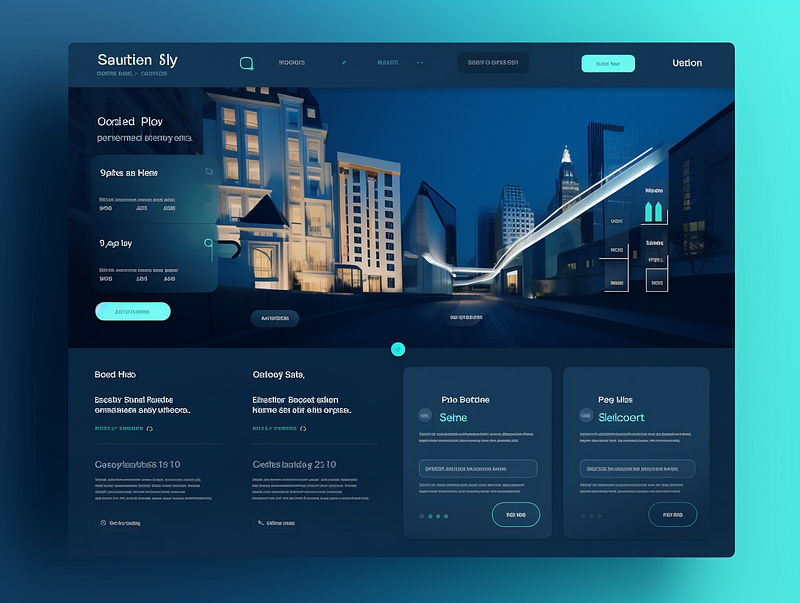
Prompt: UI Design of a Real Estate Agency, Landing page, Modern, Classy, Minimalistic, Trending Blue Color Palette on Dribble, High Resolution
--ar 4:3
You can get pinpoint exactly color choices that fit your branding needs or allow Midjourney to be creative and gain insights on which color schemes and styles will blend in perfectly with the overall design of your project.
Try also:
- Trending UI color on Dribble/Behance
- Gradient color
- Neon color
- Pastel color
- Watercolor
- Dreamy summer color palette
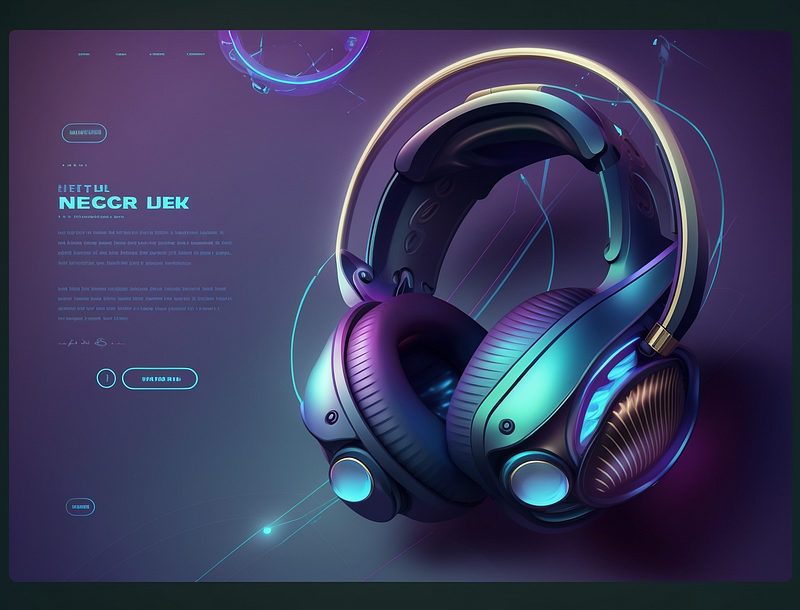
Prompt: UI Design of a Headphone with 3D Illustration, Landing page, Sci-fi, High-tech, Futuristic, Trending UI color on Dribble, High Resolution
--ar 4:3
Prompt: UI Design of a Space Game, Inspired by Star Wars, Sci-Fi, Clean, Neon Color Palette, Mobile App, High Resolution
--ar 4:3
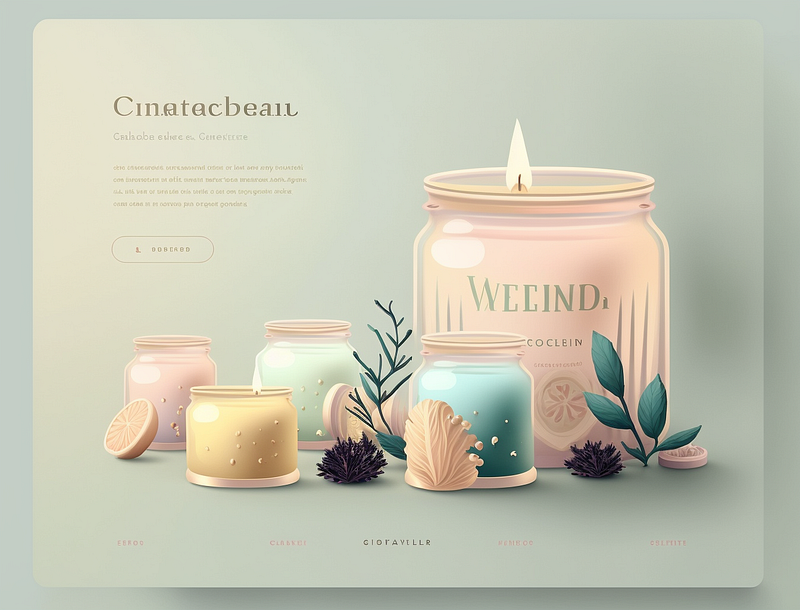
Prompt: UI Design of Scented Candles, Landing page, Minimalistic, Elegant, Dreamy Pastel Color Palette, High Resolution
--ar 4:3
4. Include Specific Elements
If you feel like something needs to be added, be sure to include keywords related to your project.
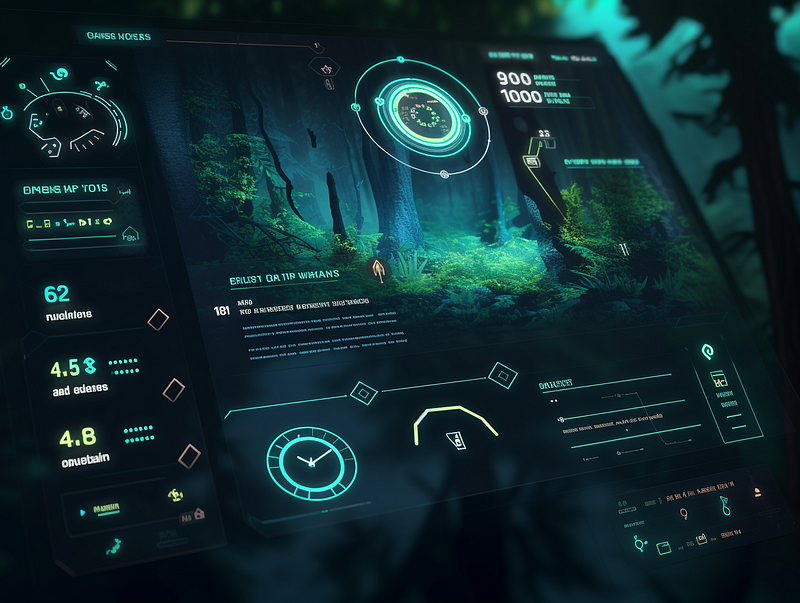
For example, here is one game user interface with a “point system and statistics”
Prompt: UI Design of a Forest Wargame Shooting Gamescene with Point system and Statistics, Futuristic, Clean, Neon Color Palette, Mobile App, High Resolution
--ar 4:3
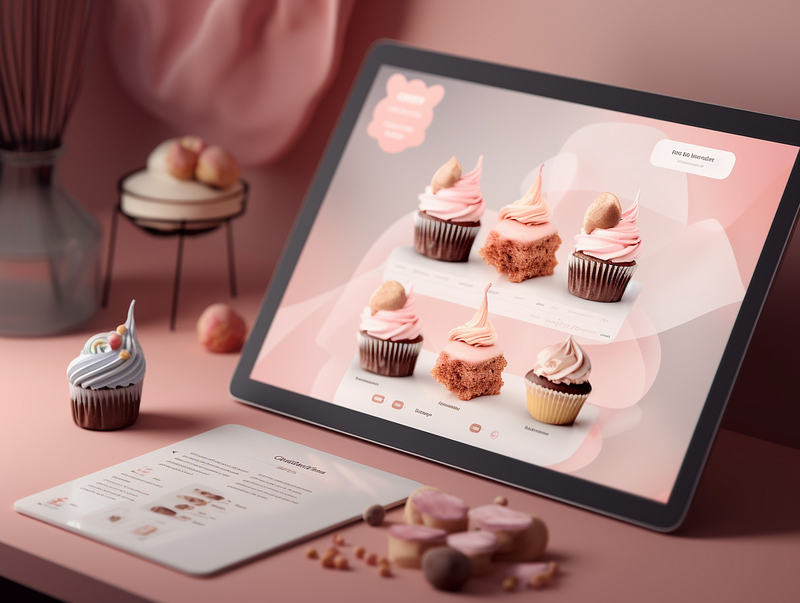
Here is another example of a food order page specializing in Korean cupcakes. Get more specific by inputting the niches like “Beautiful Korean Style Cupcakes”.
Prompt: UI Design of Food Ordering Page of a Dessert Company with Beautiful Korean Style Cupcakes, Tablet Interface, Landing page, Feminie, Elegant, Fancy Pastel Color Palette, High Resolution
--ar 4:3
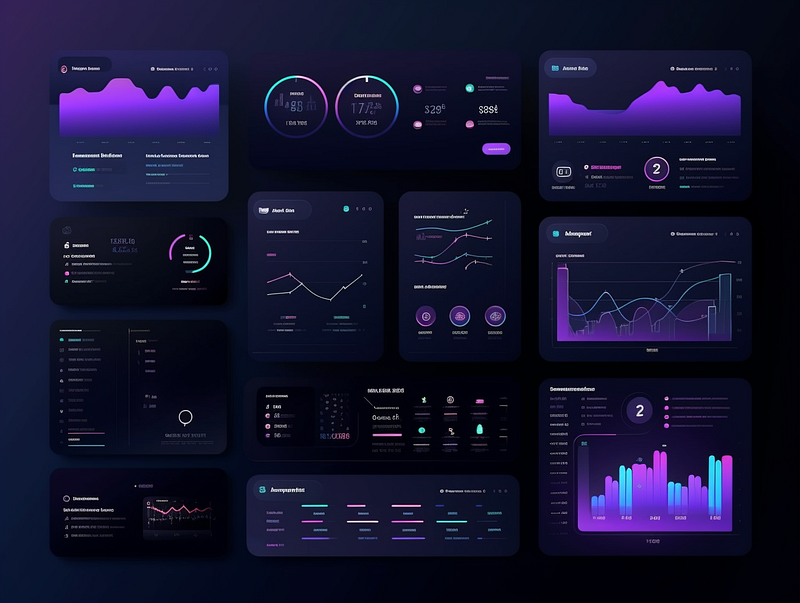
Experiment with Dark or Light Mode:
Prompt: UI Design of a Tech Company Dashboard, Landing page, Dark Mode, with Bar and Line Chart, Data sets, Technology base, Trending Gradient Color on Dribble, Futuristic, High Resolution
--ar 4:3
5. Include Famous UI Designers ( Optional )
Add the name of famous UI designers if you like specific design styles.
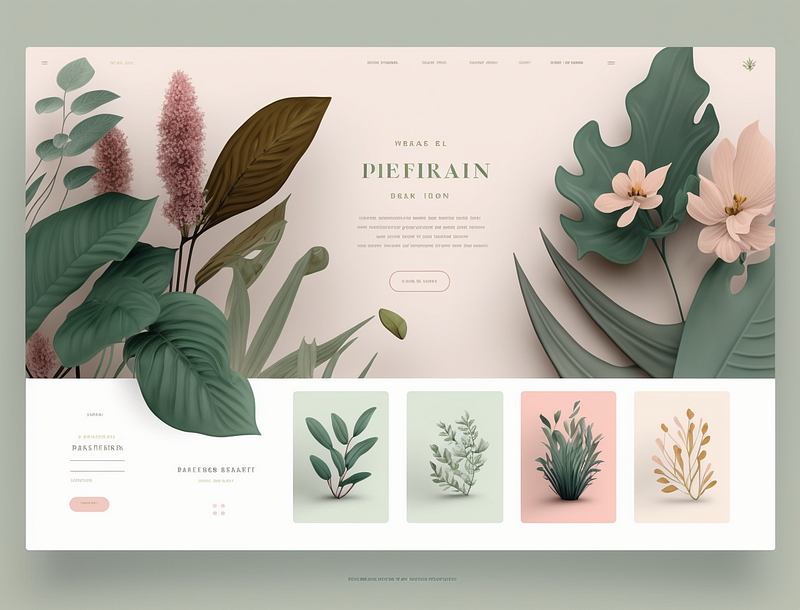
Here is a website inspired by Nguyen Le:
Prompt: UI design of a Botanical E-Commerce Shop with Plants and Flowers, Landing page, Minimalist, Clean, Dreamy Pastel Color Palette, by Nguyen Le, High Resolution
--ar 4:3
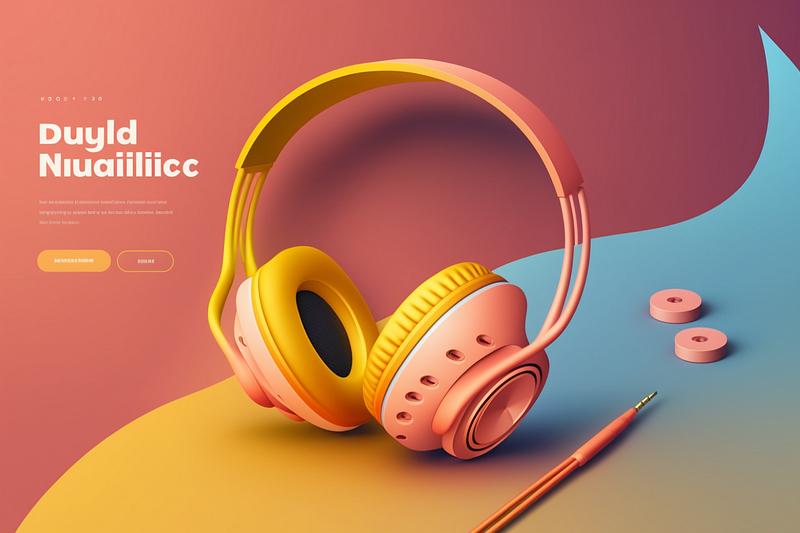
Another one inspired by Leo Natsume:
Prompt: UI Design of a Headphone with 3D Illustration, Landing page, Trending UI Color palette, by Leo Natsume, Vibrant, High Resolution
--ar 4:3
It’s also perfectly okay to include the names of famous artists depending on the needs of your project.
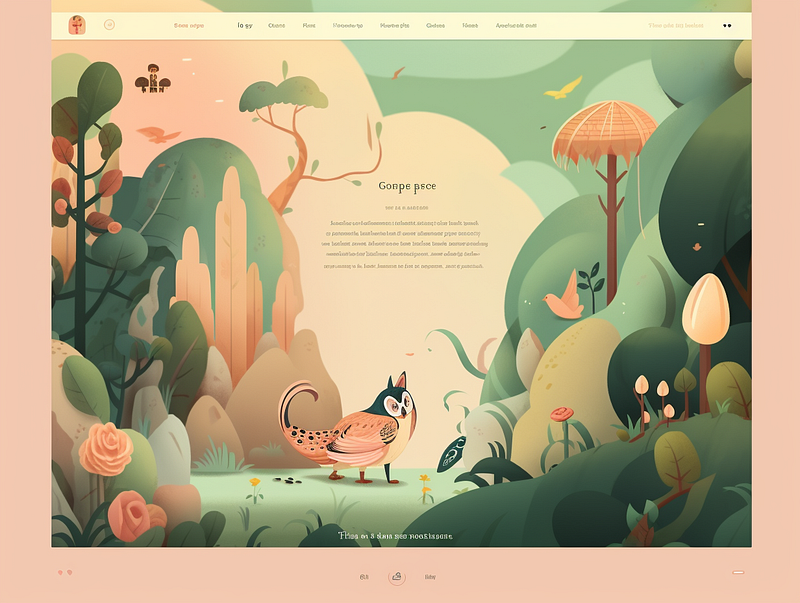
Let’s see one inspired by Studio Ghibli.
Prompt: UI Design of a Children’s Book Illustration, Landing page, Inspired by Studio Ghibli, Dreamy and Fancy Color Palette, Clean
--ar 4:3
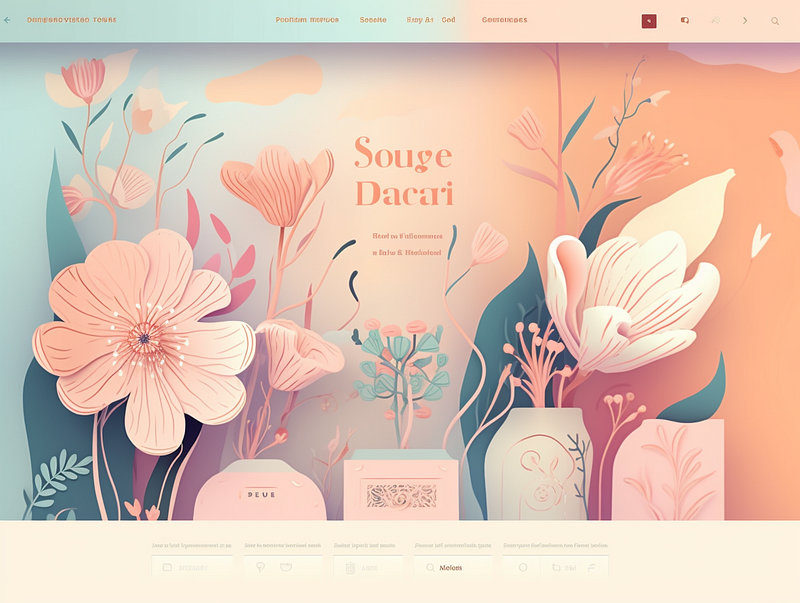
Prompt: UI Design of a Floral Shop with Dreamy Flowers, Landing page, Dreamy Pastel Color Palette, Soft Lighting, by Victo Ngai
--ar 4:3
Feel free to check out a list of styles and artists from my other article.
Bonus Tip: If you are not sure how to start, try this formula to begin with
UI Design of [ Industry or Product ], [ Type of user Interface ][ Description of interface/ Descriptive keywords and items], [Include 1–3 styles], [ Color Palette ] High Resolution
--ar 4:3
Extra: Professional Mockups
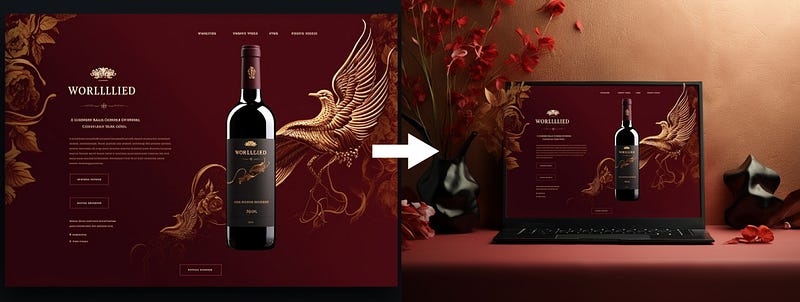
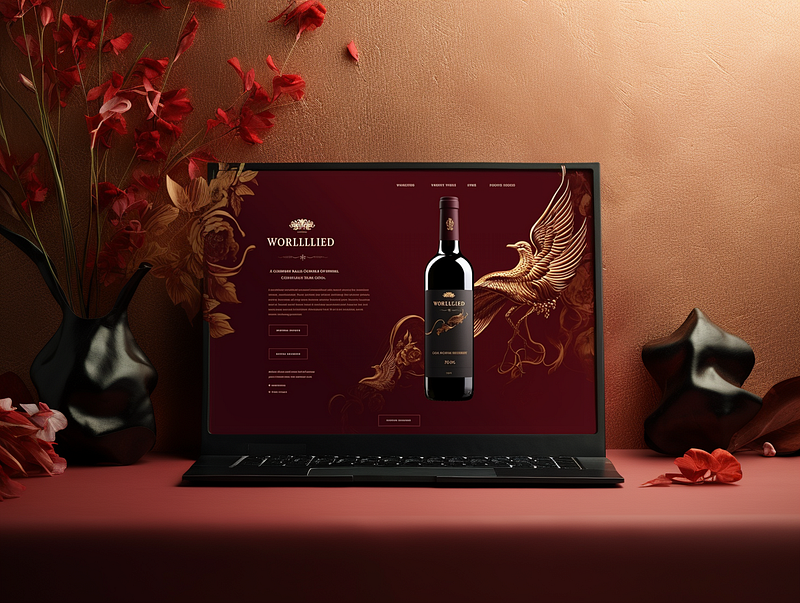
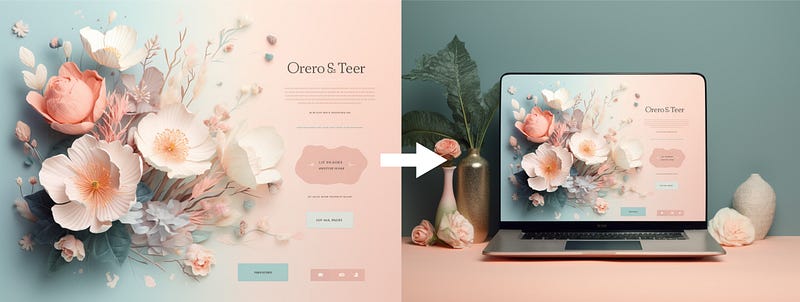
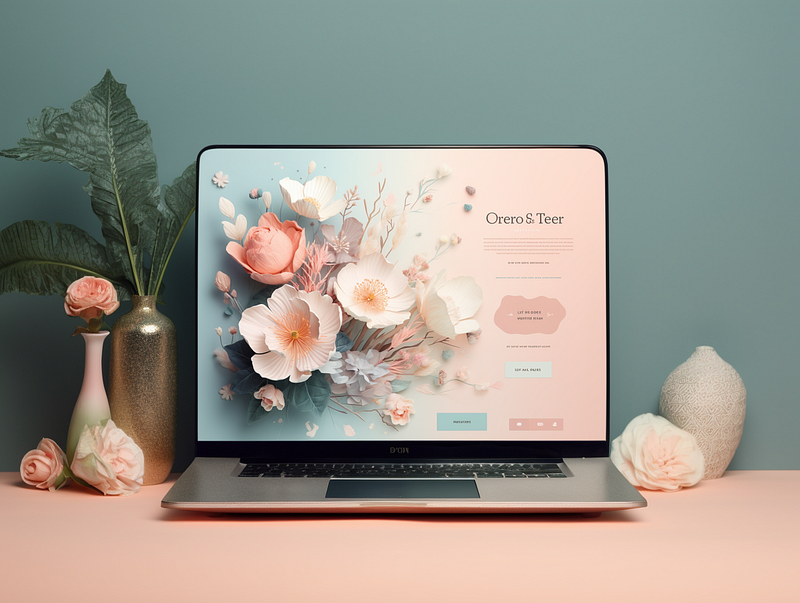
With the new “Zoom-Out” features of Midjourney, you can now create mockups that align with the style of your interface design, making it more presentable and professional.
Final Thoughts
AI in UI design is a real game-changer and it’s unlocking so many incredible possibilities! It can generate tons of design options in no time, increasing efficiency and saving you time and effort.
This can help to fuel creativity and even influence their own design decisions — a real time-saver!
Can Midjourney replace UI designers?
Not yet! Midjourney has been proven to produce visually appealing UI designs in a hands-on setting.
However, it is important to remember that the human touch still matters when it comes to creating an optimal user experience.
This tool can be incredibly useful during the initial stages of design like brainstorming and visual exploration.
By knowing how to use the combination of AI and UX/UI correctly, you can produce some incredible projects!
Discover more stories and get unlimited access to all articles on Medium with this link! 💫
I write about tips, tricks and tools of AI tools especially Midjourney that will elevate your work! If you find this article helpful and would like to support me, make sure to:
- 👏🏻 Clap for the story to help this article be featured
- ✨ Follow me on this journey 🎨
Check out this list of articles for more tips and tools about Midjourney!


