
Midjourney: Phase One New Website
A developing story about the new website
Get a free email alert when a new story is published.
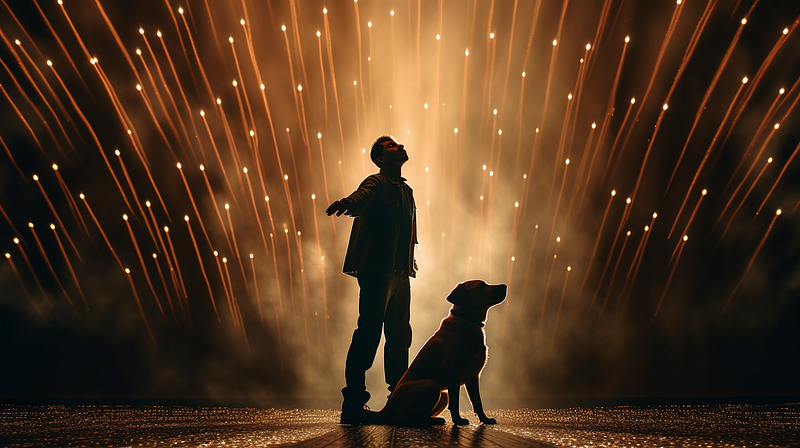
I’m sure you’ve heard about the Midjourney website project if you’ve been following the Midjourney Weekly Office Hours via Quick Midjourney Update. It has been repeatedly mentioned and updated as “ongoing” since July 2023.
It’s been a long time. Yes, more than four months is considered an extremely long wait in the fast-paced world of generative AI.
Anyhow, the good news is — wait no more!
Here’s the link to the new website: https://beta.midjourney.com/explore
Here are some key learning points for the desktop version of the website:
- The website is a work in progress. The first Phase 1 release focuses on image searching, browsing, and viewing.
- The following releases will include image creation and organization features (such as collections).
- The legacy website is still accessible but will soon be replaced: https://legacy.midjourney.com/app/
Explore
- Like the previous website, you can browse the images in the public gallery.
- After you like a photo in the public gallery, the “Likes” button will appear next to Explore.
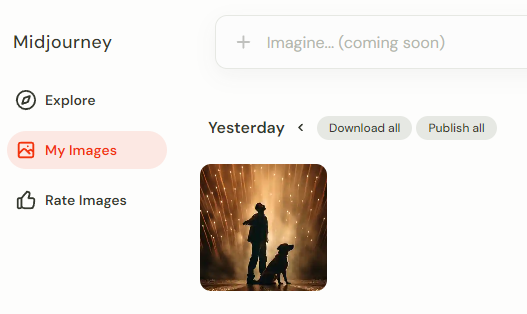
My Images
- The most noticeable difference is that all images from the image grids have been automatically split into individual images, even though you did not upscale them in Discord.
- You will enter the “lightbox” immersive view by clicking an image. To view other images, use the mouse to scroll up/down or the keyboard's left/right/up/down arrows.
- You can switch between “Light Mode” and “Dark Mode.”
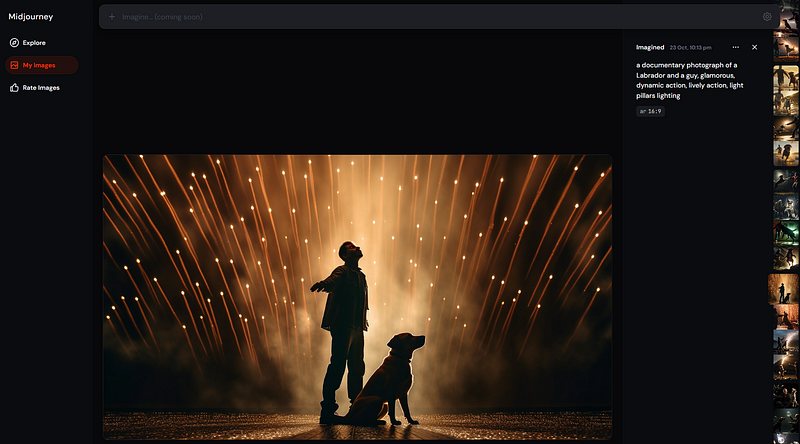
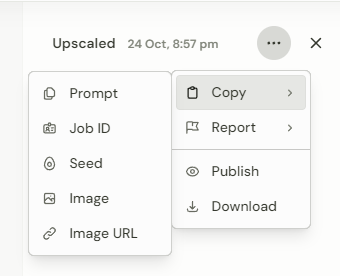
- The image’s information is hidden beneath the “three dots” at the top right corner of the prompt.
- Press 1, 2, 3, and 4 to rate your images quickly. (4 is the highest, and 1 is the lowest rating)
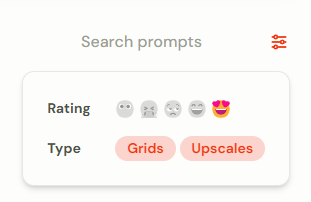
- You can find your images using the search bar in the upper right corner of the “My Images” menu.
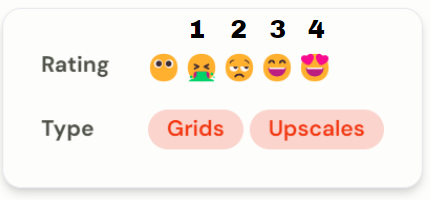
- Rating your own images can help you narrow down the search results.
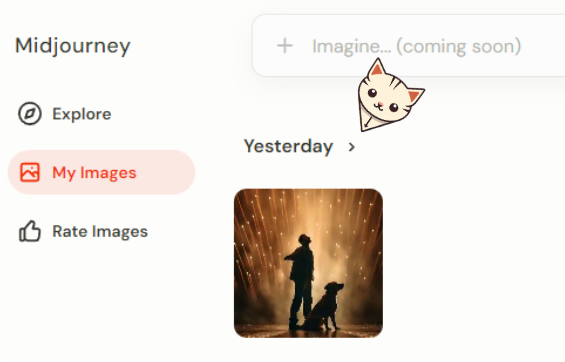
- You can download the images by clicking on the “>” next to the date header. The hidden download menu will be displayed.
- The Downloader, which allows you to select and download specific images in the previous version, is unavailable on the new website. Hopefully, it will be re-introduced in future releases.
Rate Images
- Name changed. (Previously known as “Rank Pairs”)
- At the top of the interface, it reads: “Top 2000 daily rankers get a free GPU hour. Use the 1 & 2 keys for quick selection.”
Related stories
Conclusion
- Finally, Midjourney has a new website.
- Although it is still a work in progress, the interface appears cleaner and nicer than the previous version.
- As new releases become available, I will continue to update this story.
I hope you like this story!
Please give me a clap or leave a positive comment to let Medium’s algorithm know that this story is helpful and has contributed to its platform’s success.
Your support inspires me to create higher-quality content in the future!
Never miss a story. Follow me on Medium for updates, stories, and tips about Midjourney.
Sign up here for a free email alert when I post a new story.