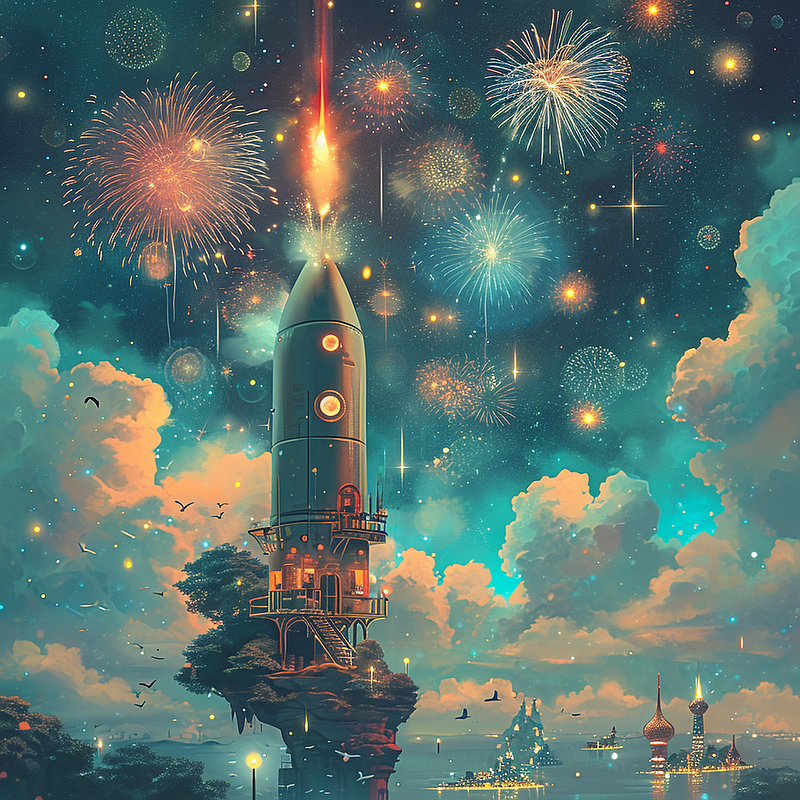
Midjourney Niji 6 is out with Text Generation & Better Details!🔥
4 Tips To Prompt with with Niji 6!
Hello, my friends! Niji V6 Alpha is live!
Niji V6 has a different aesthetic and improved prompt understanding! The most exciting thing is that it can now generate simple text just like Midjourney V6!
Let’s see the highlights and tricks to prompt with Niji 6 today!
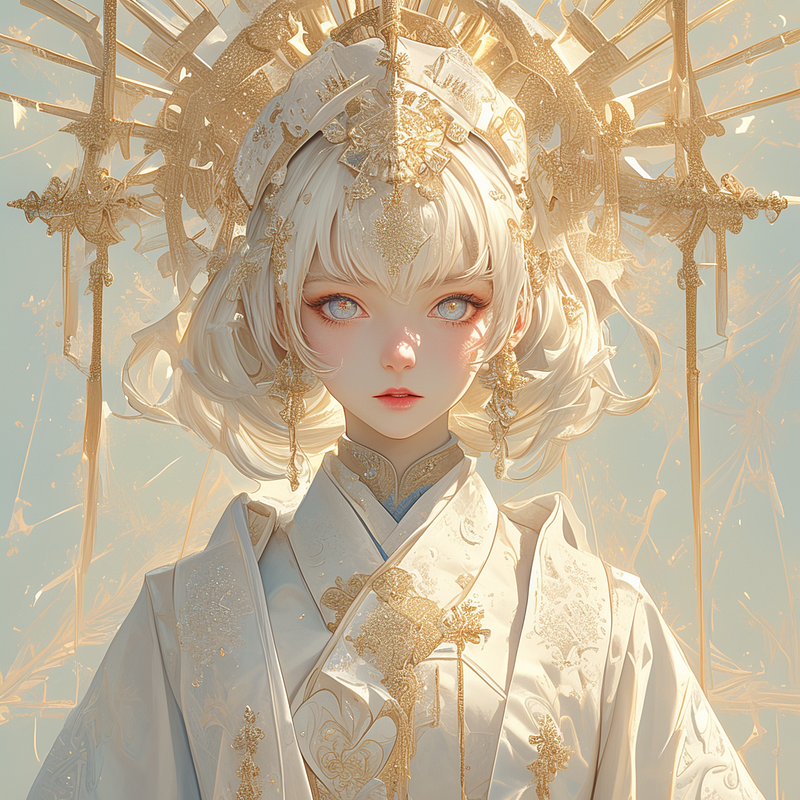
Turn On Niji 6
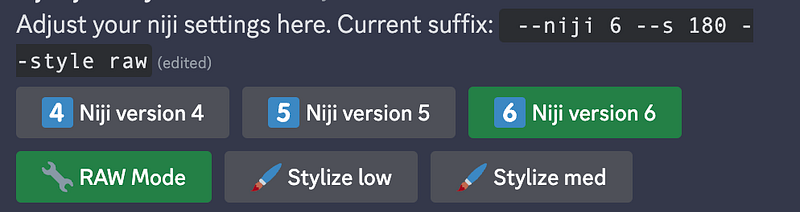
To generate with niji 6, use the suffix--niji 6 or go to /settings in the niji bot, and turn on Niji version 6 edition!
Highlights of Niji 6
- Improved Prompt Understanding — You can try longer, more difficult prompts
- Simple Text Generation: You can write simple text by putting it in quotations.
- Raw Style — If you don’t like anime use — Niji 6 — style raw
- The full launch will be in February — Expect to see Vary (Region), Pan and Zoom
Today, I will share with you four tips in generating images with Niji V6 alpha!
Tip 1. Text Generation with “quotation”
Niji now supports simple text writing! You can put writing into your picture by putting the text between quotations just like Midjourney V6, like so:
Prompt: Konosuba aqua holding a sign that says “hello” while jumping in the air
--ar 1:1 --stylize 180 --niji 6
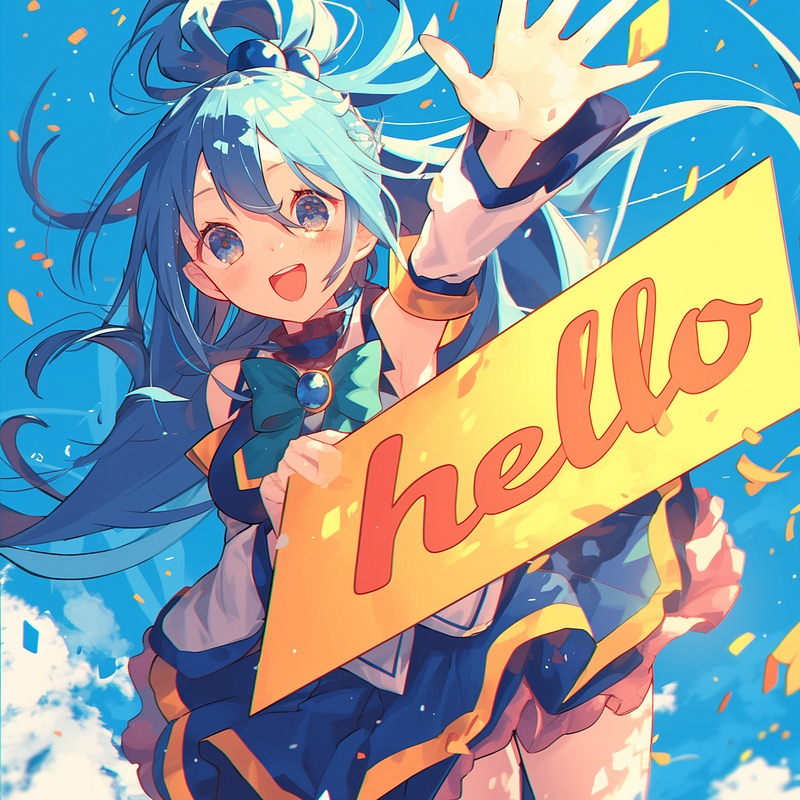
📌 Be sure to enclose your text in the double quotes!
Learn more tricks here:
Tip 2. If you prefer non-anime, use --style raw
The Niji team observed an increase in fans who are interested in Niji but not necessarily in anime.
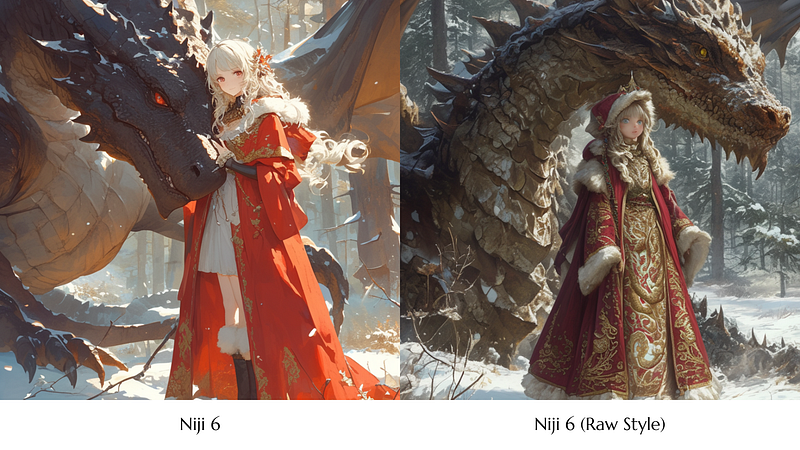
If you prefer less anime influence, use RAW mode. You can activate RAW mode by using “--style raw” or by clicking the “RAW mode” button in the settings.
Example
As an example, you can compare the difference by looking at the more realistic image drawn with style RAW.
Tip 3. Explain to Niji📌-
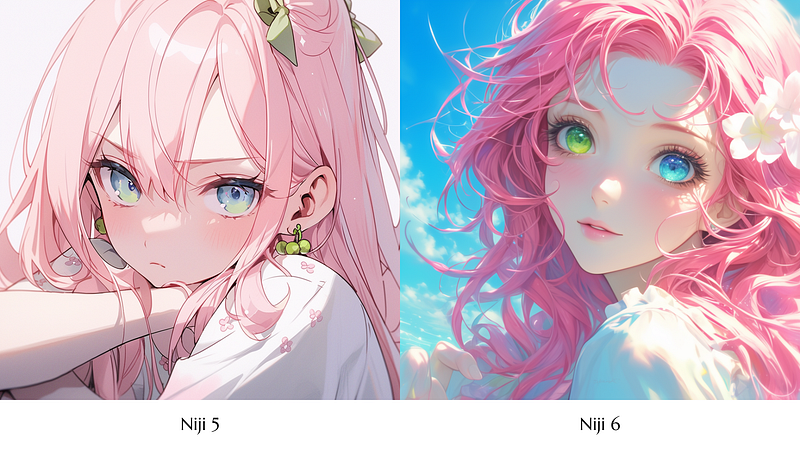
Niji 6 is redesigned to actively listen to specific details.
If you attempt to draw something that Niji 6 isn’t familiar with, you have the option to explain what you want.
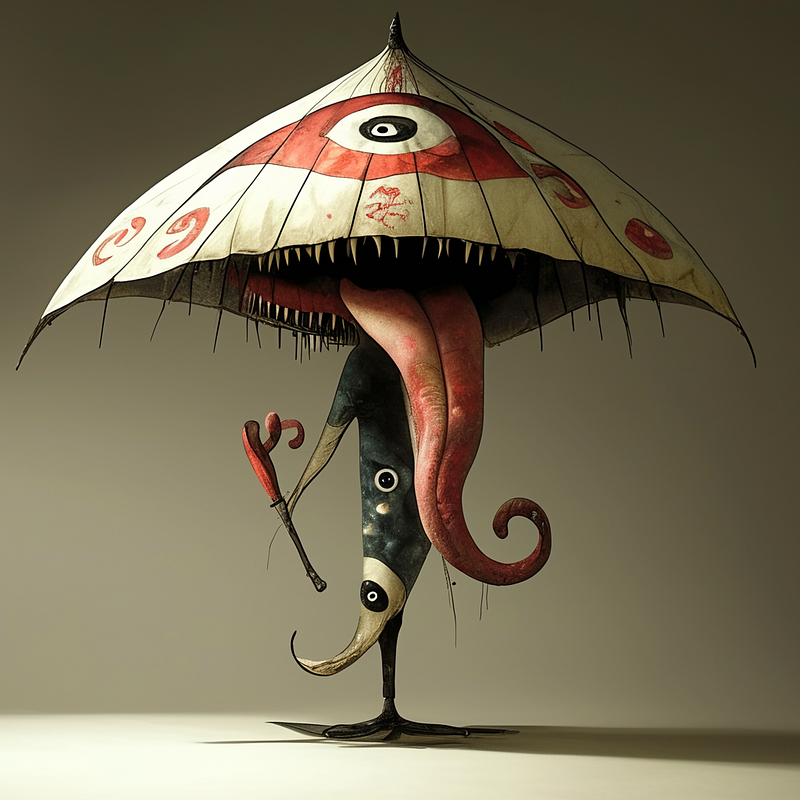
For example, if Niji 6 encounters a term it doesn’t recognize, such as “kasa obake” (Japanese umbrella monster), here’s what you get back
Prompt: Kasa obake
--ar 1:1 --niji 6
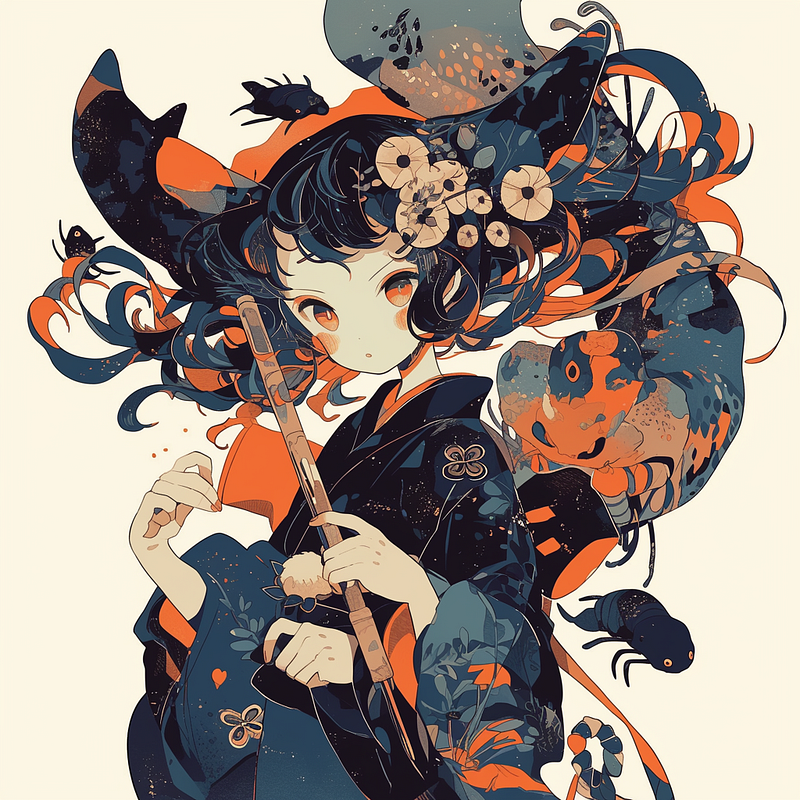
👉🏻 Clarify your request
📌 You can clarify and explain your request, enabling Niji 6 to better understand and respond to your input.
Here is “kasa obake, a monster umbrella with one eye and one mouth with a long tongue standing on one leg”
Prompt: A kasa obake, a monster umbrella with one eye and one mouth with a long tongue standing on one leg
--ar 1:1 --niji 6
Tip 4: Write longer prompts to get the most out of Niji V6.
For Niji 6, you can try longer and more difficult prompts to get the most out of it
Prompt: A beautiful pink hair girl with one green eye and one blue eye, heterochromia
--ar 1:1 --stylize 180 --niji 6
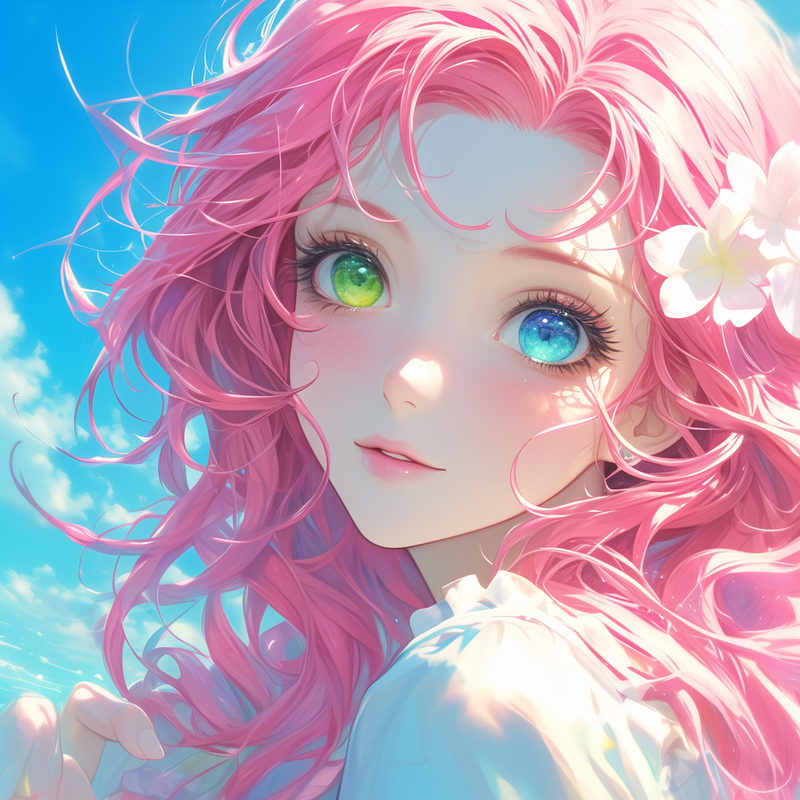
Niji 6 is more accurate when processing details.
Prompt Multiple Characters Accurately
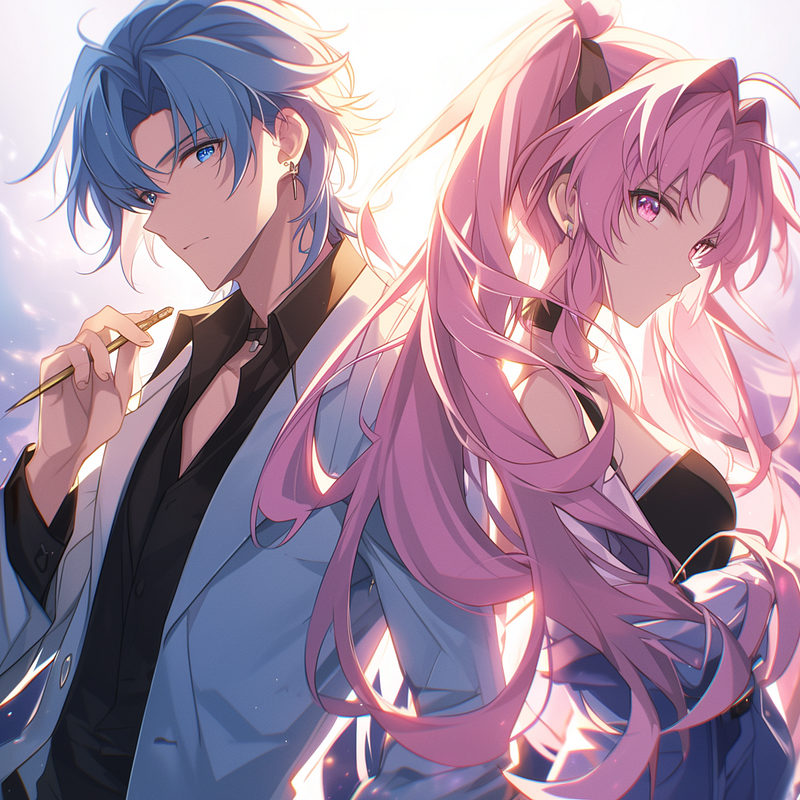
Niji 6 works like V6 which allows prompting multiple characters with accurate details.
See this example below with two characters
Prompt: There are two people standing next to each other: a man with blue hair and blue eyes on the left, a girl with pink long hair and pink eyes on the right
--ar 1:1 --stylize 180 --niji 6
To learn more about prompting multiple characters, refer to this post here:
Upcoming Plan: Full Release in February 📅
The Niji team is preparing for the launch of Niji V6 towards the end of February.
- The full release of Niji V6 will bring a host of exciting features, including the Vary (Region), Pan, and Zoom functions
- If you enjoyed the expressive, cute, scenic style of Niji 5, you’ll be amazed by what Niji has in store for the V6 launch event.
The team has been hard at work to ensure that this event will be nothing short of spectacular, and I can’t wait to share it with you in just about a month!
Stay tuned for more updates! ✉️
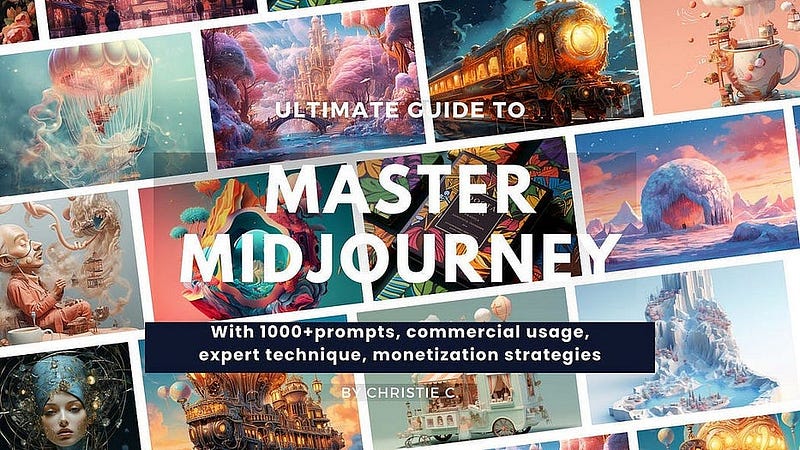
👉🏻Digital Guide: Master Midjourney 🎨🚀
If you want to enhance your skills and explore advanced techniques, I have created a “Master Midjourney: Beginner to Pro” digital guide.
It comes with:
- 🎨 1,000+ expert prompts to inspire your creativity
- 💡 Advanced Midjourney prompt writing, structure and core techniques
- 🖼 Specialized commercial guidance for graphic design, branding, logo, UI, photography, mockup and more
- 🚀 Pro tips to recreate styles, make avatars, generate anime artwork, and more
- 💰 AI Arts Monetisation Strategies
- 💼 Top AI tools to edit Midjourney creations
📚 Continuous education
This guide is designed for continuous education, new tutorials are added regularly so you stay ahead. With lifetime access for a single purchase, it’s the gift that keeps giving.
I’ve poured my heart into creating this guide. I hope you enjoy it ❤️
Hi👋 I am Christie — An AI Art Creator and Educator😊
I hope you found value in this article on tapping into AI or unlimited creativity. If you’re craving more insider tips, prompts and tricks for tools like Midjourney, I’d love for you to join me on this journey.
🎨 Hit that “Follow” button to stay in the loop for more AI wisdom 💌 Stay tuned for future updates
Let’s explore the limitless possibilities of AI together 🚀