avatarSandeep More

Free AI web copilot to create summaries, insights and extended knowledge, download it at here

1193

Abstract

ou want to refine the output text prompts received from describe, you can further do so by selecting the desired text prompt and then editing it as needed.</li></ol><p id="70e9">Let us give a try :</p><figure id="eb0b"><img src="https://cdn-images-1.readmedium.com/v2/resize:fit:800/1*LYeDJmEYq_a-p0avpaZdwA.png"><figcaption>Discord command interface — MidJourney command /describe. Image from Author</figcaption></figure><p id="2d40">I attached a drone image and got below 4 text prompts related to the image</p><figure id="74fc"><img src="https://cdn-images-1.readmedium.com/v2/resize:fit:800/1*4g2PJKb5CdaJ0PZ-hgytIA.png"><figcaption>Discord command interface — MidJourney command output. Image from Author</figcaption></figure><p id="dfd9">Now i can select any of the text prmpt from below 4 options and get another imagine this screen to further edit the prompt as needed:</p><figure id="147c"><img src="https://cdn-images-1.readmedium.com/v2/resize:fit:800/1*sH4af28_Bhc-oqliNE7gvQ.png"><figcaption>Discord interface — MidJourney Imagine This interface. Image from Author</figcaption></figure><p id="068c">The results are as below and now we can do regular upscaling or variations as nee

Options

ded.</p><figure id="8aeb"><img src="https://cdn-images-1.readmedium.com/v2/resize:fit:800/1*KgufMi3Psm4waEwk-AAA0A.png"><figcaption>Discord interface — MidJourney output. Image from Author</figcaption></figure><p id="8328">There might be some errors though as it is still on trial and I have faced one of them as below :</p><p id="2b1e">The text prompts that we get from the describe comes with output that has “ - ” as below and and this can cause BOT to interpret it as a parameter and throw Invalid parameter error because of unrecognised argument.</p><figure id="7f35"><img src="https://cdn-images-1.readmedium.com/v2/resize:fit:800/1*LmPGjOAvAFQQkD2U8wpc2g.png"><figcaption>Discord interface — MidJourney command /describe. Image from Author</figcaption></figure><p id="51d7">The above error came from the prompt received from the Bot itself as shown below, see number 4 prompt. While generating we can remove the “-” however doing it all the time will be pain. The information is posted in discord for someone to fix it.</p><figure id="313e"><img src="https://cdn-images-1.readmedium.com/v2/resize:fit:800/1*qrSXX_mrMOHNTuste0EHbQ.png"><figcaption></figcaption></figure></article></body>

Midjourney — Check the new command for image → describe
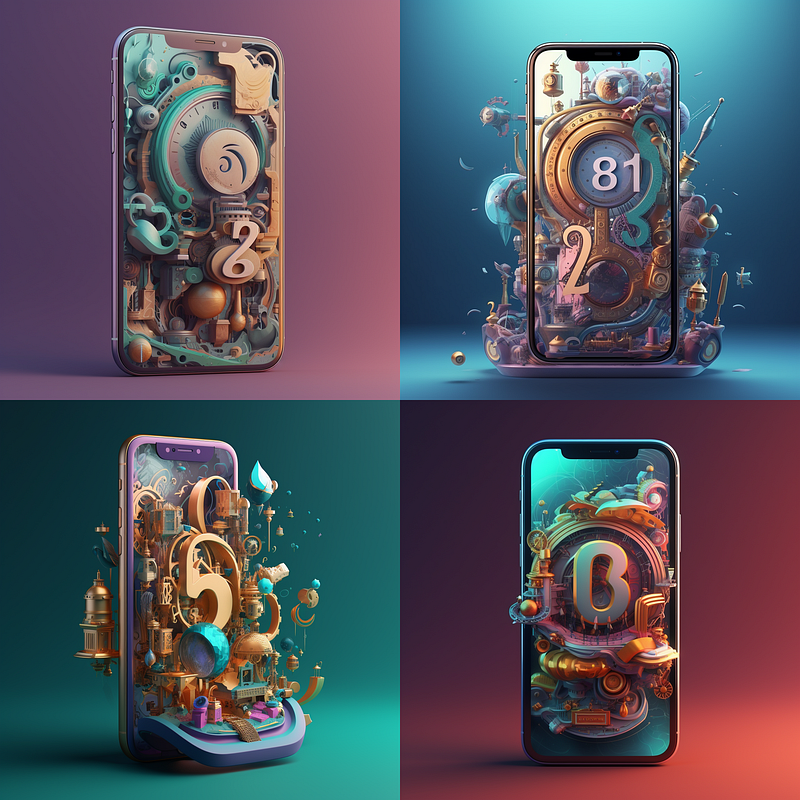
Image from Author — Midjourney

On 3rd April 23, Midjourney released a trial feature named as “/describe”. See below announcement from David in Midjourney Bot:

Screenshot from Discord — Midjourney Bot

It means, we can give any image with /describe and MidJourney will give us 4 responses or text prompts on what is inside that image.

I have used it and found it useful in two scenarios:

  1. Remember that Midjourney does not allow to give one single image prompt if it not an internet link. So with /describe we can actually put a single local image file and then start working towards our desired output.
  2. We do not have to think about prompts as the bot will do the 90% job. I have seen the results and they are good in multiple cases. If you want to refine the output text prompts received from describe, you can further do so by selecting the desired text prompt and then editing it as needed.

Let us give a try :
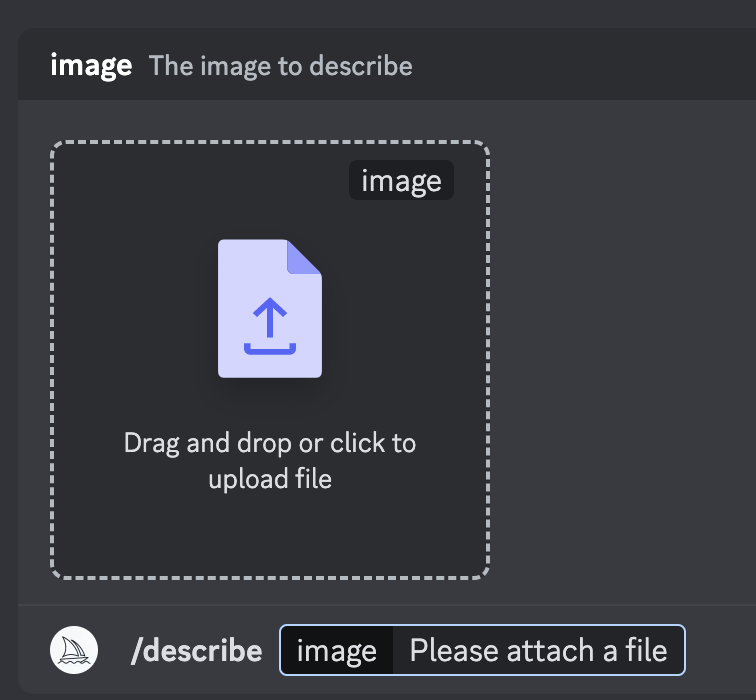
Discord command interface — MidJourney command /describe. Image from Author

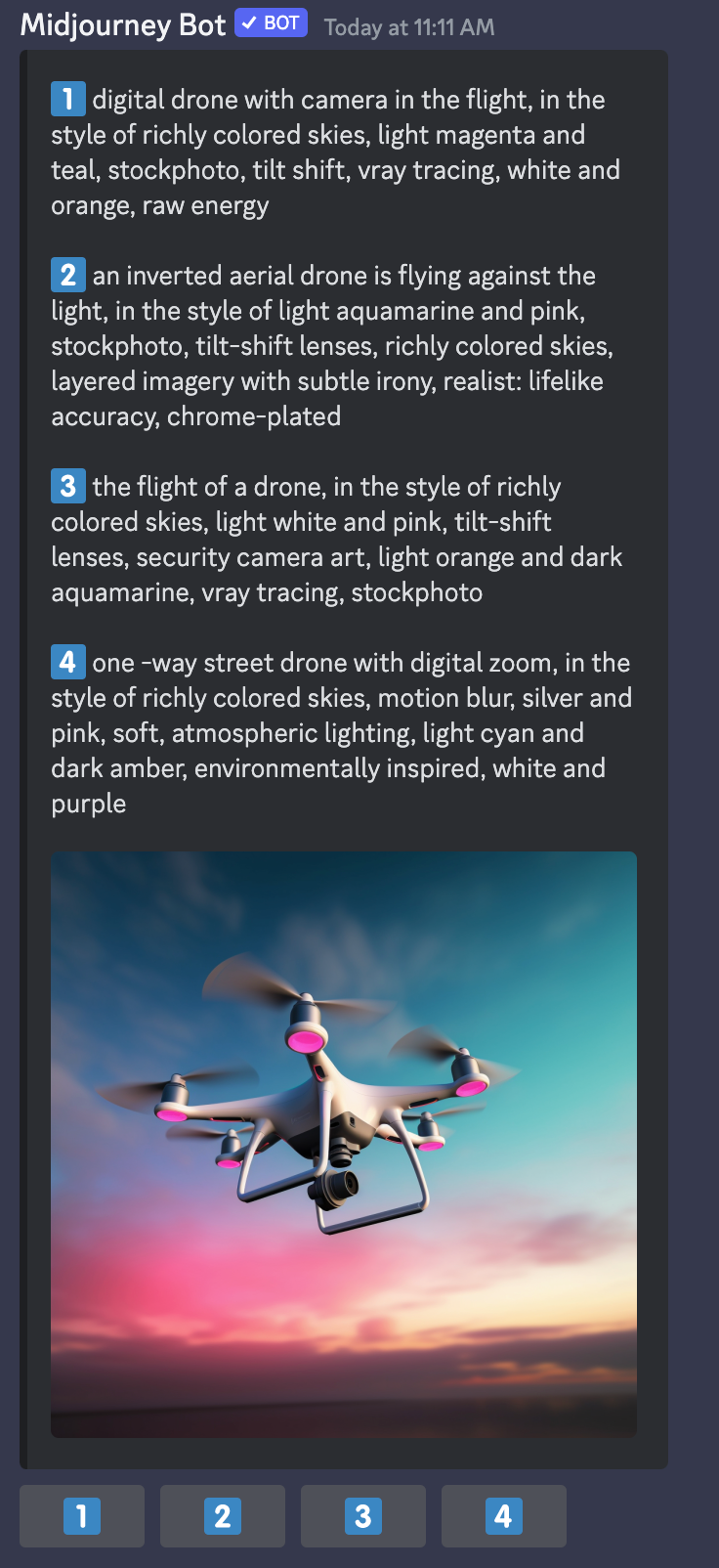
I attached a drone image and got below 4 text prompts related to the image
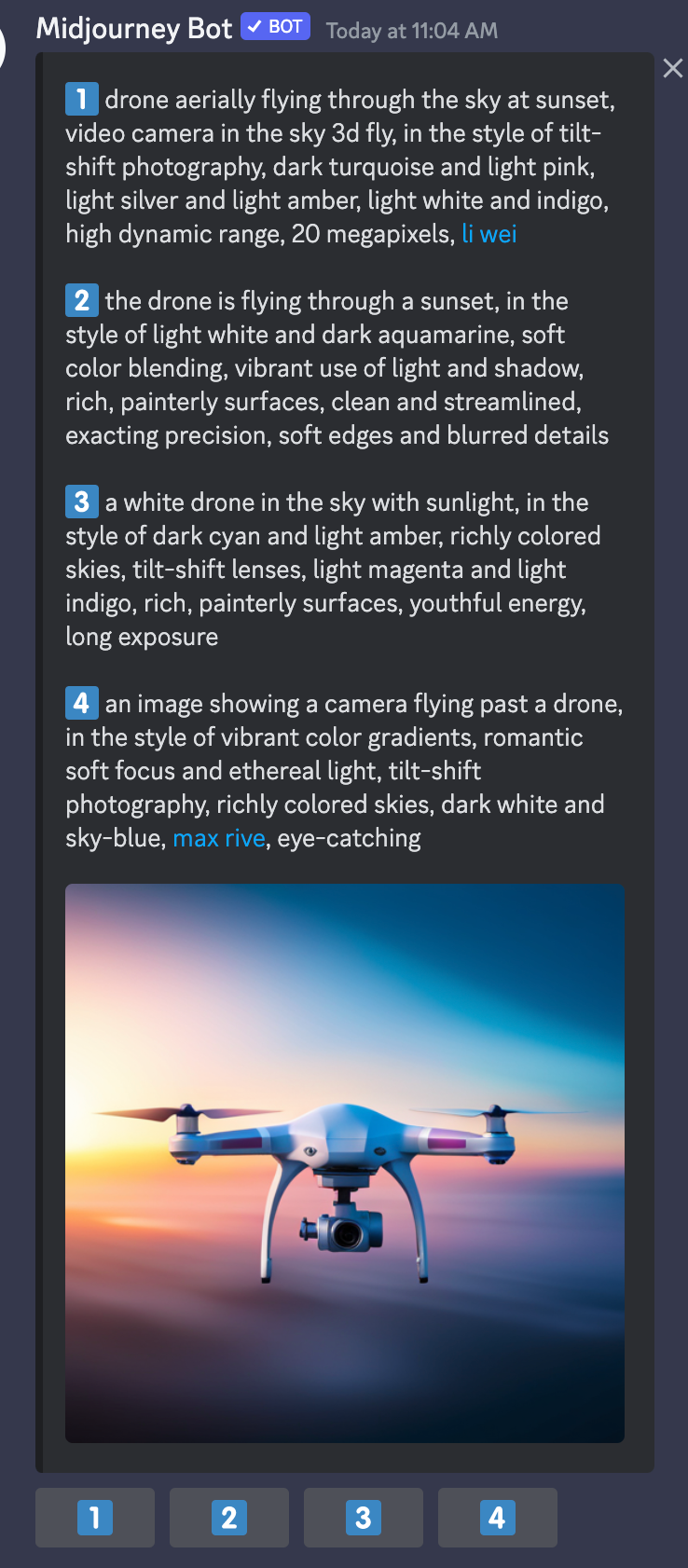
Discord command interface — MidJourney command output. Image from Author

Now i can select any of the text prmpt from below 4 options and get another imagine this screen to further edit the prompt as needed:
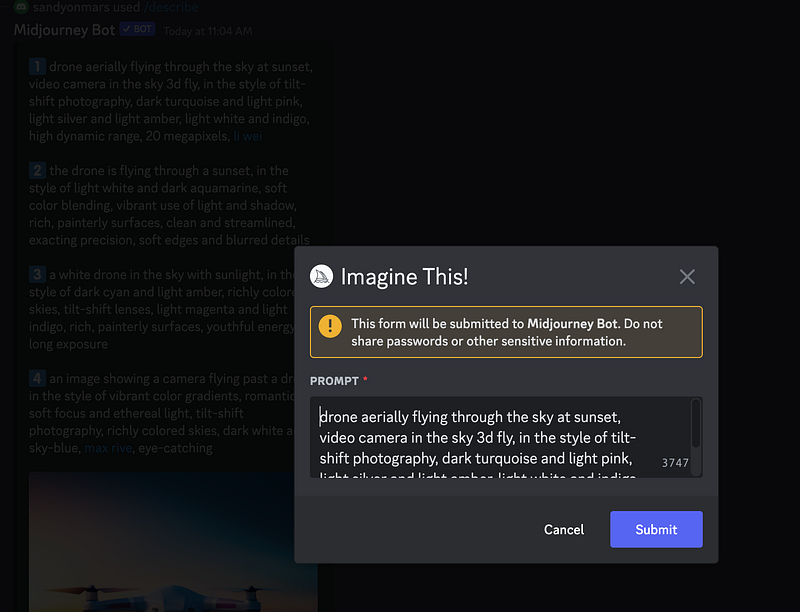
Discord interface — MidJourney Imagine This interface. Image from Author

The results are as below and now we can do regular upscaling or variations as needed.
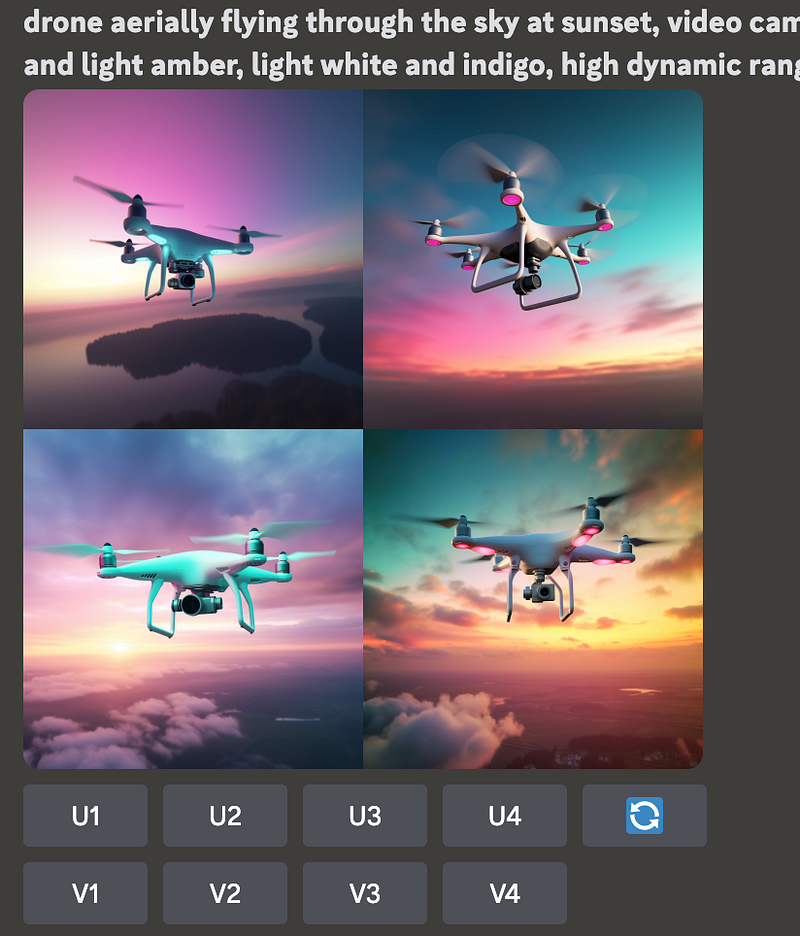
Discord interface — MidJourney output. Image from Author

There might be some errors though as it is still on trial and I have faced one of them as below :

The text prompts that we get from the describe comes with output that has “ - ” as below and and this can cause BOT to interpret it as a parameter and throw Invalid parameter error because of unrecognised argument.
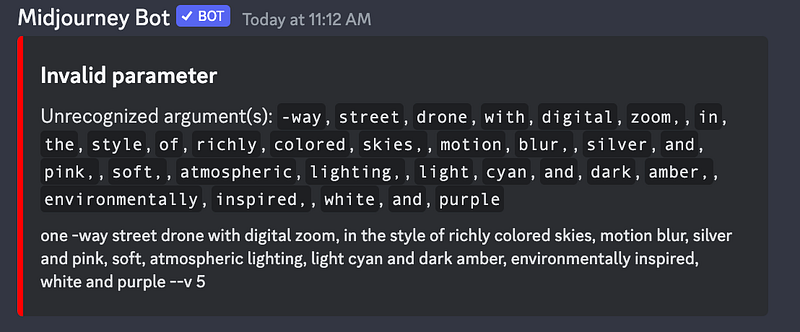
Discord interface — MidJourney command /describe. Image from Author

The above error came from the prompt received from the Bot itself as shown below, see number 4 prompt. While generating we can remove the “-” however doing it all the time will be pain. The information is posted in discord for someone to fix it.
Midjourney
Generative Ai
AI
Prompt
Prompt Engineering
Recommended from ReadMedium